manuals.online logo
Brands
  1. Home
  2. •
  3. Brands
  4. •
  5. Waring
  6. •
  7. Mixer
  8. •
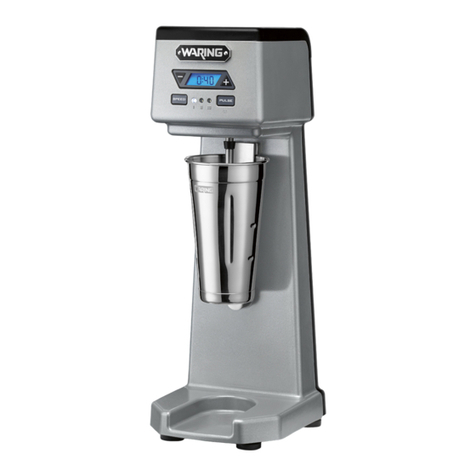
  9. Waring WDM Series User manual

Waring WDM Series User manual

Other Waring Mixer manuals

Waring DMC Series User manual

Waring

Waring DMC Series User manual

Waring PDM Series User manual

Waring

Waring PDM Series User manual

Waring WDM120SW User manual

Waring

Waring WDM120SW User manual

Waring WDM120 User manual

Waring

Waring WDM120 User manual

Waring WDM120K User manual

Waring

Waring WDM120K User manual

Waring DMC180DC User manual

Waring

Waring DMC180DC User manual

Waring Luna 7 User manual

Waring

Waring Luna 7 User manual

Waring PDM Series User manual

Waring

Waring PDM Series User manual

Waring WDM120TX User manual

Waring

Waring WDM120TX User manual

Waring WSM10L User manual

Waring

Waring WSM10L User manual

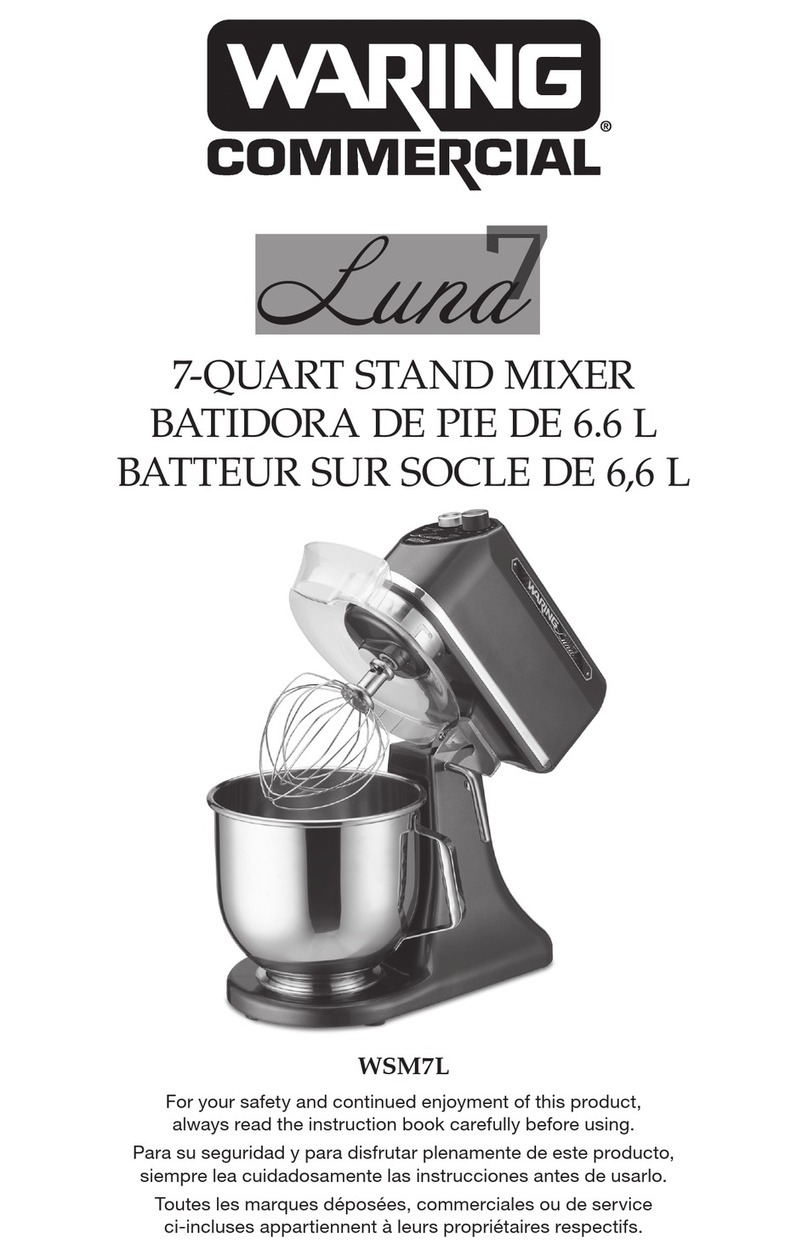
Waring Lund7 WSM7L User manual

Waring

Waring Lund7 WSM7L User manual

Waring WDM240 User manual

Waring

Waring WDM240 User manual

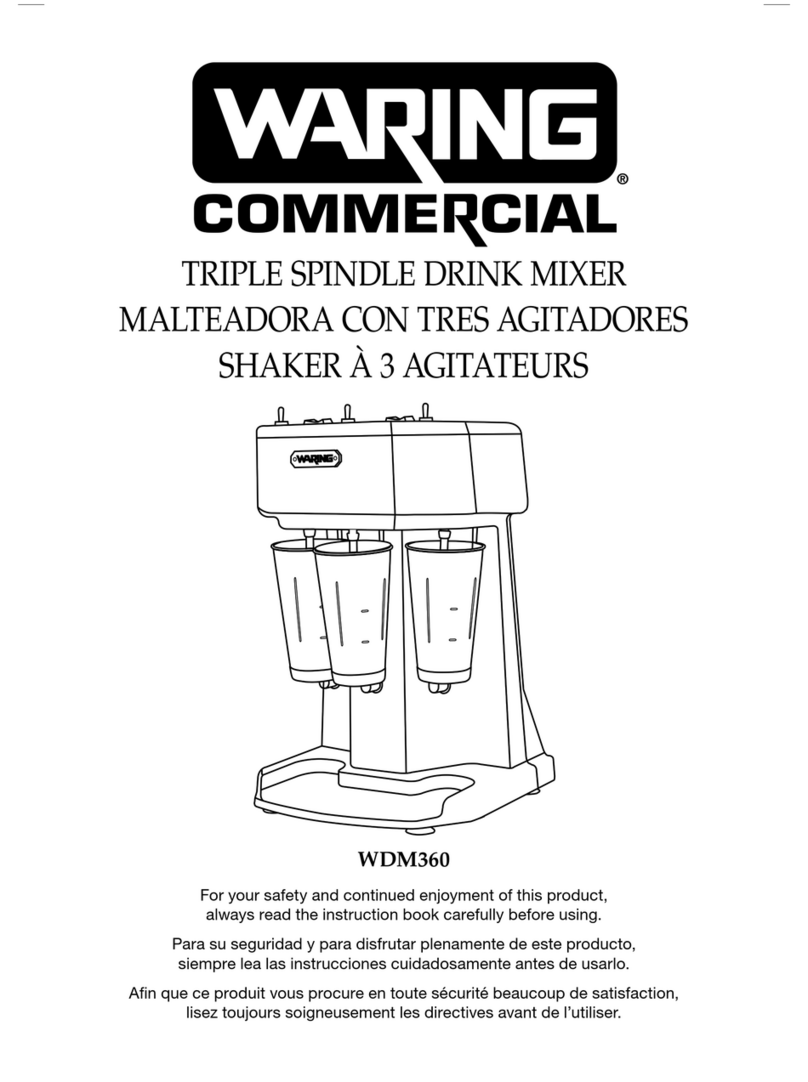
Waring WDM 360 User manual

Waring

Waring WDM 360 User manual

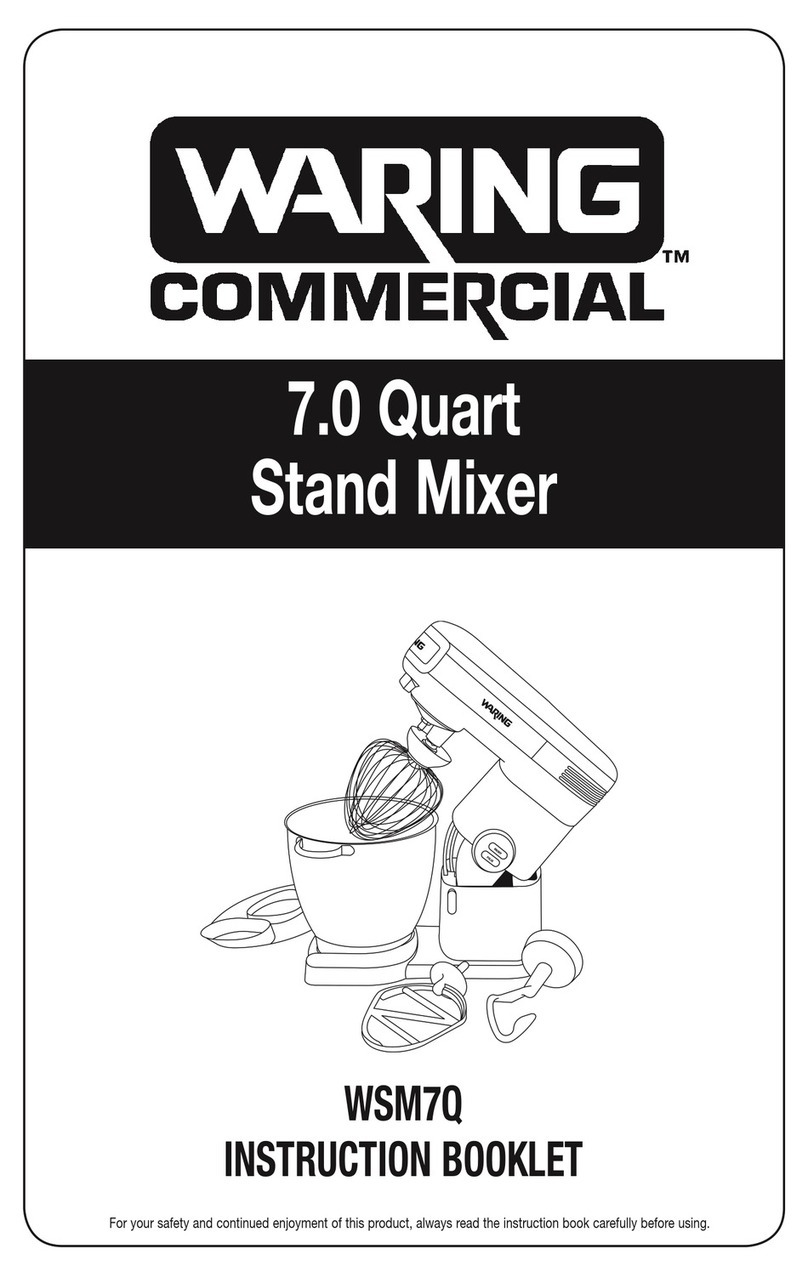
Waring WSM7Q User manual

Waring

Waring WSM7Q User manual

Popular Mixer manuals by other brands

Oster FPSTSM2710 instruction manual

Oster

Oster FPSTSM2710 instruction manual

Aviom A-16II user guide

Aviom

Aviom A-16II user guide

Varimixer V30K Spare part and operation manual

Varimixer

Varimixer V30K Spare part and operation manual

Kohler Stillness K-T954 installation guide

Kohler

Kohler Stillness K-T954 installation guide

Wolf Gourmet WGSM300 Use & care guide

Wolf Gourmet

Wolf Gourmet WGSM300 Use & care guide

Team International TEAM MS 17 operating instructions

Team International

Team International TEAM MS 17 operating instructions

MULTIQUIP Whiteman WM45E Operation and parts manual

MULTIQUIP

MULTIQUIP Whiteman WM45E Operation and parts manual

KitchenAid KSM7581BZ0 Instructions and recipes

KitchenAid

KitchenAid KSM7581BZ0 Instructions and recipes

Jay-Lor 5050 owner's manual

Jay-Lor

Jay-Lor 5050 owner's manual

privileg MJ-BL1051W user manual

privileg

privileg MJ-BL1051W user manual

Fakir CULINA CHEF user manual

Fakir

Fakir CULINA CHEF user manual

Termozeta Bellacucina Instruction booklet

Termozeta

Termozeta Bellacucina Instruction booklet

Thinky ARE-250 instruction manual

Thinky

Thinky ARE-250 instruction manual

Midas XL4 manual

Midas

Midas XL4 manual

bianco PURO 4 manual

bianco

bianco PURO 4 manual

better chef IM-815WC Use and care book

better chef

better chef IM-815WC Use and care book

ALLEN & HEATH GR1 user guide

ALLEN & HEATH

ALLEN & HEATH GR1 user guide

Buffalo CP921 instruction manual

Buffalo

Buffalo CP921 instruction manual

manuals.online logo
manuals.online logoBrands
  • About & Mission
  • Contact us
  • Privacy Policy
  • Terms and Conditions

Copyright 2025 Manuals.Online. All Rights Reserved.

Step-by-Step Guide
to Programming Your
WDM Series Drink Mixers
1
If programming for the
first time, display will
read R0:00. If the timer
is already programmed,
press and hold the “-” &
“+” buttons simultaneously
for three seconds. This will
return you to (R0:00).
2
MANUAL TIMER PROGRAMMING
1
If programming for the first
time, display will
read R0:00.
If reprogramming, display
will read your current
customized time.
To set time, press and
hold the “-” button
for 3 seconds to enter
the SET mode (display
will blink during SET
mode), SX:XX.
2
Use “-” & “+” buttons
to scroll until you reach
desired time. Wait 5
seconds and time will
be set.
NOTE: To reset time,
press and hold the
“-” & “+” buttons
simultaneously for
3 seconds. This will
return you to (R0:00).
ASSISTED TIMER PROGRAMMING
3
Press and hold the
“+” button for 3 seconds
to set the time.
Mount the cup and actuate. Timer will
begin to count up. When your mix has
reached its desired consistency, remove
the cup.
If additional blend time is needed,
remount the cup within 10 seconds to
continue the count to your desired blend.

Step-by-Step Guide
to Programming Your
WDM Series Drink Mixers
&
Tips Tricks
1. Press and hold the “–” or “+” button to
quickly scroll through time. Time will increase
in 10-second intervals.
2. Press and hold the “–” AND “+” buttons
simultaneously to reset time to 0:00 and
enter “R” mode.
3. Time can be programmed from 1 second
to 9 minutes and 59 seconds.
4. Speeds are selected manually and cannot
be programmed. Speeds can be adjusted
manually during operation.
5. Pulse speed can be adjusted manually
during operation.