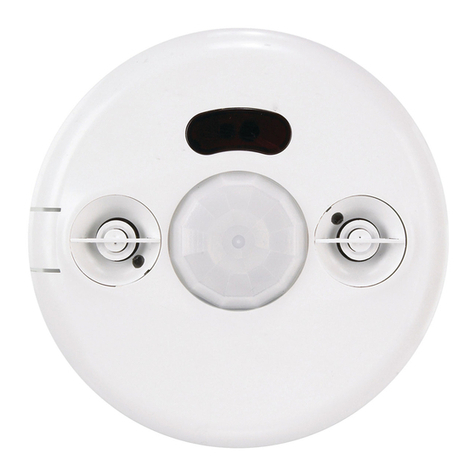
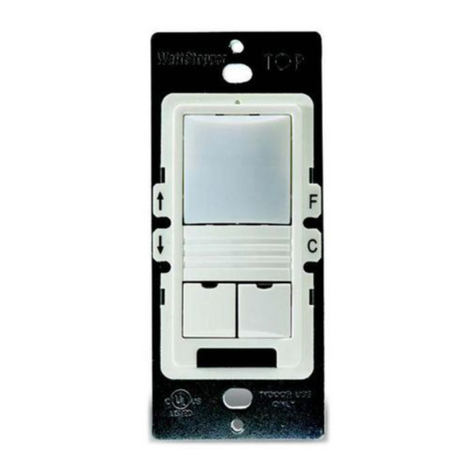
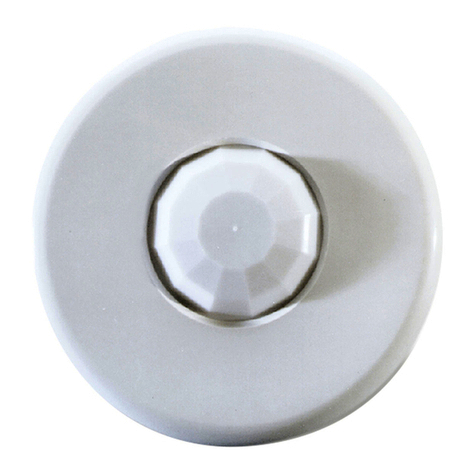
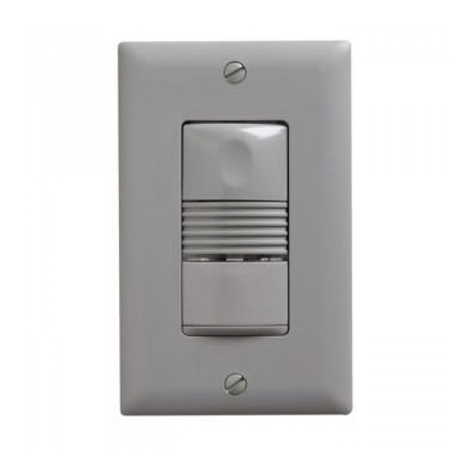
The sensors are factory preset to allow for quick installation in most applications.
Verification of proper wiring or coverage, or customizing the sensor’s settings can
be done using the following procedures. To make adjustments, open the Front Cover
by pulling on the cover tab.
Before making adjustments,
make sure the office furniture
is installed, lighting circuits
are turned on, and the
HVAC systems are in the
overridden/on position. VAV
systems should be set to
their highest airflow. Set the
Logic Configuration and Time
Delay to the desired settings.
See Logic Configuration
Chart.
To Test Occupancy Sensors
1. Ensure the Time Delay is set for using the “Test Mode/20 minutes”
setting. (DIP switches 1, 2, & 3 are OFF).
2. Ensure that the Ultrasonic Sensitivity trimpot is set to about 70%, clockwise.
3. Remain still. The red and green LEDs should not flash. The lights should turn off
after 5 seconds. (If not, see Troubleshooting.)
4. Move about the coverage area. The lights should come on. Adjust the Ultrasonic
Sensitivity as necessary to provide the desired coverage (Green LED indicates
activation from the ultrasonic sensor).
When testing and adjustment is complete, reset DIP Switches to the desired
settings, and replace the cover on the sensor.
is a temporary state that starts when you first set the sensor’s DIP
switches for the “Test Mode/20 minutes” (switches 1, 2, 3 OFF). If you need to
invoke the and the DIP switches are already set for Test Mode/20
minutes, toggle DIP switch 1 ON then back to the OFF position. This provides a 10
minute test period. During the test period, the Time Delay is only 5 seconds.
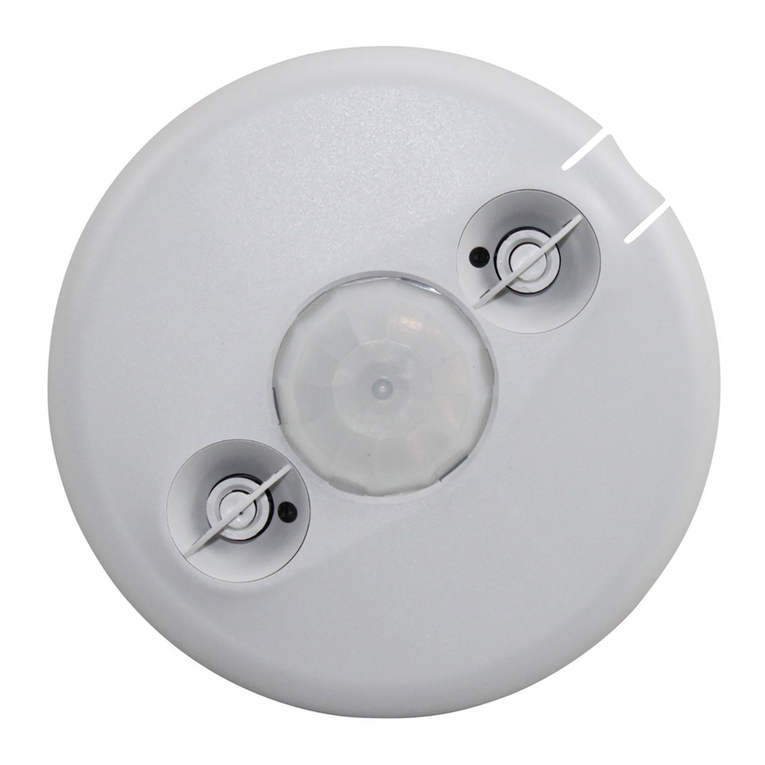
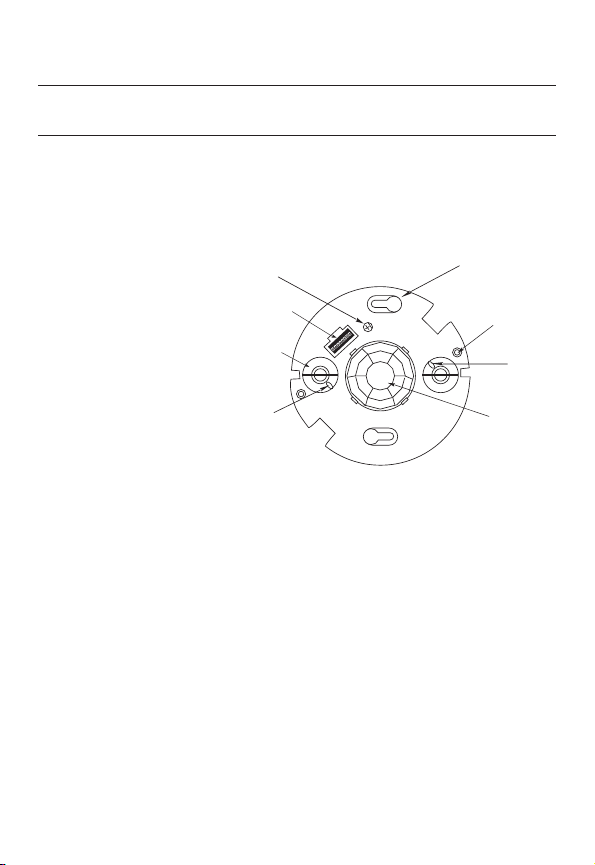
Keyhole slots
(for mounting to
4" octagonal box)
Double gang
mudring
mounting holes
DIP switches
PIR lens
Ultrasonic sensitivity
trimpot
ON
12345678
ECE
Ultrasonic
transducer
cones
Ultrasonic
activity
LED (Green)
PIR Activity
LED (Red)