manuals.online logo
Brands
  1. Home
  2. •
  3. Brands
  4. •
  5. Welch Allyn
  6. •
  7. Thermometer
  8. •
  9. Welch Allyn Braun ThermoScan PRO 6000 User manual

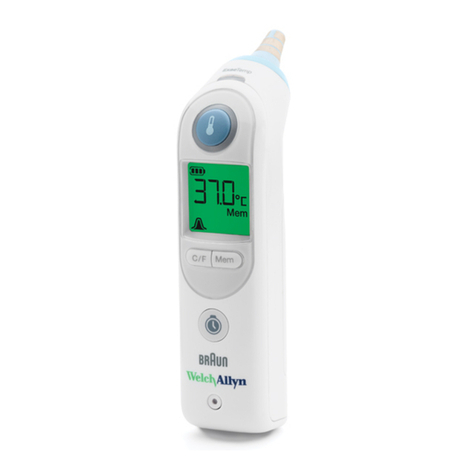
Welch Allyn Braun ThermoScan PRO 6000 User manual

Other manuals for Braun ThermoScan PRO 6000

3

This manual suits for next models

1

Other Welch Allyn Thermometer manuals

Welch Allyn SureTemp 678 User manual

Welch Allyn

Welch Allyn SureTemp 678 User manual

Welch Allyn Braun ThermoScan PRO 6000 User manual

Welch Allyn

Welch Allyn Braun ThermoScan PRO 6000 User manual

Welch Allyn SureTemp Plus 690V Manual

Welch Allyn

Welch Allyn SureTemp Plus 690V Manual

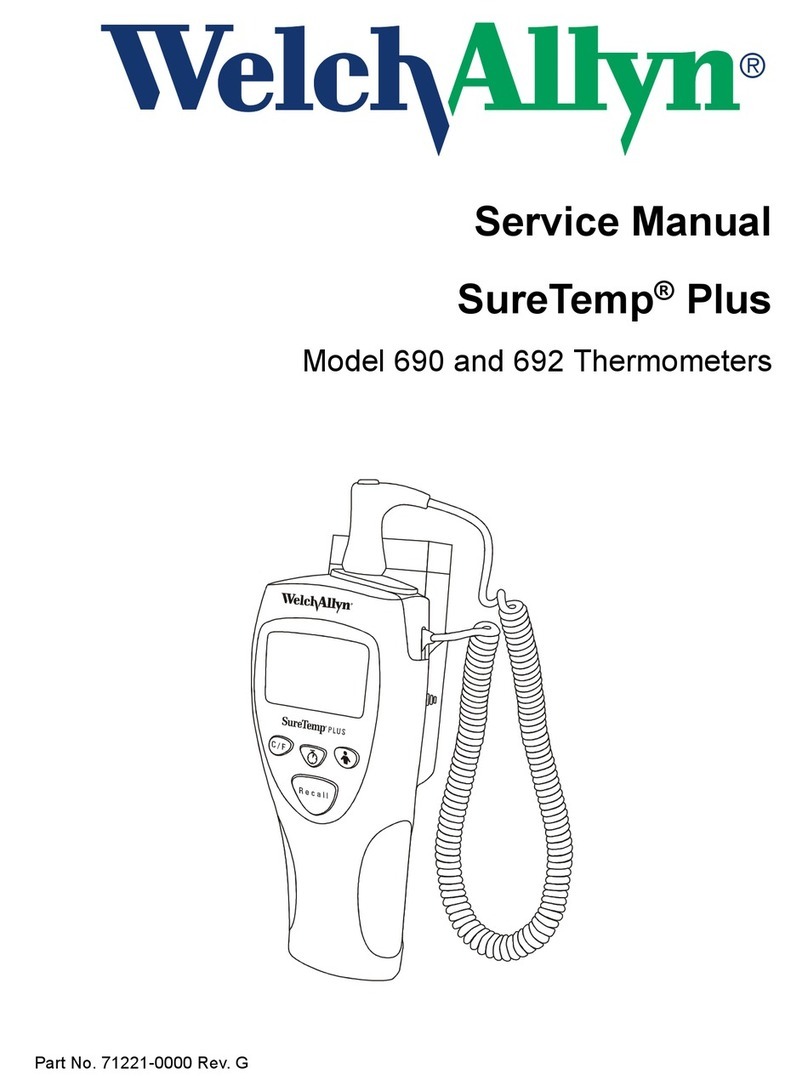
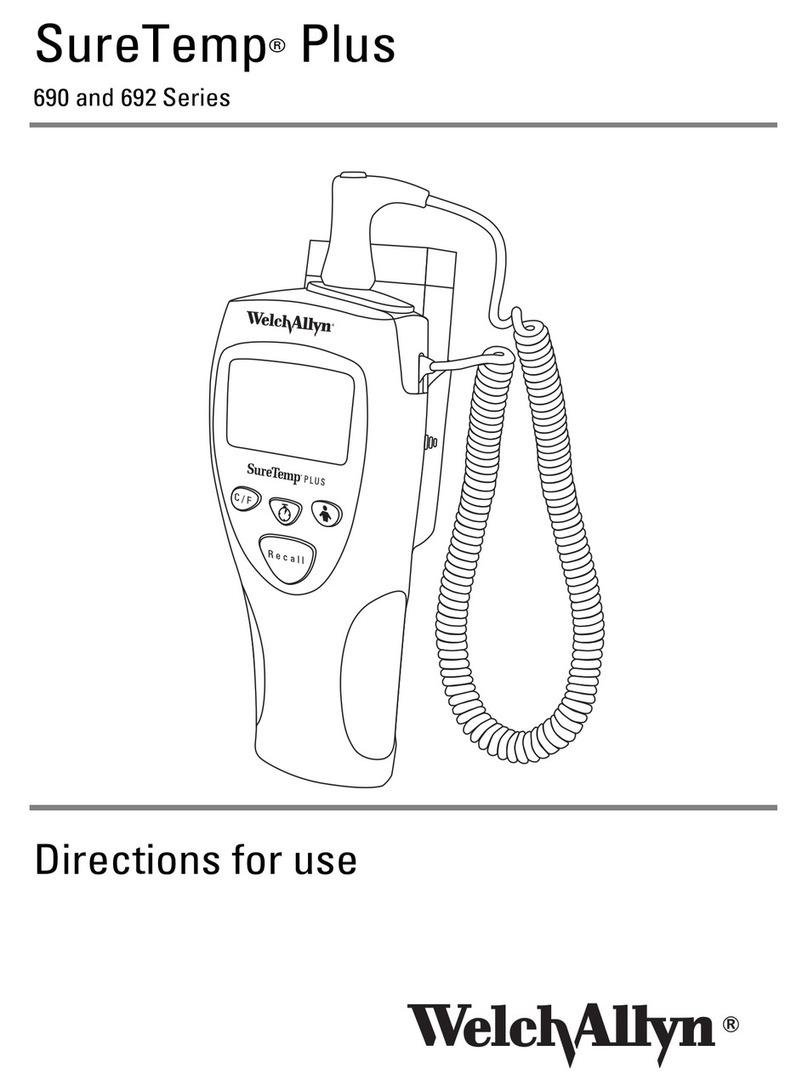
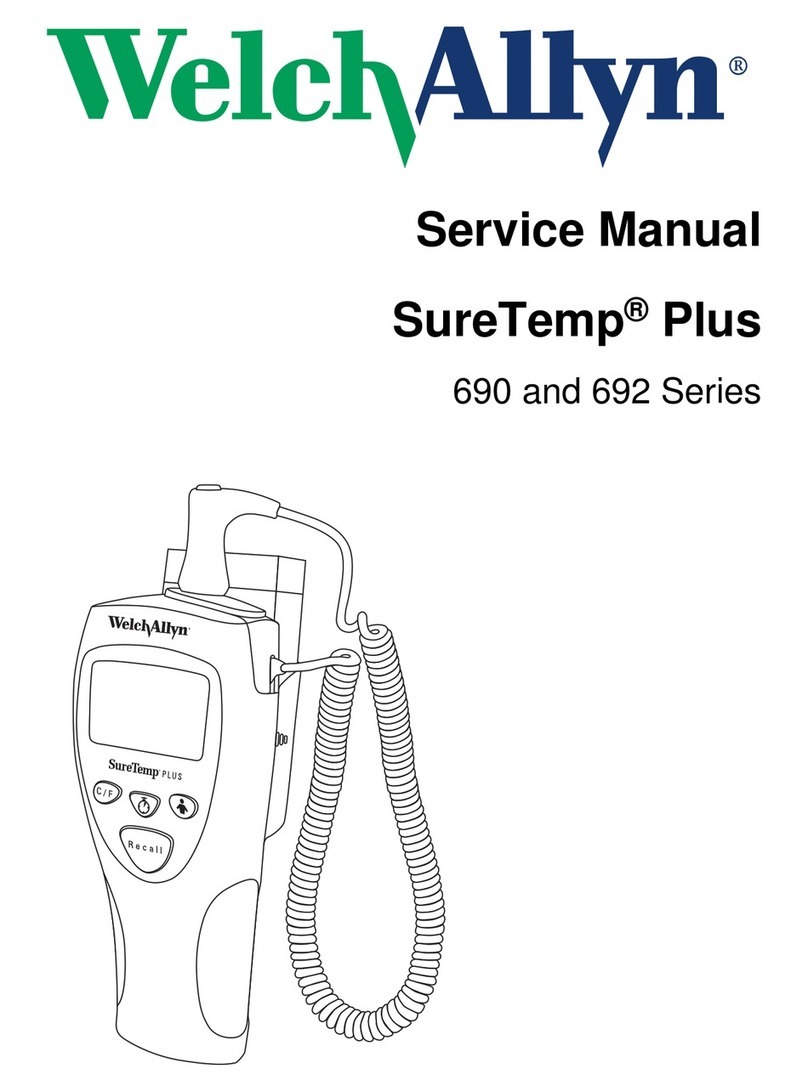
Welch Allyn SureTemp Plus 692 Series User manual

Welch Allyn

Welch Allyn SureTemp Plus 692 Series User manual

Welch Allyn Diatek 600 User manual

Welch Allyn

Welch Allyn Diatek 600 User manual

Welch Allyn SureTemp 670 User manual

Welch Allyn

Welch Allyn SureTemp 670 User manual

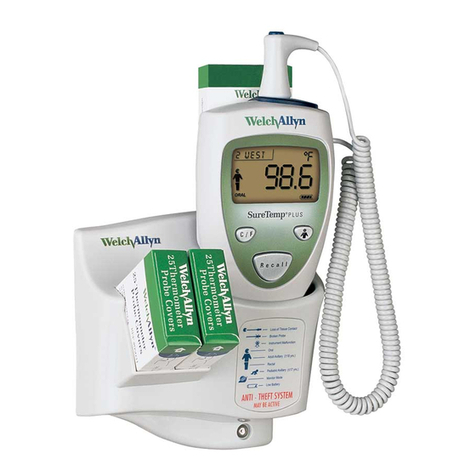
Welch Allyn SureTemp Plus REF 690 User manual

Welch Allyn

Welch Allyn SureTemp Plus REF 690 User manual

Welch Allyn SureTemp 4 Manual

Welch Allyn

Welch Allyn SureTemp 4 Manual

Welch Allyn SureTemp Plus User manual

Welch Allyn

Welch Allyn SureTemp Plus User manual

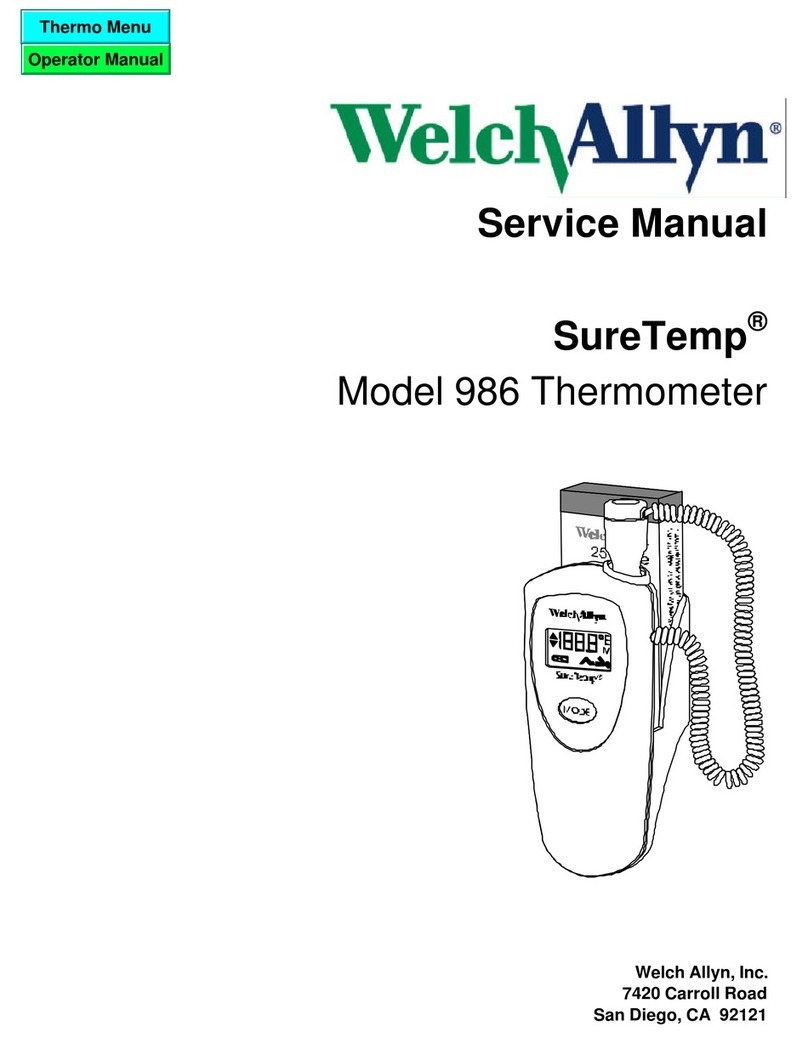
Welch Allyn SureTemp 986 User manual

Welch Allyn

Welch Allyn SureTemp 986 User manual

Welch Allyn Braun ThermoScan PRO 6000 Manual

Welch Allyn

Welch Allyn Braun ThermoScan PRO 6000 Manual

Welch Allyn SureTemp 679 Instruction Manual

Welch Allyn

Welch Allyn SureTemp 679 Instruction Manual

Welch Allyn SureTemp Plus User manual

Welch Allyn

Welch Allyn SureTemp Plus User manual

Welch Allyn SureTemp Plus 690 Series Manual

Welch Allyn

Welch Allyn SureTemp Plus 690 Series Manual

Welch Allyn CareTemp Touch Free Manual

Welch Allyn

Welch Allyn CareTemp Touch Free Manual

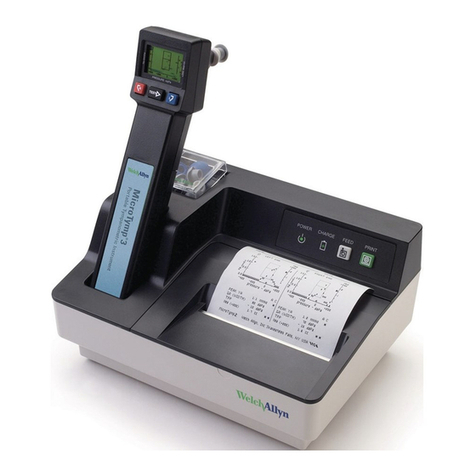
Welch Allyn MicroTymp User manual

Welch Allyn

Welch Allyn MicroTymp User manual

Welch Allyn SureTemp Plus User manual

Welch Allyn

Welch Allyn SureTemp Plus User manual

Welch Allyn SureTemp 679V Instruction Manual

Welch Allyn

Welch Allyn SureTemp 679V Instruction Manual

Welch Allyn 9020 User manual

Welch Allyn

Welch Allyn 9020 User manual

Welch Allyn 9000 User manual

Welch Allyn

Welch Allyn 9000 User manual

Welch Allyn SureTemp Plus REF 690 User manual

Welch Allyn

Welch Allyn SureTemp Plus REF 690 User manual

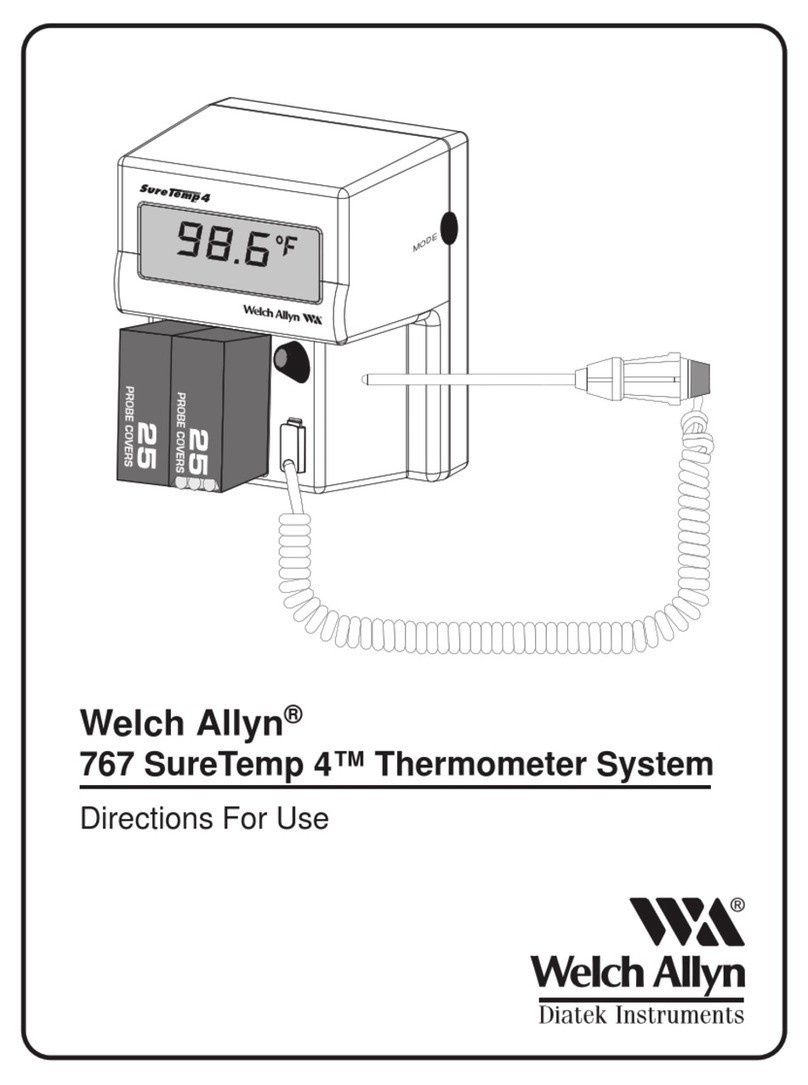
Welch Allyn 767 User manual

Welch Allyn

Welch Allyn 767 User manual

Welch Allyn SureTemp Plus REF 692 User manual

Welch Allyn

Welch Allyn SureTemp Plus REF 692 User manual

Welch Allyn SureTemp 678 Instruction Manual

Welch Allyn

Welch Allyn SureTemp 678 Instruction Manual

Popular Thermometer manuals by other brands

Benetech GM900 instruction manual

Benetech

Benetech GM900 instruction manual

Parton PTD-400 manual

Parton

Parton PTD-400 manual

GAME 15900 owner's manual

GAME

GAME 15900 owner's manual

scigiene FP-180 instruction manual

scigiene

scigiene FP-180 instruction manual

Ametek Land UNO U1 600/1600C-L user guide

Ametek Land

Ametek Land UNO U1 600/1600C-L user guide

Delton 981A instruction manual

Delton

Delton 981A instruction manual

Taylor 5286498 instruction manual

Taylor

Taylor 5286498 instruction manual

Baker MM2P instruction manual

Baker

Baker MM2P instruction manual

Chino IR-FA Series instructions

Chino

Chino IR-FA Series instructions

Vive DMD1010 user manual

Vive

Vive DMD1010 user manual

Tarmo 320281 manual

Tarmo

Tarmo 320281 manual

Citizen CTD 504 instruction manual

Citizen

Citizen CTD 504 instruction manual

TFA 14.1500 instruction manual

TFA

TFA 14.1500 instruction manual

Gotemp THB4002 user guide

Gotemp

Gotemp THB4002 user guide

GREISINGER G 1202 Quick reference guide

GREISINGER

GREISINGER G 1202 Quick reference guide

Amprobe TMD-53W user manual

Amprobe

Amprobe TMD-53W user manual

Trotec BP10 operating manual

Trotec

Trotec BP10 operating manual

Radiance instruments RT616 Series product manual

Radiance instruments

Radiance instruments RT616 Series product manual

manuals.online logo
manuals.online logoBrands
  • About & Mission
  • Contact us
  • Privacy Policy
  • Terms and Conditions

Copyright 2025 Manuals.Online. All Rights Reserved.

ThermoScan®PRO 6000
Quick Reference Guide
1
2
3
4
5
Remove thermometer from cradle by gripping
thermometer at base and pivotingup.
Thermometer will turn on automatically. Probe cover
icon will ash on display indicating a new probe cover
is needed.
Attach a new probe cover by pushing
probe tip straight intobox, thenpulling
thermometerout.
Wait for the ready indication. Ringaround
MEASURE button turns green, thermometer
will beep once and three lines on display
indicate thermometer is ready.
Place probe snugly in ear canal and direct toward
opposite temple. Keepthermometer probe steady in
the ear canal. Correct probe placement is essential for
accurate measurements.
Press and release MEASURE button.
Thethermometer will beeponce, running dashes will
appear on the display then the green ExacTemp light
will ash, indicating consistent probe position.
6Temperature measurement. A long beep and
steady green ExacTemp light will signal the end of
the measuring process. Thetemperature will show
on the display.
7
*
*
*
*
Memory
Press the MEMORY button to reveal the last completed
temperature.
Temperature conversion
Press and release C/F button to view the measurement in the
alternate temperature scale temporarily. Press button again to
return to default temperature scale.
Default temperature scale can be set with the C/F switch located
inside the battery compartment.
Manual timer
Press and hold button for one second to activate timer.
A beep is heard at the initiation of the timer.
First segment will ash until rst 15 seconds are complete and then beep.
(Repeats for 3 remaining segments.) At 60 seconds a long beep will sound.
The thermometer will exit timer mode 5 seconds after last segment.
You can exit timer anytime by pressing button again.
Charge light indicator
Illuminates indicating rechargeable battery is charging.
Indicator changes from amber to green when battery is fully
charged.
Operation and technique Additional functions
®
Remove used probe cover by pressing
Probe Cover Ejector button .
Toachieve accurate measurements, useanew,
clean probe cover for each measurement.
Totake another measurement, place anew, clean
probe cover on the thermometer.
901054
UNLOCK icon displays when Security mode is active and counts
remaining time available (if under 60 minutes) before thermometer is
locked.
When time runs out LOCK icon remains on display.
Welch Allyn Technical Support(www.welchallyn.com/support)
visit locations (www.welchallyn.com/about/company/locations.htm)
Security and charging
To UNLOCK, thermometer must be returned to charging station
or compatible vital signs device.
1a 1b
MemC / F
MemC / F
External factors may inuence ear temperatures, including:
Factor Aected Not aected
Used probe cover
Ambient temperature
Wet / dirty / damaged lens
Hearing aid
Lying on pillow
Moderate cerumen (ear wax)
Otitis media (ear infections)
Tympanostomy tubes
Open battery door
Open battery door by sliding spring latch to the right
using your nger or a pointed object such as apen.
While holding the latch in the open postion, grasp the
battery door and removeit.
Change 2 AA alkaline batteries when begins to
ash on the display.
Remove the 2 AA alkaline batteries and replace with
2 new AA alkaline batteries, making sure the poles
are in the right direction.
Snap battery door back into place and ensure the latch
returns to original latch position.
© 2019 All rights reserved. This product is manufactured under license to the ‘Braun' trademark.
'Braun' is a registered trademark of Braun GmbH, Kronberg, Germany.
DIR 80025048 Rev C
Revision date: 2019-10
Errors and notifications What affects accuracy
Replacing the batteries
No probe cover is attached
(animates ON).
Attach new, clean probe cover.
Used probe cover is attached
(animates OFF).
Discard probe cover that is on and attach
new, clean probe cover if taking another
temperature measurement.
Battery is low, but thermometer will still
operate correctly.
Insert new batteries.
Battery is too low to allow
temperature measurement.
Insert new batteries.
(POS = position error)
The infrared monitor cannot nd
a temperature equilibrium and
allows no measurement.
Change the probe cover to reset.
Restrict patient movement and
ensure that the positioning of the
probe is correct and remains stable while
taking new temperature.
Ambient temperature is not within
the allowed operating range
(50 – 104 °F or 10 – 40 °C)
or changing too rapidly.
Wait 20 sec. until thermometer turns
o automatically, then turn on again.
Ensure thermometer and patient are in an
environment for 30 minutes where the
temperature is between 50 ºF and 104 ºF
or 10 ºC and 40 ºC.
Temperature taken is not within typical
human temperature range.
HI will be displayed when temperature
is higher than 108 °F (42.2 °C).
Change probe cover to reset. Then, make
sure thermometer is properly inserted and
take a new temperature.
LO will be displayed when temperature
is lower than 68 °F (20 °C).
System error
(Allicons display or
display is blank)
Iferror persists,
Iferror still persists,
Wait20seconds until the
thermometer turns o automatically, then
turn on again.
… reset the thermometer by removing the
batteries and putting them backin.
… batteries aredead. Insert
new batteries.
… contact local Welch Allyn Service Center
or representative.
Note: If lens is dirty or inserted into ear canal without probe cover refer to maintenance and service
section in directions for use. Only clean as specied by manufacturer.
Manufacturedby:
Welch Allyn, Inc.
4341State StreetRoad
Skaneateles Falls, NY13153
USA
or
®
Rechargeable battery pack
Insert rechargeable battery pack into battery
compartment with battery label facing outward.
Situation SolutionError Message
ThermoScan
®
Made in Mexico
ThermoScan is a registered trademark owned by Helen of Troy Limited.
Welch Allyn Limited
Navan business Park
Dublin road,
Navan, County Meath
Republic of Ireland
C15 AW22