manuals.online logo
Brands
  1. Home
  2. •
  3. Brands
  4. •
  5. Wenglor
  6. •
  7. Scanner
  8. •
  9. Wenglor BLN0x1R10 User manual

Wenglor BLN0x1R10 User manual

Other Wenglor Scanner manuals

Wenglor CSMH007 User manual

Wenglor

Wenglor CSMH007 User manual

Wenglor CSLH003 User manual

Wenglor

Wenglor CSLH003 User manual

Wenglor CSHH001 User manual

Wenglor

Wenglor CSHH001 User manual

Wenglor CSLH003 User manual

Wenglor

Wenglor CSLH003 User manual

Wenglor BLN0x1R20 User manual

Wenglor

Wenglor BLN0x1R20 User manual

Wenglor BLN0 1R20 Series User manual

Wenglor

Wenglor BLN0 1R20 Series User manual

Wenglor CSMH00 Series User manual

Wenglor

Wenglor CSMH00 Series User manual

Wenglor FIS-0870 User manual

Wenglor

Wenglor FIS-0870 User manual

Wenglor BLN0 1R10 Series User manual

Wenglor

Wenglor BLN0 1R10 Series User manual

Popular Scanner manuals by other brands

Radio Shack PRO-433 quick start guide

Radio Shack

Radio Shack PRO-433 quick start guide

Atid AT911N series user guide

Atid

Atid AT911N series user guide

Siemens RUGGEDCOM WiN5100 Faq

Siemens

Siemens RUGGEDCOM WiN5100 Faq

Canon CanoScan LiDE 20 Specifications

Canon

Canon CanoScan LiDE 20 Specifications

Epson 4180 - Perfection Photo Product support bulletin

Epson

Epson 4180 - Perfection Photo Product support bulletin

Radio Shack PRO-72 owner's manual

Radio Shack

Radio Shack PRO-72 owner's manual

Lanier 5622 Operator's guide

Lanier

Lanier 5622 Operator's guide

Faro Freestyle 2 user manual

Faro

Faro Freestyle 2 user manual

Kramer VS-16N user manual

Kramer

Kramer VS-16N user manual

Z/I Imaging PhotoScan 2001 instructions

Z/I Imaging

Z/I Imaging PhotoScan 2001 instructions

Renkforce DS100-5M operating instructions

Renkforce

Renkforce DS100-5M operating instructions

Canon imageFORMULA CR-120N user manual

Canon

Canon imageFORMULA CR-120N user manual

Fujitsu FI-4860C2 Specifications

Fujitsu

Fujitsu FI-4860C2 Specifications

HPc9861a 4400c Setup and support guide

HPc9861a

HPc9861a 4400c Setup and support guide

Kodak i5800 Scanner Brochure & specs

Kodak

Kodak i5800 Scanner Brochure & specs

Kodak i7300 user guide

Kodak

Kodak i7300 user guide

Revopoint POP user manual

Revopoint

Revopoint POP user manual

Fujitsu fi-4860C installation guide

Fujitsu

Fujitsu fi-4860C installation guide

manuals.online logo
manuals.online logoBrands
  • About & Mission
  • Contact us
  • Privacy Policy
  • Terms and Conditions

Copyright 2025 Manuals.Online. All Rights Reserved.

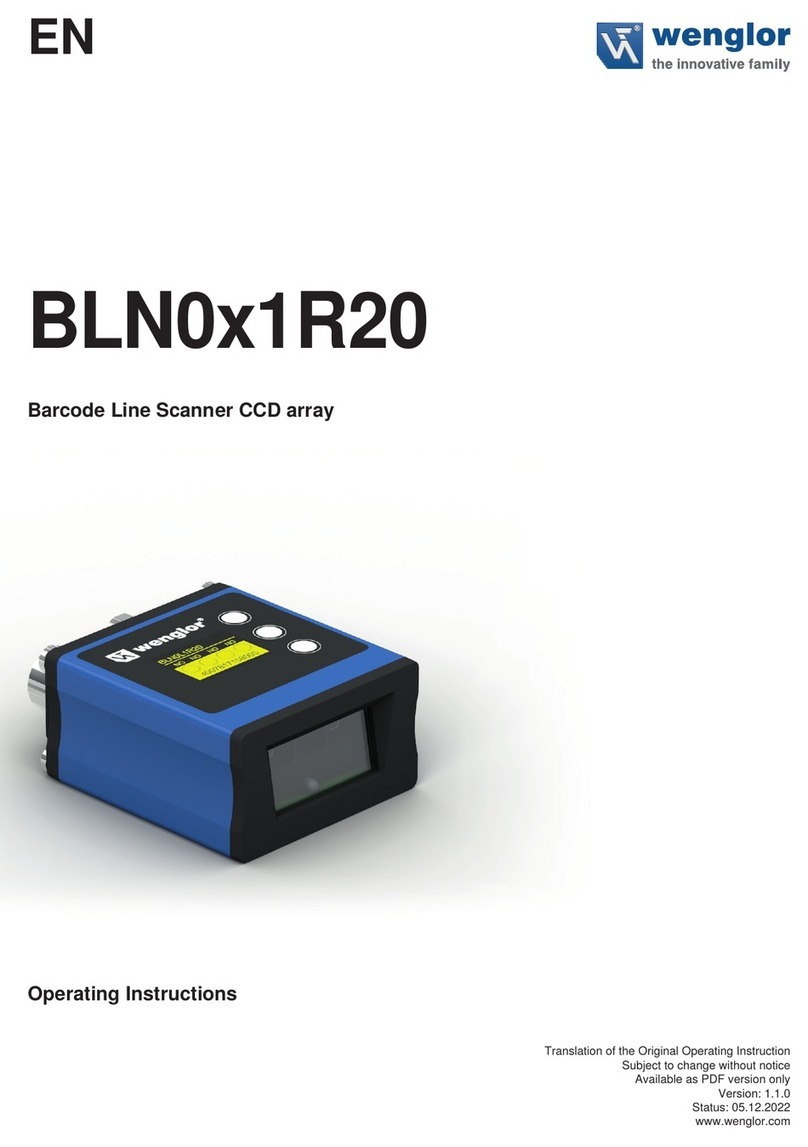
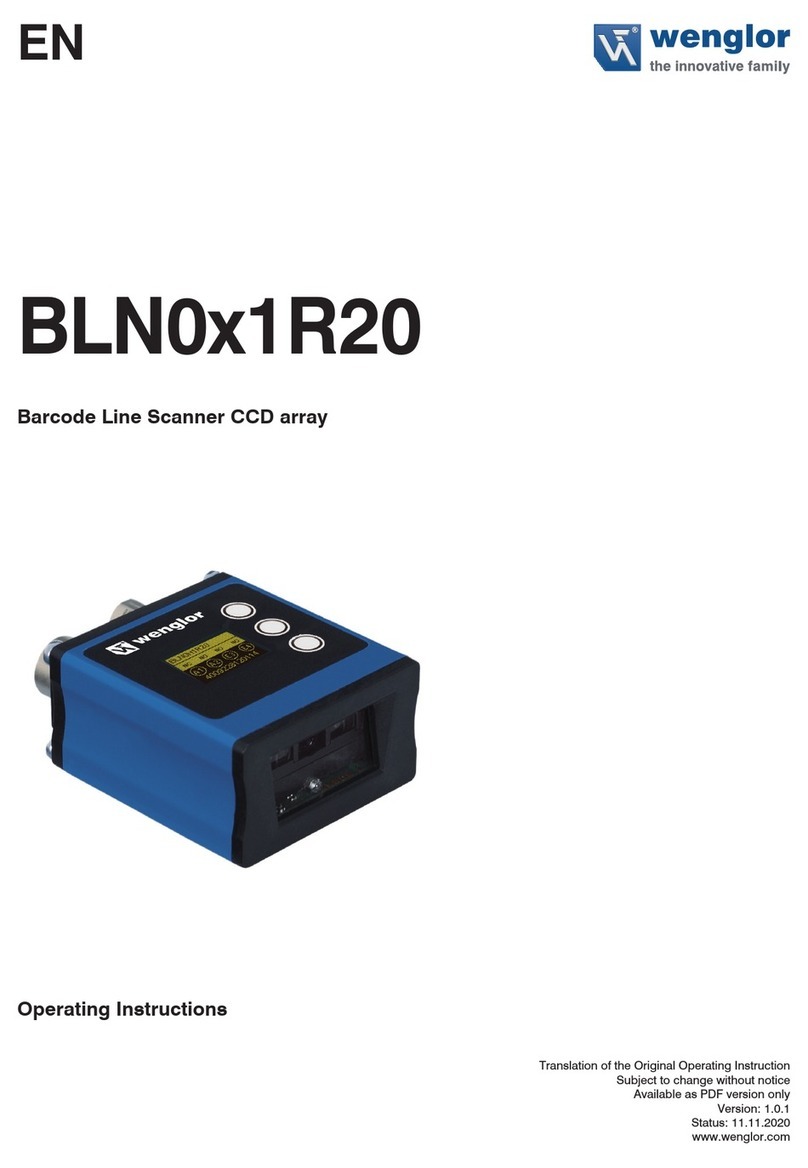
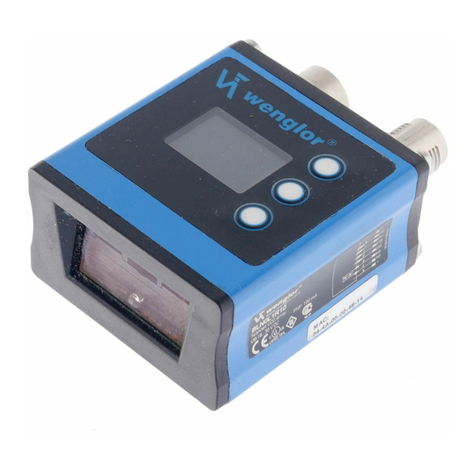
BLN0x1R10
Scanner 1D – CCD array
Operating Instructions
EN
Available as PDF file only
Status: 27.11.2017
Version: 1.6
www.wenglor.com
2
EN
Index
1. Proper Use 4
2. Safety Precautions 4
3. Approvals and protection class 4
4. Technical Data 5
4.1. Scanner Connection 6
4.2. Housing Dimensions 7
4.3. Control Panel 7
4.4. Complementary Products (see catalog) 8
5. Mounting Instructions 9
6. Initial Operation 9
6.1. Initial Operation 9
7. Function Descriptions 10
7.1. Run 12
7.2. Pin Function 12
7.3. E/A Settings 12
7.3.1. Output – NPN/PNP 14
7.3.2. Output – NO/NC 14
7.3.3. Output – ON Delay 15
7.3.4. Output – OFF Delay 15
7.3.5. Output – Pulse Length 16
7.4. E/A Test 16
7.4.1. E/A Test – Testing A1 through A4 16
7.4.2. E/A-Test – Testing E1 through E4 17
7.5. Reading mode 17
7.6. Code Settings 18
7.7. Match code 18
7.8. Interface 18
7.8.1. Serial/Baude rate 19
7.8.2. Ethernet 19
7.8.2.1. IP-address 19
7.8.2.2. Subnet mask 19
7.8.2.3. Standard Gateway 20
7.8.2.4. DHCP 20
7.8.2.5. MAC Address 20
7.8.2.6. Network Reset 20
7.8.2.7. Accept 20
7.8.2.8. Cancel 20
3
7.9. Display 21
7.9.1. Display – Mode 21
7.9.2. Display – Intensity 21
7.10. Language 22
7.11. Info 22
7.12. Reset 22
7.13. Password 22
8. Network Settings 23
9. Web-Based Configuration 23
9.1. Invoking the Administration Interface 23
9.2. Overview Page 24
9.3. Device Settings 25
9.4. Read Cycle 28
9.4.1. Reading mode 28
9.4.3. Code 29
9.4.4. Preamble and Postamble Characters 29
9.4.5. Match code Parameters 29
9.4.7. Match code 30
9.4.8. Current Match code 30
9.4.9. Match and Mismatch Performance 30
9.5. Code Settings 31
9.5.1. Code 39 31
9.5.2. Code 11 31
9.5.3. Code 128 31
9.5.4. Interleaved 2 of 5 32
9.5.5. Codabar 32
9.5.6. UPC/EAN 32
9.5.7. Code 93 32
9.5.8. Industrial 2 of 5 32
9.5.9. MSI Code 32
9.5.10. RSS-14 Expanded 32
9.5.11. RSS-14 Limited 33
9.5.12. RSS-14 Omnidirectional 33
9.5.13. Matrix 2 of 5 33
9.6. Digital I/O Settings 34
9.7. Diagnosis 35
10. Maintenance Instructions 35
11. Proper Disposal 35
12. EU Declaration of Conformity 37
4
EN
1. Proper Use
This wenglor product has to be used according to the following functional principle:
Scanner 1D
These Scanners detect 1D Codes with the help of Laser Light respectively Red Light. The light sent out to the
barcode label is reflected back to a photo element and evaluated with a decoder.
2. Safety Precautions
• This operating instruction is part of the product and must be kept during its entire service life.
• Read this operating instruction carefully before using the product.
• Installation, start-up and maintenance of this product has only to be carried out by trained personal.
• Tampering with or modifying the product is not permissible.
• Protect the product against contamination during start-up.
• Not a safety component in accordance with the EU Machinery Directive.
3. Approvals and protection class
Warning!
This is a class A device. This device may cause radio interference in residential areas. If this is the case, the
implementation of appropriate measures may be demanded of the user.
5
4. Technical Data
Order Number BLN0L1R10 BLN0H1R10
Light Source Red Light Red Light
Wave Length 660 nm 660 nm
Low Density yes
High Density yes
Read Range 35...320 mm 10...120 mm
max. Ambient Light 7000 Lux 7000 Lux
Opening Angle 35° 60°
Barcode Label Contrast 45 % 45 %
Supply Voltage 18...30 V DC 18...30 V DC
Current Consumption (Ub = 24 V) < 100 mA < 100 mA
Scan rate 530 scan/s 530 scan/s
Temperature Range –20...50 °C –20...50 °C
Inputs/Outputs 4 4
Switching Output Voltage Drop < 2,5 V < 2,5 V
Switching Output/Switching Current 100 mA 100 mA
Short Circuit Protection yes yes
Ports Reverse Polarity Protection yes yes
Ports Overload Protection yes yes
Interface RS-232*/Ethernet RS-232*/Ethernet
Housing Aluminum Aluminum
Protection Class III III
Protection IP67 IP67
Connection M12×1 M12×1
Baud Rate 10 Mbit/s / 100 Mbit/s 10 Mbit/s / 100 Mbit/s
Transmission Mode Full- /Half Duplex Full- /Half Duplex
Webserver yes yes
Default IP 192.168.100.1 192.168.100.1
Auto-Crossover yes yes
Auto-Negotiating yes yes
Auto-Polarity yes yes
* Maximum connection length: 30 m
6
EN
Scanning Distance Diagram:
Low Density
50 25 02550
200
175
150
125
100
75
50
25
0
High Density
SB
BLN0H1R10 LA
A
in mm
0.254
0.127
0.380
100 50 050 100
525
350
300
250
200
150
100
50
0
SB
BLN0L1R10 LA
A
in mm
0.508
0.254
0.127
400
450
500
125
125
4.1. Scanner Connection
786
Figure 1: Plug 1
002
Figure 2: Plug 2
+ Supply Voltage „+“
– Supply Voltage „0 V“
E/A Output/Input programmable
RxD RS-232 receive path
TxD RS-232 send path
Tx+/– Ethernet send path
Rx+/– Ethernet receive path
7
4.2. Housing Dimensions
4.3. Control Panel
23 20 22
60
X2
20 = Enter Button
22 = Up Button
23 = Down Button
60 = Display
8
EN
4.4. Complementary Products (see catalog)
wenglor offers Connection Technology for field wiring.
Suiting Connection Technology No.
50
89
S80 S74
Connector cable M12×1, 8-pin (plug 1)
S74 ZAS89R201, M12×1 connector cable, 8-pin, 2 m, straight
ZAS89R202, M12×1 connector cable, 8-pin, 2 m, angled
ZAS89R501, M12×1 connector cable, 8-pin, 5 m, straight
ZAS89R502, M12×1 connector cable, 8-pin, 5 m, angled
ZAS89R601, M12×1 connector cable, 8-pin, 10 m, straight
ZAS89R602, M12×1 connector cable, 8-pin, 10 m, angled
ZAS89R701, M12×1 connector cable, 8-pin, 20 m, straight
ZAS89R702 , M12×1 connector cable, 8-pin, 20 m, angled
Interface cable (plug 1)
S10
S232W3 Interface cable, M12×1, 8-pin, 1,5 m, angled
Connector cable M12×1, 8-pin (plug 2)
S80
ZAV50R201, M12×1 connector cable, 8-pin, 2 m
ZAV50R501, M12×1 connector cable, 8-pin, 5 m
ZAV50R502, M12×1 connector cable, RJ45, 5 m

9
5. Mounting Instructions
All applicable electrical and mechanical regulations, standards and safety precautions must be adhered to
when installing and operating the scanner. The scanner must be protected against mechanical influences.
Install the product such that its installation position cannot be inadvertently changed.
6. Initial Operation
6.1. Initial Operation
Connect the Scanner to supply power (18 to 30 V DC). The display view appears. The Scanner is ready for
operation after 2 seconds.
The desired menu language must be selected after initial start-up, and after each reset (see section “7.10.
Language” on page 22).
Note: If no settings are adjusted in the configuration menu for a period of 30 seconds, the scanner is automati-
cally returned to the display mode.
The Scanner accesses the last used menu view when the key is pressed twice. If a setting is configured, it
becomes active as soon as it is changed.
Letters or symbols such as “+” and “–” can also be assigned to the keys within a menu item. Quicker scrolling
through numbers is this made possible by pressing and holding the “+” or “–” key.
Meaning of the menu items:
3Back : Move up one level within the menu.
7Run : Switch to the display mode.
10
EN
7. Function Descriptions
Run
Pin Function
E/A1
E/A2
E/A3
E/A4
Trigger
Trigger Level
Serial Trigger
Continuous
Read timeout
Good Read
No Read
Match
Mismatch
Trigger Input
New Master
At Ub
At 0 V
ON
OFF
PNP
NPN
Pushpull
NO
NC
Value in ms
Value in ms
Value in ms
NPN/PNP
NO/NC
ON Delay
OFF Delay
Impulse
Depends on pin function E/A1:
A1 Good Read
A1 No Read
A1 Match
A 1 Mismatch
E1 Trigger
E1 New Master
Depends on pin function E/A2:
A2 Good Read
A2 No Read
A2 Match
A2 Mismatch
E2 Trigger
E2 New Master
Depends on pin function E/A3:
A3 Good Read
A3 No Read
A3 Match
A3 Mismatch
E3 Trigger
E3 New Master
Depends on pin function E/A4:
A4 Good Read
A4 No Read
A4 Match
A4 Mismatch
E4 Trigger
E4 New Master
Depends on pin function E/A1:
Test A1
Test E1
Depends on pin function E/A2:
Test A2
Test E2
Depends on pin function E/A3:
Test A3
Test E3
Depends on pin function E/A4:
Test A4
Test E4
E/A Test
Reading mode
E/A configure If switching output
If switching output
If input
Run Mode Input
Value in ms
If input