6
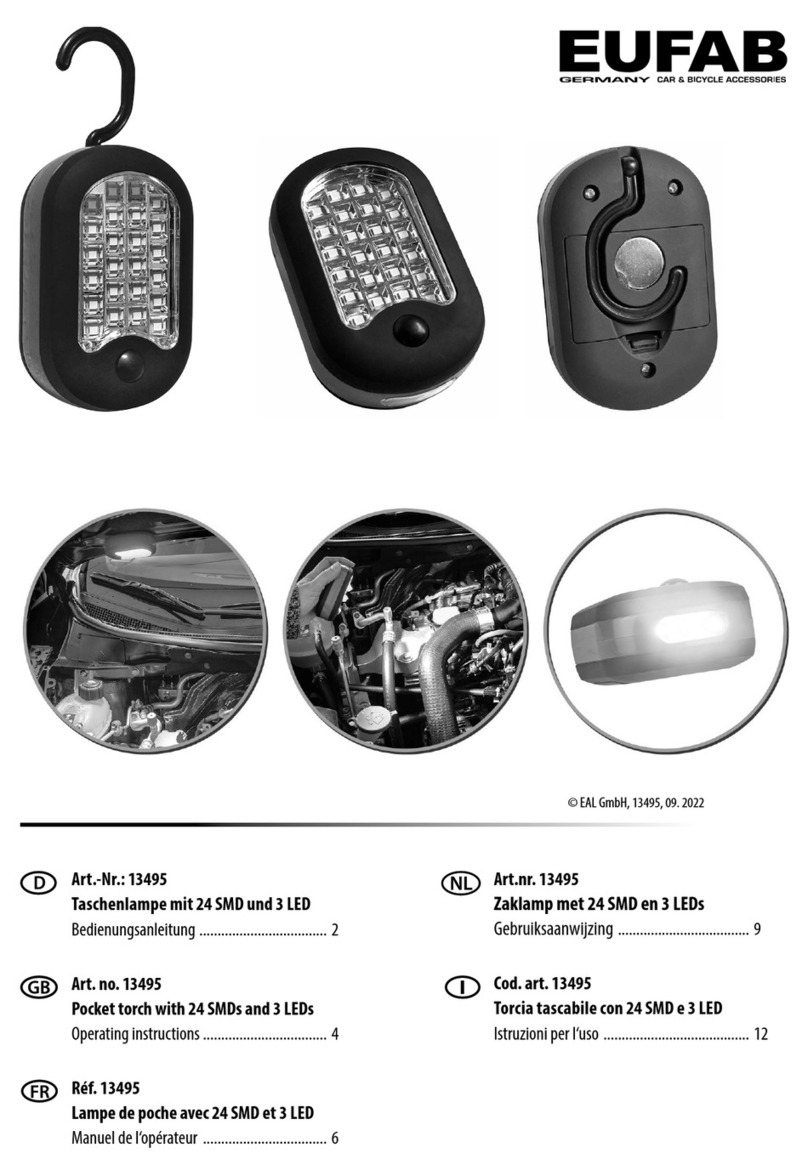
Operation Of The Flashlight
1. Power Control: To turn on the flashlight, simply click on the switch. Clicking the switch
again will turn it off. The flashlight features a memory function that remembers the default
output selection, except for flash modes.
2. Output Selections: When the flashlight is on, perform a long press on the switch to cycle
through the following modes: Moon - Low - Medium - High - Moon. Releasing the switch at
any mode will lock the brightness at that level.
3. Continuous Output Selections: With the flashlight turned off, perform a long press on
the switch to activate Moon mode. After holding the switch for 2 seconds, the brightness will
gradually increase, flashing once at the highest mode, then gradually decrease before
flashing to the lowest mode. Release the switch to select your desired brightness, and a
single click will exit this mode.
4. Quick Turbo: While the flashlight is on and not in High mode, quickly double-click the
switch to activate High mode. A single click will exit this mode.
5. Flash Modes: When the flashlight is off or in High mode, quickly double-click the switch to
activate Strobe mode. Double-clicking the switch again will switch between Strobe and SOS
modes. To exit flash modes, simply perform a single click on the switch.
Locking and Unlocking The Flashlight
To enable lockout mode, ensure the flashlight is turned off, then perform four rapid clicks on
the switch. The light will blink three times, indicating that it is now locked. In this state, any
attempts to operate the switch will be ineffective. To unlock the flashlight, perform another
four rapid clicks on the switch. This will activate Moon mode, signaling that the flashlight is
now unlocked and ready for use.
Charging The Flashlight
To charge the flashlight, remove the battery and connect the Micro-USB charging cable to
both the flashlight and a 5V/1A charging adapter. The charging process typically takes
approximately three hours to fully charge the battery.