manuals.online logo
Brands
  1. Home
  2. •
  3. Brands
  4. •
  5. X-Cite
  6. •
  7. Lighting Equipment
  8. •
  9. X-Cite XCSK65RGB Manual

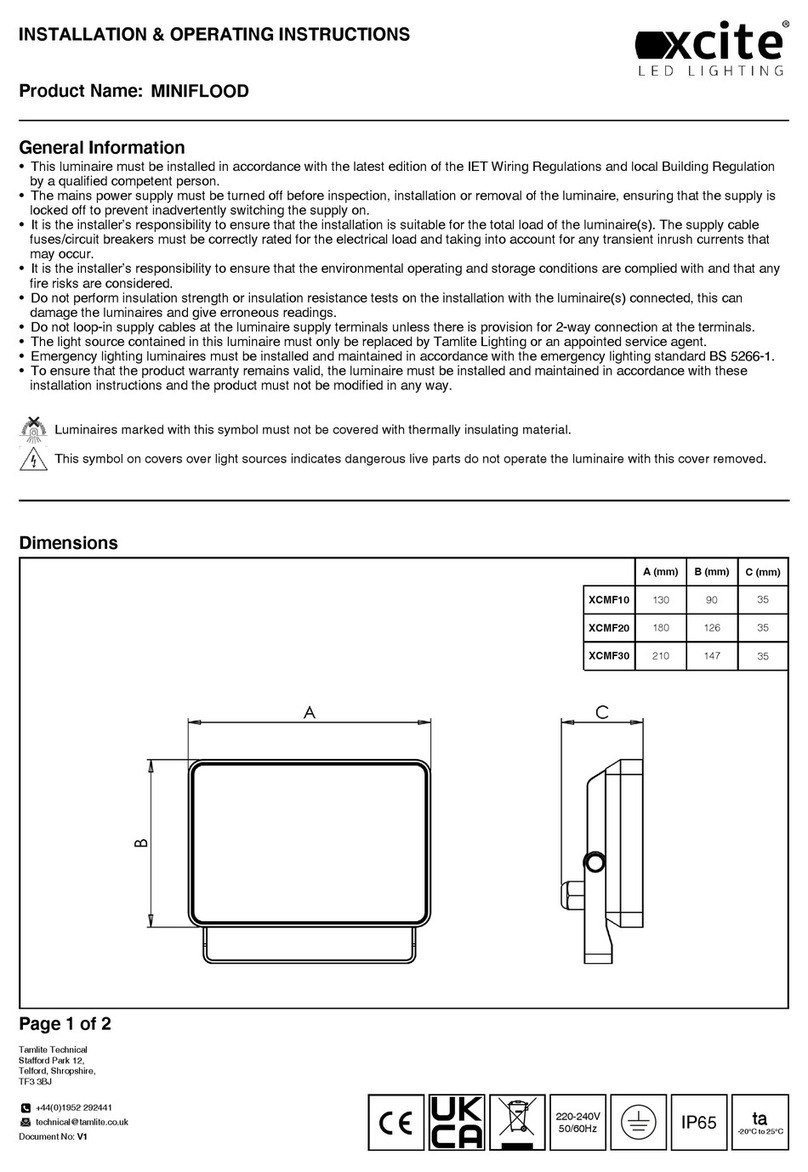
X-Cite XCSK65RGB Manual

Other X-Cite Lighting Equipment manuals

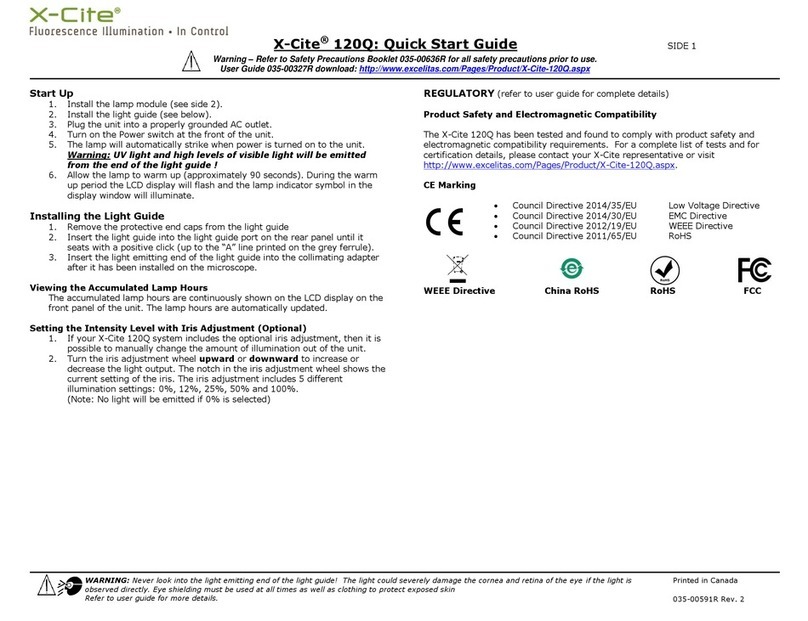
X-Cite 120Q User manual

X-Cite

X-Cite 120Q User manual

X-Cite 120PC Q User manual

X-Cite

X-Cite 120PC Q User manual

X-Cite XCPSK67RGB Manual

X-Cite

X-Cite XCPSK67RGB Manual

X-Cite EXIT BOX Manual

X-Cite

X-Cite EXIT BOX Manual

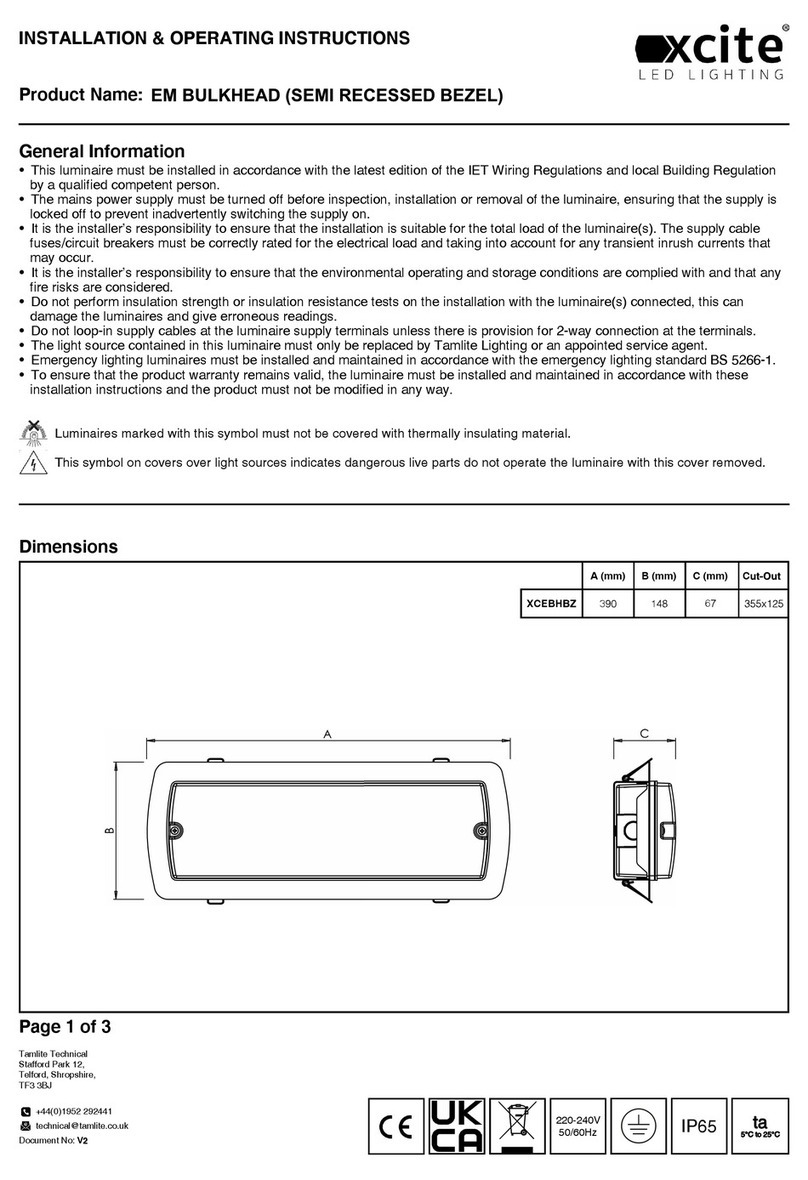
X-Cite EM BULKHEAD Manual

X-Cite

X-Cite EM BULKHEAD Manual

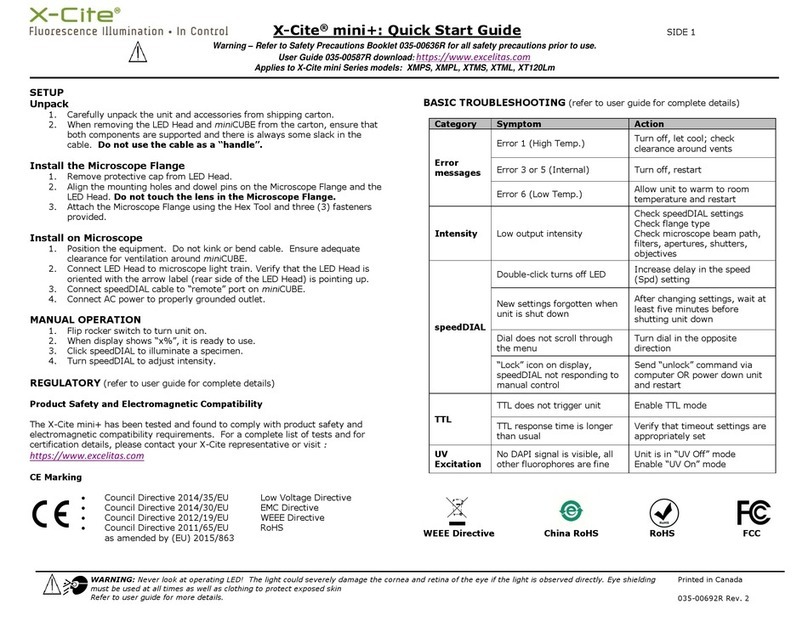
X-Cite mini plus User manual

X-Cite

X-Cite mini plus User manual

X-Cite WPS BULKHEAD Manual

X-Cite

X-Cite WPS BULKHEAD Manual

X-Cite 120LED User manual

X-Cite

X-Cite 120LED User manual

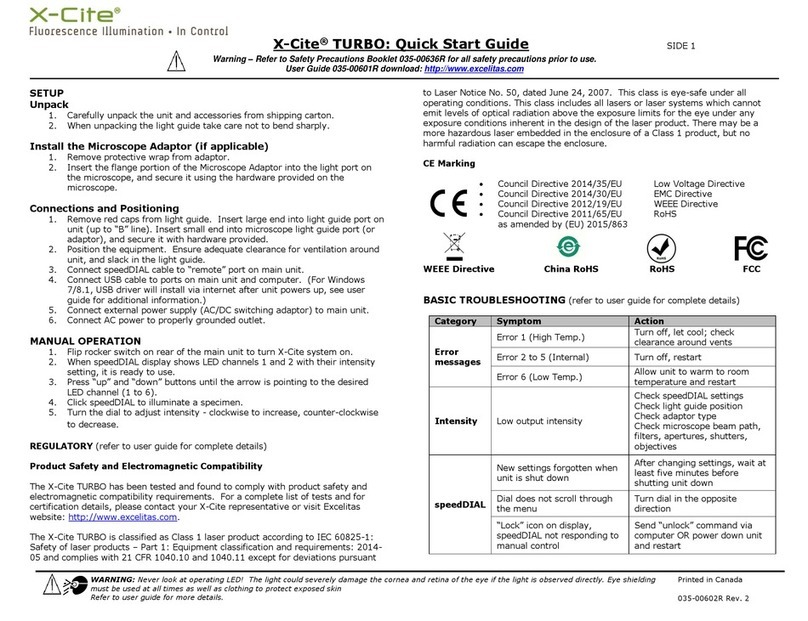
X-Cite TURBO User manual

X-Cite

X-Cite TURBO User manual

X-Cite XCMF10 Manual

X-Cite

X-Cite XCMF10 Manual

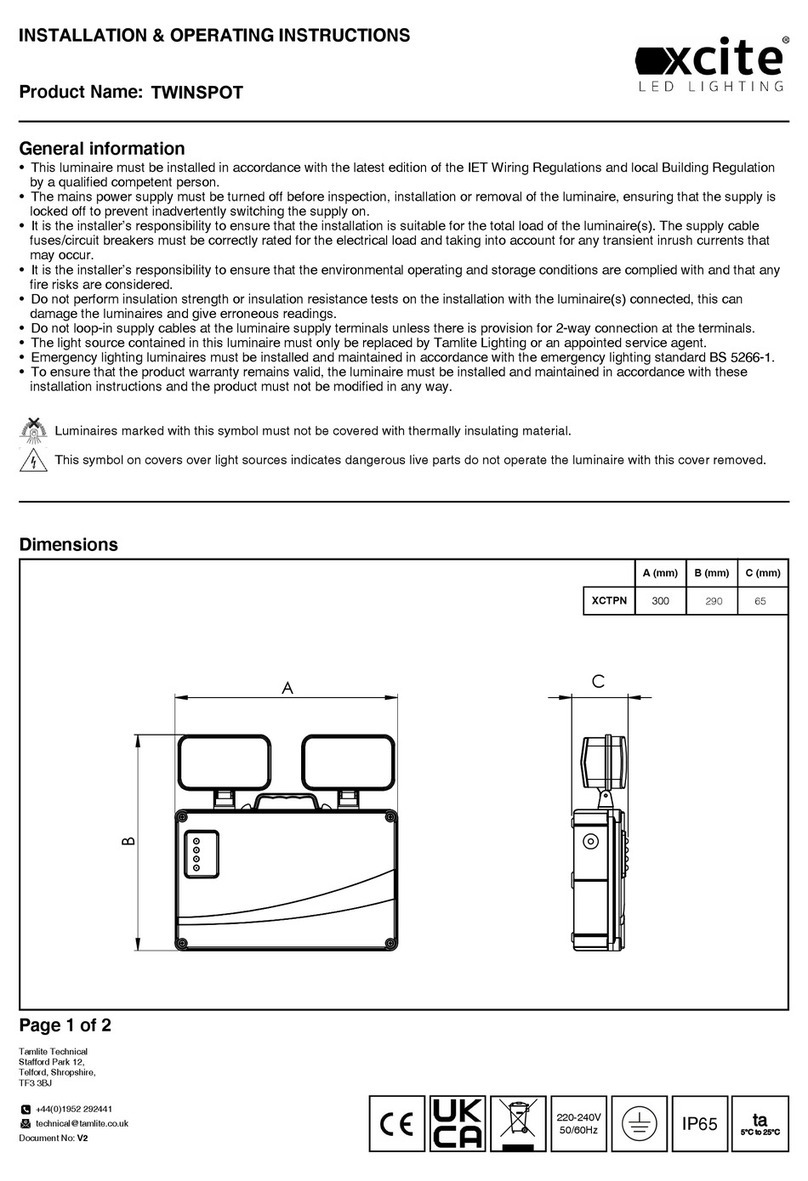
X-Cite TWINSPOT Manual

X-Cite

X-Cite TWINSPOT Manual

X-Cite XYLIS User manual

X-Cite

X-Cite XYLIS User manual

X-Cite FLOOD XCFC100NW Manual

X-Cite

X-Cite FLOOD XCFC100NW Manual

X-Cite 200DC User manual

X-Cite

X-Cite 200DC User manual

Popular Lighting Equipment manuals by other brands

Life 39.9F70020C quick start guide

Life

Life 39.9F70020C quick start guide

EuroLite LED ML-20 user manual

EuroLite

EuroLite LED ML-20 user manual

LIGMAN OD-50141 installation manual

LIGMAN

LIGMAN OD-50141 installation manual

Home Accents Holiday 1002461144 instructions

Home Accents Holiday

Home Accents Holiday 1002461144 instructions

Experia IRiS Ripple Light instruction manual

Experia

Experia IRiS Ripple Light instruction manual

Erco Gecko Mounting instructions

Erco

Erco Gecko Mounting instructions

Inter-lux ZTA.100.Surface Installation and maintenance instructions

Inter-lux

Inter-lux ZTA.100.Surface Installation and maintenance instructions

Whelen Engineering Company TN Series installation guide

Whelen Engineering Company

Whelen Engineering Company TN Series installation guide

IKEA BJÖRKSPIREA manual

IKEA

IKEA BJÖRKSPIREA manual

Toolland PM 6640 instruction manual

Toolland

Toolland PM 6640 instruction manual

GTD GTD-LP200 user manual

GTD

GTD GTD-LP200 user manual

LIVARNO home 1105-W-UK manual

LIVARNO home

LIVARNO home 1105-W-UK manual

ProLights EclPar IPMFC user manual

ProLights

ProLights EclPar IPMFC user manual

Velvet EVO Series user manual

Velvet

Velvet EVO Series user manual

IDTOLIGHT GENT installation instructions

IDTOLIGHT

IDTOLIGHT GENT installation instructions

MAYTONI S35 installation manual

MAYTONI

MAYTONI S35 installation manual

MaxLite MLFP14DP4535 user manual

MaxLite

MaxLite MLFP14DP4535 user manual

SLV Elektronik 550621 instruction manual

SLV Elektronik

SLV Elektronik 550621 instruction manual

manuals.online logo
manuals.online logoBrands
  • About & Mission
  • Contact us
  • Privacy Policy
  • Terms and Conditions

Copyright 2025 Manuals.Online. All Rights Reserved.

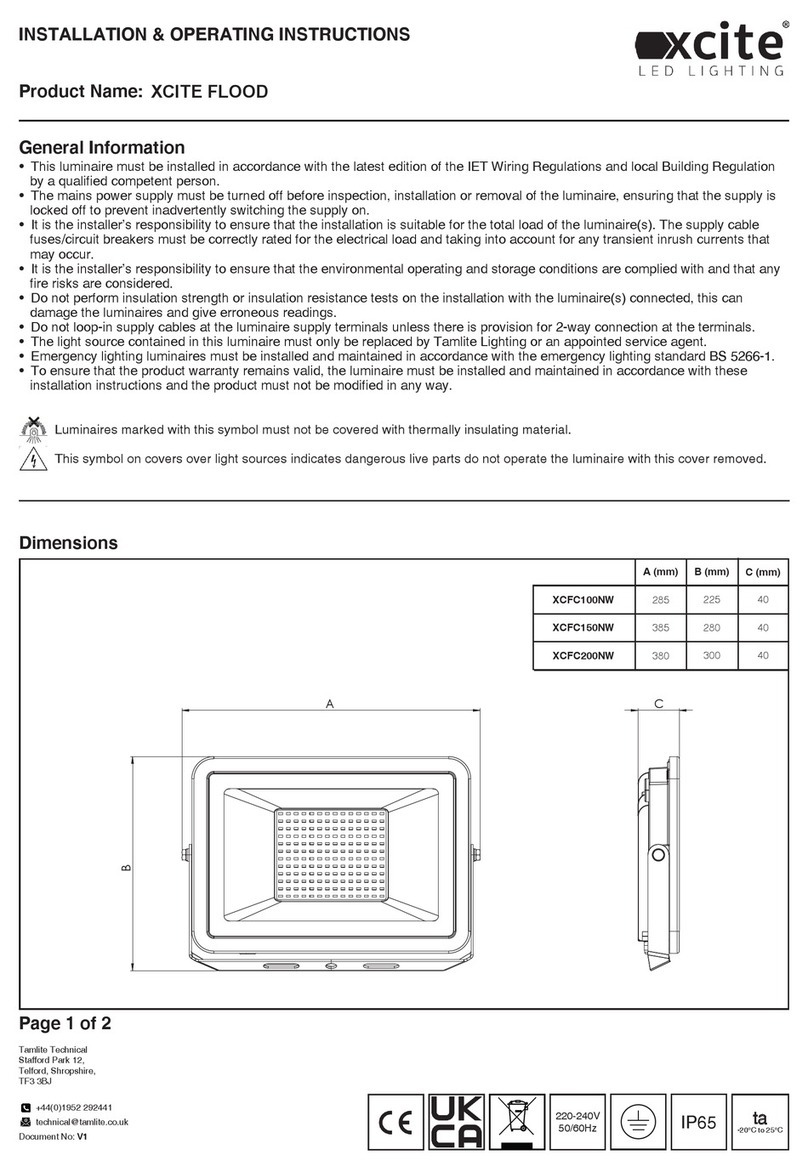
Product Name:
General information
Dimensions
Page 1 of 3
C
A
R
FLASH
STROBE
FADE
SMOOTH
ON
OFF
R G BW
B. C.
A.
+44(0)1952 292441
[email protected]
Document No: V1
Tamlite Technical
Stafford Park 12,
Telford, Shropshire,
TF3 3BJ
INSTALLATION & OPERATING INSTRUCTIONS
• This luminaire must be installed in accordance with the latest edition of the IET Wiring Regulations and local Building Regulation
by a qualified competent person.
• The mains power supply must be turned off before inspection, installation or removal of the luminaire, ensuring that the supply is
locked off to prevent inadvertently switching the supply on.
• It is the installer’s responsibility to ensure that the installation is suitable for the total load of the luminaire(s). The supply cable
fuses/circuit breakers must be correctly rated for the electrical load and taking into account for any transient inrush currents that
may occur.
• It is the installer’s responsibility to ensure that the environmental operating and storage conditions are complied with and that any
fire risks are considered.
• Do not perform insulation strength or insulation resistance tests on the installation with the luminaire(s) connected, this can
damage the luminaires and give erroneous readings.
• Do not loop-in supply cables at the luminaire supply terminals unless there is provision for 2-way connection at the terminals.
• The light source contained in this luminaire must only be replaced by Tamlite Lighting or an appointed service agent.
• Emergency lighting luminaires must be installed and maintained in accordance with the emergency lighting standard BS 5266-1.
• To ensure that the product warranty remains valid, the luminaire must be installed and maintained in accordance with these
installation instructions and the product must not be modified in any way.
Luminaires marked with this symbol must not be covered with thermally insulating material.
This symbol on covers over light sources indicates dangerous live parts do not operate the luminaire with this cover removed.
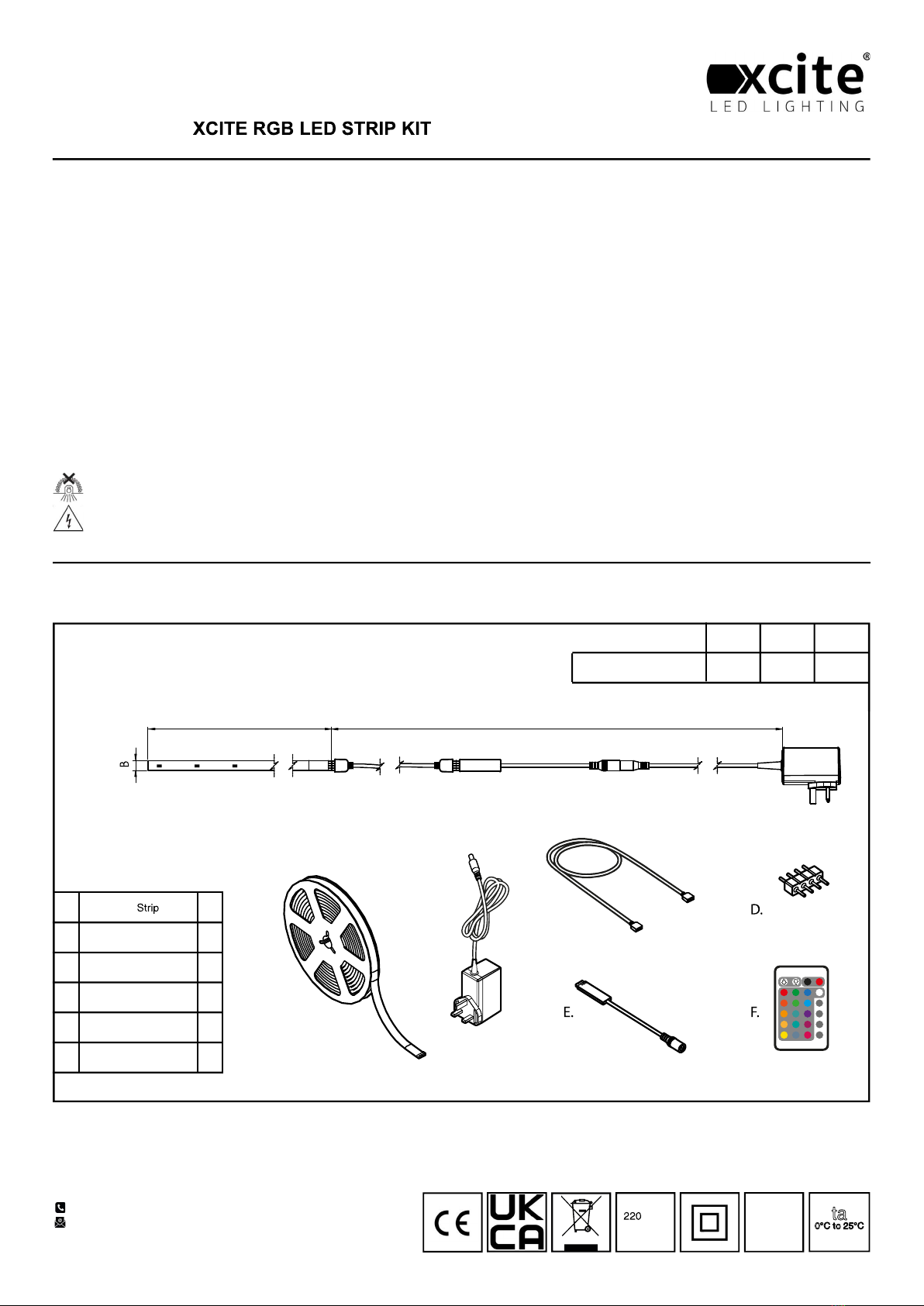
C (mm)
1740
B (mm)
5000
XCSK65RGB
IP65
-240V
50/60Hz
ta
0°C to 25°C
A (mm)
10
A
B
C
D
E
F
5M
Power adapter
0.5M 4 pin wire
4 pin wire connector
RGB Controller
RGB Remote
x1
x1
x1
x2
x1
x1

Page 2 of 3
1
3
5
7
2
4
6
Product Name:
+44(0)1952 292441
[email protected]
Document No: V1
Tamlite Technical
Stafford Park 12,
Telford, Shropshire,
TF3 3BJ
INSTALLATION & OPERATING INSTRUCTIONS
IP65
-240V
50/60Hz
ta
0°C to 25°C
8
Remove the product from its packaging. Ensure a mains supply socket is within proximity of the install position.
Remove backing paper and attach LED strip to a clean, flat and dry surface. The strip can be cut to length at 50mm intervals at the indicated position.
Continue to remove the backing paper and install the strip. Ensure good contact with the mounting surface.
Connect the strip to the interconnecting lead and observe "Triangle" to "+" Connect the controller to the lead and observe "Triangle" to "Triangle"
Page 3 of 3
R
FLASH
STROBE
FADE
SMOOTH
ONOFF
RGBW
9
11
10
Product Name:
+44(0)1952 292441
[email protected]
Document No: V1
Tamlite Technical
Stafford Park 12,
Telford, Shropshire,
TF3 3BJ
INSTALLATION & OPERATING INSTRUCTIONS
IP65
-240V
50/60Hz ta
0°C to 25°C
Turn ON/OFF:
Press the ‘ON’ button to turn the light on, or press the ‘OFF’
button to turn the light off.
RGB (red/green/blue) colour selection:
The desired colour can be selected by pressing the
corresponding printed button i.e. Blue button for Blue light.
Brightness control:
To change the brightness of the light press the button to
increase or the button to decrease the intensity.
Dynamic mode:
The dynamic option can be switched on by pressing the ‘FLASH’,
‘STROBE’, ‘SMOOTH’ or ‘FADE’ button. The colours will
automatically change in a programmed tempo. To switch off the
dynamic mode press any colour button.
Connect the controller to the plug in power supply.
Remove the plastic tab from the handset to enable operation.
Plug the power supply in to the wall socket.