manuals.online logo
Brands
  1. Home
  2. •
  3. Brands
  4. •
  5. Xantech
  6. •
  7. Cables And Connectors
  8. •
  9. Xantech BYPASS94 User manual

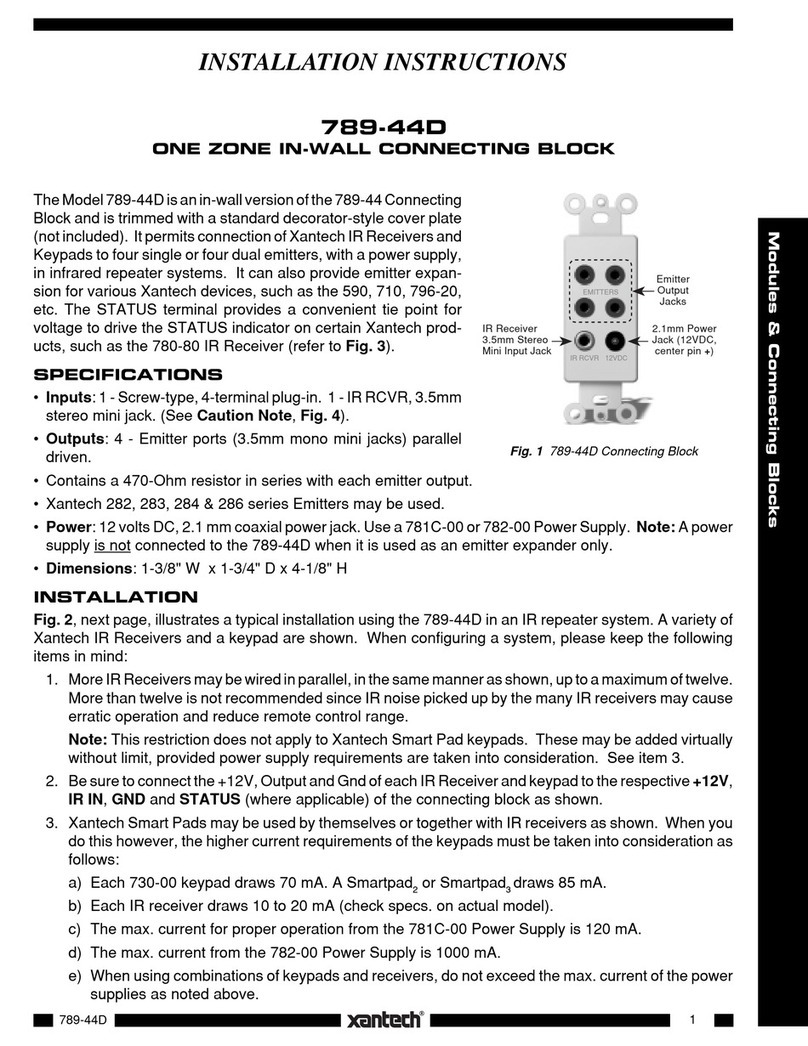
Xantech BYPASS94 User manual

Other Xantech Cables And Connectors manuals

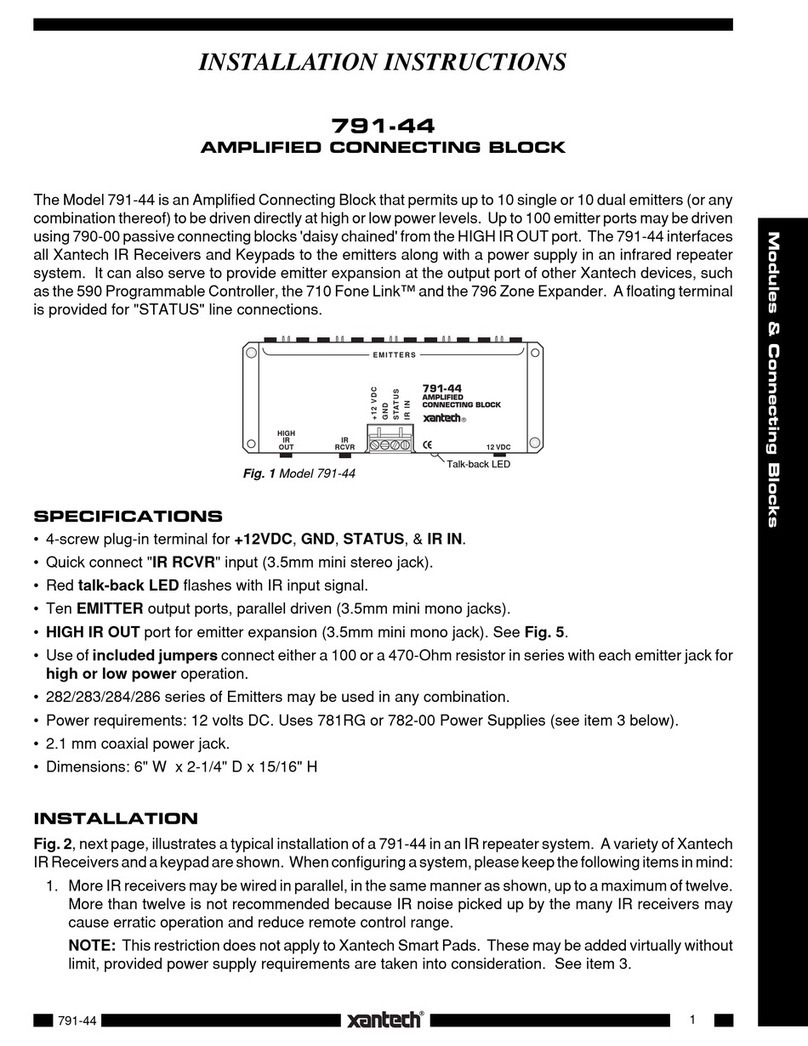
Xantech 791-44 User manual

Xantech

Xantech 791-44 User manual

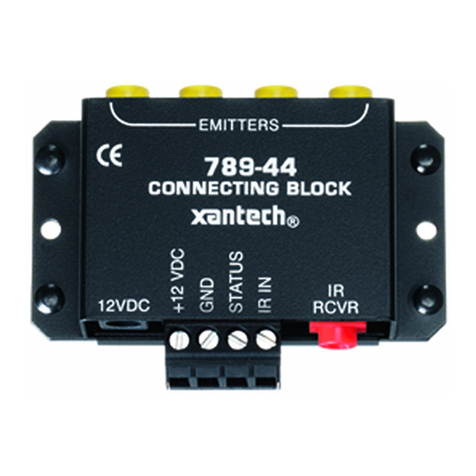
Xantech 789-44 User manual

Xantech

Xantech 789-44 User manual

Xantech HDMI BOOST 50 User manual

Xantech

Xantech HDMI BOOST 50 User manual

Xantech HDMI1X2 User manual

Xantech

Xantech HDMI1X2 User manual

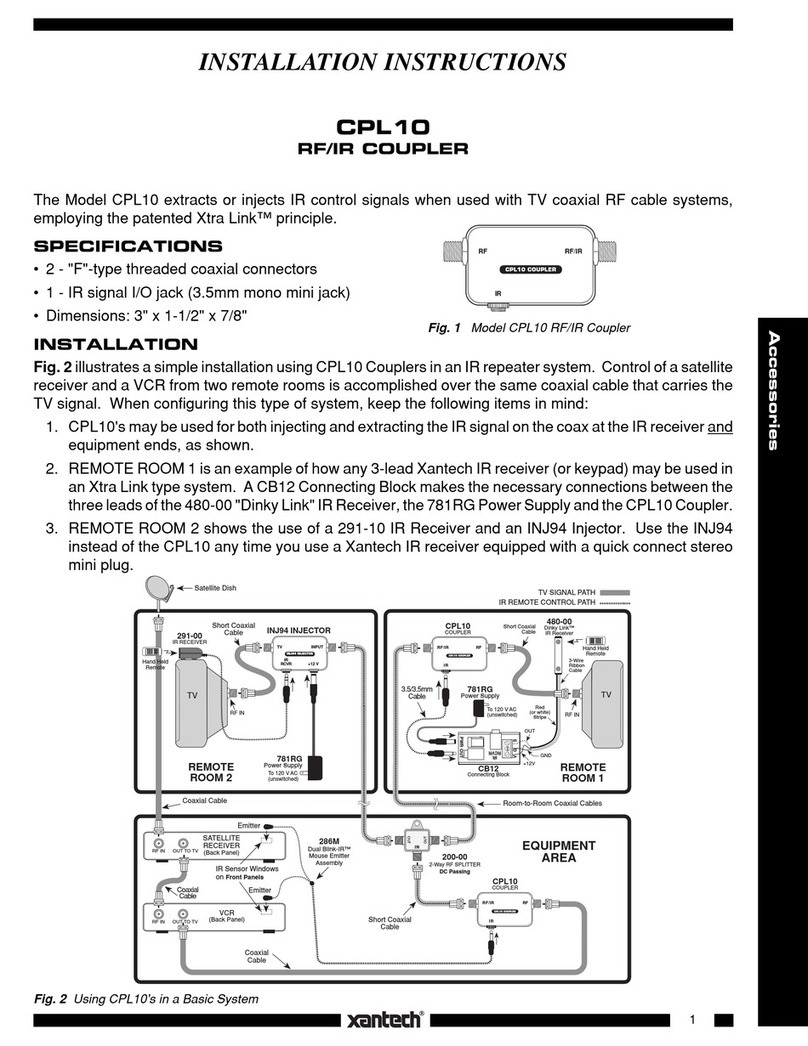
Xantech CPL10 User manual

Xantech

Xantech CPL10 User manual

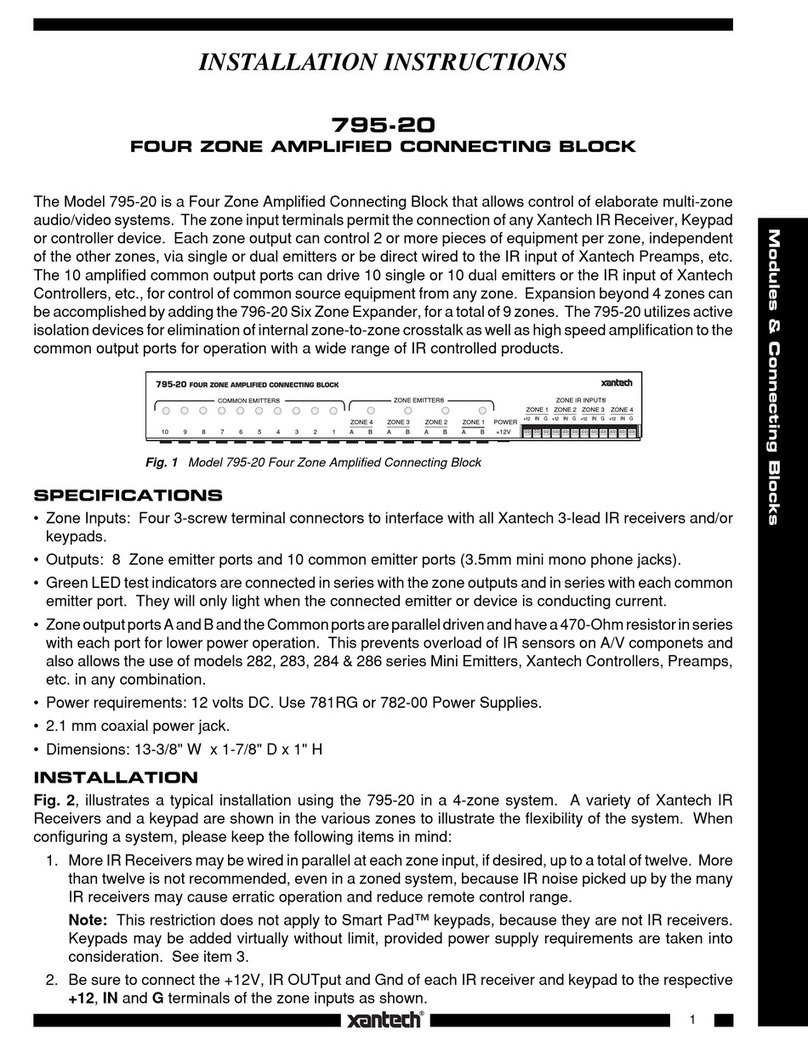
Xantech 795-20 User manual

Xantech

Xantech 795-20 User manual

Xantech HDMI1X4 User manual

Xantech

Xantech HDMI1X4 User manual

Xantech XT-HDBT-SP14-4K-KIT User manual

Xantech

Xantech XT-HDBT-SP14-4K-KIT User manual

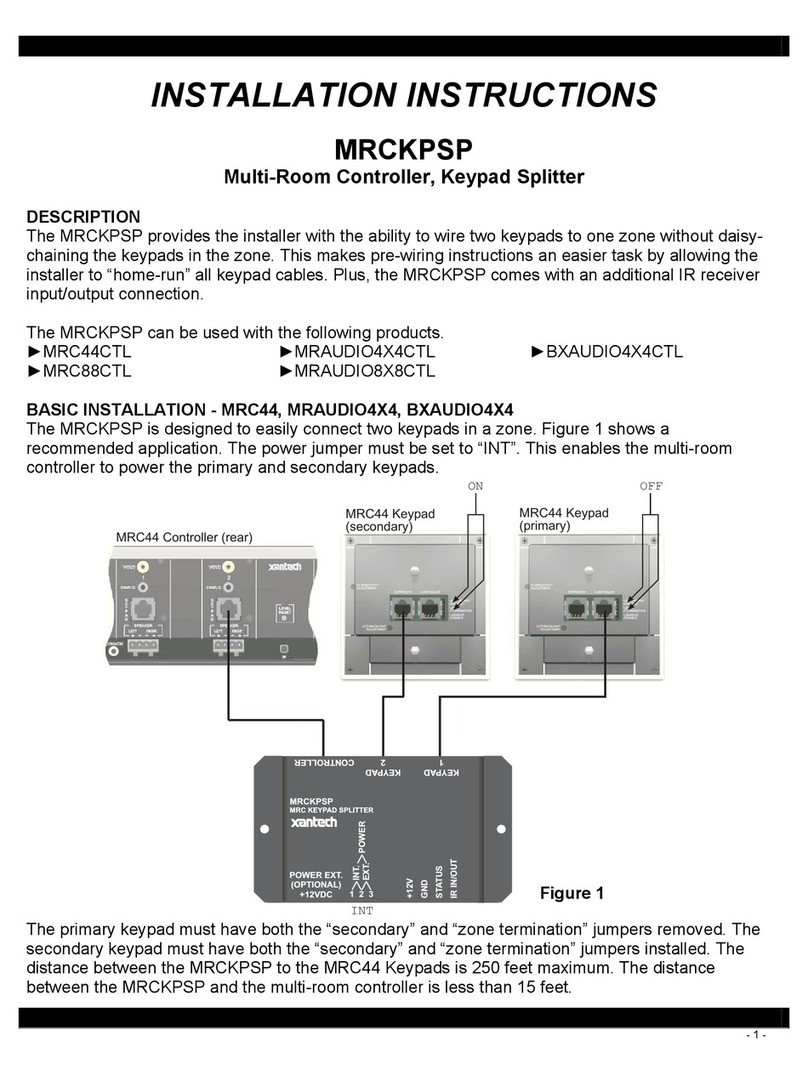
Xantech MRCKPSP User manual

Xantech

Xantech MRCKPSP User manual

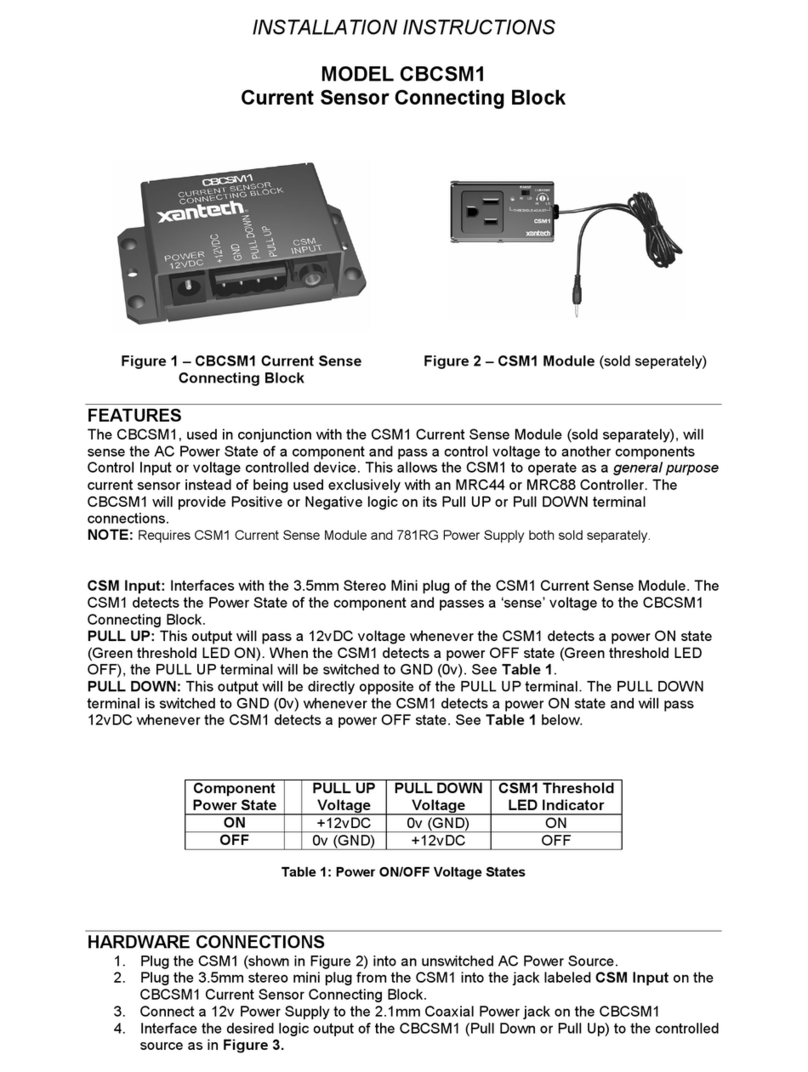
Xantech CBCSM1 User manual

Xantech

Xantech CBCSM1 User manual

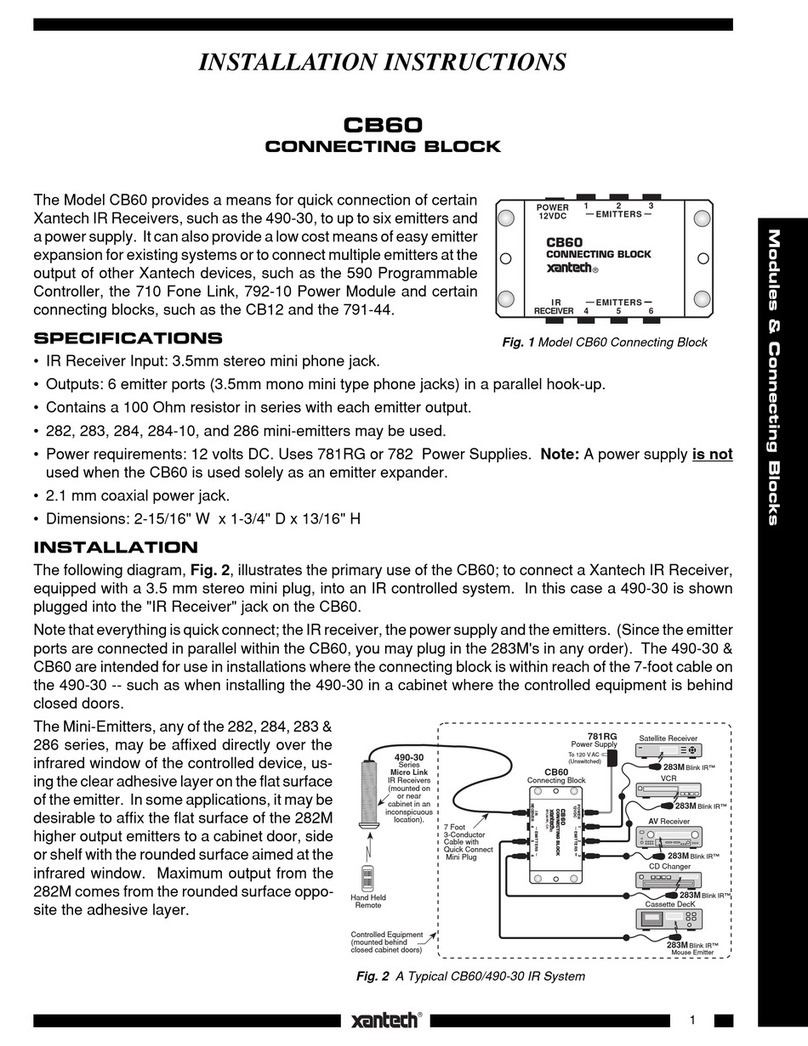
Xantech CB60 User manual

Xantech

Xantech CB60 User manual

Xantech HDMI1X2 User manual

Xantech

Xantech HDMI1X2 User manual

Xantech CB18 User manual

Xantech

Xantech CB18 User manual

Xantech XT-SP12-4K18G User manual

Xantech

Xantech XT-SP12-4K18G User manual

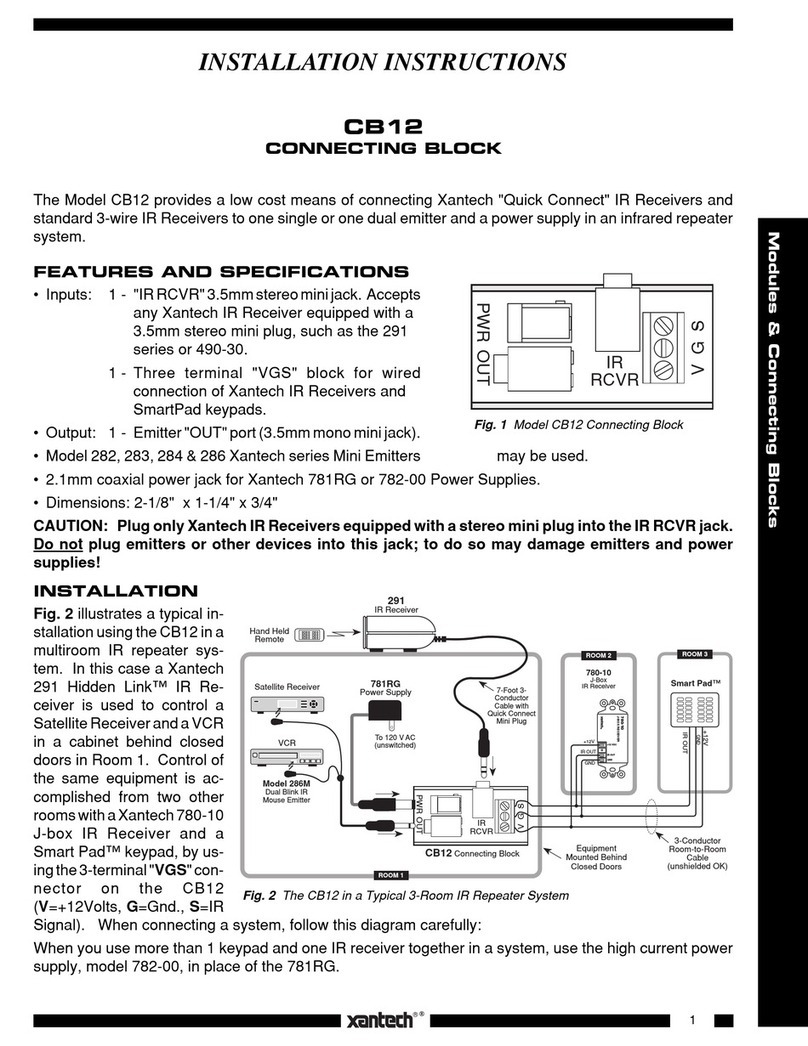
Xantech CB12 User manual

Xantech

Xantech CB12 User manual

Xantech CB20 User manual

Xantech

Xantech CB20 User manual

Xantech 789-44D User manual

Xantech

Xantech 789-44D User manual

Popular Cables And Connectors manuals by other brands

StarTech.com ST124HD20 quick start guide

StarTech.com

StarTech.com ST124HD20 quick start guide

Philips SWV4543S/10 Features

Philips

Philips SWV4543S/10 Features

Larson Electronics 10-50C instruction manual

Larson Electronics

Larson Electronics 10-50C instruction manual

Grip MEK-PM Assembly and operating manual

Grip

Grip MEK-PM Assembly and operating manual

Ultra Products Travel Pack #3 ULT31436 Specifications

Ultra Products

Ultra Products Travel Pack #3 ULT31436 Specifications

Surpass QCH-F Operation manual

Surpass

Surpass QCH-F Operation manual

Philips SWA6310 Specifications

Philips

Philips SWA6310 Specifications

StarTech.com CRJ4550PK quick start guide

StarTech.com

StarTech.com CRJ4550PK quick start guide

Nohau EMUL-IP2K-PC user guide

Nohau

Nohau EMUL-IP2K-PC user guide

Foxun SX-SP144E-HD4K2K operating instructions

Foxun

Foxun SX-SP144E-HD4K2K operating instructions

Philips SWA3305W Specifications

Philips

Philips SWA3305W Specifications

opticis Stretch DVIM1-1P0x user manual

opticis

opticis Stretch DVIM1-1P0x user manual

Volkswagen VAS 6558A operating manual

Volkswagen

Volkswagen VAS 6558A operating manual

NEXIBO N-13 user manual

NEXIBO

NEXIBO N-13 user manual

CYP PU-1H3HBTL Operation manual

CYP

CYP PU-1H3HBTL Operation manual

Allen-Bradley 1784-u2dhp installation instructions

Allen-Bradley

Allen-Bradley 1784-u2dhp installation instructions

Global Caché Flex Link Blaster quick start

Global Caché

Global Caché Flex Link Blaster quick start

Hauppauge USB-Live2 Quick installation guide

Hauppauge

Hauppauge USB-Live2 Quick installation guide

manuals.online logo
manuals.online logoBrands
  • About & Mission
  • Contact us
  • Privacy Policy
  • Terms and Conditions

Copyright 2025 Manuals.Online. All Rights Reserved.

1
Accessories
INSTALLATION INSTRUCTIONS
BYPASS94
IR BYPASS KIT
The BYPASS94 routes Infrared control signals around RF amplifiers and non-DC passing splitters.
10-19-99
Short Coaxial Jumper Cables
CPL10
Couplers
3.5/3.5mm Mono Mini Plug Cable
IR
RF RF/IR
CPL10 COUPLER
IR
RF RF/IR
CPL10 COUPLER
CPL10 COUPLER
IR
RF RF/IR
INOUT
CPL10
3.5/3.5mm Mono
Mini Plug Cable
Coaxial cable
to IR receivers
and TVs
RF Amp
CPL10
Short Coaxial
Jumper Cable
Short Coaxial
Jumper Cable
Coaxial cable
from IR controlled
RF sources
CPL10 COUPLER
IR
RF RF/IR
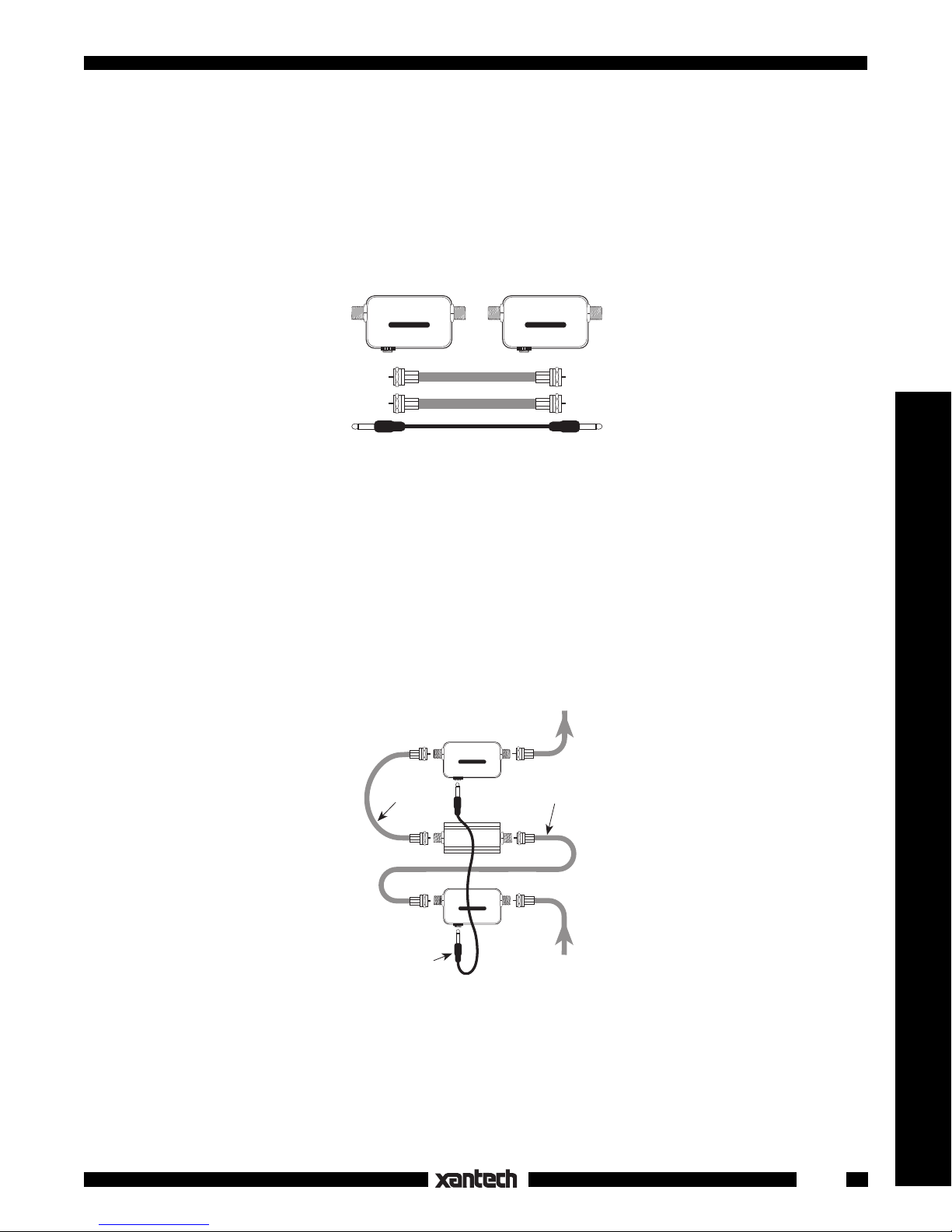
BYPASS94 Kit Parts
The kit includes the following parts:
2- CPL10 RF/IR Couplers
2- Short coaxial jumper cables, with "F" connectors on each end.
1- Connector cable with 3.5mm mono mini plugs on each end.
INSTALLATION
The following diagram illustrates how to connect the kit parts into a coaxial line to route the IR control signal
around an RF amplifier in an RF system.
IMPORTANT: Be sure that the IN and OUT terminals of the RF Amp are connected to the terminals marked
"RF" on the CPL10 Couplers.
Use the same technique to bypass non-DC passing splitters or other RF devices.