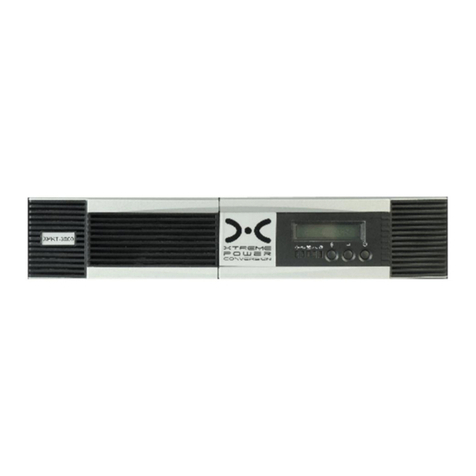
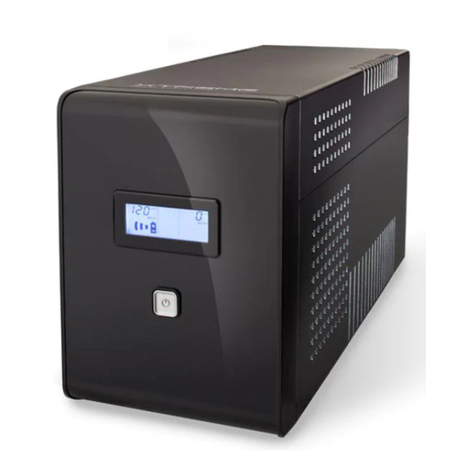
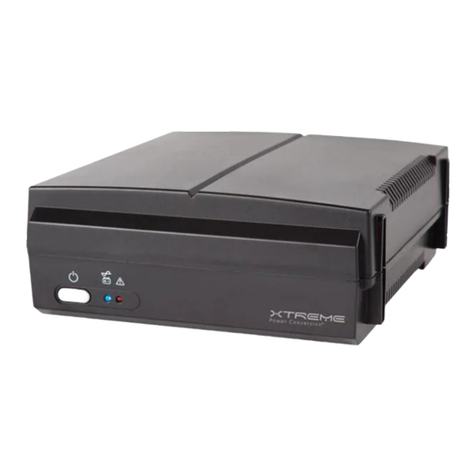
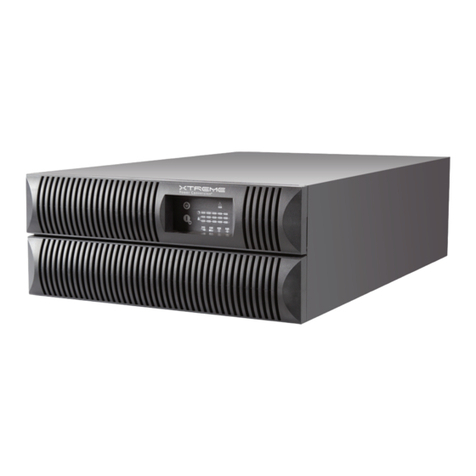
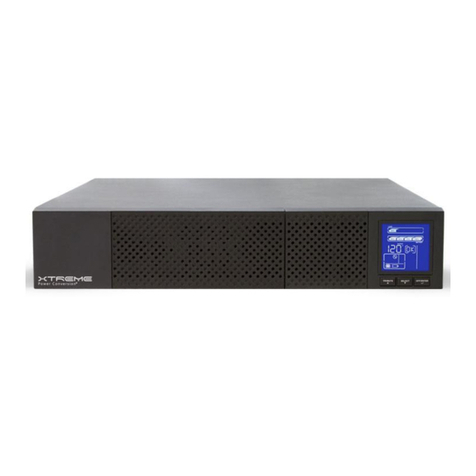
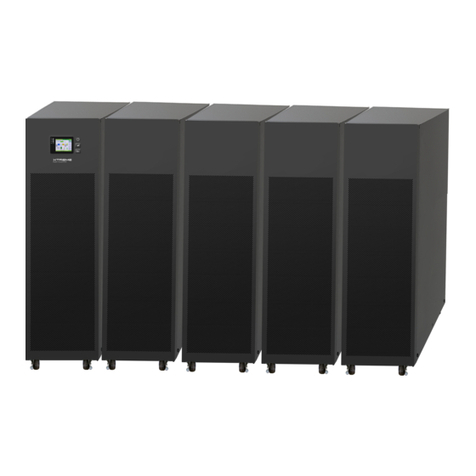
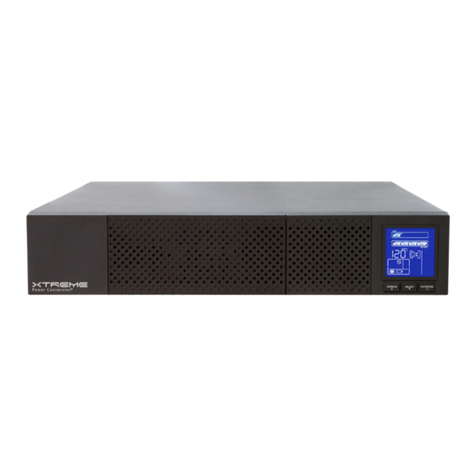
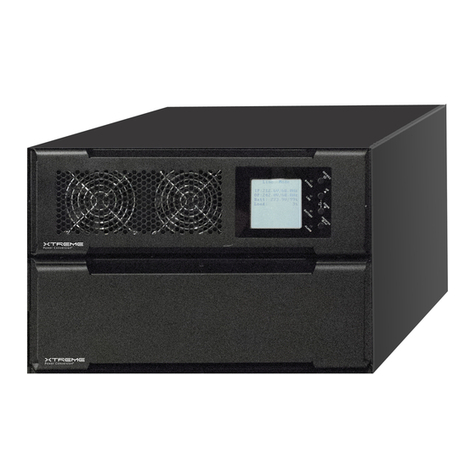
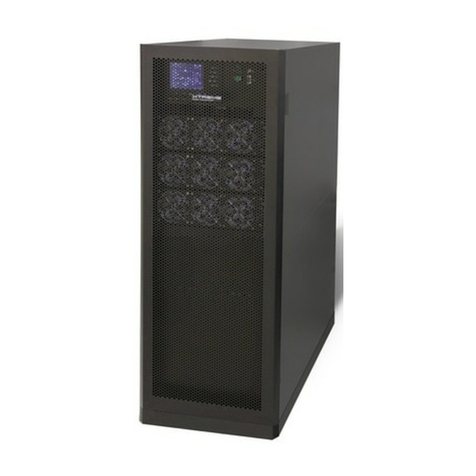
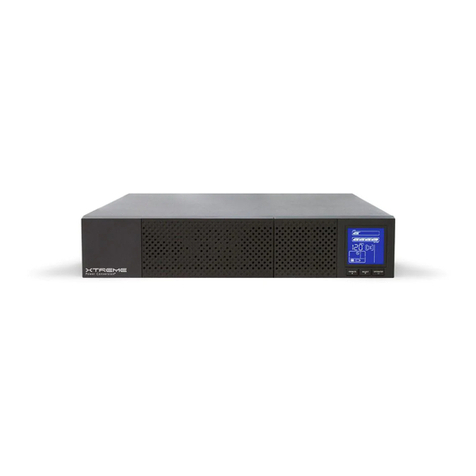
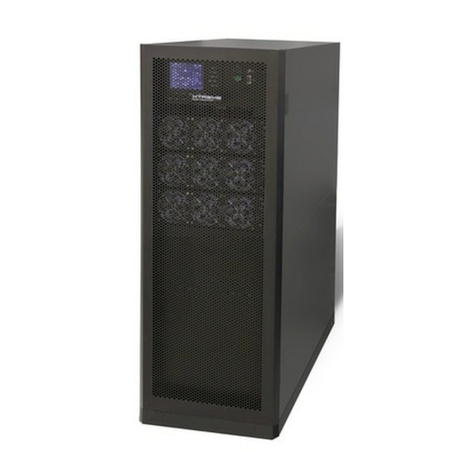
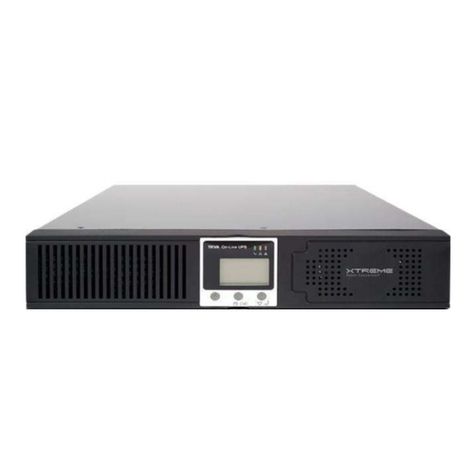
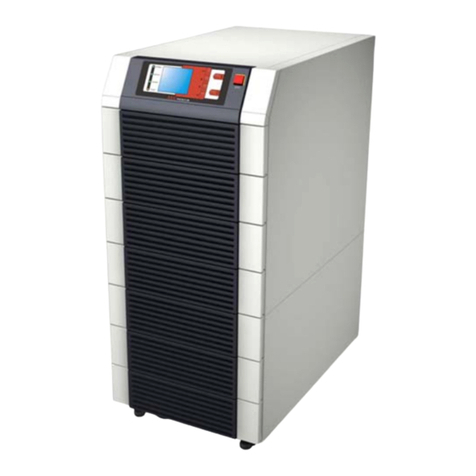
NXRi-6KL, NXRi-10KL USER MANUAL UNINTERRUPTIBLE POWER SUPPLY (UPS)
Xtreme Power Conversion® (XPC) Corporation (Rev 2/7/13) Page 3
LCD Panel: .................................................................................................... 27
Audible Alarms:........................................................................................... 30
UPS Operation......................................................................................................................................... 31
Turn on the UPS with Utility Power (in AC Mode)..............................................................................31
Turn on the UPS without Utility Power (in Battery Mode).................................................................31
Connecting devices to the UPS ...........................................................................................................31
Charging the Batteries ........................................................................................................................ 32
Battery Mode Operation..................................................................................................................... 32
Testing the Batteries ........................................................................................................................... 33
Turn off the UPS with Utility Power in AC Mode ................................................................................33
Turn off the UPS without Utility Power in Battery Mode ...................................................................33
Muting the Buzzer...............................................................................................................................33
Operation in Warning Status ..............................................................................................................33
Operation in Fault Mode..................................................................................................................... 34
Operation of Changing Battery Numbers ...........................................................................................34
Parallel Operation ...................................................................................................................................34
Parallel System Connection ................................................................................................................ 34
Add one new unit into the Parallel System......................................................................................... 35
Remove one unit from the Parallel System ........................................................................................ 35
Abbreviations in LCD Display ..................................................................................................................37
LCD Parameter Settings ..........................................................................................................................38
01: Output Voltage Settings................................................................................................................ 39
02: Output Frequency Settings ........................................................................................................... 39
03: Voltage Range for Bypass.............................................................................................................. 40
04: Frequency Range for Bypass ......................................................................................................... 40