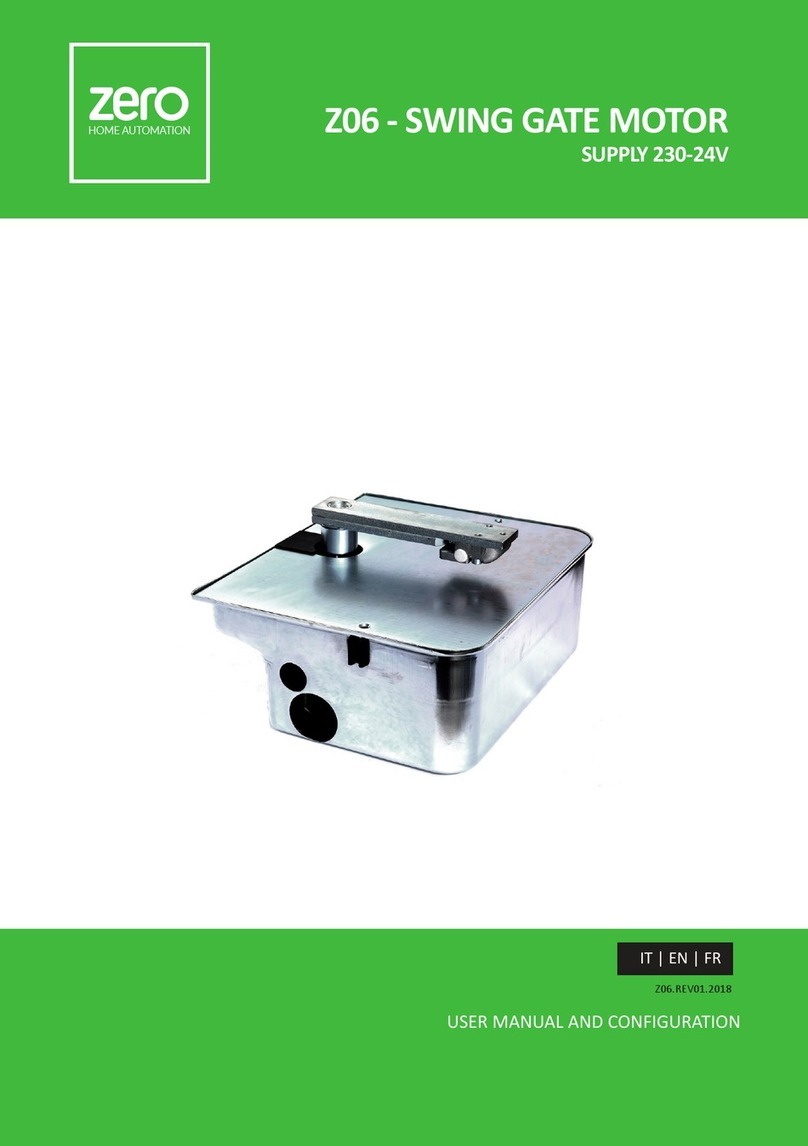
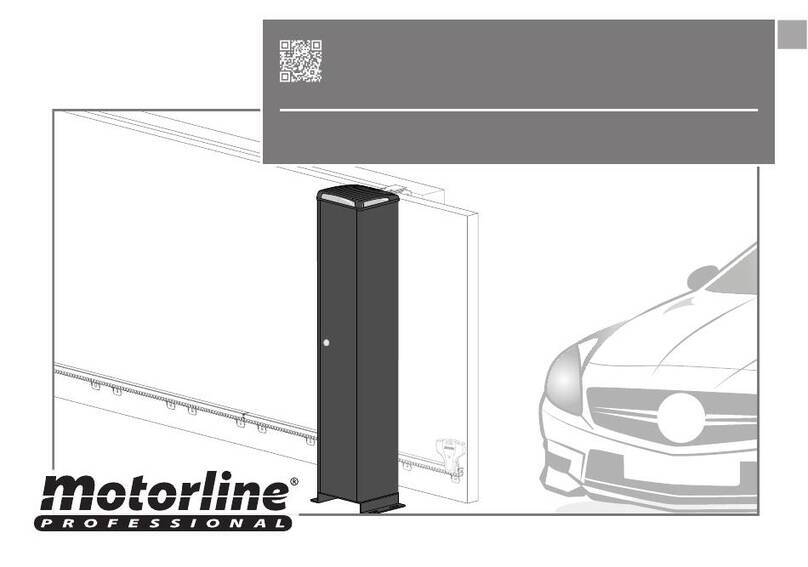
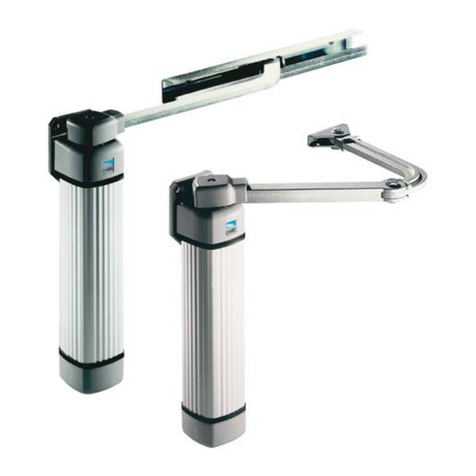
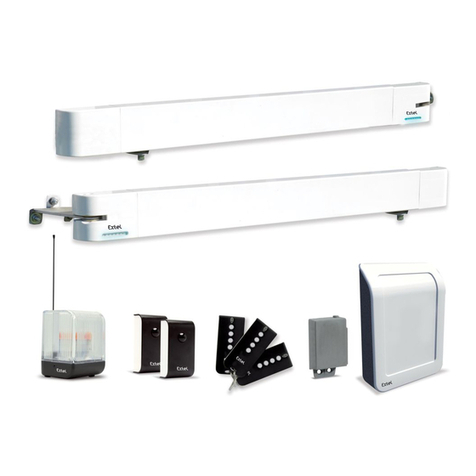
Zero Z01 Series Quick guide

zero
HOME AUTOMATION
Z01 - SLIDING GATE
PG1
USER MANUAL AND CONFIGURATION
Z01.REV01.2018
IT | EN | FR
zero
HOME AUTOMATION Z01 - SLIDING GATE MOTOR
SUPPLY 230-24V

zero
HOME AUTOMATION Z01 - SLIDING GATE
PG2
zero
HOME AUTOMATION

zero
HOME AUTOMATION
Z01 - SLIDING GATE
PG3
INDEX
01. SAFETY INSTRUCTIONS
02. OPERATOR
TECHNICAL SPECIFICATIONS
DIMENSIONS
03. INSTALLATION
INSTALLATION DIMENSIONS
INSTALLATION STEPS
TIPICAL INSTALLATION
04. MAINTENANCE
MANUEL RELEASE
05. TROUBLESHOOTING
01. SAFETY INSTRUCTIONS
ATTENTION:
•To ensure the safety of people, it is important that you read all the following instrucons.
Incorrect installaon or incorrect use of the product can cause physical injury and material
damage.
•Keep these instrucons in a safe place for future reference.
•This product was designed and produced strictly for the use indicated in this manual. Any
other use, not expressly indicated here, could compromise the good condion/ operaon of
the product and/or be a source of danger.
•ZERO SRLS. is not responsible for the improper use of the product, or other use than that
for which it was designed.
•ZERO SRLS. is not responsible if safety standards were not taken into account when instal-
ling the equipment, or for any deformaon that may occur to it.
•ZERO SRLS. is not responsible for the safety and proper operaon when using components
not sold by them.
•Do not make any modicaons to the operator components and / or their accessories.
•Before installaon unplug the automasm from the source of power.
•The installer must inform the client how to handle the product in case of emergency and
provide this manual to user.
•Keep remote controls away from children, to prevent the automated system from being
acvated involuntarily.
•The customer shall not, under any circumstances, aempt to repair or tune the operator
.Must call qualied technician only.
•Connect the automasm to a 230V plug with ground wire.
•Operator for outdoor and indoor use.

zero
HOME AUTOMATION Z01 - SLIDING GATE
PG4
C
A
B
H
L
02. OPERATOR
TECHNICAL SPECIFIATIONS
Z01 specicaons are as follow:
DIMENSIONS
The dimensions of automasm Z01.01 || Z01.02 are the following:
Z01.01 Z01.01.24 Z01.02 Z01.02.24
Power Supply 230Vac 50/60Hz 24Vdc 230Vac 50/60Hz 24Vdc
Power 250W 50W 400W 50W
Current 1,4 A 1-3 A 2A 1-3 A
RPM 1400 2000 1400 2000
Capacitor 10µF - 12.5µF -
Maximum gate weight 600 kg 1000 kg
Force 1200 N 2300 N
Noise level LpA <= 50 dB (A)
Operang temperatures -25°C to 65°C
Thermal protecon 150°C - 150°C -
Protecon class IP44
Working frequence 25% INTENSIVE 25% INTENSIVE
Opening me 10 m/s 12 m/s 10 m/s 12 m/s
Z01.01 Z01.02
A (mm) 170 170
B (mm) 210 210
C (mm) 230 250
L (mm) 70 70
H (mm) 265 280

zero
HOME AUTOMATION
Z01 - SLIDING GATE
PG5
03. INSTALLATION
INSTALLATION DIMENSIONS
During installaon you will need to open the motor cover, to access various components on the
inside. For this, loosen the screw unl the cover is free to be removed.
For correct operaon of the automasm, it is necessary to pay aenon to the dimensions given
in the following images.
On the Illustrated pictures below are the dimensions for the installaon of the automated sy-
stem.
INSTALLATION STEPS
QP
01. Posion the operator 50 mm from the
edge of the gate and perfectly square at an
angle of 90° and mark the place to make
the holes for the bushings. Must make the
mark at the center of the oval holes
02. Drill four holes with Ø18mm on foun-
daon. Place M10 steel anchors on the ho-
les. Align it parallel to the gate leaving a di-
stance of 50 mm and anchor the operator.
03. Mesh the rack with the pinion, leaving 1
to 2 mm backlash between the teeth. This
backlash must remain constant over the
enre length of the rack. Fix / weld the rack
to the gate.
03. Bring the gate to its open posion ma-
nually, stopping at a distance of 3cm from
the mechanical limit stop. Slide the limit
stop bracket along the rack unl causing
the limit stop to trip. Fix the bracket to the
rack with the dedicated screws.Perform
the same operaon for the closing limit
stop.

zero
HOME AUTOMATION Z01 - SLIDING GATE
PG6
It is very important that these dimensions are respected! Only this way can be
assured the correct funconing and durability of the operators!
During the course of the gate, all elements of the rack must mesh properly with
the pinion! All rack supports must be weld at the gate. Do not use mass or other
types of lubricant between rack and pinion!
• FLASH LAMP • ANTENNA • CONTROL
BOARD
• MOTOR • PHOTOCELL • PHOTOCELL • KEY SELEC TOR
TIPICAL INSTALLATION
It is important to use mechanical stoppers in the opening and closing posion of
the gate. If not respected, components of the automaon may suer eorts for
which they were not prepared, and as a result will be damaged.
It is important to use juncon boxes for connecons between motors, components
and control unit. All cables must enter and exit on the boom of the juncon and
control board box.

zero
HOME AUTOMATION
Z01 - SLIDING GATE
PG7
MANUAL RELEASE
To open manually the gate in case of electric power failure or in case of damage, follow the
below steps:
01 • Open the protecon cover to acess the key hole for the release.
02 • Insert the key and turn it 90°.
03 • Pull the lever towards the outside, and you can now open/close the gate manually.
NOTE : So that the automaon will operate normally, close the unlock and turn the key to the
original posion.
Check that the distance between rack and motor remains unchanged and this engages the teeth
of the pinion of the engine correctly (over me can happen some distoron).
Lubricate all systems/axis of movement of the gate. Lightly lubricate with spray the rack and
pinion.
04. MAINTENANCE
Check all screws of the automaon such as the xing plate to the ground, the plates
of the limit switches, motor and the gear rack.

zero
HOME AUTOMATION Z01 - SLIDING GATE
PG8
Problem Procedure Behavior Procedure II
Door doesn’t
work
Make sure you have 230V
power supply connected
to control board and if it
is working properly.
Sll not working. Consult a qualied ZERO
technician.
Motor doesn’t
move but makes
noise
Unlock motor and move
the gate by hand to check
for mechani cal problems
on the movement
Encountered problems? Consult an experienced
gate expert.
The gate moves easily? Consult a qualied ZERO
technician.
Motor opens
but doesn’t
close
Unlock motor and move
the gate by hand to closed
posion.
Lock motor again and turn
o power supply for 5 se-
conds. Reconnect it and
send start signal using
transmier.
Gate opened but didn’t clo-
se again.
Check if there is any obsta-
cle in front of the photo-
cells;
Check if any of the control-
devices (key selector, push
buon, video intercom,
etc.) of the gate are jam-
med and sending perma-
nent signal to control unit;
Consult a qualied ZERO
technician.
Gate doesn’t
make complete
route
Unlock motor and move
ate by hand to check for
mechanical problems on
the gate
Encountered problems? Consult an experienced
gate expert.
The gate moves easily? Consult a qualied ZERO
technician.
05. TROUBLESHOOTING

zero
HOME AUTOMATION
Z01 - SLIDING GATE
PG9
Discovering the origin of the problem
1. Open control board
and check if it has
230V power supply
2. Check input fuses
3. Disconnect the motor
from control board and
test them by connecng
directly to power supply
in order to nd out if they
have problems.
4. If the motor works,
the problem is on the
control board. Pull it out
and send it to our ZERO
technical services for
diagnosis.
5. If the motor doesn’t
work, remove them
from installaon site
and send to our ZERO
technical services for
diagnosis.
Check all moon axis and associated moon systems related with the motor and the gate to nd out
what is the problem.
1. Check capacitors,
tesng operator with
new capacitors;
2. If capacitors are not the
problem, disconnect mo-
tors from control board
and test them by con-
necng directly to power
supply in order to nd out
if they have problems.
3. If the motors work,
the problem is from
control board. Pull it out
and send it to our ZERO
technical services for
diagnosis;
4. If the motors don’t
work, remove them
from installaon site
and send to our ZERO
technical services for
diagnosis
All ZERO control boards have LEDs that indicate the funconing of connecons to allow easy diagnosis
of faults. All safety devices LEDs (DS) in normal situaons remain On. All “START” circuits LEDs in normal
situaons remain O.
If LEDs devices are not all On, there is some security systems malfuncon (photocells, safety edges),
etc.
1 • Close with a shunt all safety systems on the control board (check manual of the control board in
queson). If the automated system starts working normally check for the problemac device.
2 • Remove one shunt at a me unl you nd the malfuncon device .
3 • Replace it for a funconal device and check if the motor works correctly with all the other devices. If
you nd another one defecve, follow the same steps unl you nd all the problems.
1. Check capacitors,
tesng with new ca-
pacitors;
2. If capacitors are not
the problem, discon-
nect motor from con-
trol board and test it
by connecng directly
to power supply in or-
der to nd out if it is
broken;
3. If the motor doesn’t
work, remove it from in-
stallaon site and send to
our ZERO technical servi-
ces for diagnosis.
4. If motor work well
and move gate at full
force during the enre
course, the problem is
from controller. Set force
using P1 buon on the
board. Make a new wor-
king me programming,
giving sufcent me for
opening and closing with
appropriate force.
5. If this doesn’t work,
remove control unit and
send it to ZERO techni-
cal services services.
Check all moon axis and associated moon systems related with the motor and the gate to nd out
what is the problem.
NOTE: Seng force of the controller should be sufcient to make the gate open and close without stop-
ping, but should stop and invert with a lile eort from a person. In case of safety systems failure, the gate
shall never cause physical damaged to obstacles (vehicles, people, etc.).

zero
HOME AUTOMATION Z01 - SLIDING GATE
PG10
NOTE:
_____________________________________________________________________
_____________________________________________________________________
_____________________________________________________________________
_____________________________________________________________________
_____________________________________________________________________
_____________________________________________________________________
_____________________________________________________________________
_____________________________________________________________________
_____________________________________________________________________
_____________________________________________________________________
_____________________________________________________________________
_____________________________________________________________________
_____________________________________________________________________
_____________________________________________________________________
This manual suits for next models
4
Table of contents
Other Zero Gate Opener manuals