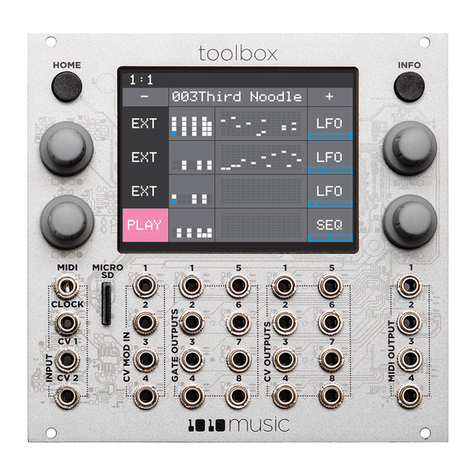
Toolbox User Manual v 2.1.2
5/5/2021 4:50:00 PM P. 3
Copyright 1010music LLC 2021
Load a CV WAV file using a CREC Cell ..................................................................................................................................... 29
Play Back a CV WAV File Using a CPLY Cell.................................................................................................................................. 29
To Create a CPLY cell:.............................................................................................................................................................. 29
Load a WAV File into a CPLY Cell............................................................................................................................................. 31
Use an Additional CPLY Output Cell (OUT) for Multi-Channel Playback ..................................................................................... 31
Apply Modulation ........................................................................................................................................................................... 32
Advanced Sequence Editing............................................................................................................................................................ 33
Event Probability and Velocity.................................................................................................................................................... 33
Edit Velocity and Probability for Gate or Note Events............................................................................................................ 33
Move Notes Off the Step Grid: ............................................................................................................................................... 33
Use Modulation to Change Layers of a Cell ............................................................................................................................ 33
Keys Screen..................................................................................................................................................................................... 34
Song Screen .................................................................................................................................................................................... 35
To Toggle Song Mode: ............................................................................................................................................................ 35
Record and Play Song Sections ................................................................................................................................................... 35
To Record a Song Section:....................................................................................................................................................... 35
To Play Song Sections: ............................................................................................................................................................ 35
To Edit Song Sections:............................................................................................................................................................. 36
To Reorder Song Sections: ...................................................................................................................................................... 36
To Change the Tempo of a Song: ............................................................................................................................................ 36
To Add Swing to a Song: ......................................................................................................................................................... 37
Synchronizing with Other Instruments ........................................................................................................................................... 38
Preset Management ....................................................................................................................................................................... 39
Select a Preset ............................................................................................................................................................................ 39
Save a Preset............................................................................................................................................................................... 39
Copy a Preset.............................................................................................................................................................................. 39
Rename a Preset......................................................................................................................................................................... 39
Delete a Preset............................................................................................................................................................................ 39
Use “Save As” to Save Current Changes to a Preset as Another Preset...................................................................................... 40
Series Compatibility ........................................................................................................................................................................ 41
Update Firmware and Manage Preset and WAV Files .................................................................................................................... 42
Install New Firmware.................................................................................................................................................................. 42
Backup and Restore Your Presets ............................................................................................................................................... 42
Manage WAV files and Preset files ............................................................................................................................................. 42
Technical Specs............................................................................................................................................................................... 43
Module Specs.............................................................................................................................................................................. 43
Pin Mapping for Mini TRS Audio Jack to MIDI 5 Pin DIN Connectors.......................................................................................... 43