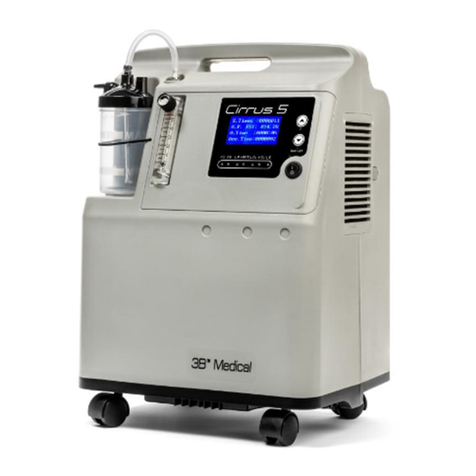
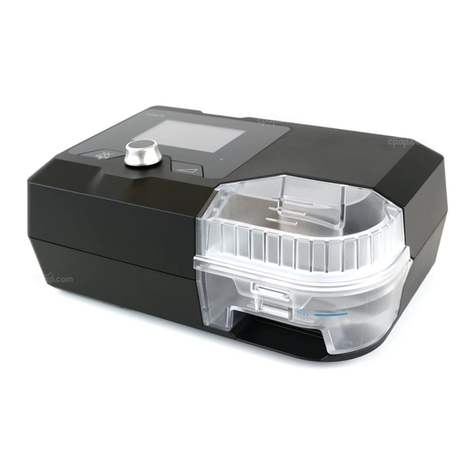
Tips for Optimal Performance of the Stratus 5
• The Stratus 5 should remain upright during use and storage.
• The Stratus 5 should be operated in a clean environment. Excessive dust and moisture can
aect optimal performance.
• Environmental temperatures for operation should remain between 50°F and 99°F. •
• The Stratus 5 should not be moved while in operation.
• The Stratus 5 should not be turned on with the ow meter turned o or less than “0”.
• The Stratus 5 will make an exhaust sound while in operation.
• The Stratus 5 will vent hot air from the bottom of the unit; please do not block the vent.
Blocking the vent increases risk of re.
• The Stratus 5 should be used for 30+ minutes at each session.
Running the concentrator for short bursts can damage the components over time.
• Do not use the Stratus 5 if the power cord is damaged, the concentrator has fallen or has been
submerged in water.
• If any of the above occurs, the unit is working incorrectly or abnormally, please contact your
DME or home health company.
• Do not move the Stratus 5 by pulling the power cord.
• Do not insert foreign objects into any openings.
• Do not block inlets, vents or exhaust ports of the Stratus 5.
• Do not place the Stratus 5 on soft surfaces such as beds, sofas, blankets or cushions, this is a
re hazard.
• Do not overll the humidier water bottle. This may cause water to enter the cannula or oxygen
outlet port.
• Please place the Stratus 5 at least 15 inches away from walls, curtains and other solid surfaces.
• Do not stack objects on top of the Stratus 5.
• Do not use parts, accessories, or equipment not approved by 3B MEDICAL, INC.
• Do connect the concentrator in parallel or series with other oxygen concentrators or
oxygen therapy devices.
• Only use the Stratus 5 power cord made specically for this device.
• Oxygen therapy is a prescription. Flow rates are patient specic. Please do not change your ow
without consulting your physician.
• This machine is designed to supplement oxygen, not for rst aid or to sustain life.
v2.1 STR1005 User Manual
5