manuals.online logo
Brands
  1. Home
  2. •
  3. Brands
  4. •
  5. ABB
  6. •
  7. Home Automation
  8. •
  9. ABB ABB-free home User manual

ABB ABB-free home User manual

Other manuals for ABB-free home

2

Other ABB Home Automation manuals

ABB free@home BI-F-2.0.x2 User manual

ABB

ABB free@home BI-F-2.0.x2 User manual

ABB ABB-free home User manual

ABB

ABB ABB-free home User manual

ABB Video kit User manual

ABB

ABB Video kit User manual

ABB AccessControl User guide

ABB

ABB AccessControl User guide

ABB UniGear Digital User manual

ABB

ABB UniGear Digital User manual

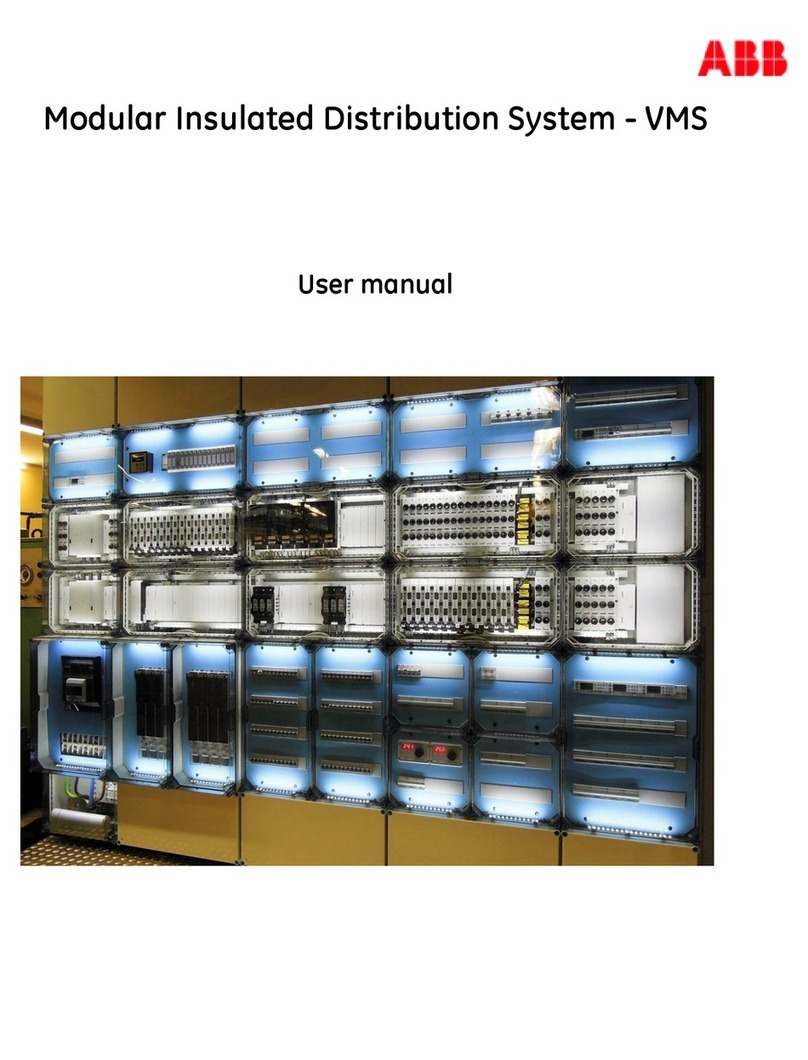
ABB VMS User manual

ABB

ABB VMS User manual

Popular Home Automation manuals by other brands

Elko RF KEY manual

Elko

Elko RF KEY manual

Truth Hardware Sentry II installation instructions

Truth Hardware

Truth Hardware Sentry II installation instructions

FIBARO FGWPA-111 user manual

FIBARO

FIBARO FGWPA-111 user manual

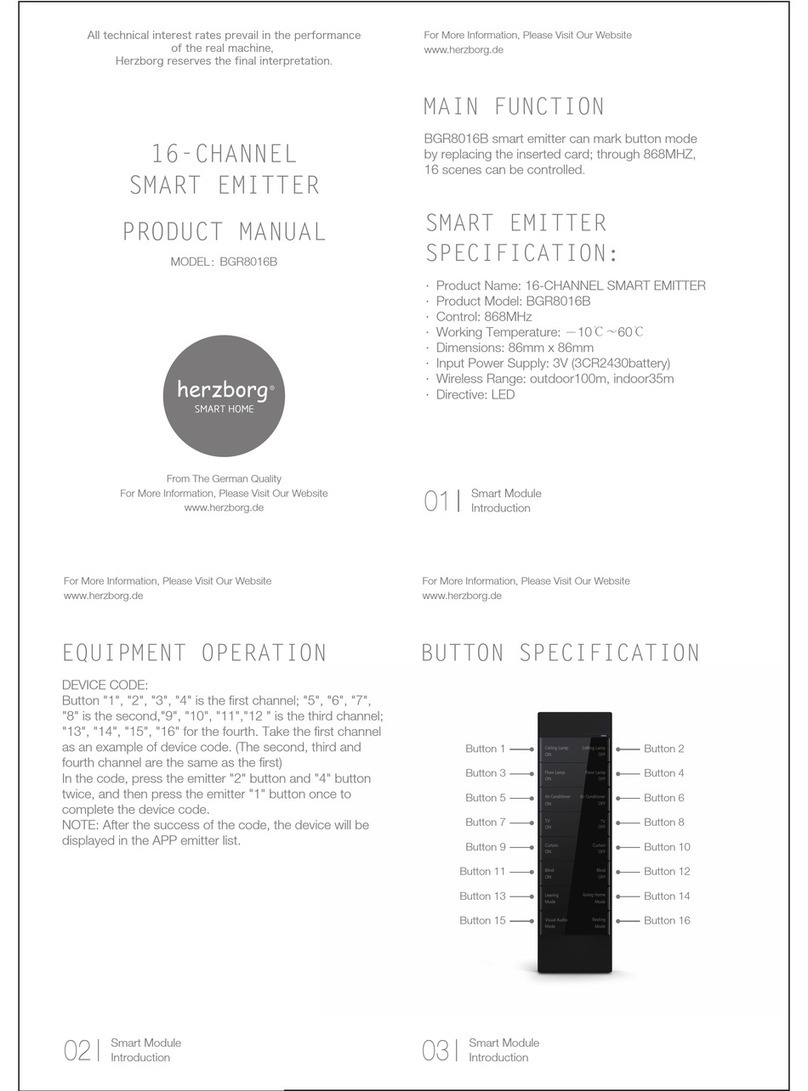
Hezborg BGR8016B product manual

Hezborg

Hezborg BGR8016B product manual

MYDLINK Pro Series Quick installation guide

MYDLINK

MYDLINK Pro Series Quick installation guide

EVERSPRING AN180 manual

EVERSPRING

EVERSPRING AN180 manual

Panasonic KX-HNA101FX installation guide

Panasonic

Panasonic KX-HNA101FX installation guide

Coltech 18-1339 Original instructions

Coltech

Coltech 18-1339 Original instructions

nedis WIFILRF10C37 quick start guide

nedis

nedis WIFILRF10C37 quick start guide

Veho TA45 manual

Veho

Veho TA45 manual

Nexa ZPR-111 manual

Nexa

Nexa ZPR-111 manual

Leviton 47604-F6 installation instructions

Leviton

Leviton 47604-F6 installation instructions

IDS NXT vegas Hardware description

IDS

IDS NXT vegas Hardware description

Vimar 03975 user manual

Vimar

Vimar 03975 user manual

iNels RFIM-20B manual

iNels

iNels RFIM-20B manual

EVA Logik ZW30 manual

EVA Logik

EVA Logik ZW30 manual

Leviton ODCØP-S0W installation instructions

Leviton

Leviton ODCØP-S0W installation instructions

Vertilux VTi CELTIC DC Programming instructions

Vertilux

Vertilux VTi CELTIC DC Programming instructions

manuals.online logo
manuals.online logoBrands
  • About & Mission
  • Contact us
  • Privacy Policy
  • Terms and Conditions

Copyright 2025 Manuals.Online. All Rights Reserved.

ABB-free@home®
Quick Start Guide – ZH, EN
NOW ALSO
WIRELESS
02 | free@home
1. 前提:
1. Requirements
交流电路示例
借助交流电路简要阐述系统投入运行的方
法。交流电路的最低要求如上图所示。
提示:必须根据下文编程安装并连接设
备!
Example of 2-way circuit
How the system is to be made opera-
tional will be demonstrated briefly by
means of a 2-way circuit. For the mini-
mum requirement of a 2-way circuit see
the above graphics. Note: The devices
must have been installed and con-
nected for the subsequent programming
process!
Wired communication
Sensor
Sensor
PS
System
Access
Point
Two-wire bus cable
230 V cable
Power
supply
ABB-
free@home-
Touch
SmartphoneTablet
Valve drive
with battery
Window
contact
Sensor/actuator unit
Actuator
Sensor/actuator unit
Wireless communication
提示
对于无线设备,也可以通过分机输入端及
常规开关实现换向电路。
Note
For the wireless devices the two-way
circuit can also be implemented via the
extension unit input with a conventional
switch.
free@home | 03
2. 接通电压
2. Intrusion voltage
1. 接通 System Access Point 电流。
必须激活接入点模式(左侧 LED 亮起
-> 否则,请按下左侧按键)。
1. Energize the System Access Point.
The access point mode must be
activated (left LED lights up ->
otherwise press the left button).
04 | free@home
2. 连接终端设备和 System Access
Point 的 WLAN (SSID: SysAPXXXX)
。输入密码 -> 参见 System Access
Point 内侧压印内容(电源)。(为
此,打开罩子)
2. Connect the terminal device with the
WLAN of the System Access Point
(SSID: SysAPXXXX). Enter the pass-
word -> see text on the interior side
of the System Access Point (open the
cover).
free@home | 05
2. 接通电压
2. Intrusion voltage
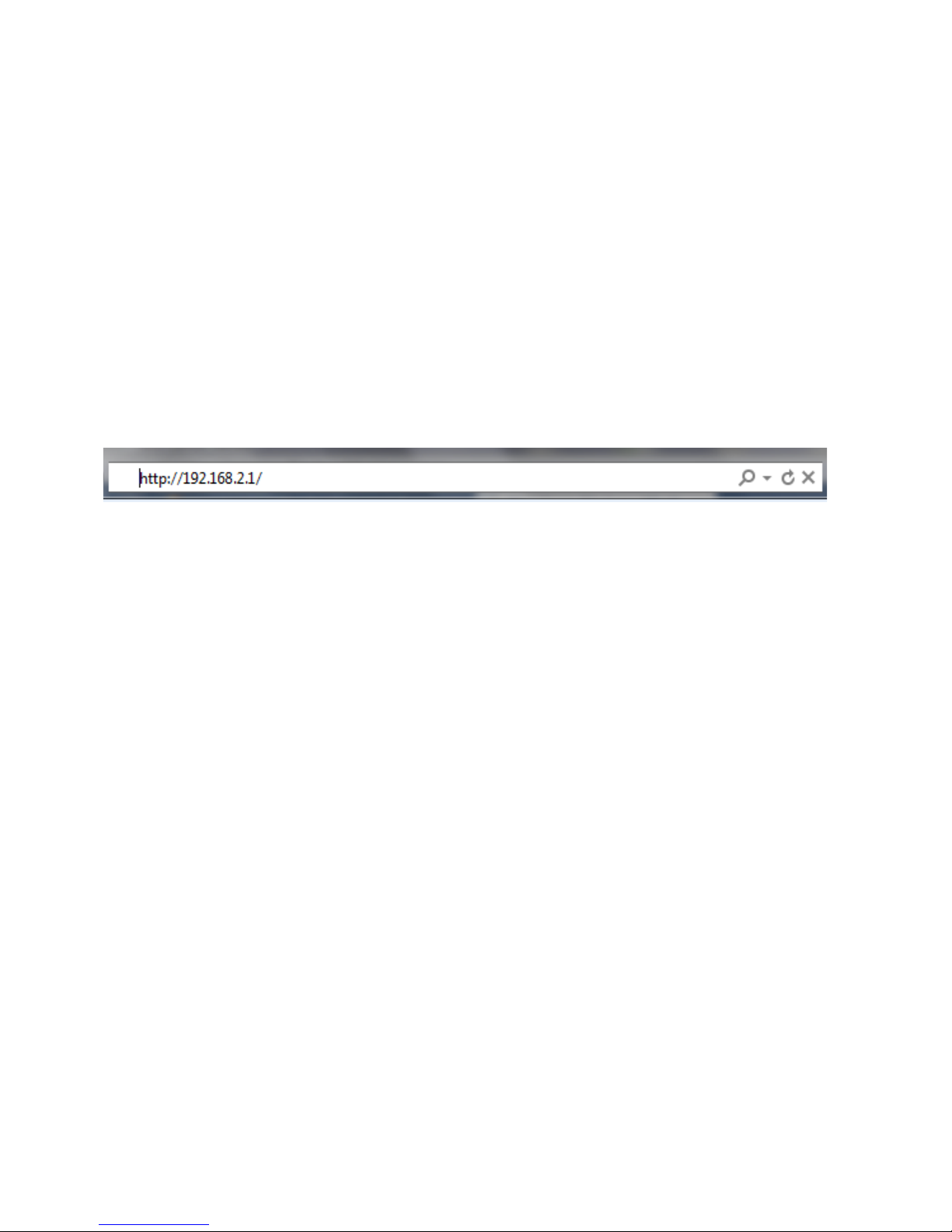
3. 打开互联网浏览器。在浏览器地址栏内
输入 “IP 192.168.2.1”。
3. Open the Internet browser. Enter
„IP 192.168.2.1“ in the address line
of the browser.
06 | free@home
4. 连接 System Access Point。
提示:如果客户设备中配有 System
Access Point,则应将其连入客户网
络!
4. The connection to the System Access
Point has been established.
Note: If the System Access Point re-
mains in the system of the customer,
it should be integrated into t
he customer‘s network!
free@home | 07
3. 接入无线设备
3. Integrating wireless devices
1. 接通 free@home 无线设备的电源电压
à设备现处于示教模式 30 分钟
2. 钟2. 在 System Access Point 用户界
面上选择“系统设置
-> free@home 无线 -> 查找设备”
àSystem Access Point 现在依次扫描所
有 free@home 无线信道。处于示教模
式下的设备将自动连入系统。在找到最
后一个设备后,扫描过程还将持续 10
分钟。
3.在用户界面上的“设备列表”中列出已
连入的设备。按照序列号检查是否已找
到所有安装的设备。
4.如有未找到的设备,则其可能未处于示
教模式。原因可能是
a. 示教时间已结束
b. 该设备已与另一系统匹配
将该设备复位至出厂设置,并重启扫描
过程
复位至出厂设置
1. 将 free@home 无线设备断电
2. 按住左下按键
3. 重新接通设备电流
àLED 慢闪 10 秒,再快闪 5 秒,然后
熄灭
à已恢复出厂设置,可以重新示教该设备
注释: 释不得将已处于出厂状态的设备
再次复位。LED 在步骤 3 中保持关闭状
态。
提示: 我们将不断完善 free@home,以便
为您提供新功能或排除故障。
请访问 www.busch-jaeger.com 获取最
新更新,或者访问 my.abb-livingspace.
com 注册您的系统,即可自动告知您新的
软件更新,并获得免费测试 free@home
远程访问一个月的机会。
08 | free@home
1. Switch on the mains power supply of
the free@home wireless devices
àThe devices are now in programming
mode for 30 minutes
2. In the user interface of the System
Access Point select „System settings
-> Search for free@home wireless ->
devices“
àThe System Access Point now consec-
utively scans all free@home wireless
channels. Devices that are in program-
ming mode are integrated automati-
cally into the system. The scanning
process ends 10 minutes after the last
device has been found.
3. Integrated devices are listed in the
„Device list“ of the user interface. Use
the serial numbers to check whether
all installed devices have been found.
4. If a device has not been found, it may
not have been in programming mode.
The reason for this could be that
a. the programming time has expired
b. the device has already been coupled
with a different system
Reset the device to the factory settings
and start a new scanning process
Resetting to factory setting
1. De-energize the free@home wireless
device
2. Keep the button at the bottom left
pressed
3. Re-energize the device
àThe LED flashes slowly for 10 sec-
onds, then fast for 5 seconds and
then goes out
àThe factory settings have been
restored and the device can now be
programmed again
Note: Devices which are already in fac-
tory settings are not reset again. The
LED remains out in step 3.
Note: The development of free@home
is continuous in order to offer you new
functions or to rectify errors.
Pay us a visit at www.busch-jaeger.com
to inform yourself about current updates,
or register your system at my.abb-living-
space.com to be automatically informed
about new software updates and to test
the free@home remote control for one
month at no charge.
free@home | 09

4. 注册
4. Registration
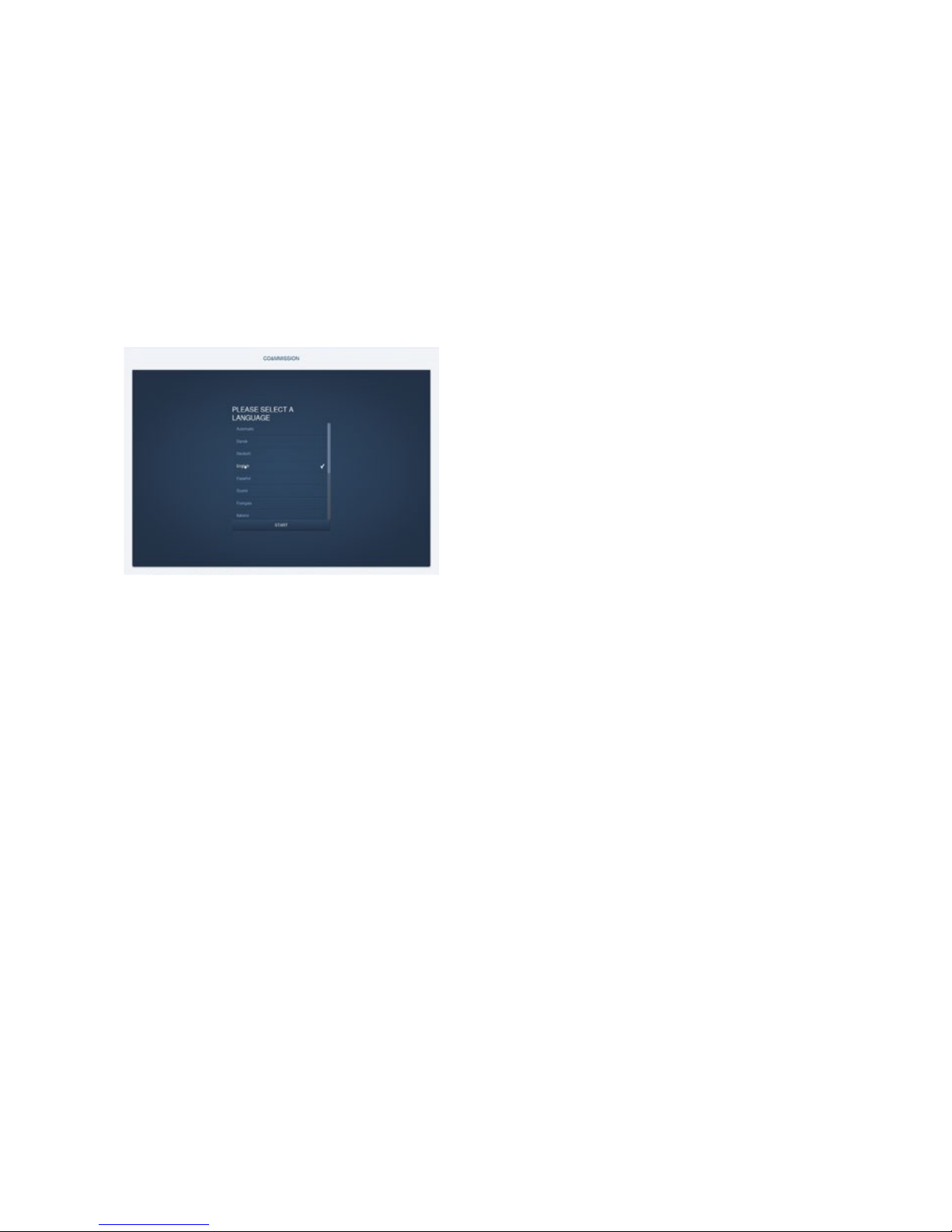
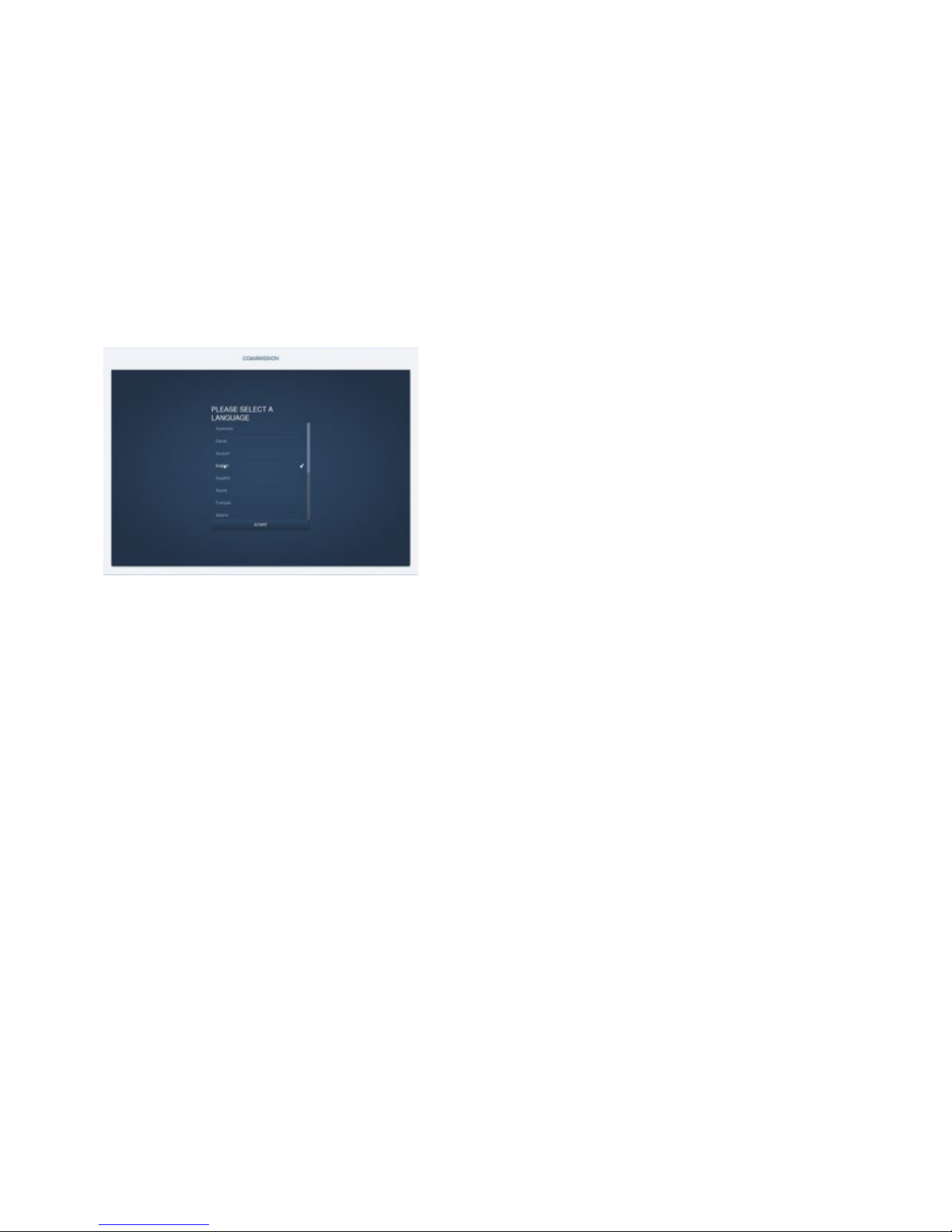
首次调试时,必须输入基本数据:
- 语言
- 位置
- 日期/时间
- 用户名/密码
- 安装名称
注意!创建用户权限
The basic data must be entered during
initial commissioning:
- Language
- Site
- Time / Date
- User name / Password
- Name of installation
Attention! Create user access.
10 | free@home