AM8040 Precision Thermometer User’s Guide
Page 5
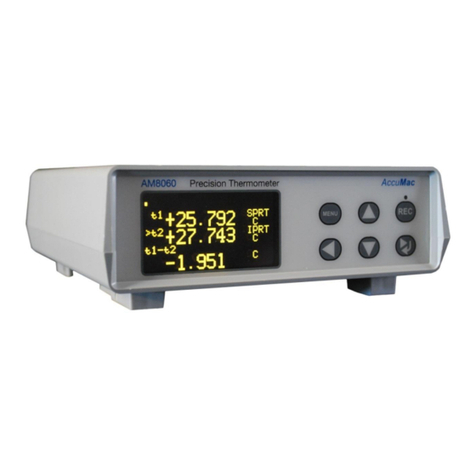
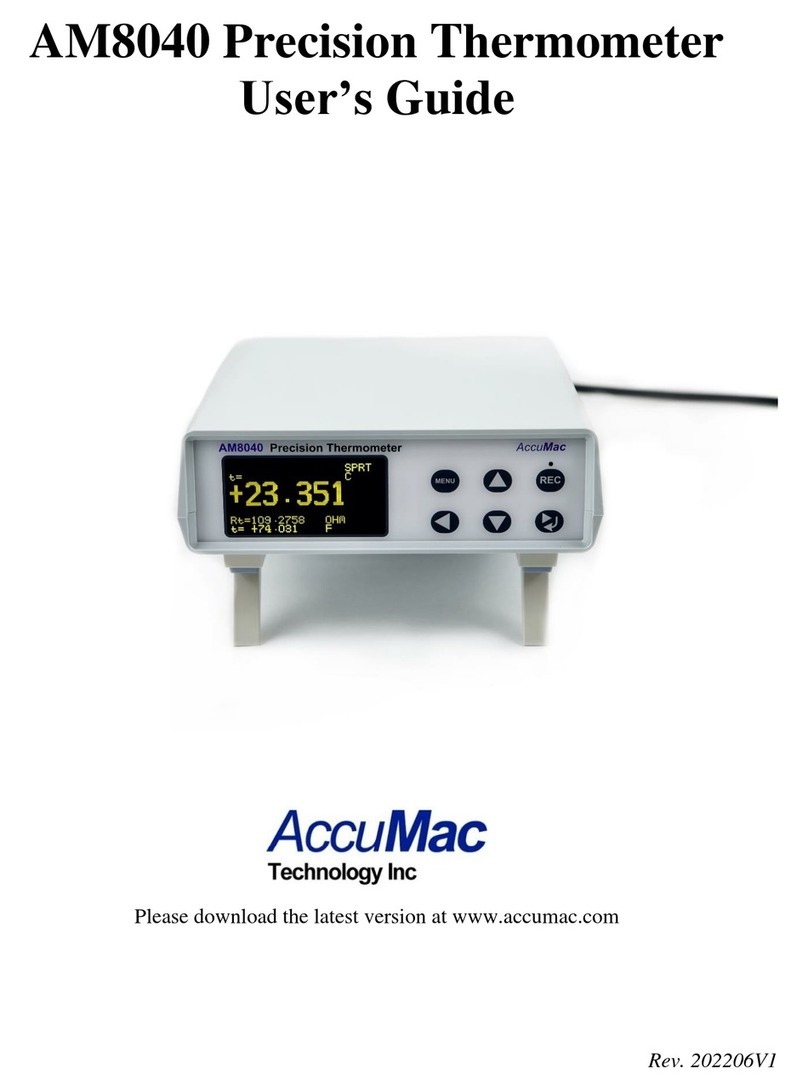
Line1 is the instrument’s interface status, including USB flash
drive, wireless communication status and USB to computer
interface status. If “Udr”is displayed, it means that a flash flash
drive is connected to the Host USB interface; if “ZB-xx”is
displayed, where “xx” are numbers, it means Zigbee wireless
data capturing is working; if the display shows“USB”on the
top line, it informs the user that AM8040 is connected to a
computer’s USB interface.
The “t=” at Line2 shows the measured temperature of the sensor.
The“IPRT” at the end of the Line2 tells the type of sensor of
sensor. AM8040 supports two types of sensors. “SPRT”
indicates a 25Ωor 100 Ωstandard platinum resistance
thermometers with α=0.003925. “IPRT” indicates a 100Ω
industrial platinum resistance thermometer with α=0.00385. The
“C” is displayed at end of Line2, it means the temperature is
measured is in Celsius degree.
Line3 shows the sensor resistance. Line 4 shows the temperature
in Fahrenheit degree.
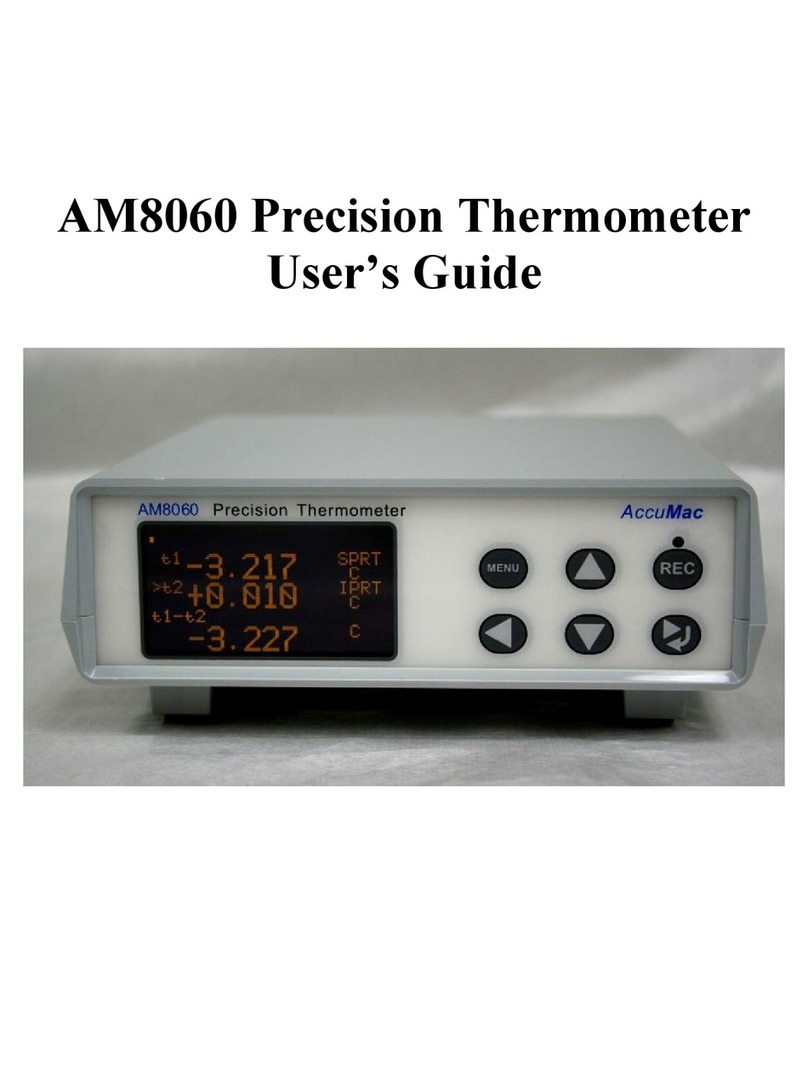
AM8040 has three display pages of the measured data and these
pages can be scrolled to show different information. The above
sample is page1. The third page shows the resistance of the
sensor. The second page is the combination of page1 and page3.
User can scroll up and down these three pages by pressing or
key.
The menu key
and return/right shift key can be used for
sensor selections and parameter adjustments. The flash drive
recording start/stop key
can be used for data saving to flash