Standalone NVR Quick Installation Guide 5
RACKMOUNT THE UNIT
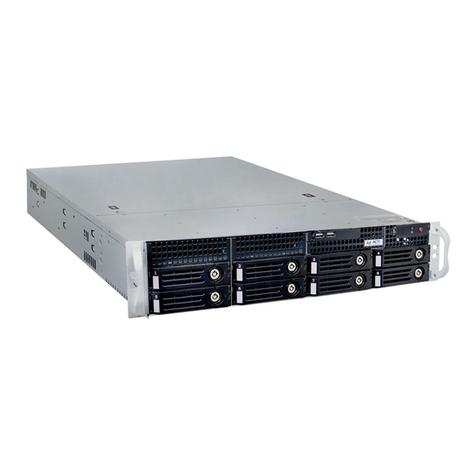
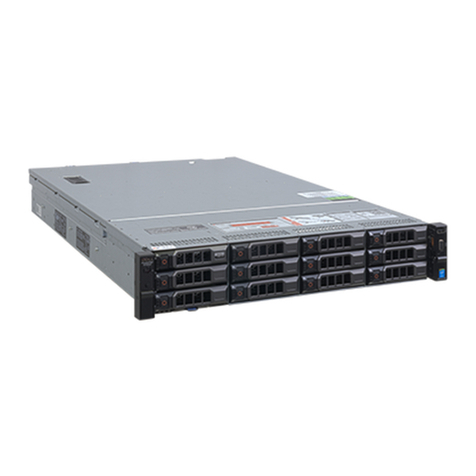
This unit is designed to be mounted on a standard server rack, which occupies
2U(3.5″)ofverticalspace.Installthisunitintotherackwiththesuppliedrail
kit using the screws provided.
HARD DISK INSTALLATION
REMOVE THE TRAY
Step 1
Press the key lock, and
the hinge tab will pop
out by itself.
Step 2
Hold the tab lever and
pull out the empty tray.
Make sure this unit is
turned off, and insert
the hard disks into the
disk bays following
the sequence of slot
numbers shown on the
back of Smart Panel.
Step 1
Loosen the screws locked on
both rails.
Step 2
In the rack, adjust the rails’ length to
make them align with the holes on the
posts, and use eight screws to secure
them onto the front and rear posts.
Tighten the screws loosen from
Step 1
ontherailstoxtheirlength.
Step 3
Put the unit atop the shelf surface,
and use two screws to secure it
to both front posts.