–7–
✱177 DEVICE DURATION 1, 2
(used in *80 Menu mode-Device Actions 5/6) [0] [0]
1 2
0 = 15 seconds 6 = 2-1/2 min #+11 = 7 min
1 = 30 seconds 7 = 3 min #+12 = 8 min
2 = 45 seconds 8 = 4 min #+13 = 10 min
3 = 60 seconds 9 = 5 min #+14 = 12 min
4 = 90 seconds #+10 = 6 min #+15 = 15 min
5 = 2 minutes
SYSTEM OPTIONS *180-*181
✱180 SINGLE ZONE BYPASS [0] 0 = disable; 1 = enabled
✱181 50/60 HERTZ AC OPERATION [0] 0 = 60 Hz; 1 = 50 Hz
✱182 CONFIGURABLE ZONE TYPE 90
12345678910
Make the appropriate entry for each digit, 1-10, based on the charts provided on the
next page. Each digit’s entry is the sum of the values of its selected options
(0-9, #+10=10, #+11=11, #+12=12, #+13=13, #+14=14, #+15=15).
UL: Do not configure zones as a fire alarm or UL burglar alarm zone.
✱183 ZONE TYPE 90 REPORT CODES
IMPORTANT: Use existing Contact ID®
codes, if appropriate, or define unique codes
in CID code range 750-789. See important
note in installation instructions.
90 ALARM ID: XXX
TROUBLE ID: XXX Enter the desired 3-digit Contact ID®report codes for
alarms and troubles occurring on zones assigned to
this zone type. Enter the codes sequentially (all 6
digits). When entering digits, [#] moves cursor back, [∗]
moves forward. Press [∗] when done to continue.
✱184 CONFIGURABLE ZONE TYPE 91
12345678910
Make the appropriate entry for each digit, 1-10, based on the charts provided on the
next page. Each digit’s entry is the sum of the values of its selected options
(0-9, #+10=10, #+11=11, #+12=12, #+13=13, #+14=14, #+15=15).
UL: Do not configure zones as a fire alarm or UL burglar alarm zone.
✱185 ZONE TYPE 91 REPORT CODES
IMPORTANT: Use existing Contact ID®
codes, if appropriate, or define unique codes
in CID code range 750-789. See important
note in installation instructions.
91 ALARM ID: XXX
TROUBLE ID: XXX Enter the desired 3-digit Contact ID®report codes for
alarms and troubles occurring on zones assigned to
this zone type. Enter the codes sequentially (all 6
digits). When entering digits, [#] moves cursor back, [∗]
moves forward. Press [∗] when done to continue.
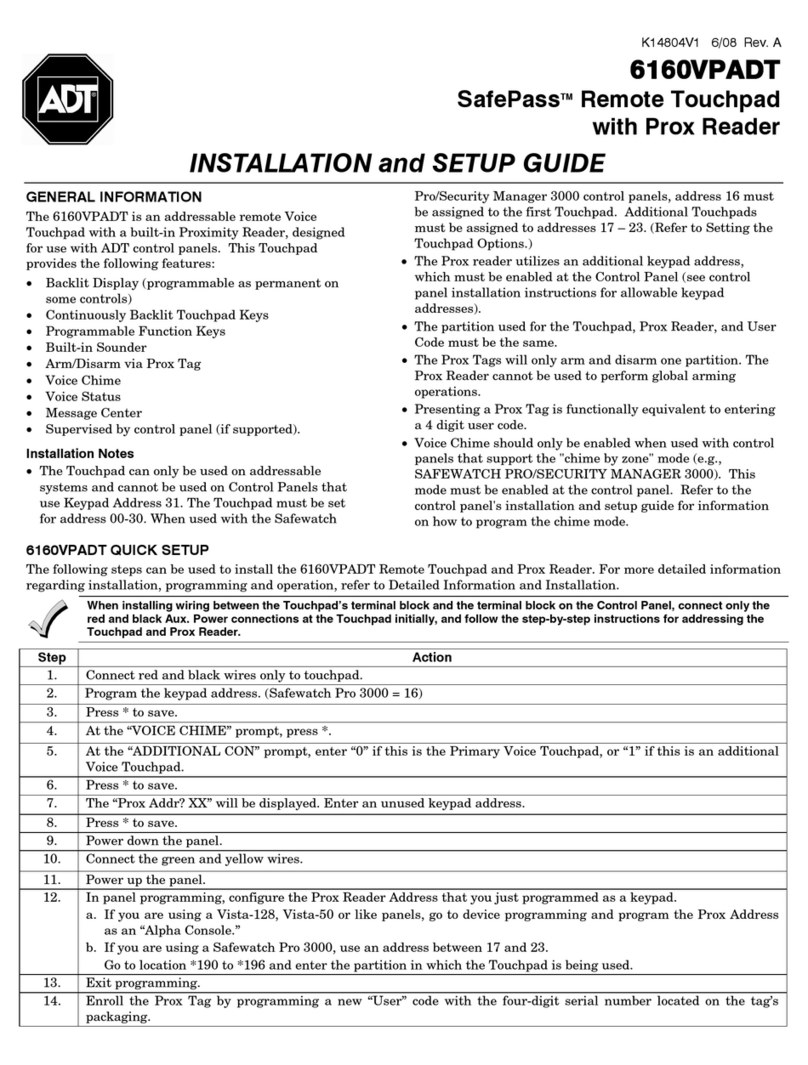
TOUCHPAD OPTIONS *190-*196 (NOTE: Options for touchpad address 16 are set by the factory and cannot be changed.)
NOTE: Each touchpad must be assigned a unique address. Touchpads programmed with the same address will give
unpredictable results.
∗190 TOUCHPAD 2 ADDRESS 17 [0] [0]
Part. Sound
Partition: 0 = keypad disabled; 1-3 = part. no. (3 = com)
Sound: 0 = no suppression
1 = suppress arm/disarm and E/E beeps
2 = Suppress chime beeps only
3 = suppress arm/disarm, E/E, and chime
beeps
∗191 TOUCHPAD 3 ADDRESS 18 [0] [0]
Part. Sound
See field ∗190 for entries.
∗192 TOUCHPAD 4 ADDRESS 19 [0] [0]
Part. Sound
See field ∗190 for entries.
∗193 TOUCHPAD 5 ADDRESS 20 [0] [0]
Part. Sound
See field ∗190 for entries.
∗194 TOUCHPAD 6 ADDRESS 21 [0] [0]
Part. Sound
See field ∗190 for entries.
∗195 TOUCHPAD 7 ADDRESS 22 [0] [0]
Part. Sound
See field ∗190 for entries.
∗196 TOUCHPAD 8 ADDRESS 23 [0] [0]
Part. Sound
See field ∗190 for entries.
∗197 EXIT TIME DISPLAY INTERVAL [0] 0 = no display; 1-5 = seconds between display refresh
∗198 DISPLAY PARTITION NUMBER
(for Custom Display Touchpads) [0] 0 = no; 1 = yes (partition no. appears on Custom
Display)
∗199 ECP FAIL DISPLAY [0] 0 = 3-digit display (“1” + device address)
1 = 2-digit fixed-display as “91”