Index
Precautions and Safety Standards...............................................................................................5
Type of systems managed by MULTI CONTROL.........................................................................6
Systems without additional VMF CRP modules .................................................................................................... 6
Systems with additional VMF CRP modules ......................................................................................................... 7
VMF CRP 1 connections (3-way valves and probes management) ..................................................................... 8
VMF CRP 2 connections (supplementary resistance management on DHW)...................................................... 9
VMF CRP 3 connections (remote control management) .................................................................................... 10
MULTI CONTROL serial connection ...........................................................................................11
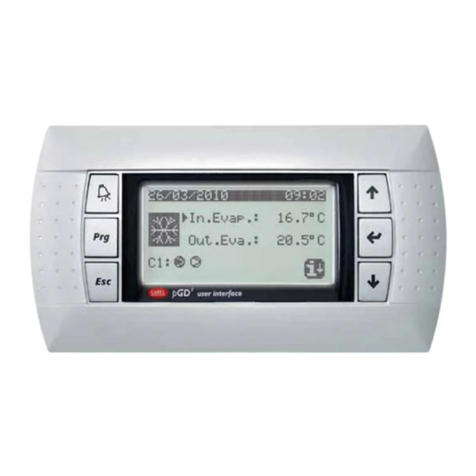
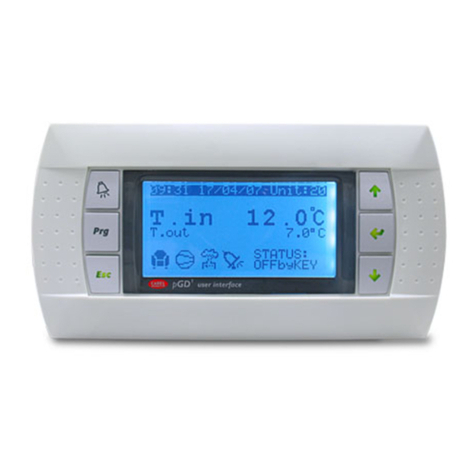
MULTI CONTROL panel user interface.......................................................................................12
Interface control keys.......................................................................................................................................... 12
Structure of MULTI CONTROL menus........................................................................................13
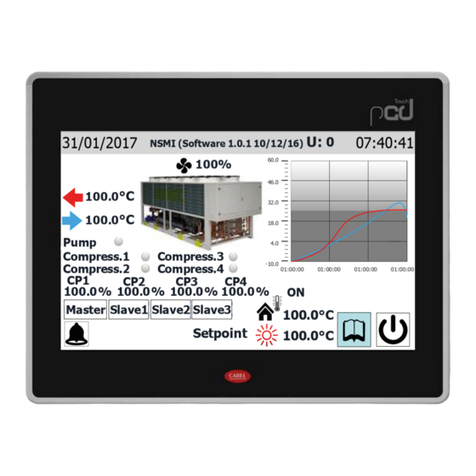
Main MULTI CONTROL display....................................................................................................14
Main MULTI CONTROL screen........................................................................................................................... 14
MONITOR mode screen ..................................................................................................................................... 15
BASIC use procedures.................................................................................................................16
System ON/OFF .................................................................................................................................................. 16
Entering MONITOR mode................................................................................................................................... 16
Entering menu selection ..................................................................................................................................... 16
Browsing and choice of a menu ......................................................................................................................... 16
UNIT SYNOPTIC menu procedures.............................................................................................17
Checking status of chillers present in the system .............................................................................................. 17
Reading of characteristic parameters of chillers................................................................................................ 18
Matching between operating parameters and units........................................................................................... 19
Setting a daily time period .................................................................................................................................. 20
DOMESTIC HOTWATER SYNOPTIC menu procedures............................................................21
Checking status of chillers for the production of domestic hot water................................................................. 21
Setting a daily time period for the production of domestic hot water................................................................. 22
Setting the anti-Legionella cycle......................................................................................................................... 23
User manual - Date time MENU procedures .......................................................................24
Setting the time of the system............................................................................................................................. 24
Setting the date of the system ............................................................................................................................ 25
User manual - SEASON MENU procedures ........................................................................26
Setting the season of the system........................................................................................................................ 26
User manual - DISPLAY MENU procedures ........................................................................27
Setting the language of the system .................................................................................................................... 27
Setting the visual contrast of the display ............................................................................................................ 27
Setting the screen saver ..................................................................................................................................... 28