FUNCTION
⦁IMPORTANT TIP FOR USING OTHER FUNCTIONS
If you have any using problems about other functions , you can find the solution in App (Go to fourth
icon below > click [FAQ]). If you still can’t find a solution, you can submit your question in [Support &
Suggestions], We will deal with it as soon as possible.
⦁SETTINGS
Find its icon by swiping down the main interface, to access its function. A relative list will show:
Language, Display, Vibration Intensity, QR Code, Battery, System.
- Display. Set Watch Face Switch, Brightness, Screen Time, Raise To Wake.
1. Watch Face Switch.
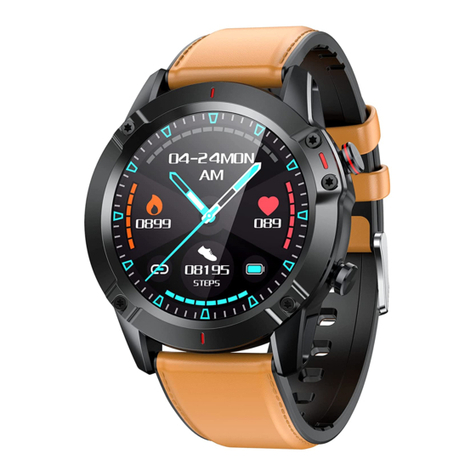
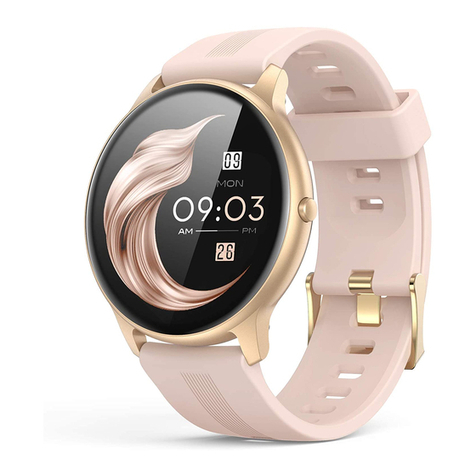
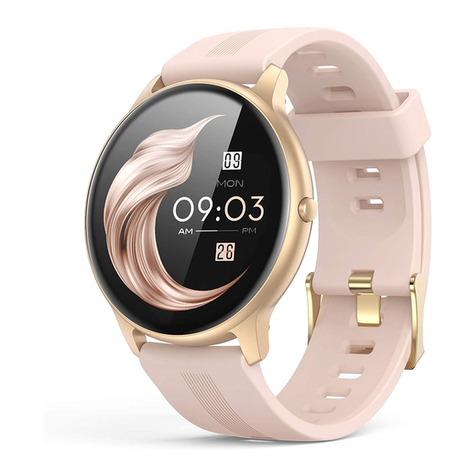
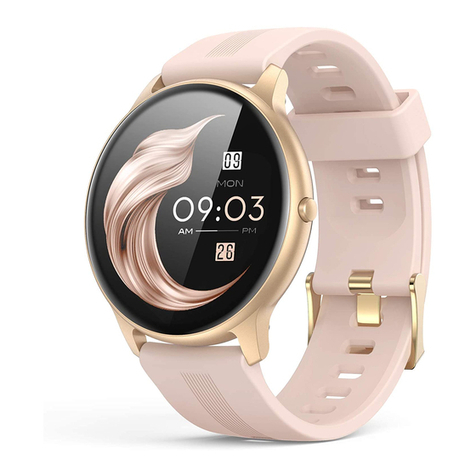
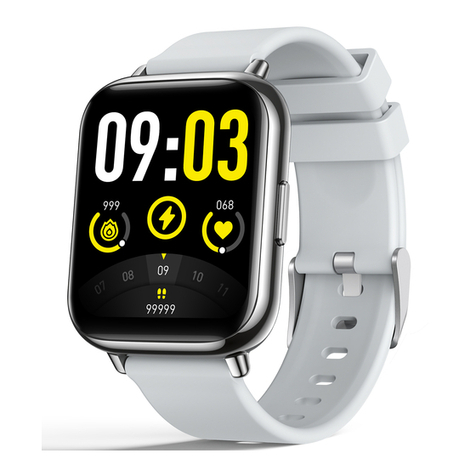
1) Watch: 4 Built-in watch face. Tap Watch Face Switch in the main menu or long press the screen on
the main interface to enter. Swipe left/right to switch, and tap one of your favorite watch faces to
confirm.
2) App: Find third icon below > click [Dial Store] > [Dial Center], and select your favorite picture as
background of the main interface and customize it according to your preference. Your set watch
face can be found in [My Dial] quickly.
-System. Includes: About, Shutdown, Reset.