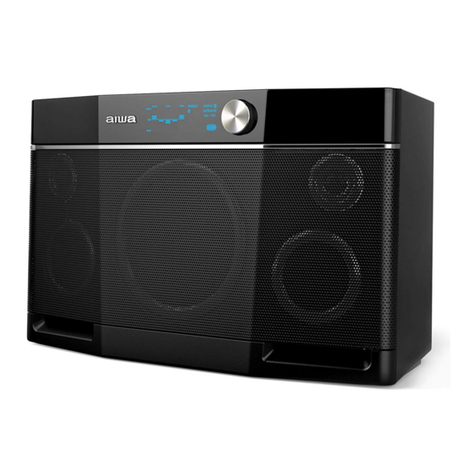
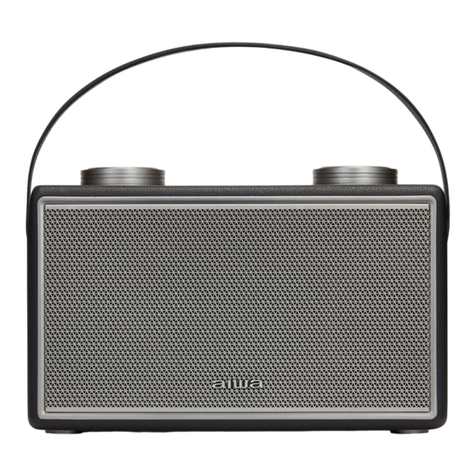
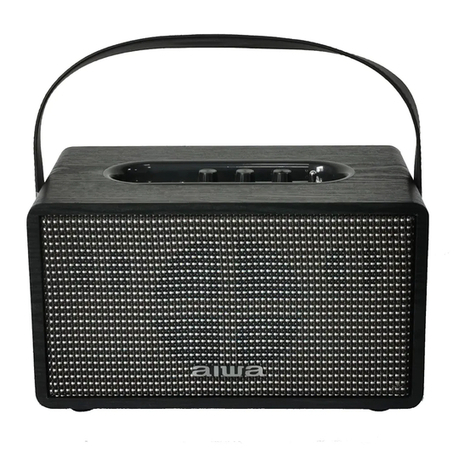
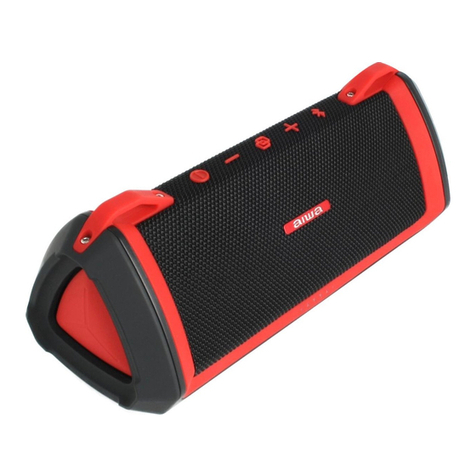
TWS Function
Turn on Both speakers.
Choose one of the units to function as the “Main unit” (This will be
the LEFT Side Audio Playback Channel).
Double click button on the “Main unit” only. * LED Indicator
Light will be blinking in blue and green rapidly *
Both speakers will now proceed to pair with each other.
*Main unit’s LED light blinking in BLUE* + *2nd Speaker unit LED
light lights up in BLUE (Non- blinking) * indicates successful TWS
Pairing.
Turn on Bluetooth (BT) on your mobile device.
Search and connect to “AIWA Lunatic” from your mobile device.
*Both unit’s LED light lights up in BLUE (Non-blinking)* indicates
successful connection to mobile device.
Playback should now commence via both speaker units at the
same time.
Long press both & at the same time on either one of the
speakers to dis-connect TWS.
1.
2.
3.
4.
5.
6.
7.
8.
9.
10.
TWS Operation: