manuals.online logo
Brands
  1. Home
  2. •
  3. Brands
  4. •
  5. Alesis
  6. •
  7. Synthesizer
  8. •
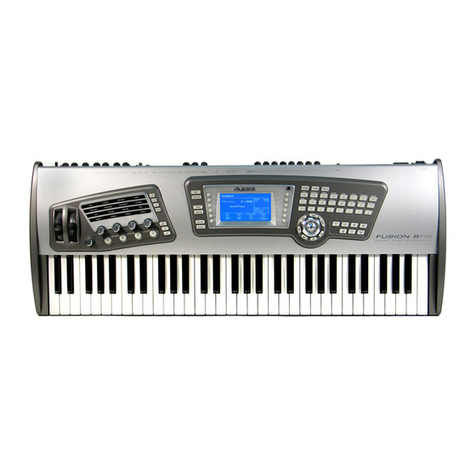
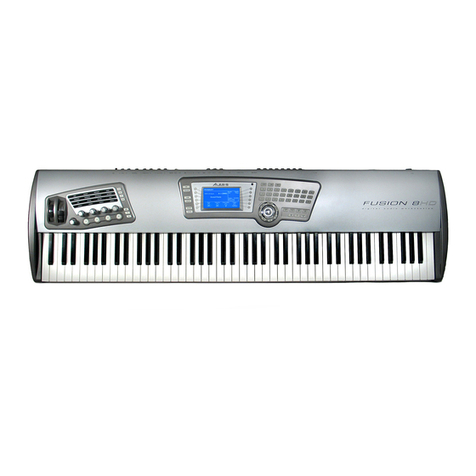
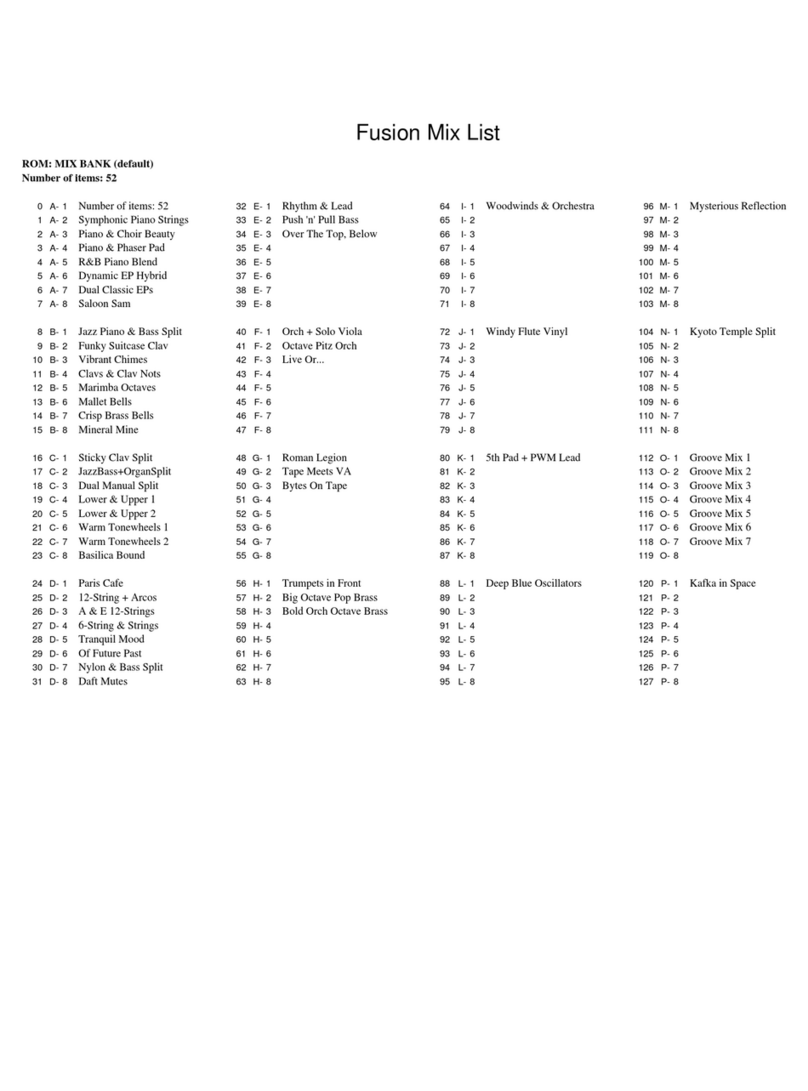
  9. Alesis Fusion User manual

Alesis Fusion User manual

Other manuals for Fusion

5

Other Alesis Synthesizer manuals

Alesis QSR User manual

Alesis

Alesis QSR User manual

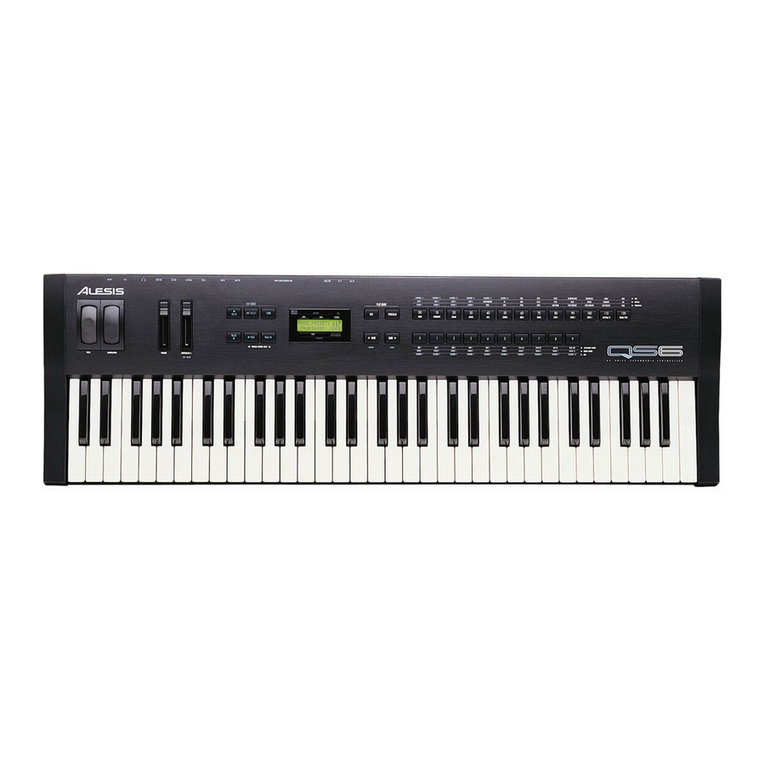
Alesis QS6 User manual

Alesis

Alesis QS6 User manual

Alesis QS Series User manual

Alesis

Alesis QS Series User manual

Alesis Vortex User manual

Alesis

Alesis Vortex User manual

Alesis Vintage Synth Explorer QS7.1 User manual

Alesis

Alesis Vintage Synth Explorer QS7.1 User manual

Alesis Fusion Operation instructions

Alesis

Alesis Fusion Operation instructions

Alesis Micron User manual

Alesis

Alesis Micron User manual

Alesis Ion User manual

Alesis

Alesis Ion User manual

Alesis ANDROMEDA A6 Guide

Alesis

Alesis ANDROMEDA A6 Guide

Alesis qs6.1 User manual

Alesis

Alesis qs6.1 User manual

Alesis HARMONY61 User manual

Alesis

Alesis HARMONY61 User manual

Alesis V161 User manual

Alesis

Alesis V161 User manual

Alesis Ion Manual

Alesis

Alesis Ion Manual

Alesis ANDROMEDA A6 Assembly instructions

Alesis

Alesis ANDROMEDA A6 Assembly instructions

Alesis VI61 User manual

Alesis

Alesis VI61 User manual

Alesis Vintage Synth Explorer QS7.1 Instruction manual

Alesis

Alesis Vintage Synth Explorer QS7.1 Instruction manual

Alesis Micron Technical document

Alesis

Alesis Micron Technical document

Alesis QSR 64 User manual

Alesis

Alesis QSR 64 User manual

Alesis QS7 User manual

Alesis

Alesis QS7 User manual

Alesis Harmony 61 MKII User manual

Alesis

Alesis Harmony 61 MKII User manual

Alesis VI25 User manual

Alesis

Alesis VI25 User manual

Alesis qs6.1 Manual

Alesis

Alesis qs6.1 Manual

Alesis VI49 User manual

Alesis

Alesis VI49 User manual

Alesis QS6.2 User manual

Alesis

Alesis QS6.2 User manual

Popular Synthesizer manuals by other brands

NEON CAPTAIN Radioator user manual

NEON CAPTAIN

NEON CAPTAIN Radioator user manual

Roland JD-800 owner's manual

Roland

Roland JD-800 owner's manual

Joranalogue Contour 1 user manual

Joranalogue

Joranalogue Contour 1 user manual

Full Bucket Music Mono/Fury manual

Full Bucket Music

Full Bucket Music Mono/Fury manual

IK Multimedia UNO Synth PRO X user manual

IK Multimedia

IK Multimedia UNO Synth PRO X user manual

Kawai MP7 Software update

Kawai

Kawai MP7 Software update

Roland Gaia SH-01 Quick guidebook

Roland

Roland Gaia SH-01 Quick guidebook

Behringer DEEPMIND 12 quick start guide

Behringer

Behringer DEEPMIND 12 quick start guide

Yamaha S90 ES owner's manual

Yamaha

Yamaha S90 ES owner's manual

Roland GR-30 manual

Roland

Roland GR-30 manual

Moog Minitmoog 300A Owner's service manual

Moog

Moog Minitmoog 300A Owner's service manual

Gotharman Gotharman's anAmoNo-box user manual

Gotharman

Gotharman Gotharman's anAmoNo-box user manual

QuStream HDFS-550 Technical manual

QuStream

QuStream HDFS-550 Technical manual

Yamaha V50 Authorized product manual

Yamaha

Yamaha V50 Authorized product manual

Akai AX80 Operator's manual

Akai

Akai AX80 Operator's manual

Roland GS-500 instructions

Roland

Roland GS-500 instructions

Octave Cat SRM Service manual

Octave

Octave Cat SRM Service manual

Dreadbox Murmux Initiate manual

Dreadbox

Dreadbox Murmux Initiate manual

manuals.online logo
manuals.online logoBrands
  • About & Mission
  • Contact us
  • Privacy Policy
  • Terms and Conditions

Copyright 2025 Manuals.Online. All Rights Reserved.

Fusion
Documentation Addendum
(Covers changes up to OS v1.20)
This page is intentionally left blank.
About this Addendum:
The Fusion’s operating system is upgradeable and allows us to add features and make
changes to existing features after the workstation has left the factory floor. Because
we’re continuously striving to make your Fusion better, the Reference Manual and
Quickstart Guides may not be completely up to date with the latest features.
All changes affecting the user-interface (i.e., anything the user will see) are listed in this
addendum. Internal optimizations, bug fixes, and other changes that are transparent to
the user are not included in this document (since internal changes are mostly geeky,
technical, and don’t affect the user in any way). Important additions and changes are
listed in bold font.
This addendum covers all changes that have been made since the publishing of the
Reference Manual and covers all changes up to: Version 1.20
Version 1.20
1. Sample Based Programs Can Now Contain Up To Four Oscillators
Up to four multisamples can now be used for sample-based programs.
Crossfading is available between oscillators one and two.
2. New Parameter Added To Synth Oscillator: “Monophonic Sample Reset”.
When set, this will reset the sample when played legato in monophonic mode.
3. New Synthesis Filters
Four new filters were added:
RP Lowpass - an analog style 4-pole filter, modeled after a famous vintage
semi-modular synthesizer. This filter will clip (distort) when fed a loud input
level.
Vocal Formant 1 - Formant filters are modeled on the human voice. This 3-
band (3 bandpass filters) version emulates the “ah” and “oo” vowel sounds.
Vocal Formant 2 - A 3-band formant filter which emulates the “oh” and “ee”
vowel sounds.
Vocal Formant 3 - A 5-band formant filter based on an idealized model of
the vocal tract.
4. New Sample Edit Processes
The following edit functions are now possible:
Quantize Region - The ability to reduce the bit width from 1 to 15 bits. This
allows for a more vintage 'dirty' sound for samples.
Reverse Region - allows the ability to reverse selected parts of, or the entire
sample
5. Pressing The [UNDO] Button Will Now Undo And Redo Sample Processes
6. Live Loop Adjustment
The following parameters can now be edited while the voice is playing:
•Sample loop start
•sample loop end
•zone loop start
•zone loop end
•zone loop fine tune.
7. Chained Inserts
Up to 4 different Insert effects can now be used simultaneously in series while in
Program mode. Insert effects can also chained in Mix mode using the following
configurations:
'Standard' - Four inserts to different parts '1->2' - insert one routed through insert two. Insert three
and four available as in 'Standard'
'1->2, 3->4' - Insert one routed through two. Insert three
routed through four. '1->2->3' - Insert one routed through two, which is routed
through three. Insert four available as in 'Standard'
'1->2->3->4' - Insert one routed through two, which is
routed through three, which is routed through four
8. Envelope shape is variable per stage.
Each stage of an envelope is now variable from -100 to +100%, as illustrated
below:
A Value of 0% in each stage will correspond to a linear slope. A linear slope goes
straight from point A to point B, and is your general plain-vanilla envelope slope.
Values from -1 to -100 in each parameter corresponds to a negative exponential
slope, represented previously as -Exp. A negative exponential slope is bowed
upward—it rises quickly at first and then trails off. This mimics the charging
characteristics of electronic capacitors, which were used to generate envelopes in
vintage analog synthesizers. This slope is good for making your attacks extra-
snappy.
A value of 1 to +100 represents a positive exponential curve —it starts off slowly
and bursts up at the end. If you are designing a sound to build toward a crescendo,
this might be slope you need. You don’t need to learn the names of these slopes,
though, since you can always see your envelope pictured on the display as you
edit it. Just adjust the slopes until you see the one that looks right.
9. Added “Mono Low” and “Mono High” keyboard modes to Phrase Sequence arp.
When a phrase arp is set to either "Mono Low" or "Mono High", a phrase arp will
follow only the lowest or highest note, respectively.
10. Added Ability To Copy A Volume Folder From The CF Card To The HD
And Vice Versa.
All contents of a volume can now be copied to different media types. This will
allow for one to back up their hard drive contents to CF Card, Copy program
banks from the CF card, and even transfer songs - complete with audio - to a CF
to share across Fusions.
To copy the volume contained on a CF Card to the Fusion hard drive, do the
following:
Press "Global" and then press the "Media" page. You will see the following:
Press the "Copy Vol" button. You will see the following page confirming you
have selected the CF Card:
Press "Copy To". You will be prompted to select a destination:
Select the Hard Drive using the "inc", "dec" or encoder wheel. You will receive a
warning as displayed below:
It is important to insure there's nothing on the CF Card with the same name as on
the Hard Drive. If you are sure you will not overwrite any files, press "Yes".
The copy function is complete! Press "OK".
11. Improved mixer automation recording.

When "Enable Mixer Automation" is enabled, all tracks with record enable set to
"auto" will record automation.
12. Pattern Type is now also stored with the program/mix/song. When a program is
loaded it will override the pattern types with its type. When a pattern is loaded it
will set the type based on the pattern.
Version 1.11
1. Increased Frequency Range of Effects EQ Bands
The frequency range of EQ bands for effects have been increased to a range of
20Hz to 12kHz.
Version 1.10
1. “Dry Level” parameter now available
A new “Dry Level” parameter has been added to each Audio and Synth track.
This is a particularly useful feature for sound designers since it allows you to have
a much greater level of control over send levels. For example, it is now possible
to create a massively reverberant sound by reducing the Dry Level parameter to
near-zero while leaving your effects send and return level at a high level.
The following flow-diagram should explain where the new Dry Level parameter
resides in the Fusion:
2. Tap Tempo
The ability to tap a tempo has been added. Simply tap a tempo by pressing the
[ARP] button (next to the TEMPO LED) at least 4 times. This will detect the
requested tempo and set the current tempo parameter.
3. Import a MIDI file into Song Mode
MIDI songs can now be imported into the Fusion. After transferring a MIDI song
onto a compactFlash card or onto the hard drive via USB, press the “Utility”
menu in Song Edit mode and then press the “SongUtil” page. Upon pressing the
“ImpSong” button, a browse window will allow you to select the MIDI song file
to import into Song Mode as the current song. Remember to store this song if you
want it to be selectable from within the Fusion.

4. Export Song to a MIDI file
Songs in the Fusion can now be exported to a MIDI song file. Press the “Utility”
menu in Song Edit mode and then press the “SongUtil” page. Upon pressing the
“ExpSong” button, a browse window will allow you to select a location for the
MIDI file to be created in. The current song will be exported to a MIDI song file
at the selected location. Note that only synth MIDI tracks will be exported to this
MIDI song file.
5. Export all audio tracks
To expedite the exporting of audio tracks a new feature has been added to export
all audio tracks at once. This option is available on the “TrackUtil” page within
Song Mode’s “Utility” menu.
6. Record ready mode
The Fusion can now enter recording as a MIDI slave device. To do this press the
[RECORD] button on the Fusion. The [RECORD] button will light and the
[PLAY] button will blink. In this mode the Fusion will enter recoding if it
receives a MIDI start message or if [PLAY] is pressed on the Fusion.
7. A new parameter has been added to the arpeggiator menu: “Use part range”. This
parameter, once enabled, will only play notes if they fall within a part’s define
key and alternate ranges. This is useful when you are creating a drum kit in Mix
Mode and want a drum pattern to play over multiple parts. Playing a key in the
mix O-6 “VA FM PM PCM Kit” in the mix bank “SPLIT-LAYER” demonstrates
the usefulness of this new parameter.
8. The “Track Enable” parameter has been moved to the Track/General page in Song
Mode and to the Part/General page in Mix Mode.
We found that the Track/General and Part/General pages are more logical places
to put this parameter since you can see the program (or audio track) name that you
are enabling/disabling.