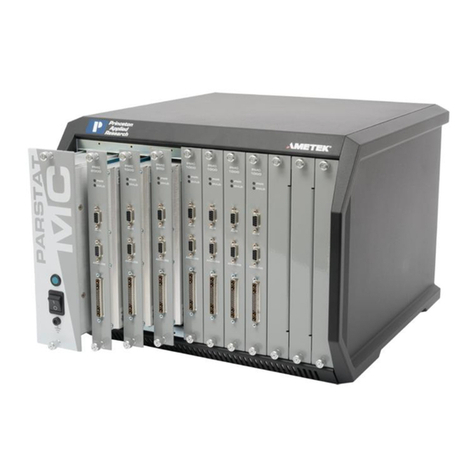
PARSTAT 4000 Hardware Manual
Contents
Safety Instructions and Symbols...................................................................................................................4
Cleaning Instructions.....................................................................................................................................4
Allow the instrument to dry before reconnecting the power cord. 1. INTRODUCTION................................4
1.1. General..............................................................................................................................................5
1.2. Hardware Circuitry.............................................................................................................................6
1.2.1. Potentiostatic mode....................................................................................................................6
1.2.2. Galvanostatic mode....................................................................................................................7
1.3. Software.............................................................................................................................................8
1.4. Polarity Convention............................................................................................................................8
1.5. Inspecting Your New Instrument .......................................................................................................8
1.6. Maintenance, Service, and Support ..................................................................................................9
1.7. About this manual..............................................................................................................................9
2. SAFETY AND COMPONENT PLACEMENT..........................................................................................10
2.1. Safety Considerations......................................................................................................................10
2.1.1. Line Voltage Settings and Fuses..............................................................................................10
2.1.2. Defects and Abnormal Stresses...............................................................................................11
2.2. Component Placement....................................................................................................................11
2.2.1. Ventilation.................................................................................................................................12
2.2.2. Radio Frequency Interference..................................................................................................12
2.2.3. Transient Sensitivity .................................................................................................................13
3. INSTALLATION.......................................................................................................................................15
3.1. Enabling the USB port on your PC..................................................................................................15
3.2. Connectors and Indicators...............................................................................................................15
3.2.1. Rear Panel................................................................................................................................15
3.2.2. Front Panel...............................................................................................................................17
3.3. Connecting to the PC and Cell ........................................................................................................17
3.3.1. Connecting to the PC ...............................................................................................................17
3.3.2. Connecting the Cell..................................................................................................................18
3.3.3. Connecting the External Dummy Cell ......................................................................................22