Getting Started....................................................................................................2
Unpacking .......................................................................................................2
Package Contents...........................................................................................3
Placing the Printer..........................................................................................4
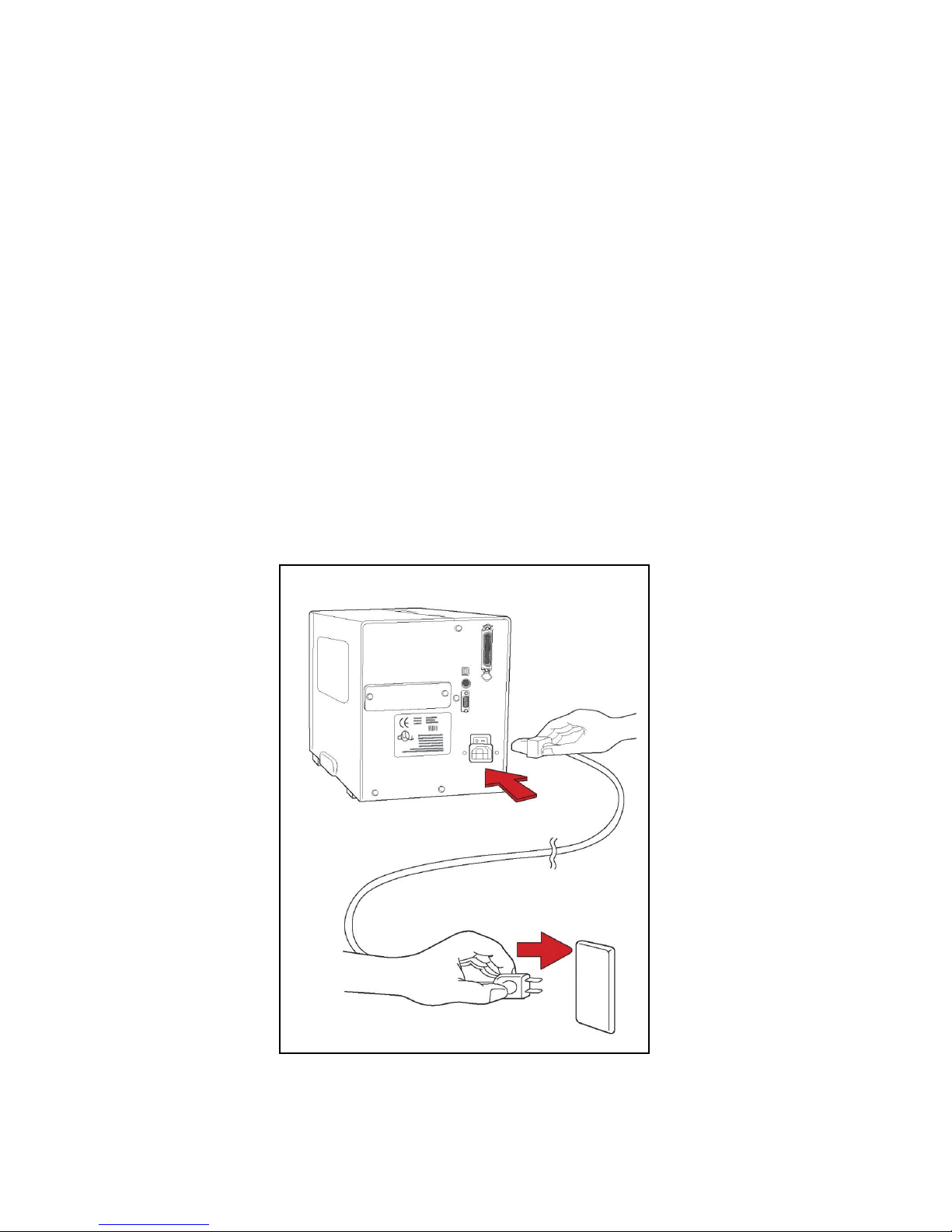
Connecting the Power Cord ..........................................................................4
Getting to Know Your Printer.............................................................................5
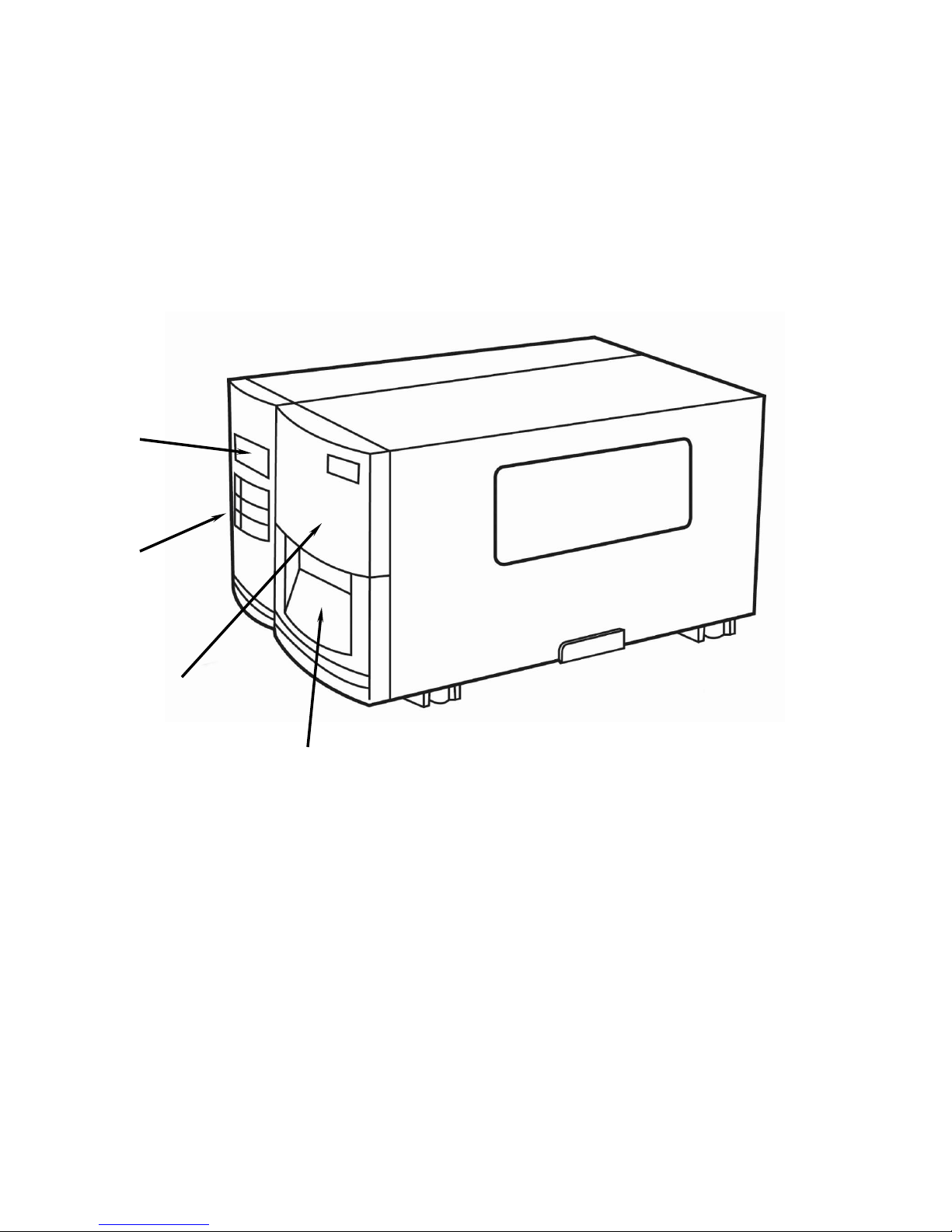
Front Panel......................................................................................................5
Loading a Ribbon .........................................................................................15
Loading Media ..............................................................................................18
PALTM Print and Program Overview ................................................................27
Traditional Printing.......................................................................................27
Legacy Data Stream Interpretation..............................................................27
Standalone/Downtime Applications............................................................28
Calibration & Configuration.............................................................................30
Performing Calibration.................................................................................30
Printing a Configuration Report..................................................................31
Resetting to Factory Default Settings.........................................................32
Computer Connections....................................................................................33
USB Interface Requirements .......................................................................33
Centronics Parallel Port...............................................................................33
Serial (RS-232) Port......................................................................................34
Ethernet 10/100 Internal Printer Server Option..........................................34
Ethernet Module Status Indicators..............................................................35
Communicating with the Printer......................................................................37
Troubleshooting................................................................................................44
LED and LCD Diagnosis...............................................................................44
Media Problems............................................................................................44
Ribbon Problems..........................................................................................45
Other Problems.............................................................................................45
Light /Missing Print ......................................................................................46
Miscellaneous...............................................................................................47
Recovery .......................................................................................................48
Caring for Your Printer.....................................................................................49
Cleaning the Print Head...............................................................................49
Cleaning the Roller.......................................................................................50
Cleaning the Media Compartment...............................................................50
Technical Reference.........................................................................................51
General Specifications.................................................................................51
Fonts, Bar Codes and Graphics Specification...........................................54
Interface Specifications ...............................................................................57
ASCII TABLE .................................................................................................63