manuals.online logo
Brands
  1. Home
  2. •
  3. Brands
  4. •
  5. Artesia
  6. •
  7. Musical Instrument
  8. •
  9. Artesia FUN-1 User manual

Artesia FUN-1 User manual

Other Artesia Musical Instrument manuals

Artesia AG-50 User manual

Artesia

Artesia AG-50 User manual

Artesia AP-8 User manual

Artesia

Artesia AP-8 User manual

Artesia PE-88 User manual

Artesia

Artesia PE-88 User manual

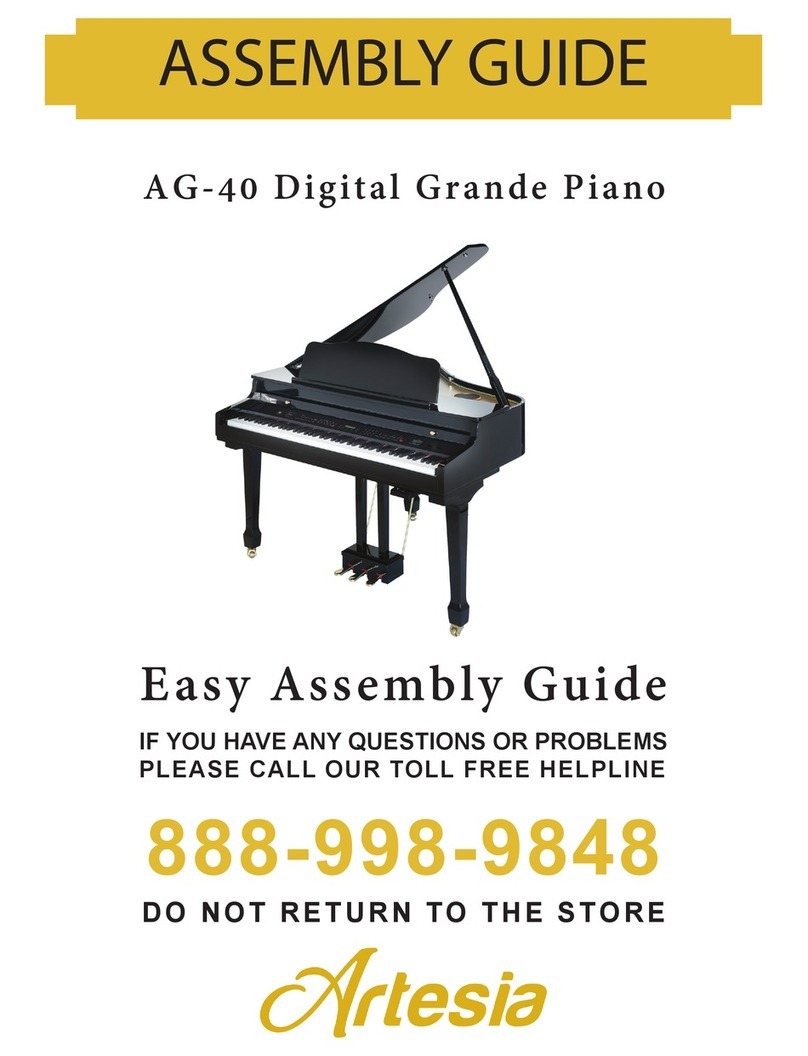
Artesia ag-40 User manual

Artesia

Artesia ag-40 User manual

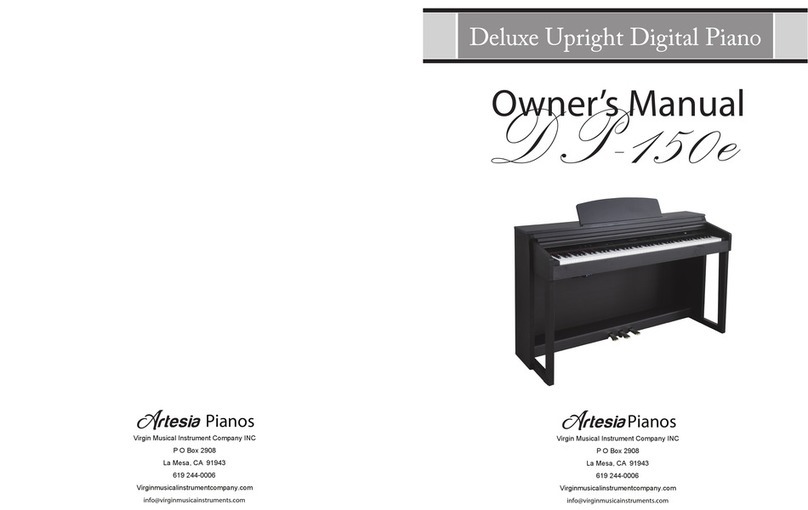
Artesia DP-150E User manual

Artesia

Artesia DP-150E User manual

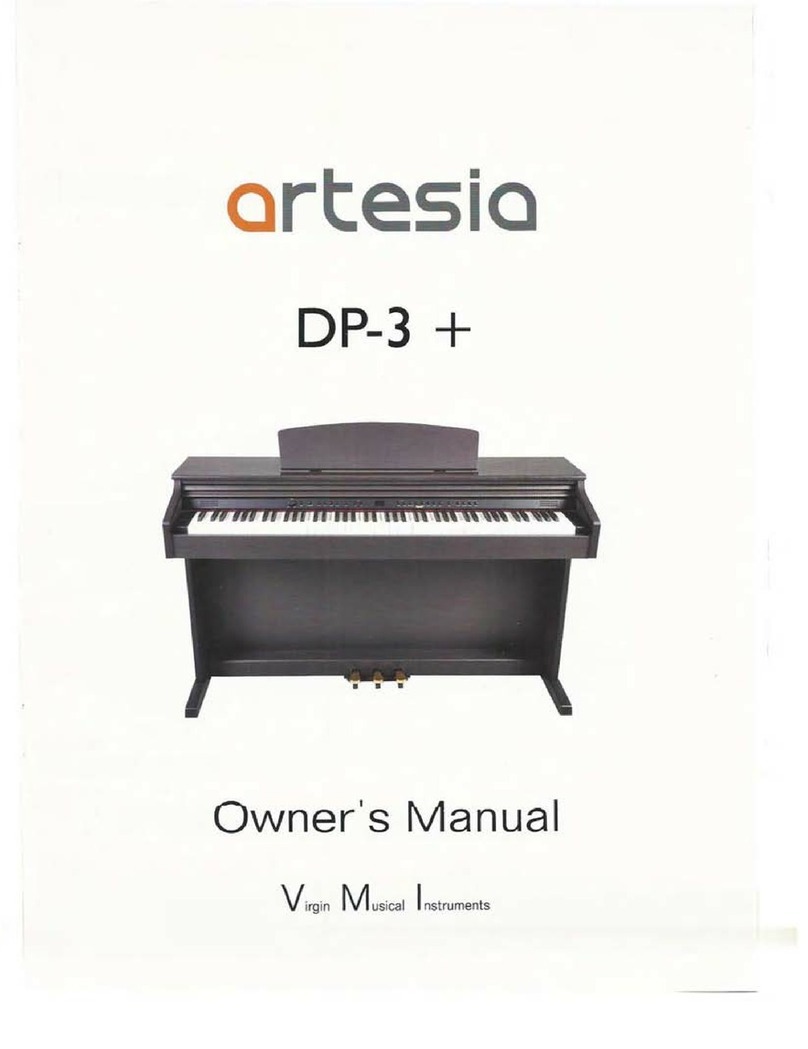
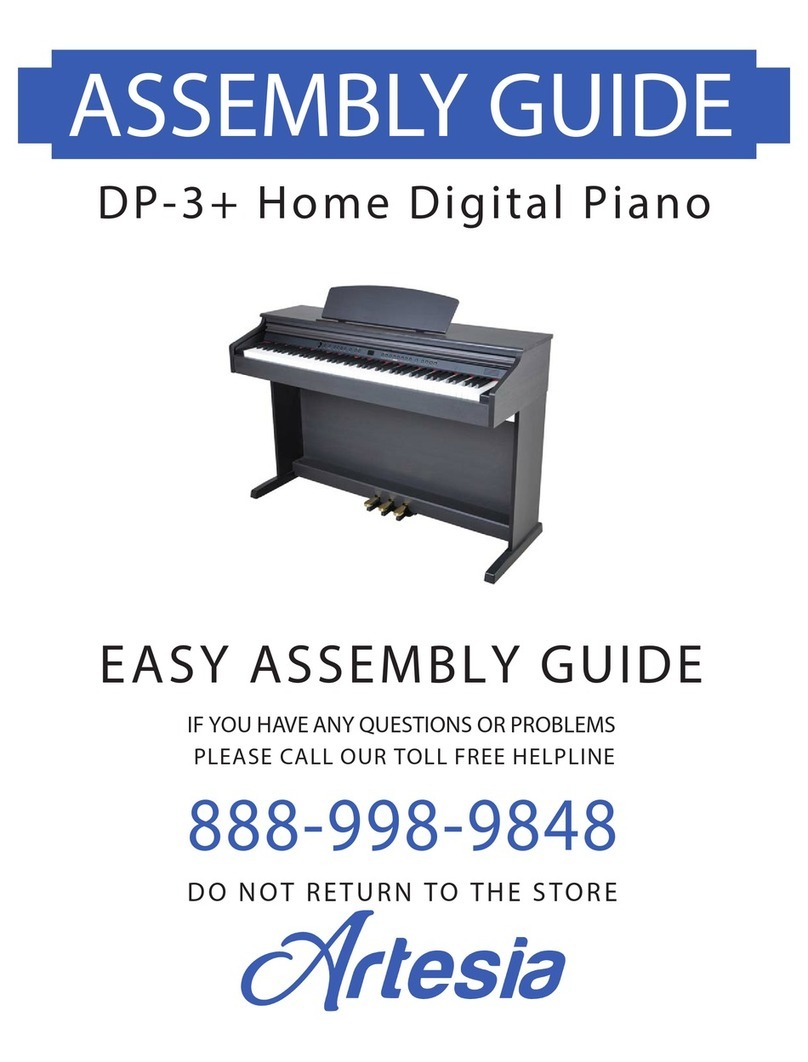
Artesia DP-3+ User manual

Artesia

Artesia DP-3+ User manual

Artesia AG-28 User manual

Artesia

Artesia AG-28 User manual

Artesia AG-41 User manual

Artesia

Artesia AG-41 User manual

Artesia AP-100 User manual

Artesia

Artesia AP-100 User manual

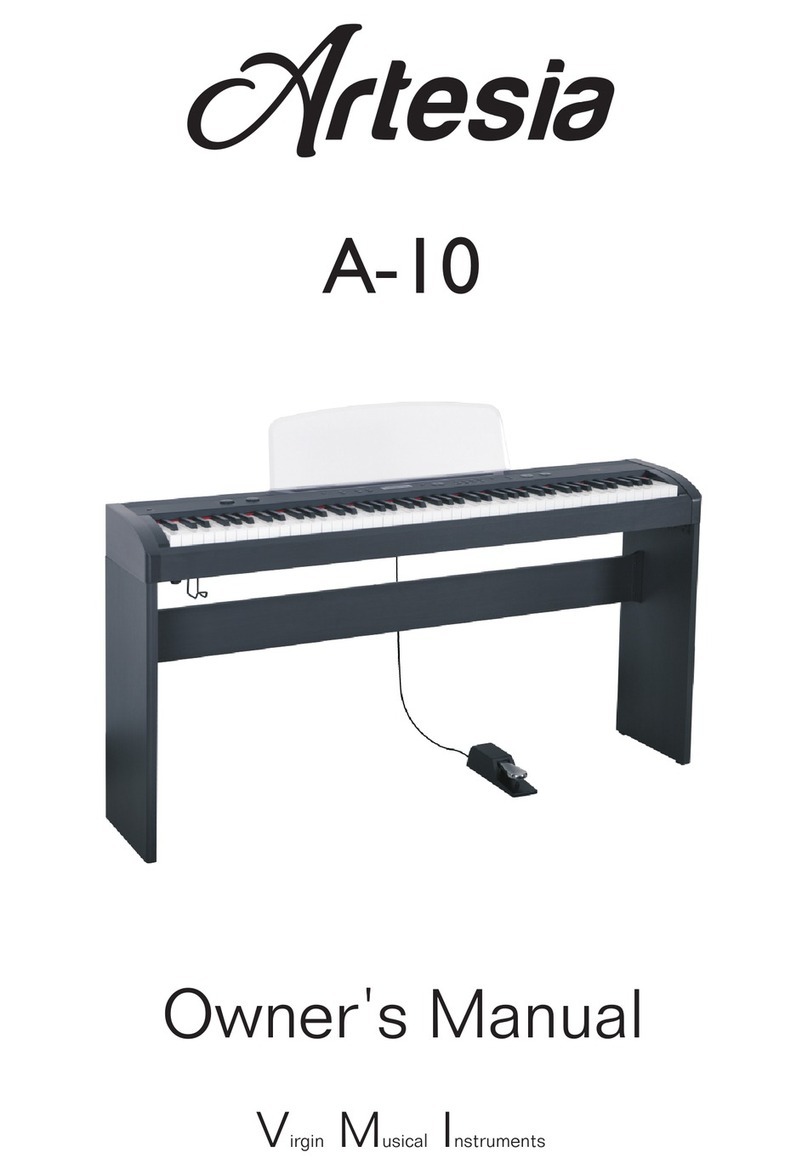
Artesia A-10 User manual

Artesia

Artesia A-10 User manual

Artesia PA-88H User manual

Artesia

Artesia PA-88H User manual

Artesia AM-3 User manual

Artesia

Artesia AM-3 User manual
Artesia F-61 User manual

Artesia

Artesia F-61 User manual

Artesia A-20 User manual

Artesia

Artesia A-20 User manual

Artesia A-61 User manual

Artesia

Artesia A-61 User manual

Artesia Dp-10e User manual

Artesia

Artesia Dp-10e User manual

Artesia DP-3+ User manual

Artesia

Artesia DP-3+ User manual
Popular Musical Instrument manuals by other brands

Funkey SP-561 user manual

Funkey

Funkey SP-561 user manual

thomann DP-275 GP BP user manual

thomann

thomann DP-275 GP BP user manual

Kawai CN17 Operation guide

Kawai

Kawai CN17 Operation guide

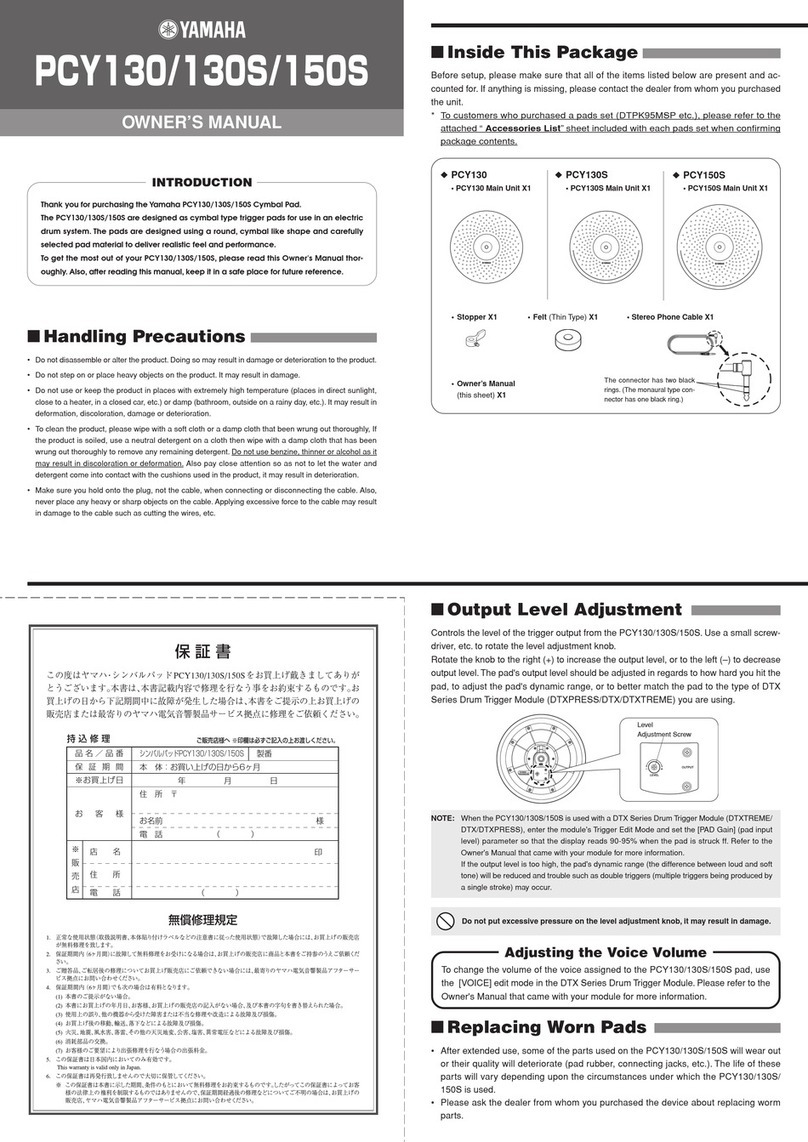
Yamaha PCY130 owner's manual

Yamaha

Yamaha PCY130 owner's manual

Roland LX-15 Brochure & specs

Roland

Roland LX-15 Brochure & specs

Johannus Rembrandt 200 user manual

Johannus

Johannus Rembrandt 200 user manual

Yamaha Clavinova CVP-609 Reference manual

Yamaha

Yamaha Clavinova CVP-609 Reference manual

Casio celviano ap-700 user guide

Casio

Casio celviano ap-700 user guide

Yamaha PSR-E473 owner's manual

Yamaha

Yamaha PSR-E473 owner's manual

Modulus Quantum Series owner's manual

Modulus

Modulus Quantum Series owner's manual

Gear4music SDP-4 user manual

Gear4music

Gear4music SDP-4 user manual

HOMCOM 390-006 Assembly instruction

HOMCOM

HOMCOM 390-006 Assembly instruction

Xotic Guitars ProVintage Series owner's manual

Xotic Guitars

Xotic Guitars ProVintage Series owner's manual

Sadowsky MetroLine Series operating manual

Sadowsky

Sadowsky MetroLine Series operating manual

Bosendorfer CEUS user manual

Bosendorfer

Bosendorfer CEUS user manual

Yamaha Electone EL-17 owner's manual

Yamaha

Yamaha Electone EL-17 owner's manual

Alesis AHB-1 Assembly guide

Alesis

Alesis AHB-1 Assembly guide

Hotpoint RF512GP How to get the best

Hotpoint

Hotpoint RF512GP How to get the best

manuals.online logo
manuals.online logoBrands
  • About & Mission
  • Contact us
  • Privacy Policy
  • Terms and Conditions

Copyright 2025 Manuals.Online. All Rights Reserved.

Virgin Musical Instruments
Owner's Manual
FUN-1
Plug the DC output cable from the Power adaptor into the DC IN jack on the
rear panel of your instrument, then plug the Power adaptor into a convenient
wall AC power socket.
With the piano assembled and plugged into a power outlet, adjust the [Power
On/O(VOLUME)] knob to turn on or turn o the piano.
You can adjust the volume by turning the [Power On/O(Volume)] knob to
the right or to the left.
2. USB TO HOST Jack
3. Aux In Jack
4. Pedal Jack
5. Headphone Jack
6. DC 10V Input Jack
You may connect your tablet, laptop or desktop computer to your piano. This will
allow the player to take lessons or play music games from the appropriate
re or App.
Headphone
A standard pair of stereo headphones can be plugged into the rear-panel
[Headphone] jack for private practice or late-nightplaying. The internal speaker
system is automatically shut off when a pair of headphones is plugged into the
[Headphone] jack.
Pedal
A foot switch can be plugged into the rear-panel [PEDAL] jack. The Pedal is a
damper pedal controlling sustain function. To press the pedal you can sustain
the notes after the keys are released.
softwa
Hold down the rst 3 keys (two white and one black) and then press one of
the top 8 white keys to select an instrument voice. For further questions
or ideas please visit virginmusicalinstruments.com.
Hold down the rst 3 keys (two white and one black) and then press the top black key.
The demo song will start to play. To stop the demo song, hold the rst 3 keys
and then press the top black key again.
Piano Key Touch Sensitivity
Hold down the rst 3 keys (two white and one black) and then press the second to the
top black key.Touch function will be turned o. To turn on the Touch function, hold the
rst 3 keys and then press the second to the top black key again. (Default: On)
simultaneously
10505937-V3.0
Virgin Musical Instrument Company INC
P O Box 2908
La Mesa, CA 91943
PH: 619 244-0006
E-mail: [email protected]
Virginmusicalinstrumentscompany.com