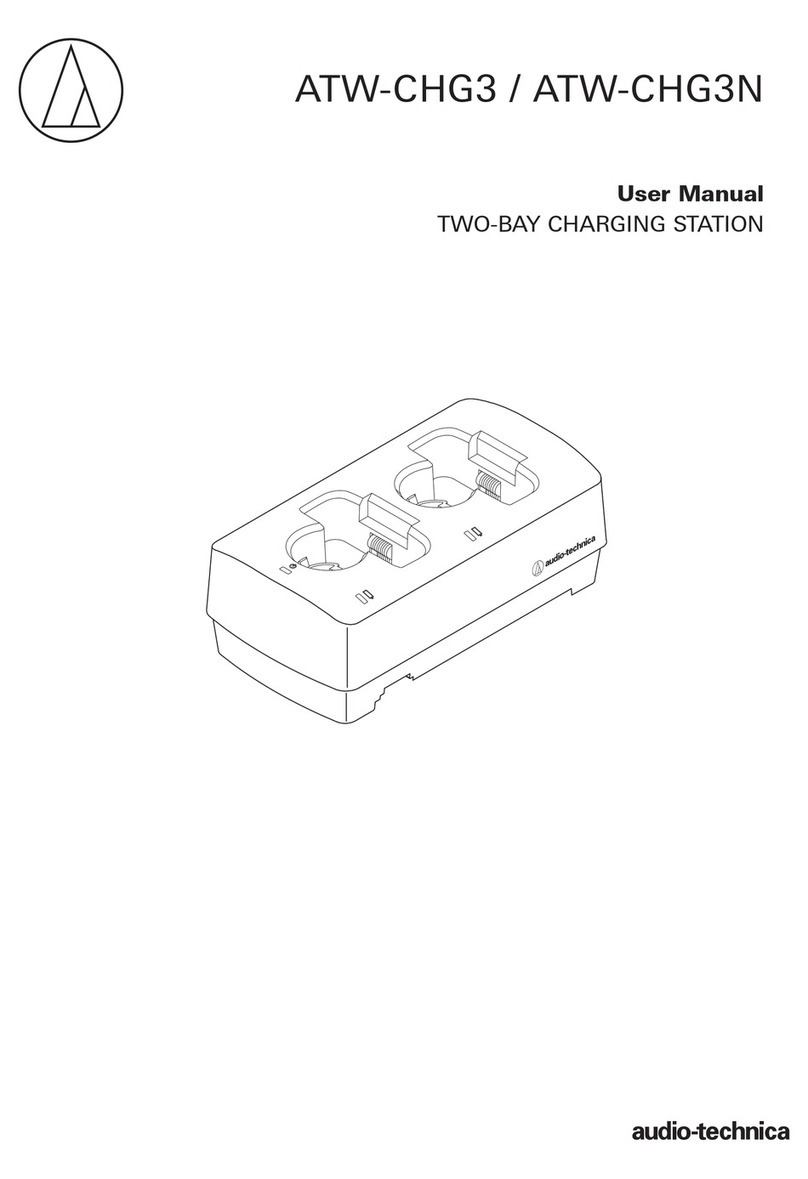
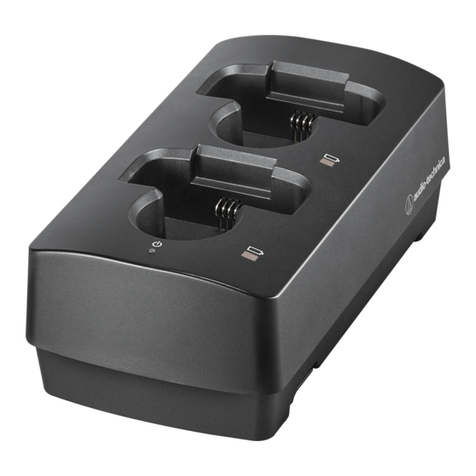
ATW-CHG2
Two-Bay Recharging Station
For use with 2000 Series
wireless transmitters:
ATW-T210a UniPak®Transmitter
ATW-T220a Handheld Transmitter
Audio-Technica U.S., Inc. 1221 Commerce Drive, Stow, Ohio 44224 USA +1 (330) 686-2600
Audio-Technica Limited Unit 5, Millennium Way, Leeds LS11 5 AL, United Kingdom +44 (0) 113 277 1441
Audio-Technica (Greater China) Limited Unit K, 9/F., Kaiser Est. (Ph.2) 51 Man Yue St. Kowloon, HK. +852-2356-9268
Audio-Technica (S.E.A.) Pte. Ltd.
No 1 Ubi View, #01-14 Focus One, Singapore 408555 +65-6749-5686
Audio-Technica Corporation 2-46-1 Nishi-naruse, Machida, Tokyo
©2017 Audio-Technica U.S., Inc. audio-technica.com
P52205 232304430-01-02 ver.1 2010.10.22 ver.2 2017.04.01
To reduce the environmental impact of a multi-language printed document, product information
is available online at www.audio-technica.com in a selection of languages.
concernant les produits sont disponibles sur le site www.audio-technica.com dans une large
sélection de langue.
Para reducir el impacto al medioambiente, y reducir la producción de documentos en varios
leguajes, información de nuestros productos están disponibles ennuestra página del Internet:
www.audio-technica.com.
Para reduzir o impacto ecológico de um documento impressode várias linguas, a Audio-Technica
providência as informações dos seus produtos em diversas linguas nawww.audio-technica.com.
Per evitare l’impatto ambientale che la stampa di questo documento determinerebbe, le
informazioni sui prodotti sono disponibili online in diverse linguesul sito www.audio-technica.com.
Sprachen auf unserer Homepage: www.audio-technica.com.
Om de gevolgen van een gedrukte meertalige handleiding op het milieu te verkleinen, is
productinformatie in verschillende talen “on-line” beschikbaar op: www.audio-technica.com.
DANGER
This charger is designed only for Ni-MH rechargeable batteries.
To avoid personal injury and damage, do not attempt to charge alkaline
batteries or any other rechargeable batteries besides Ni-MH.
WARNING
•
or splashes.
•
candles) on the product.
•
tablecloths, curtains, etc.
•
or similar unit.
• Do not open the cover. No user serviceable parts inside.
•
the product.
CAUTION
• Do not use the charger in extremely cold or hot conditions.
• Keep the charger out of reach of small children.
• Danger of explosion if the wrong type of batteries are used.
• The charger rating label is on the bottom of the apparatus.
• Replace batteries only with the same or equivalent type.
• The charger should be located close enough to the AC outlet so that
you can easily grasp the AC adapter at anytime. In case of emergency,
disconnect the AC adapter quickly.
• Do not expose batteries or charger to excessive heat such as direct
RECYCLING OF NI-MH BATTERIES
• Do not dispose the batteries as unsorted municipal waste; use separate
collection facilities.
• Contact your local government for information regarding the collection
systems available.
CANADA ONLY
This Class Bdigital apparatus complieswithCanadianICES-003. Cet appareil
numérique de la classe B est conforme ála norme NMB-003 du Canada.
OPERATING PRECAUTIONS
Battery Charger
• It is not abnormal for the charger and the rechargeable batteries to
become warm during recharging.
Batteries
• For best performance and optimal safety, use only the included
1900 mAh Ni-MH or similar type batteries.
• It is often necessary to cycle new or deeply discharged Ni-MH batteries
two or three times before they reach peak performance. To cycle the
batteries, simply usethem as you normally would and then recharge them.
COMPLIANCE WITH FCC RULES (USA ONLY)
This device complies with Part 15 of FCC rules. Operation is subject to the
following two conditions: (1) this devicemay not cause harmful interference,
and (2) this device must accept any interference received, including
interference that may cause undesired operation.
FCC WARNING
in this manual could void your authority to operate this equipment.
NOTICE
This equipment has been tested and found to comply with the limits for a
Class B digital device, pursuant to Part 15 of the FCC Rules. These limits
are designed to provide reasonable protection against harmful interference
in a residential installation. This equipment generates, uses, and can radiate
radio frequency energy and, if not installed and used in accordance with
the instructions, may cause harmful interference to radio communication.
However, there is no guarantee that interferencewill not occur in a particular
installation. If this equipment does cause harmful interference to radio or
television reception, which can be determined by turning the equipment off
and on, the user is encouraged to try to correct the interference by one or
more of the following measures;
- Reorient or relocate the receiving antenna.
- Increase the separation between the equipment and receiver.
- Connect the equipment into an outlet on a circuit different from that to
which the receiver is connected.
- Consult the dealer or an experienced radio/TV technician for help.