manuals.online logo
Brands
  1. Home
  2. •
  3. Brands
  4. •
  5. Audiovox
  6. •
  7. Car Video System
  8. •
  9. Audiovox LCM 7070 User manual

Audiovox LCM 7070 User manual

Other manuals for LCM 7070

1

Other Audiovox Car Video System manuals
Audiovox 50-0245x-002 SERIES User manual

Audiovox

Audiovox 50-0245x-002 SERIES User manual

Audiovox VOD8521 - DVD Player / LCD Monitor User manual
Audiovox

Audiovox VOD8521 - DVD Player / LCD Monitor User manual

Audiovox VME 9309TSB User manual

Audiovox

Audiovox VME 9309TSB User manual
Audiovox VM9223 User manual

Audiovox

Audiovox VM9223 User manual

Audiovox Mobile Video VOD128 User manual

Audiovox

Audiovox Mobile Video VOD128 User manual

Audiovox Mobile Video VOD100 User manual

Audiovox

Audiovox Mobile Video VOD100 User manual

Audiovox Movies2Go MMD100 Quick start guide

Audiovox

Audiovox Movies2Go MMD100 Quick start guide

Audiovox VOH8512 User manual

Audiovox

Audiovox VOH8512 User manual

Audiovox Movies2Go MMD154 User manual

Audiovox

Audiovox Movies2Go MMD154 User manual
Audiovox HR7DD PKG User manual

Audiovox

Audiovox HR7DD PKG User manual

Audiovox ADV200 User manual

Audiovox

Audiovox ADV200 User manual

Audiovox AVT-597 User manual

Audiovox

Audiovox AVT-597 User manual
Audiovox LCM56 User manual

Audiovox

Audiovox LCM56 User manual
Audiovox VME 9325 BTA User manual

Audiovox

Audiovox VME 9325 BTA User manual

Audiovox PROV710 S User manual

Audiovox

Audiovox PROV710 S User manual
Audiovox VME 9309TS User manual

Audiovox

Audiovox VME 9309TS User manual

Audiovox VOD285P User manual

Audiovox

Audiovox VOD285P User manual

Audiovox VOD701 User manual

Audiovox

Audiovox VOD701 User manual

Audiovox AVXMTG13UA User manual

Audiovox

Audiovox AVXMTG13UA User manual
Audiovox HR7008PKG User manual

Audiovox

Audiovox HR7008PKG User manual
Audiovox Movies 2 Go MMSV58 User manual

Audiovox

Audiovox Movies 2 Go MMSV58 User manual

Audiovox AVXMTG13UA User manual

Audiovox

Audiovox AVXMTG13UA User manual

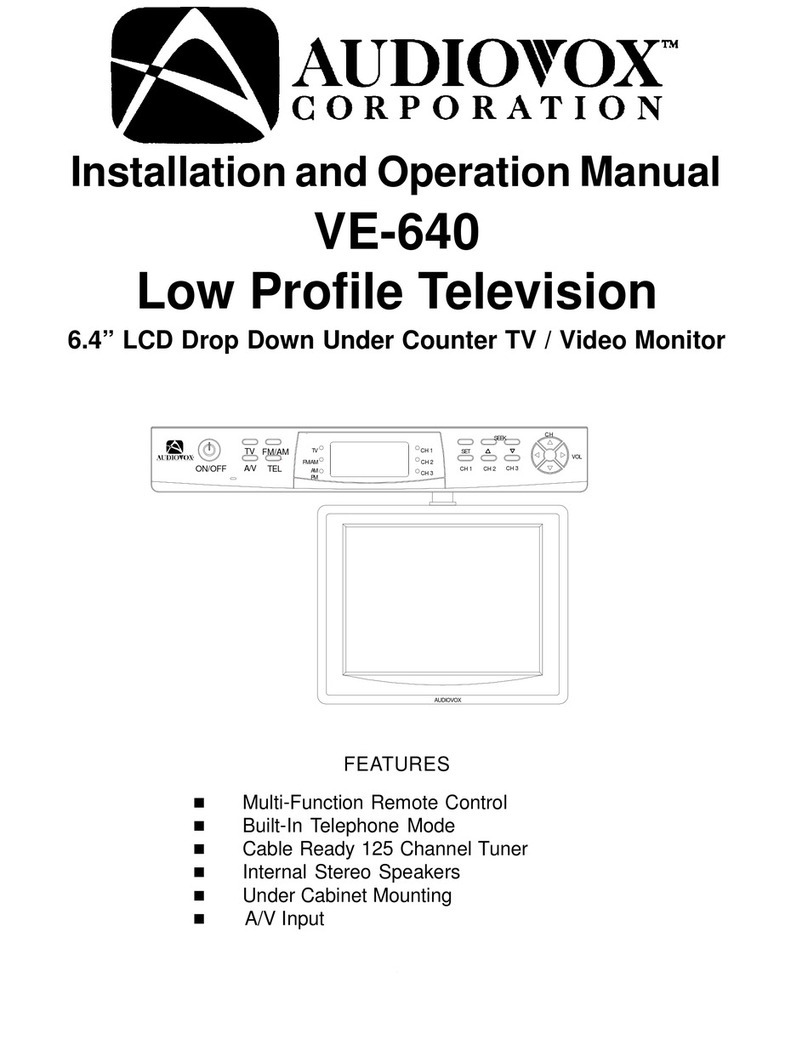
Audiovox VE640 - VE - 640 User manual

Audiovox

Audiovox VE640 - VE - 640 User manual

Audiovox VME 9309TS User manual

Audiovox

Audiovox VME 9309TS User manual

Popular Car Video System manuals by other brands

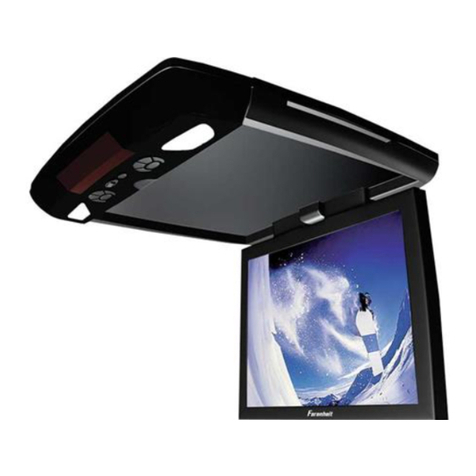
Farenheit MD-1510CM instruction manual

Farenheit

Farenheit MD-1510CM instruction manual

Mazda Connect manual

Mazda

Mazda Connect manual

RCA DRC97983 Manual de usuario

RCA

RCA DRC97983 Manual de usuario

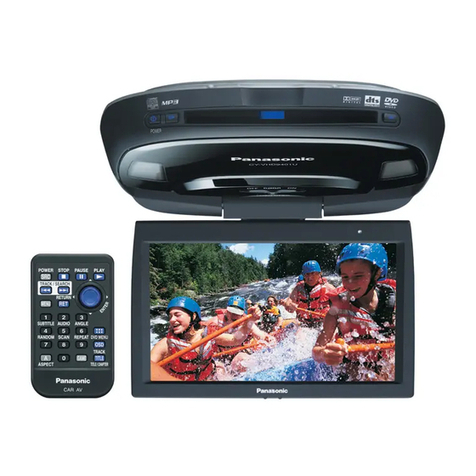
Panasonic CY-VHD9401U Service manual

Panasonic

Panasonic CY-VHD9401U Service manual

Stinger HEIGH10 RB10RAM13B installation manual

Stinger

Stinger HEIGH10 RB10RAM13B installation manual

Alpine IVA-W203 - 6.5" Touch Screen 2-DIN DVD In-Dash... owner's manual

Alpine

Alpine IVA-W203 - 6.5" Touch Screen 2-DIN DVD In-Dash... owner's manual

Eonon E1057 instructions

Eonon

Eonon E1057 instructions

Milion D2223 user manual

Milion

Milion D2223 user manual

Metra Electronics 99-8153 installation instructions

Metra Electronics

Metra Electronics 99-8153 installation instructions

Voxx Electronics HR8MA1 owner's manual

Voxx Electronics

Voxx Electronics HR8MA1 owner's manual

Axxera AV604Bi quick start guide

Axxera

Axxera AV604Bi quick start guide

Clarion NX706E owner's manual

Clarion

Clarion NX706E owner's manual

Pyle view PLDN74BTi owner's manual

Pyle view

Pyle view PLDN74BTi owner's manual

Clarion NX602 quick start guide

Clarion

Clarion NX602 quick start guide

RCA DRC6296 - Twin 9" Mobile DVD System Manual Del Usuario

RCA

RCA DRC6296 - Twin 9" Mobile DVD System Manual Del Usuario

Fiat Uconnect 5.0 manual

Fiat

Fiat Uconnect 5.0 manual

Lanzar SVDVD5 owner's manual

Lanzar

Lanzar SVDVD5 owner's manual

Eonon E1060 instructions

Eonon

Eonon E1060 instructions

manuals.online logo
manuals.online logoBrands
  • About & Mission
  • Contact us
  • Privacy Policy
  • Terms and Conditions

Copyright 2025 Manuals.Online. All Rights Reserved.

LCM7070
7”Color TFT-LCD Monitor
10
Specifications 12
Saftey Advice 13
Wiring Diagram 14
Installation 15
Baisc Functions 16
Electronical Installation and control functions 17
Trouble shooting 18
WARRANTY CARD 38
11
12
Subject to technical changes
Specifications
7” (17,8cm) FTF/LCd 16:9 Car Monitor
Stand-alone or Headrest Installation
Resolution: 1400 x 234 pixel
Resolution RGB 480 x 234 pixel
Contrast Ratio 300:1
Brightness 350cd/m2
Viewing Angle Vertical 160°, Horizontal 160°
PAL/NTSC Auto Mode
On Screen Display Control
V1 & V2 Inputs
1 x Remote control
1 x Mounting Stand & Cable Kit
1 x Heardrest Mounting bracket
Built in IR Headphone Transmitter
1 x Monitor Control Box
Saftey Advice
Thank you for choosing a Audiovox product. We hope you will find the instructions in this owner’s manual clear
and easy to follow. If you take a few minutes to look through it, you’ll learn how to use all the features of your
new Audiovox LCM7070 monitor for maximum enjoyment.
Traffic
The Driver should never operate these products while the vehicle is in motion! Installation of all TV monitors must be
out of the driver´s field of vision.
Build-in position
Installation of all TV monitors must be out of the driver´s field vision. This product should never be placed near or over
an heat vent. Make sure to keep products away from direct sunlight at the build in position.
Do not mount the product where it will obstruct the development of the airbag or in an area where it would affect the
vehicular control. Also be careful to avoid mounting the product, where it can become hazadous during stops or in the
event of an accident.
Installation
Quality installations are best performed by qualifield and certified installers.
Cleaning the screen
Use only a damp cloth to clean the screen and use purified water on the cloth wiring out all excess water prior to wiping
the screen. Do not use any cleaners or chemicals to clean the screen. In most cases a dry cloth will do!
Liquids
If there is any liquid on these products, pull your vehicle to the roadside and turn the key off to disconnect or wipe the
products with a towel. Do not operate the equipment until all liquids habe either evaporated or you have the monitor
was inspected at the service center by a qualified technican.
Watching the monitor without engine running
Watching the monitor for an extended period of time without engine running may deplete the vehicle´s battery charge.
13
Subject to technical changes
Caution:
Please oberserve the right polarity of the cables and the right colours of the RCA-Plugs.
14
Technische Änderungen vorbehalten
Method 1: Installation with Stand
Mount at first the stand at an appropriate postion. F.i. in the dashboard with the supplied screws. Observe by any
means, that you don´t damage wires, cables or other preinstalled parts in the vehicle.
At first remove carefully the mounting frame of the monitor´s rearside. Then slide the monitor´s mounting slot (A) on
the fixing plate (B) from the mounting stand. Ensure thereby a propper allignment of the fixing plate in the mounting
slot and don´t tilt.
Adduct the knurled head screw (C) of the stand, after you have found the right position by sliding around. The vie-
wing angle if the monitor could be adjusted by setscrew (D).
Method 2: Installation in Headrest
Thereby a installation with the mounting frame (A) is suggsted. At first consider the right position of the seperate A/V
distribution box, especially when a additional second monitor should be installed.
Ensure for suffizient lenghts of all cables and wires.
Cut out a suffizient mounting hole in the headrest (B). Use the inner dimensions of the mounting frame as draft.
Then lead the A/V-Cable from the monitor through the big hole (C) in the mounting frame and through the hollow
attachment bar of the headrest.
Depending of the type of your car, you should fix the mounting frame(D) with the attachment bars on the inside. Then
insert carfully the monitor in the mounting frame. After all, slide the headrest back into the seat and connect the
Monitors A/V-cable with the distribution box.
15
Subject to technical changes
Basic Functions
Remote Control
16
Technische Änderungen vorbehalten
The Monitor settings can be adjusted
only with remote control
Electronical installation and control functions
1. Please connect the monitor connection cable with the supported „S“ cable. The other side of the „S“ cable you con-
nect with the Monitor control box.
2. Connect your DVD player or your headunits Audio / Video output with the Audio / Video input 1 at the monitor con-
trol box.
3. Please connect the power connection cable like follow:
- red: ignition DC 12V or with the automatic antenna output of your Radio
- yellow: DC 12V permament power
- black: DC ground
4. The Audio / Video output of the monitor control box can be used if you install a second monitor in the car.
5. With the Power ON / OFF button you can switch the monitor ON / OFF.
6. Be sure the VCD or DVD is working, the monitor will display the normal photo then, this main unit will distinguish
automatically from the model PAL and NTSC video signal. If you connect them right, the clear and colorful screen
will be on.
7. Using the remote conrol you can adjust the brightness, color and contrast.
8. The remote key of overturn can turn the picture clockwise. It fits to different occasions.
9. The monitor included a built in IR headphone transmitter which allows the use of wireless headphone.
10. The remote control button V1/V2 allow to switch between the booth input sources.
11. The P.P. remote control button, offer you a quik access to pre adjusted picture settings. Otherwise a manual pictu-
re adjustment is possible with the brightness / color and contrast ratio buttons of the remote control.
17
Trouble Shooting
Power
This product is designed for operation with a 12 Volt DC, negative ground vehicle. Too low voltage or wrong polarity
my cause malfunctions.
Service
Do not try and service these products yourself, seel only a qualified service center or factory service center.
Damages
Be careful not to drop or apply undue pressure to the frontpanel of your video monitor. If the screen crakcs due to
misuse you warranty will be void!
Check-Points
1. The operating temperature of this product is limited to -20°C - + 80°C.
Your vehicle can reach temperature up to 100°C in the summertime.
2. From time to time when your vehicle extremely hot or cold you must allow for your air conditioner or heater to cool
or heat the vehicle to operating temperatures to return to normal operating ranges are achieved.
3. Your optimum picture quality is achieved when you are directly in front of monitor (+/- 30 degrees).
18
Technische Änderungen vorbehalten