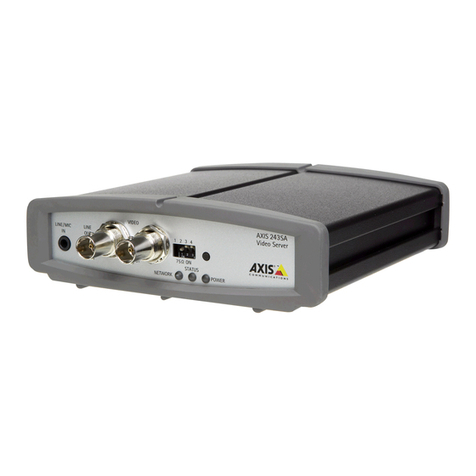
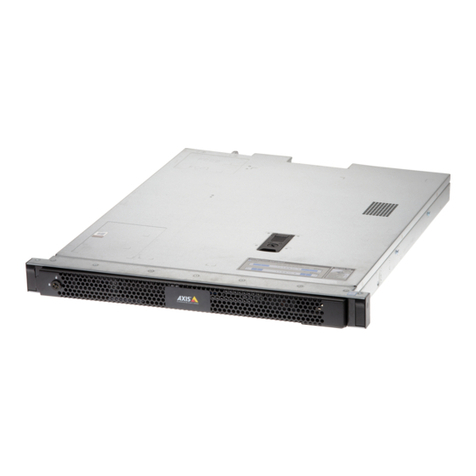
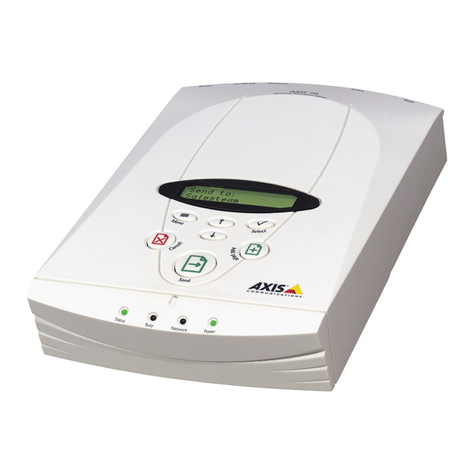
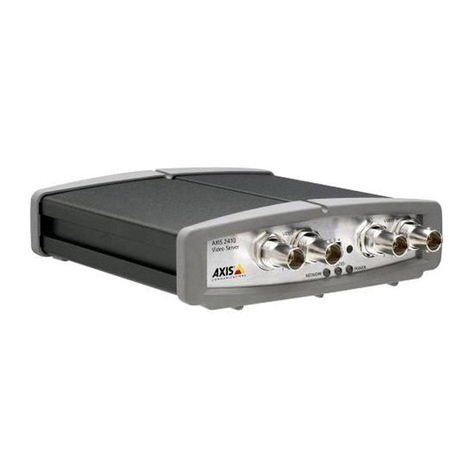
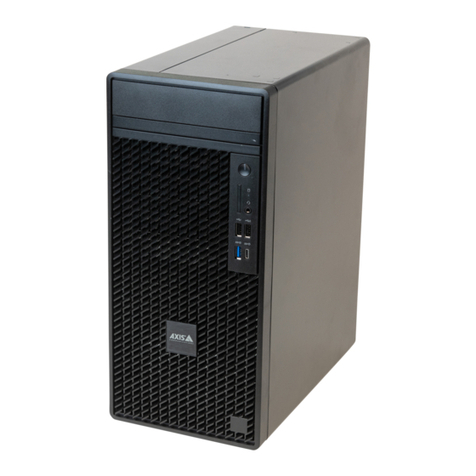
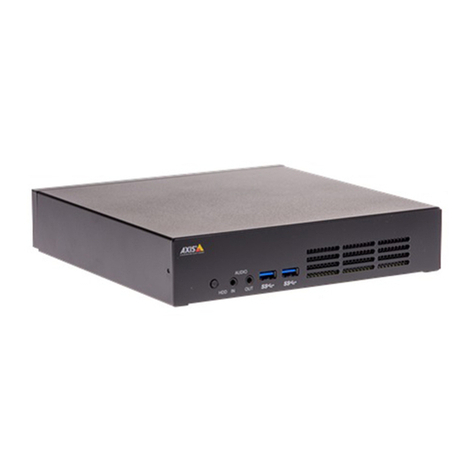
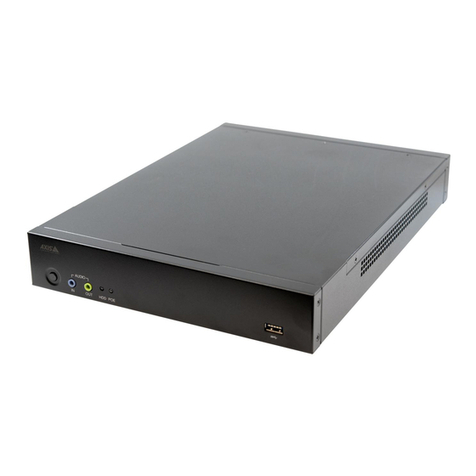
AXISFA54MainUnit
Findingthedeviceonthenetwork
Findingthedeviceonthenetwork
AXISIPUtilitandAXISDeviceManagerarerecommendedmethodsforndingAxisdevicesonthenetworkandassigningthemIP
addressesinWindows®.Bothapplicationsarefreeandcanbedownloadedfromaxis.com/support
Thedevicecanbeusedwiththefollowingbrowsers:
•Windows®:ChromeTM(recommended),Firefox®,Edge®,orOpera®
•OSX®:ChromeTM(recommended)orSafari®
•Otheroperatingsstems:ChromeTMorFirefox®.
Ifouneedmoreinformationaboutrecommendedbrowsers,gotoaxis.com/browser-support
Howtoaccessthedevicefromabrowser
1.Startawebbrowser.
2.EntertheIPaddressorhostnameoftheAxisdeviceinthebrowser’saddresseld.
ToaccessthedevicefromaMaccomputer(OSX),gotoSafari,clickonBonjourandselectthedevicefromthedrop-down
list.ToaddBonjourasabrowserbookmark,gotoSafari>Preferences.
IfoudonotknowtheIPaddress,useAXISIPUtilittolocatethedeviceonthenetwork.Forinformationabouthow
todiscoverandassignanIPaddress,seethedocumentHowtoassignanIPaddressandaccessyourdeviceonthe
devicepageataxis.com.
3.Enterourusernameandpassword.Ifthisisthersttimethedeviceisaccessed,therootpasswordmustrstbe
congured,gotoSetasecurepasswordfortherootaccountonpage6.
4.Thedevice’sliveviewpageopensinourbrowser.
Aboutsecurepasswords
Important
Axisdevicessendtheinitiallsetpasswordincleartextoverthenetwork.Toprotectourdeviceaftertherstlogin,set
upasecureandencrptedHTTPSconnectionandthenchangethepassword.
Thedevicepasswordistheprimarprotectionforourdataandservices.Axisdevicesdonotimposeapasswordpolicasthe
mabeusedinvarioustpesofinstallations.
Toprotectourdatawestronglrecommendthatou:
•Changethedefaultpasswordthatcomeswitheachdevice.
•Useapasswordwithatleast8characters,preferablcreatedbapasswordgenerator.
•Don’texposethepassword.
•Changethepasswordatarecurringinterval,atleastonceaear.
Setasecurepasswordfortherootaccount
Important
Thedefaultadministratorusernameisroot.Ifthepasswordforrootislost,resetthedevicetofactordefaultsettings.
1.Tpeapassword.Followtheinstructionsaboutsecurepasswords.SeeAboutsecurepasswordsonpage6.