1ª 10093 – GB 10 - 2008
- 8 -
1.4 Programming with payment module.
To accede to the programming relative to the payment module, to keep touched the button P
during 3 seconds.
On the screen of the payment module the first available function appears:
F110
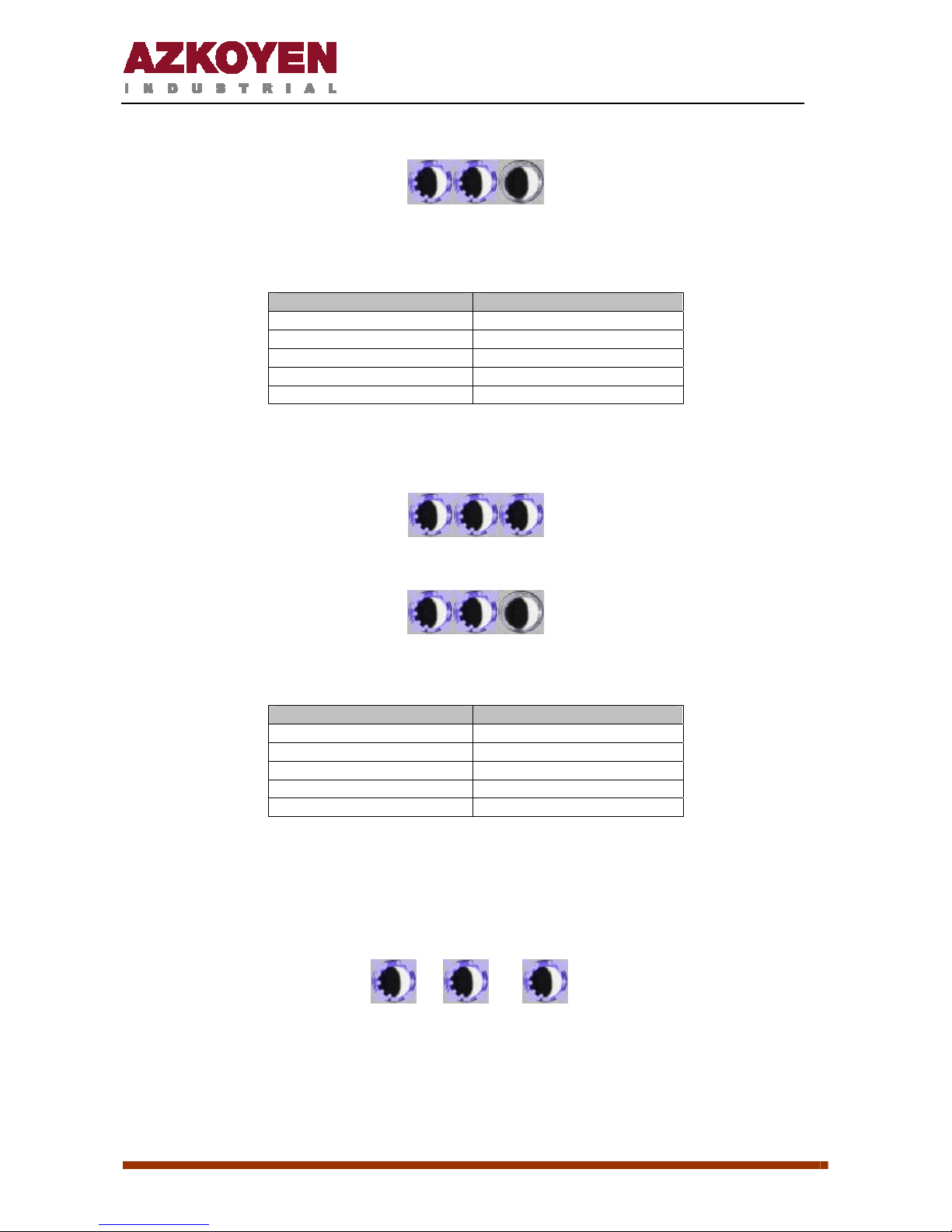
With the button 1, decreases the number of function; with the button 2 is increased, with the
button 3, are dropped into the role. To exit the programming mode, press the button P.
- + Enter
The available functions are:
F110 Accounting for money sold per selection
F111 Accounting for units sold per selection
F120 Accounting for money sold in total
F121 Accounting of units sold in total
F171 Clearing accounts
F201 Programming price for each selection
F204 Programming the same price for all selections
F412 Programming the coins to be admitted.
In the accounting functions, if the number at present is larger than 4-digit, is presented by
moving from right to left.
In the functions F110, F111 and F201, after entering the function, wondered what selection is
going to reach, with the following screen:
SEL?
In the functions F201 and F204,for programming the prices, the digit to be edited is flashing .
The functionality of each button is as follows:
- +
ÆÅ
The 4th button functionality is only when you are editing the 2nd or subsequent digits. In the
machinery of 3 keys do not have this button, thus, to change one digit for which has already
been passed, we must continue until the end of the number and come back to the editing of
that value.
“USE EXACT MONEY” CONDITION
The machines connected to coin mechanism, will show the “use exact money” condition by
showing the credit intermittently on the display.