Get access to programming mode by pressing the
Pbutton on the back side of the door.
Short press on P button, allows access to some of
the functions, the default personal menu of
functions. These functions can be modified directly
on this access mode. Navigation through the
options is done by Service buttons from front door.
(explained below).
2. Programming keyboard
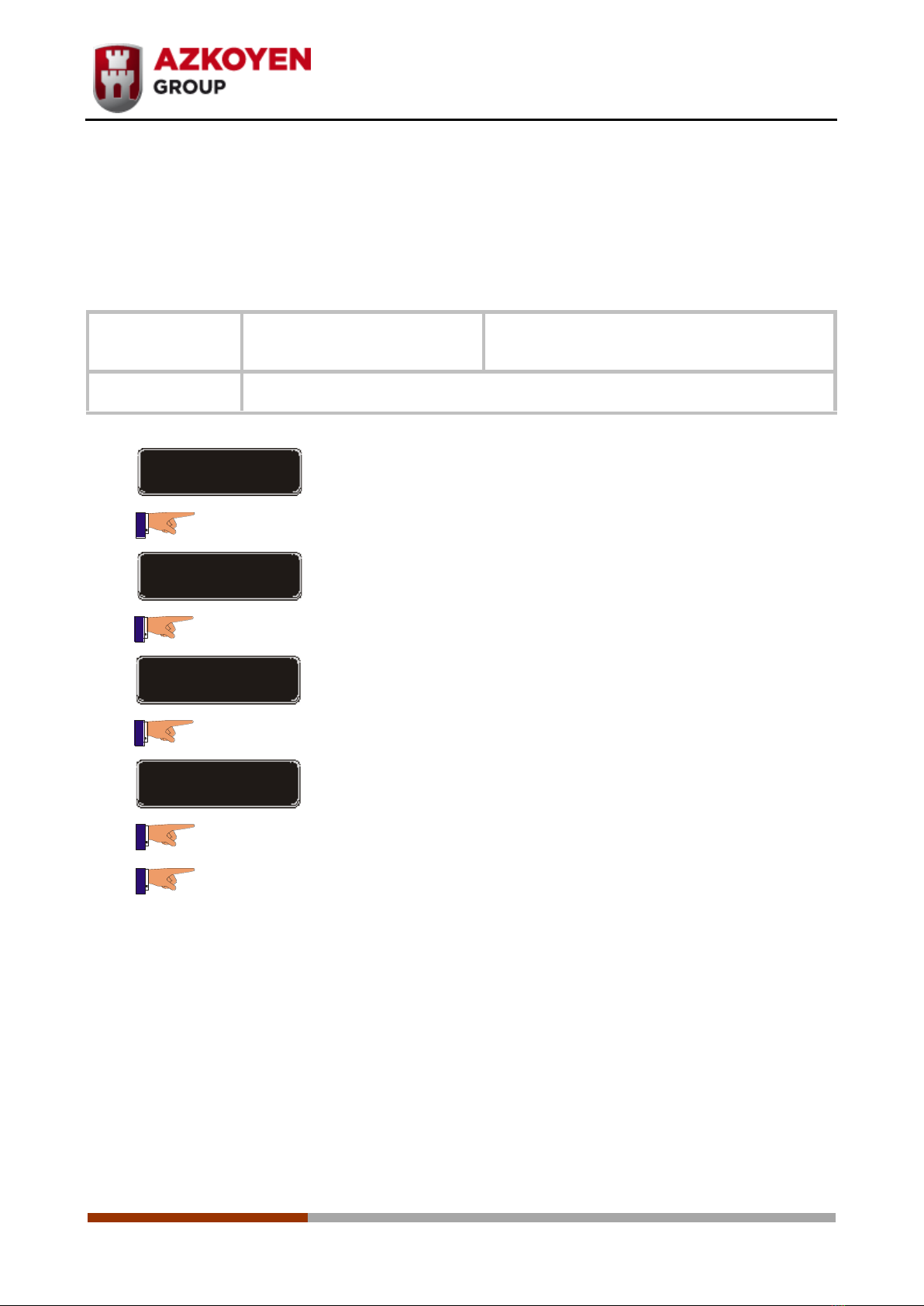
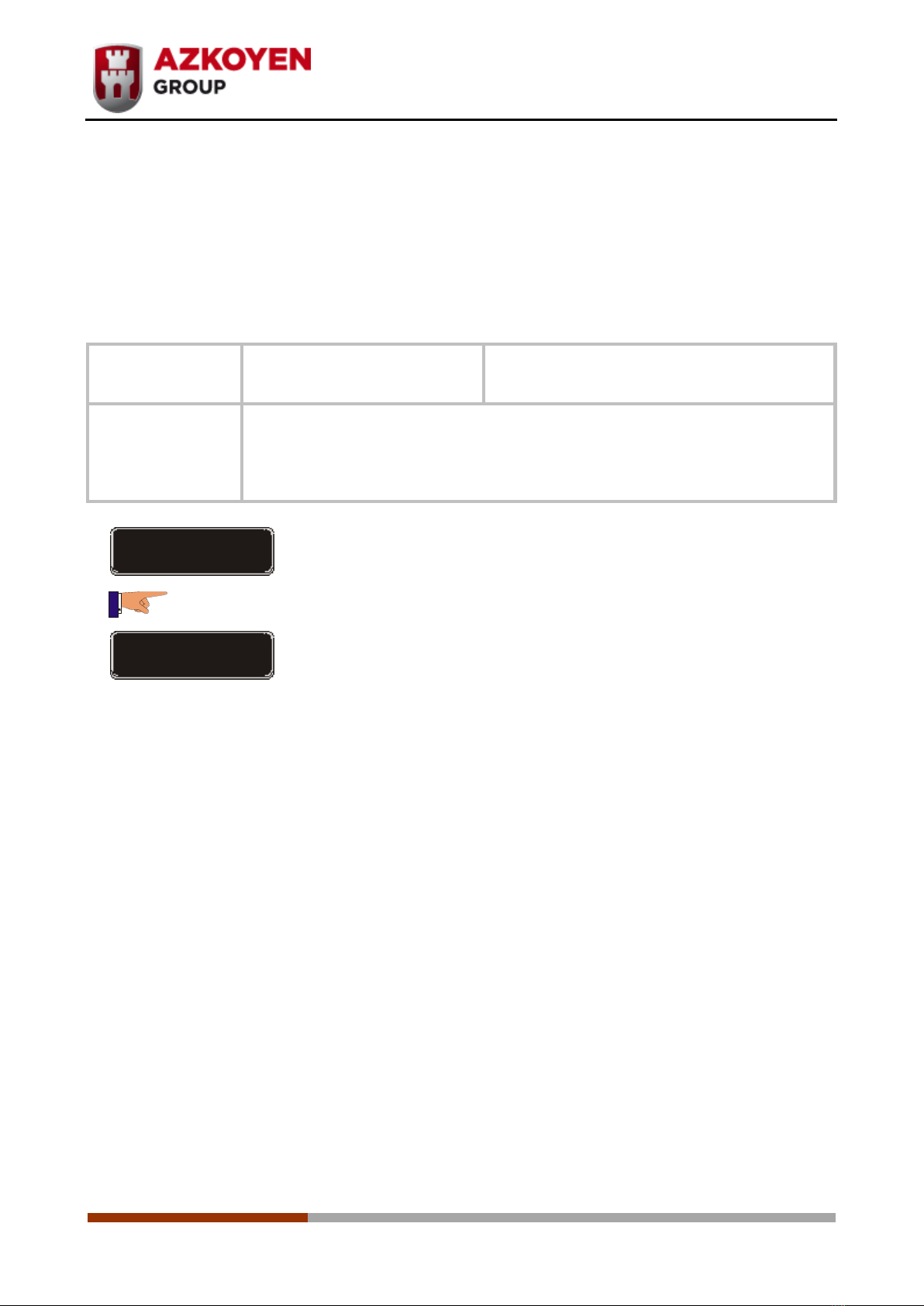
After pushing the button: PROG to access to programming mode, display will show the first
available function: 010 LISTING:
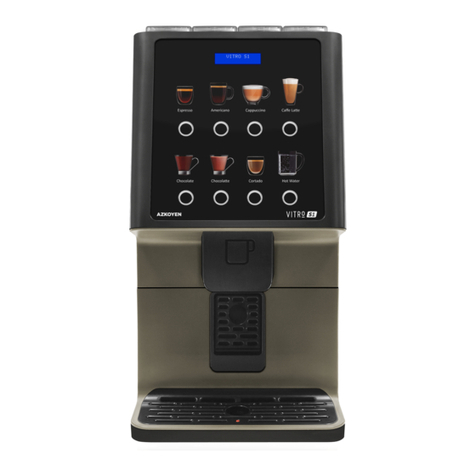
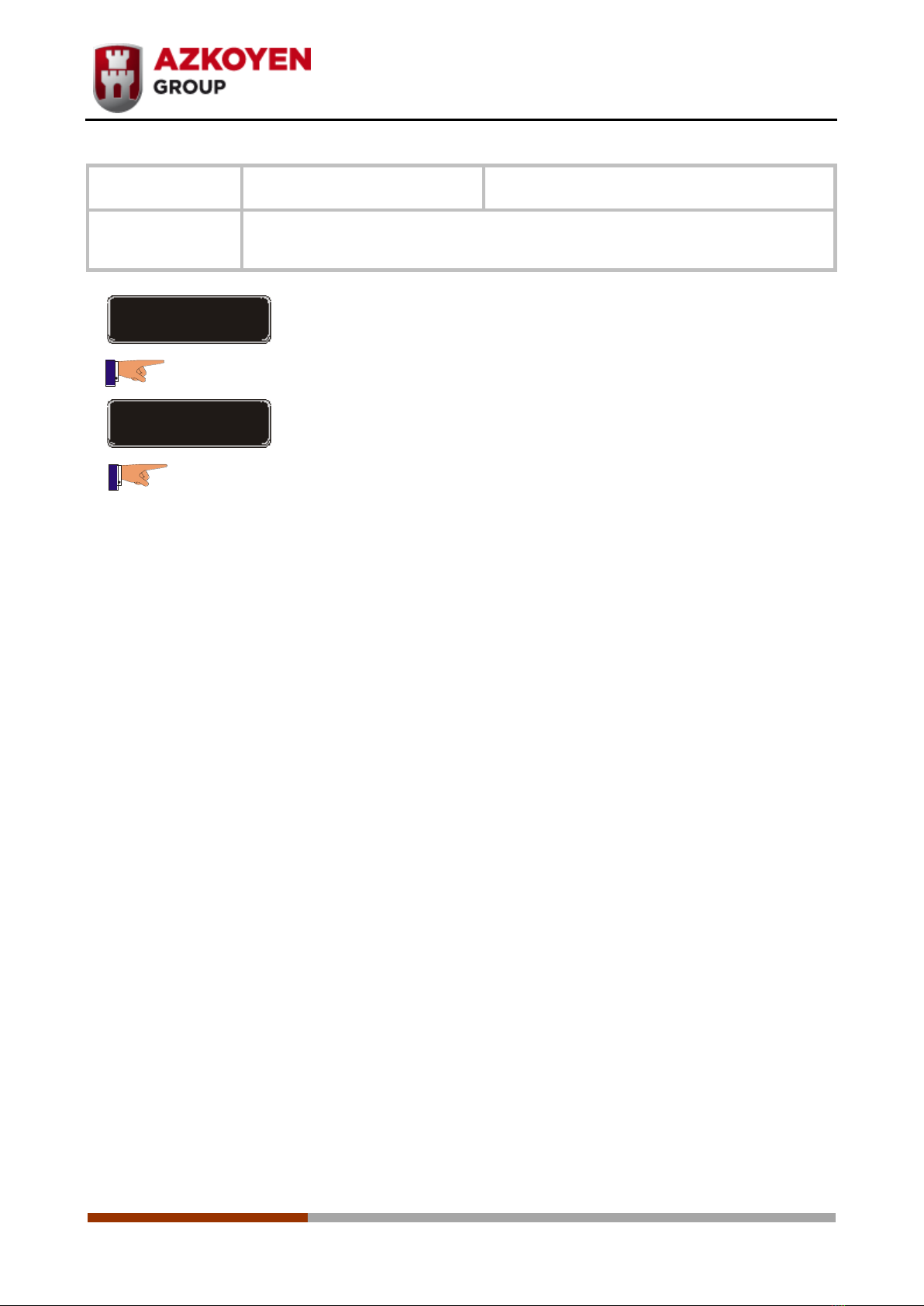
Navigation is done by using the 4 buttons on the front door, the
upper row service buttons. The function of each Service button
is:
Button A, move forward through the options.
Button B, move backwards through the options.
Button C, go back or go out.
Button D, access, enter or confirm.
Button E, enables one free vend.
Button F, activates cleaning mixer one time.
Button G, shows the boiler temperature
Button H, not used.