28 29
into the scale.
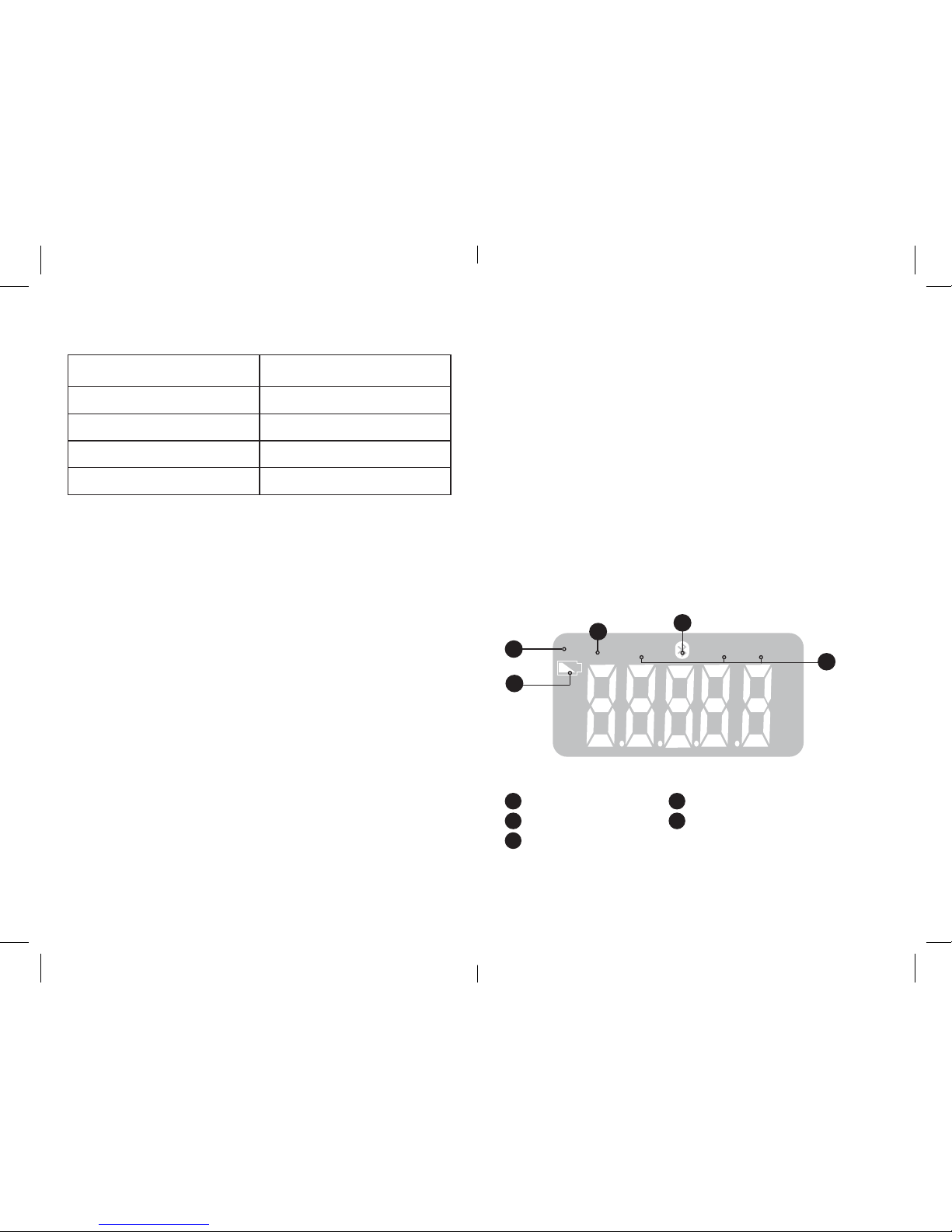
- When the LCD screen displays “LO”, the batteries are low or used
up. Replace used batteries, taking care to observe the polarity. A
polarity error may cause damage to the device and compromise
the warranty.
- Never insert rechargeable batteries. Use single-use batteries only.
Do not mix new batteries with used batteries.
- Do not throw your used batteries out with household waste.
- Take your used batteries to a collection point.
Remove the batteries if the device is not in use for a long period, in
order to avoid any leaks that may damage the unit.
4. USING THE APP
41. DATA TRANSFER
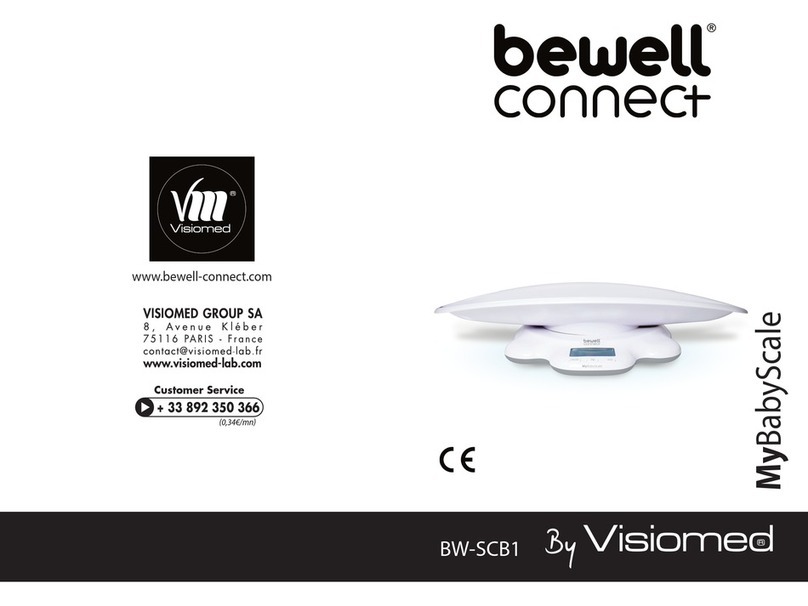
Download the BewellConnect® app
bw
My
Bab
y
Scale
Download the BewellConnect® app from your smartphone
or tablet store. (App Store for an iOS device, Play Store for
an Android device)
First use – Programming personal data
- Start by creating proles for yourself and your children
- Programme the proles by entering age, height and sex
Taking the measurement
- To track your child’s growth, connect your device (telephone, tab-
let) using Bluetooth (Bluetooth 4.0 smart Low Energy connectivi-
ty, compatible with iPhone 4s and up).
- Turn on the scale by pressing the on/o button.
- Open the BewellConnect® app and choose your child’s prole.
- Start MyBabyScale® and go to the measurement screen before
weighing your child, to save the data.
- Place the child on the baby scale.
- Data are measured and transferred to the smartphone or tablet
automatically with MyBabyScale®.
- You can consult the growth curves in the app.
42. APP FEATURES
MyBabyScale® lets you track your baby’s growth (weight and
height). However, other features are also available:
- Growth: Size, head circumference, arm circumference and waist
circumference.
- Breastfeeding: breastfeeding duration on the right breast, breast-
feeding duration on the left breast.
- Bottles: quantity of bottles, expressed milk or powdered milk.
- Sleep: duration.
- Nappy: consistency and amount of stools/urine.
- Mood: it is possible to add your baby’s mood whenever you enter
a new measurement. There is also the option to indicate whether
there has been any regurgitation.
The app helps you to achieve successful dietary diversication, pro-
viding advice on introducing foods into your baby’s diet from 0 to
3 years of age.
5. CLEANING AND MAINTENANCE
- Do not allow the weighing tray to become wet as this could make
it slippery and cause an accident.
- Store your baby scale horizontally.
- Store your baby scale in a dry place and away from moisture.
- Use a soft, dry cloth to clean the unit. If necessary, use a cloth
moistened slightly with tap water.
- Do not use alcohol, benzene, thinner or other chemicals to clean
the device.
- This product is not waterproof, avoid contact with liquid.