Setting up continue...
8
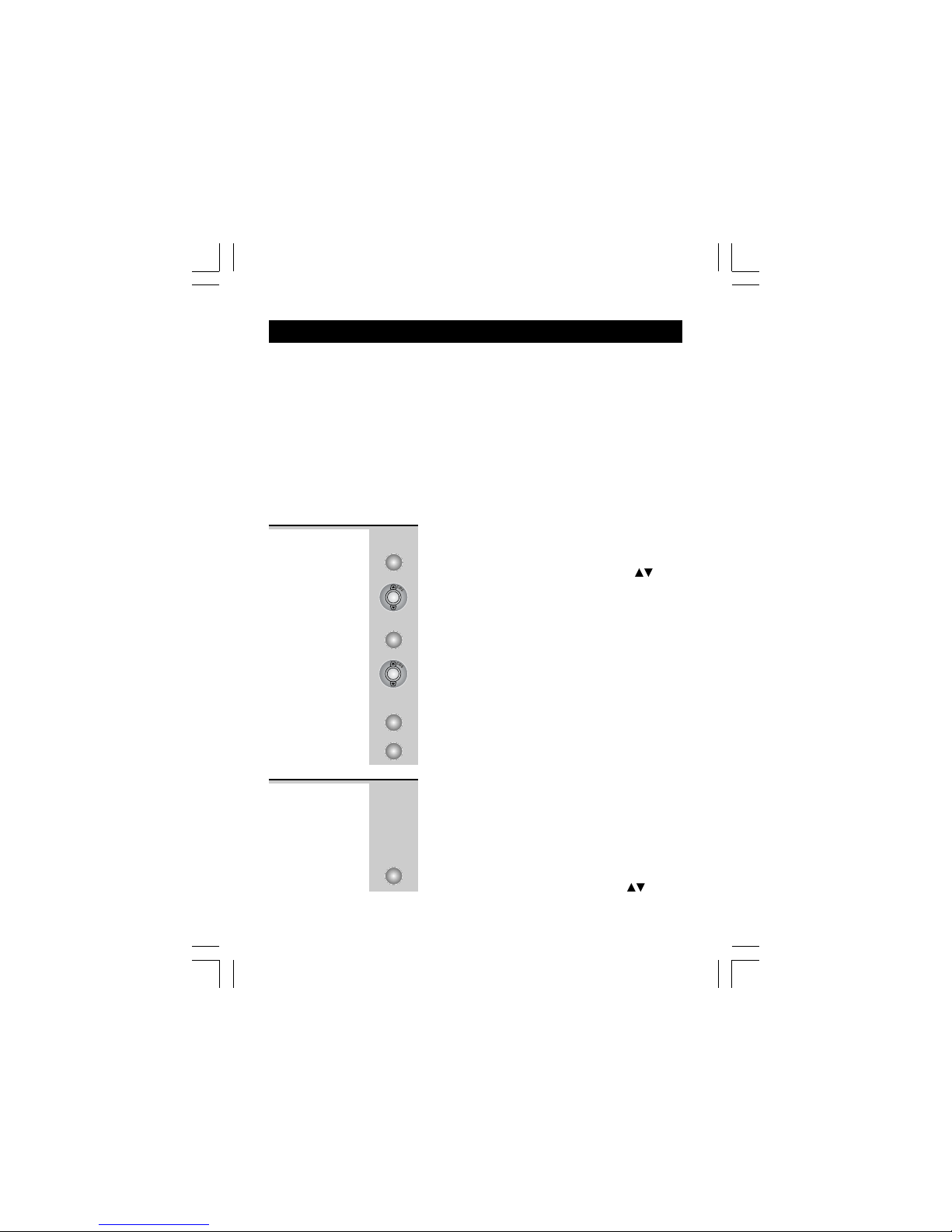
2 Press UP or DOWN button until the display
shows
SET TIME/DATESET TIME/DATE
SET TIME/DATESET TIME/DATE
SET TIME/DATE
.
3 Press MENU button to confirm.
ÖThe ‘year’ icon will be blinking.
4 Press UP or DOWN button to set the year.
5 Press MENU button to confirm.
ÖThe ‘hour’ icon will be blinking.
6 Press UP or DOWN button to set the hour.
ÖWhen setting the ‘hour’, the ‘AM’ or ‘PM’
icon will automatically turn ON to correspond
the hour time.
7 Press MENU button to confirm.
ÖThe ‘minute’ icon will be blinking.
8 Press UP or DOWN button to set the minute.
9 Press MENU button to confirm.
ÖThe ‘date’ icon will be blinking.
10 Press UP or DOWN button to set the date.
11 Press MENU button to confirm.
ÖThe ‘month’ icon will be blinking.
12 Press UP or DOWN button to set the month.
13 Press MENU button to confirm the TIME and
DATE setting.
14 Continue with programming, or press RECALL
button to return to standby mode.
Binatone Help Line - 0845 345 9677
Calls are charged at Local Call rate.
This telephone gives you the possibility to use the
special services of your telephone company. When
pressing the RECALL button, the phone generates a
line interruption and the length depends on your
FLASH TIME setting.
1 Press MENU button.
ÖThe display shows
OPTIONS MENUOPTIONS MENU
OPTIONS MENUOPTIONS MENU
OPTIONS MENU
.
SET FLASH
TIME
The default setting of the Caprice 500 is 100ms,
which should be correct for most UK connections, but
some PBX systems may require a different setting.
MENU
MENU
MENU
MENU
MENU
MENU
MENU
RECALL/ESC