Binatone Help Line : 0845 345 9677 3
Contents
Page
Where to find it 1
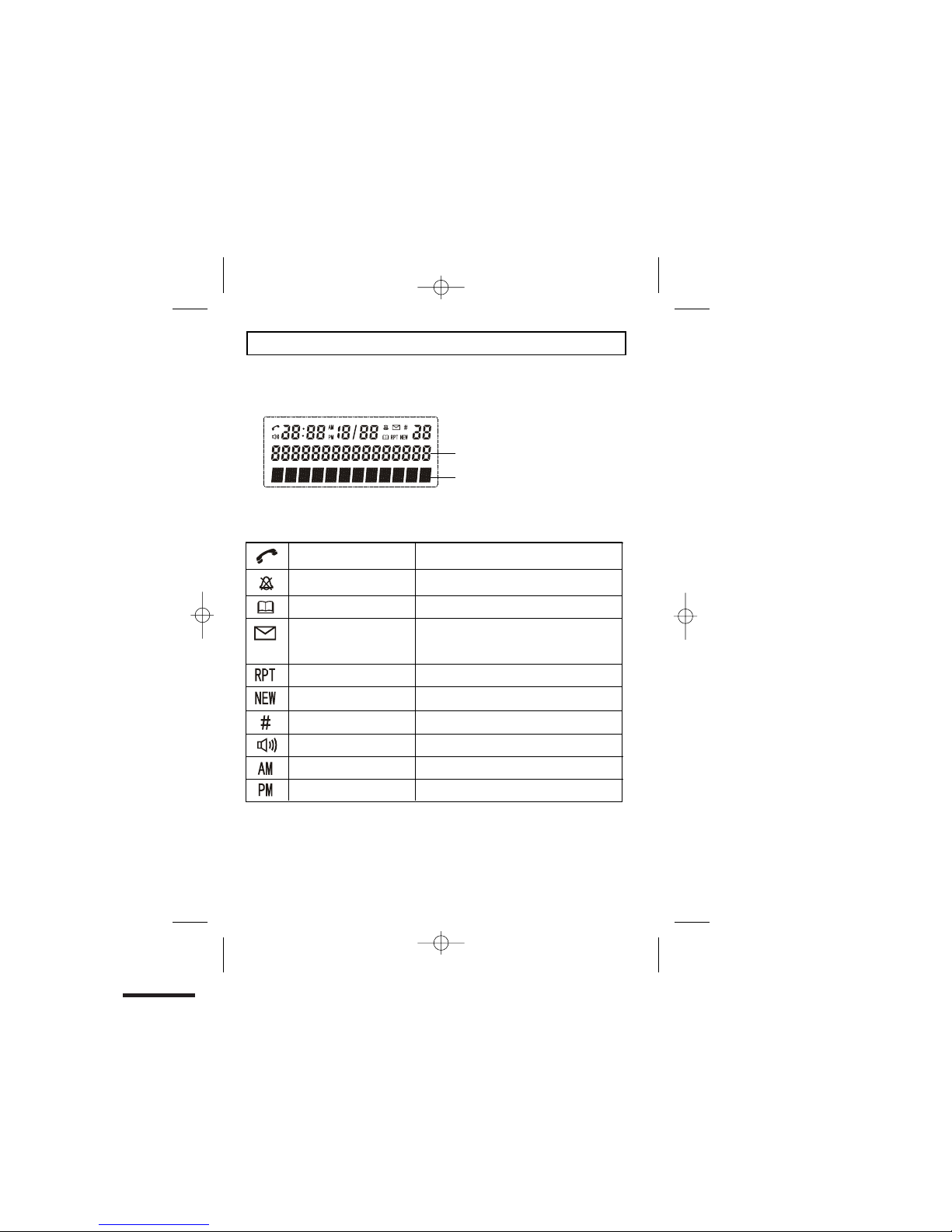
What’s on the display? 2
x What the symbols mean? 2
Read First before Use 5
x Choosing a site for base unit and
charger pod 5
x Mains power connection 5
x If you have a broadband line 5
Installation and Set-up
x Choose a suitable site for the base unit
6
x Connect the mains power lead and the
telephone line cord into the base unit 6
x Plug the mainsadaptor into your wall
socket 6
x Connect the base unit to the telephone
line 6
Desk/Wall mount installation 7
Desk Mount 7
Wall Mount 7
Basic settings
x To set Dateand Time9
Making and answering calls 10
x To make call
x Tomake acall from redial list 10
x To make a call from caller display (CID)
list10
x To answer a call 10
x
ToMute orun-mute themicrophone11
x To change the earpiece or speakerphone
volumeduring a call11
x
Emergencycallwithoutmainspower
11
Memory/Phonebookmanagement 12
x To create a contact in your phonebook
Page
x To delete a contact in the phonebook 13
x To delete all contacts in your phonebook
14
x To edit a contact in yourphonebook 14
x To store a last number redial in your
phonebook
x Making calls from the phonebook
x Reviewing phonebookmemorystatus
x New CID log 17
x To review the CID li
x To delete a Caller ID record 18
st 17
x To delete all Caller ID records 18
x To Store a Caller ID contact in
phonebook 18
Ringer volume, and melody 19
x To change ringer volume 19
x To change ringer melody 19
Using multi-handset 21
x To make intercom calls 21
x To Transfer intercom call 21
x To set up a three-way conference 22
Telephone Answering Machine (TAM)
Setup
25
x Switching TAM on/off 25
x To Record your Outgoing Message
(OGM)
27
x To playback the OGM 28
x To delete the OGM (SET OGM to
DEFAULT) 29
6
9
10
15
16
16
x Switch between OGMs29
x To setting ring number 30
x
13
x
x
Caller Display (CDS)/Caller ID (CID) 17
Page / locate a handest 23
Handset registration 23
To Set TAM alarm30