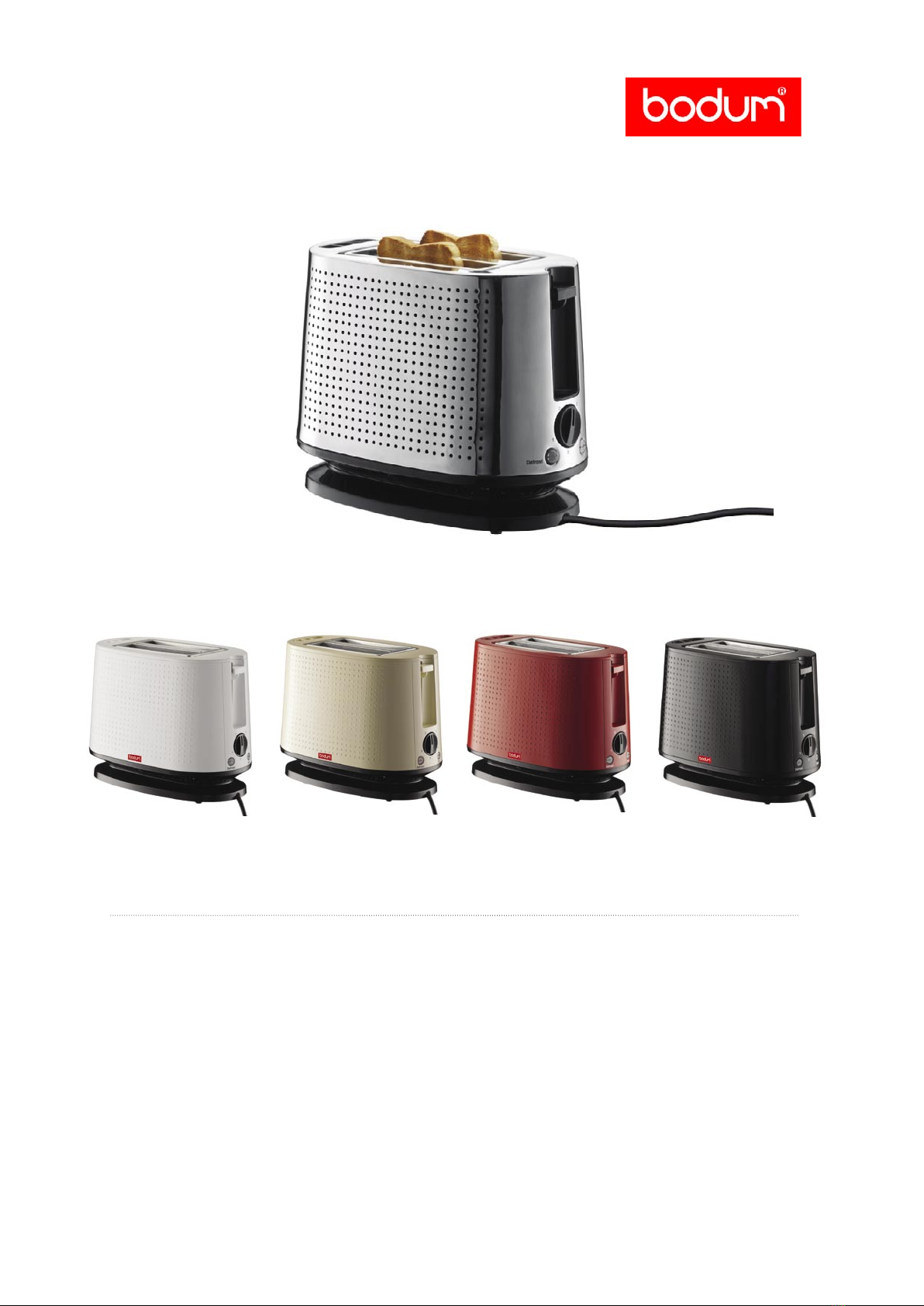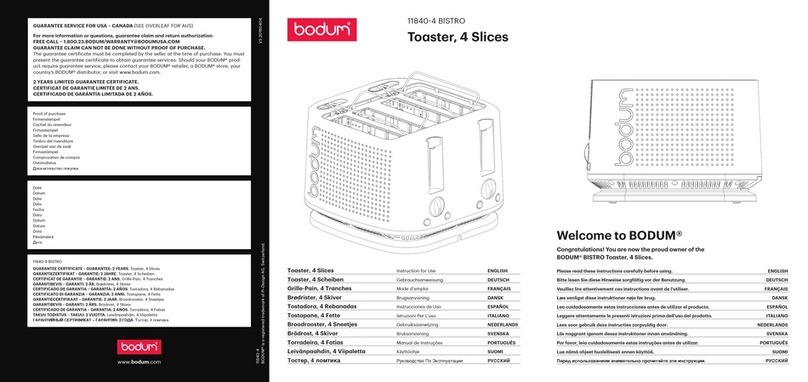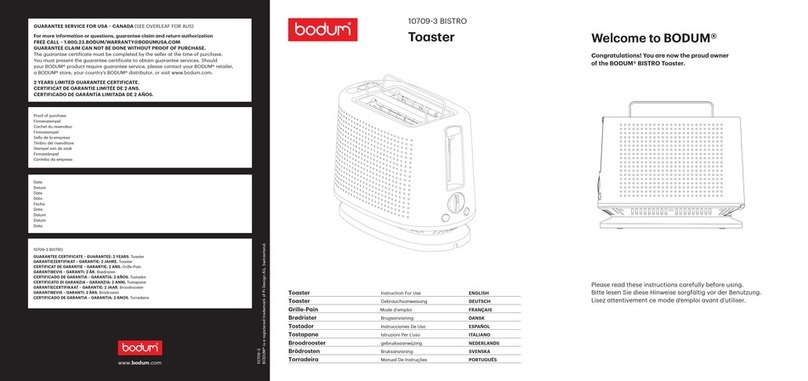
Toaster BISTRO
BODUM® Product Information
Toaster BISTRO
BODUM® Product Information
02 03
BODUM® Item No. 10709
BODUM® Item No. 10709
Toaster BISTRO
BODUM® Product Information
Toaster BISTRO
BODUM® Product Information
02 03
BODUM® Item No. 10709
BODUM® Item No. 10709
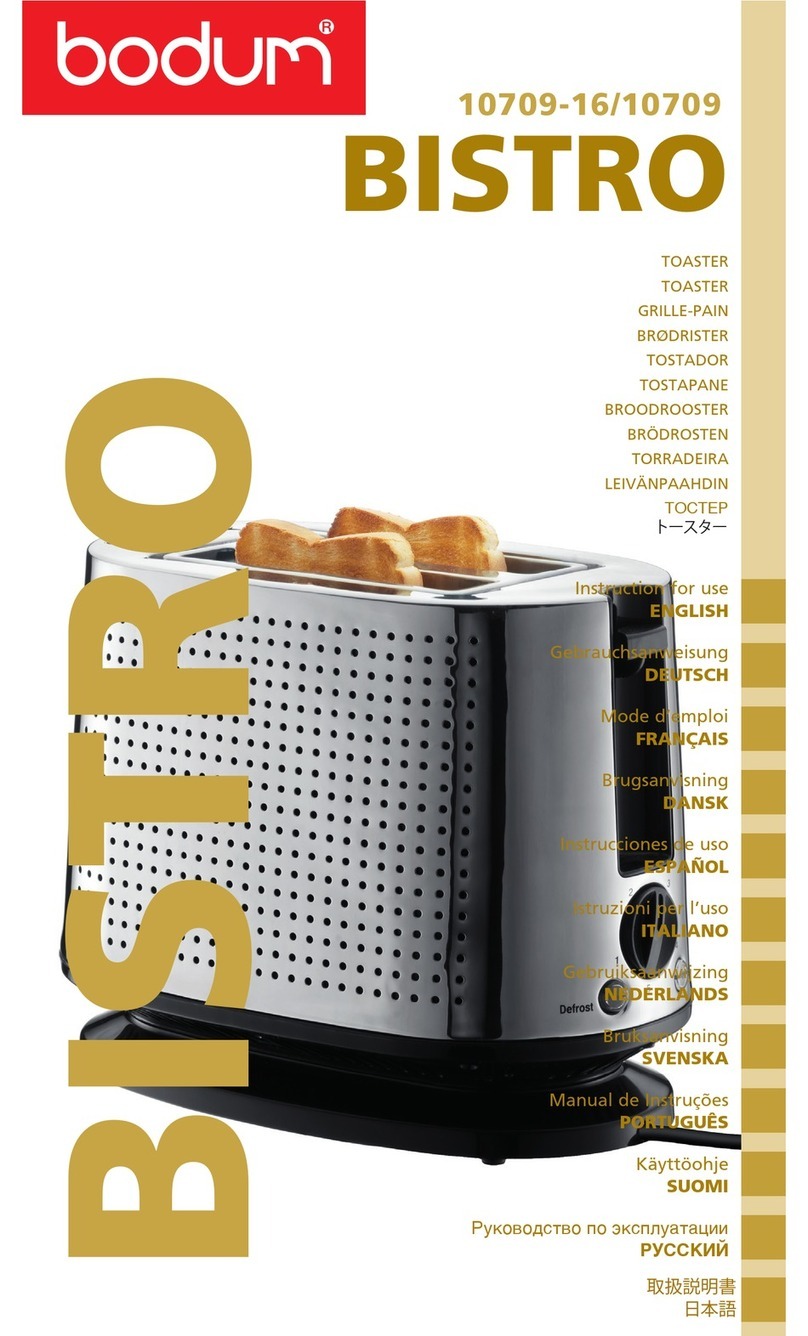
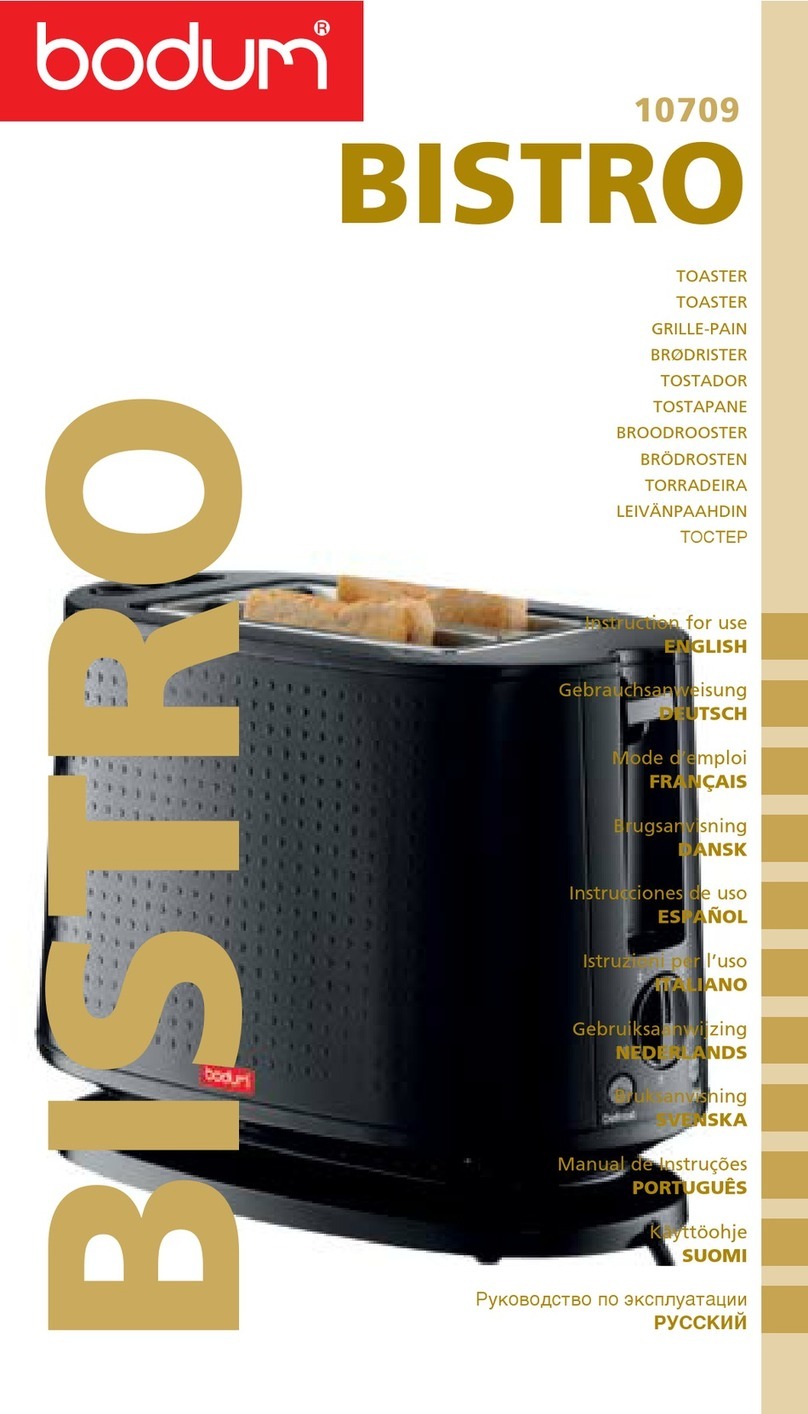
KEY FEATURES & BENEFITS - AN OVERVIEW
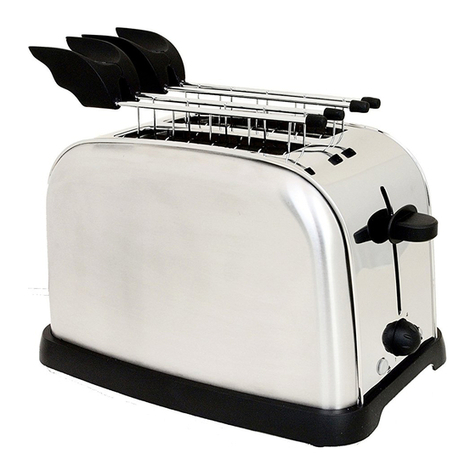
• Toast to perfection with the variable browing button
• Defrost function
• Built-in rack to keep bread, bagels, muffins and croissants warm
• Slide out crumb tray for easy cleaning
• Cord retainer to adjust cord length or to store cord away
• Retro design
AVAILABILITY
approx. June 2008 (stainless steel version)
approx. October 2008 (plastic version)
USAGE - INSTRUCTIONS ON HOW TO MAKE IT HAPPEN
How can I use it?
TIP: Before using for the first time, to eliminate the new smell, operate
the toaster without bread inside for at
least 5 minutes. Ensure there is plenty of ventilation in the room.
FOR BEST RESULTS use bread slices of even thickness, size and freshness.
Select a lower setting if: a) using stale bread (toasts more quickly than fresh bread)
b) using thin bread (toasts more quickly than thick bread)
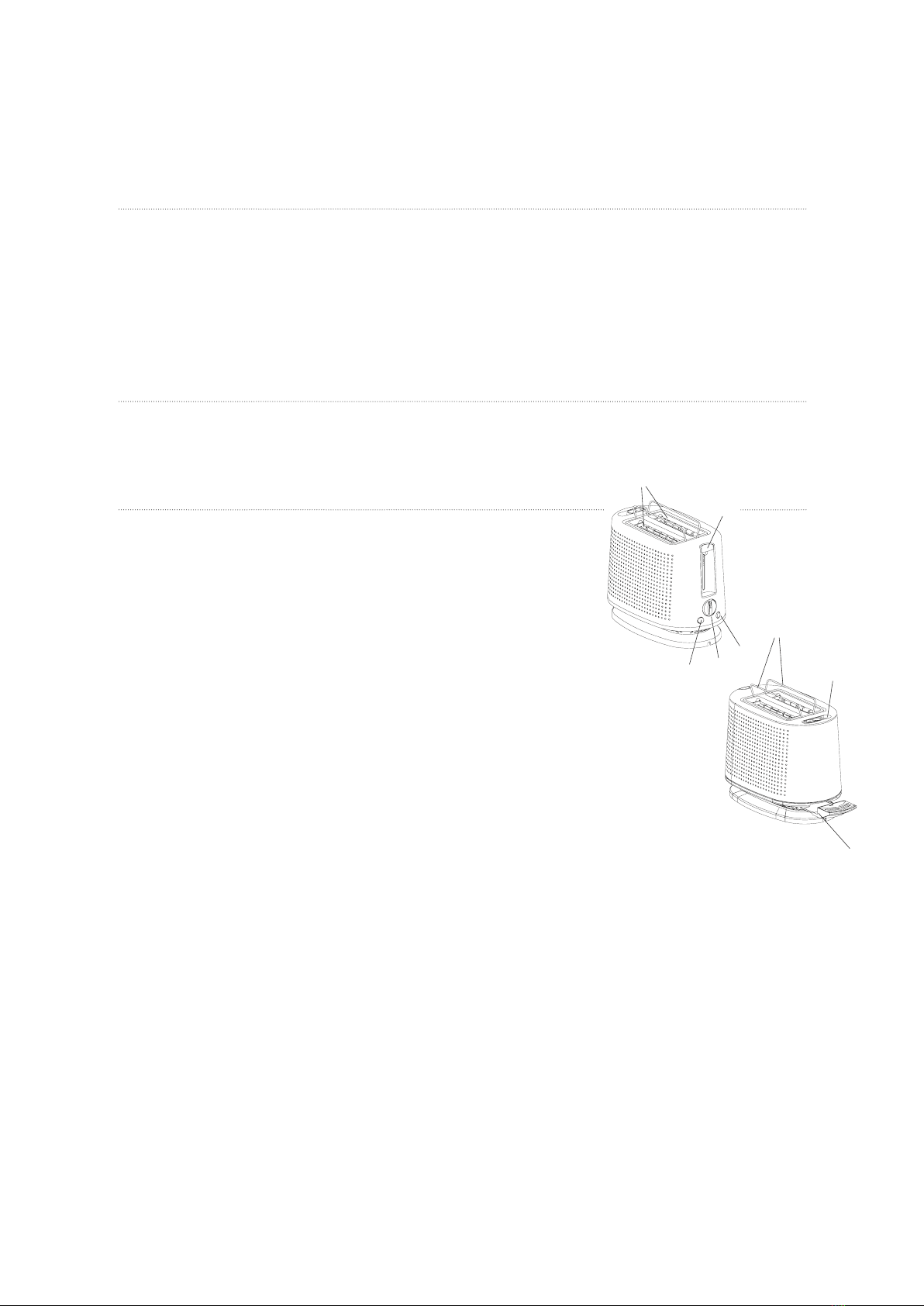
1. Ensure control lever (D) is raised.
2. Plug into a suitable electrical outlet.
3. Insert two slices of bread into toasting slots (E).
4. Turn the variable browning setting knob (A) dial to required setting. (1=ligh-
test, 5=darkest)
5. Press the control lever (D) down until it locks.
6. Once the chosen level of browning has been reached, the toast will auto-
matically raise ready for removal from the slots.
7. If the first slices are not browned sufficiently, select a higher setting (A) the
next time.
8. If you want to interrupt the toasting process, press the stop button (C) at
any time
USING THE DEFROST BUTTON
When defrosting frozen bread set the browning control to the required position and press down on the control lever (D)
until it locks. Press the defrost button (B) within 2 seconds. The defrost light will remain on while the defrost function is
in use, and toasting time will be automatically extended. Always keep an eye on the bread for any signs of burning.
USING THE CANCEL BUTTON
Press the stop button (C) at any time to stop the toasting process.
USING THE RACK
Slide the lift button (G) to lift the integrated warming rack (F). Place buns, croissants or other baked goods on the rack
(F) to warm. Press down on the control lever (D) until it locks.
TIP: To keep items such as muffins, crumpets or bagels warm, slide the button to lift the rack and put the items on top.
TIP: To keep items such as muffins, crumpets bagels warm slide the button to lift the rack and put the items at the top.
USING THE CORD STORAGE
You can store excess power cord by winding the cord storage inside cord storage base.