manuals.online logo
Brands
  1. Home
  2. •
  3. Brands
  4. •
  5. CALI
  6. •
  7. Lighting Equipment
  8. •
  9. CALI alumLEDs ALS500T-RMW-HC User manual

CALI alumLEDs ALS500T-RMW-HC User manual

Other CALI Lighting Equipment manuals

CALI alumLEDs ALS500T-SWM-FG User manual

CALI

CALI alumLEDs ALS500T-SWM-FG User manual

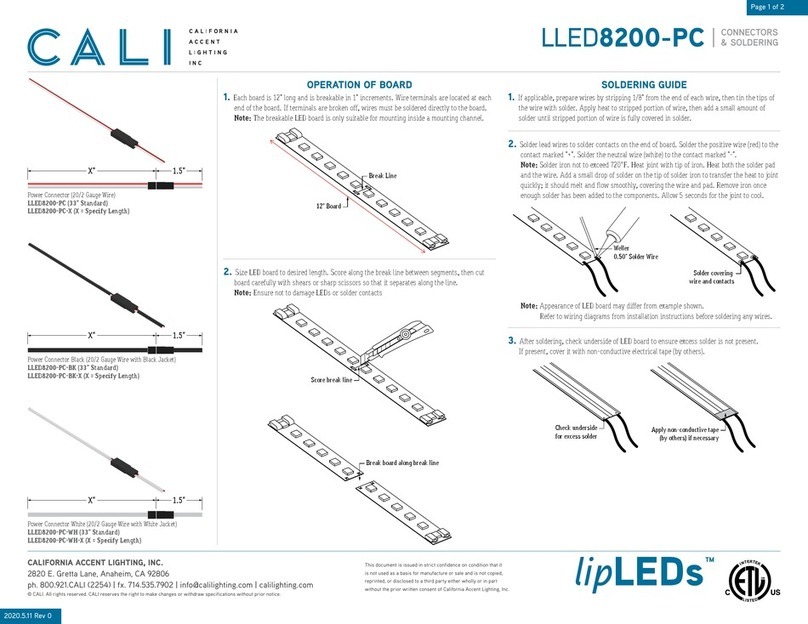
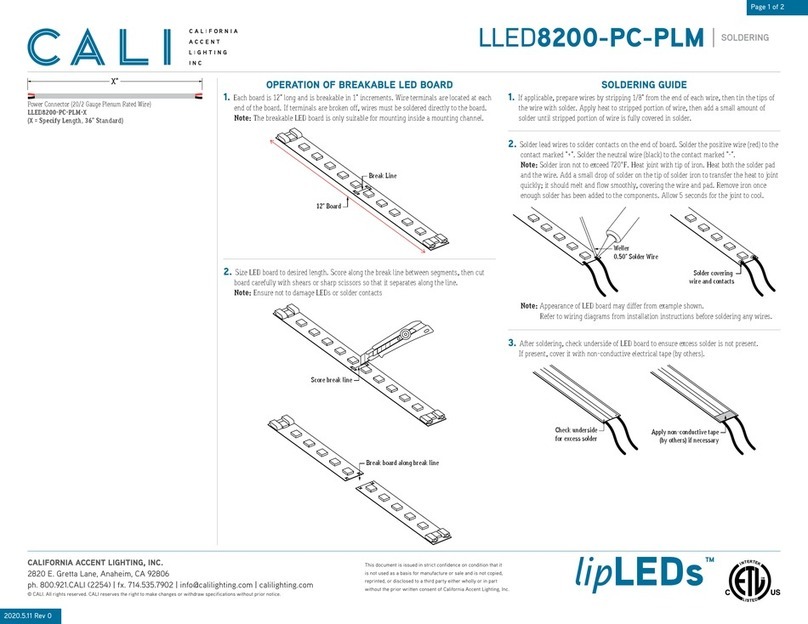
CALI lipLEDs LLED8200-PC-PLM User manual

CALI

CALI lipLEDs LLED8200-PC-PLM User manual

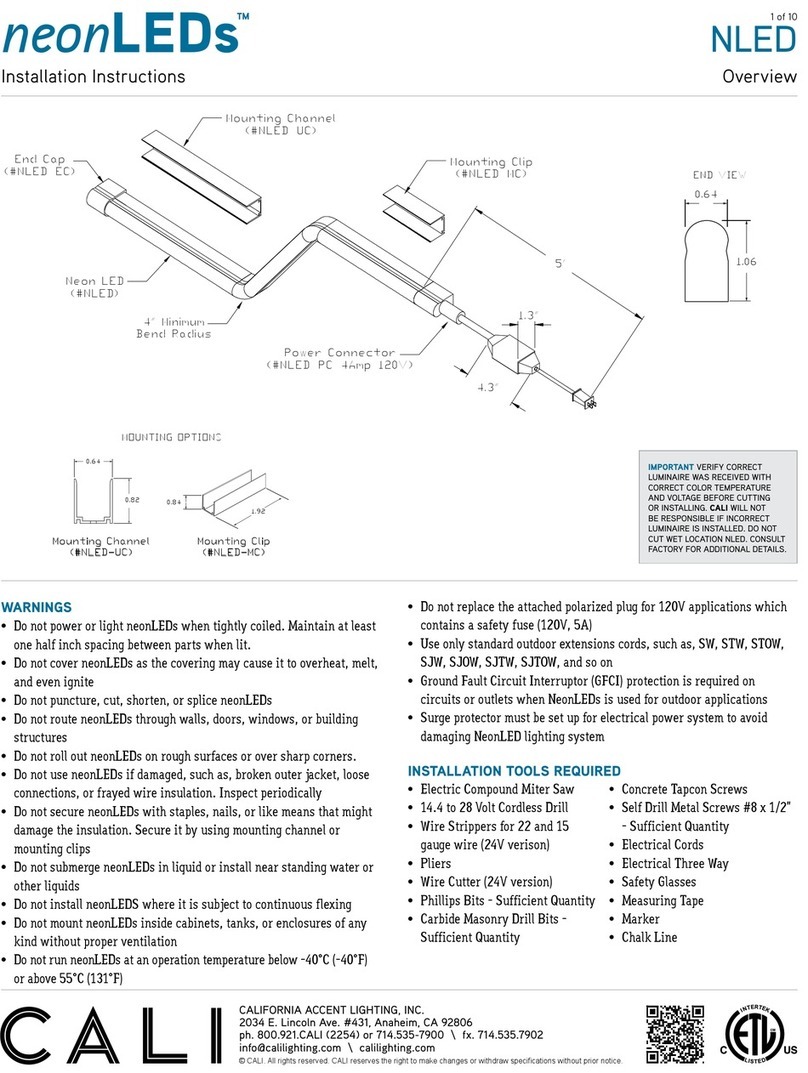
CALI neonLEDs NLED User manual

CALI

CALI neonLEDs NLED User manual

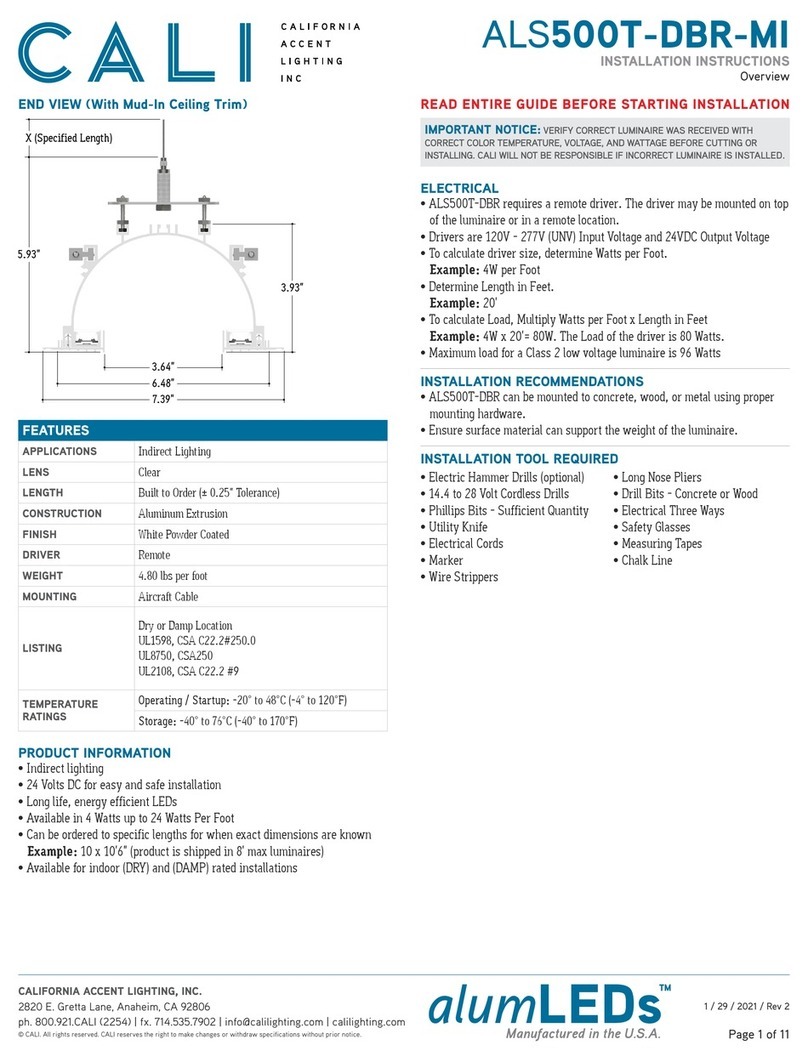
CALI ALS500T-DBR-MI User manual

CALI

CALI ALS500T-DBR-MI User manual

CALI lipLEDs LLED8200-PC User manual

CALI

CALI lipLEDs LLED8200-PC User manual

Popular Lighting Equipment manuals by other brands

Life 39.9F70020C quick start guide

Life

Life 39.9F70020C quick start guide

EuroLite LED ML-20 user manual

EuroLite

EuroLite LED ML-20 user manual

LIGMAN OD-50141 installation manual

LIGMAN

LIGMAN OD-50141 installation manual

Home Accents Holiday 1002461144 instructions

Home Accents Holiday

Home Accents Holiday 1002461144 instructions

Experia IRiS Ripple Light instruction manual

Experia

Experia IRiS Ripple Light instruction manual

Erco Gecko Mounting instructions

Erco

Erco Gecko Mounting instructions

Inter-lux ZTA.100.Surface Installation and maintenance instructions

Inter-lux

Inter-lux ZTA.100.Surface Installation and maintenance instructions

Whelen Engineering Company TN Series installation guide

Whelen Engineering Company

Whelen Engineering Company TN Series installation guide

IKEA BJÖRKSPIREA manual

IKEA

IKEA BJÖRKSPIREA manual

Toolland PM 6640 instruction manual

Toolland

Toolland PM 6640 instruction manual

GTD GTD-LP200 user manual

GTD

GTD GTD-LP200 user manual

LIVARNO home 1105-W-UK manual

LIVARNO home

LIVARNO home 1105-W-UK manual

ProLights EclPar IPMFC user manual

ProLights

ProLights EclPar IPMFC user manual

Velvet EVO Series user manual

Velvet

Velvet EVO Series user manual

IDTOLIGHT GENT installation instructions

IDTOLIGHT

IDTOLIGHT GENT installation instructions

MAYTONI S35 installation manual

MAYTONI

MAYTONI S35 installation manual

MaxLite MLFP14DP4535 user manual

MaxLite

MaxLite MLFP14DP4535 user manual

SLV Elektronik 550621 instruction manual

SLV Elektronik

SLV Elektronik 550621 instruction manual

manuals.online logo
manuals.online logoBrands
  • About & Mission
  • Contact us
  • Privacy Policy
  • Terms and Conditions

Copyright 2025 Manuals.Online. All Rights Reserved.

CALIFORNIA ACCENT LIGHTING, INC.
2820 E. Gretta Lane, Anaheim, CA 92806
ph. 800.921.CALI (2254) | fx. 714.535.7902 | [email protected]om | calilighting.com
© CALI. All rights reserved. CALI reserves the right to make changes or withdraw specifications without prior notice.
5 / 20 / 2021 / Rev 3
Page 1 of 16
Overview
ALS500T-RMW-HC
INSTALLATION INSTRUCTIONS
IMPORTANT NOTICE: VERIFY CORRECT LUMINAIRE WAS RECEIVED WITH
CORRECT COLOR TEMPERATURE, VOLTAGE, AND WATTAGE BEFORE CUTTING OR
INSTALLING. CALI WILL NOT BE RESPONSIBLE IF INCORRECT LUMINAIRE IS INSTALLED.
READ ENTIRE GUIDE BEFORE STARTING INSTALLATION
• Electric Hammer Drills (optional)
• 14.4 to 28 Volt Cordless Drills
• Phillips Bits - Sufficient Quantity
• Utility Knife
• Electrical Cords
• Marker
• Wire Strippers
• Long Nose Pliers
• Drill Bits - Concrete or Wood
• Electrical Three Ways
• Safety Glasses
• Measuring Tapes
• Chalk Line
• ALS500T-RMW can be mounted to concrete, wood, or metal using proper
mounting hardware.
• Ensure surface material can support the weight of the luminaire.
ELECTRICAL
INSTALLATION RECOMMENDATIONS
INSTALLATION TOOL REQUIRED
• ALS500T-RMW requires a remote driver. The driver may be mounted on
top of the luminaire or in a remote location.
• Drivers are 120V - 277V (UNV) Input Voltage and 24VDC Output Voltage
• To calculate driver size, determine Watts per Foot.
Example: 4W per Foot
• Determine Length in Feet.
Example: 20’
• To calculate Load, Multiply Watts per Foot x Length in Feet
Example: 4W x 20’= 80W. The Load of the driver is 80 Watts.
• Maximum load for a Class 2 low voltage luminaire is 96 Watts
END VIEWS (With Hard Ceiling Trim)
1.38”
3.27”
7.25”
3.60”
Max.
7.0”
1.72”
Hanging Bracket Assembly
(ALS500T-RMW-HB)
1.72”
5.27”
X (Specified Length)
1.38” 7.25”
Aircraft Cable Assembly
(ALS500T-RMW-AC)
• Indirect lighting
• 24 Volts DC for easy and safe installation
• Long life, energy efficient LEDs
• Available in 4 Watts up to 12 Watts Per Foot
• Can be ordered to specific lengths for when exact dimensions are known
Example: 10 x 10’6” (product is shipped in 8’ max luminaires)
• Available for indoor (DRY) and (DAMP) rated installations
PRODUCT INFORMATION
CONTENTS
DESIGN GUIDELINES Page 2
HANGING BRACKET MOUNTING Page 3 - 5
AIRCRAFT CABLE MOUNTING Page 6 - 9
REFLECTIVE FILM Page 14
TROUBLESHOOTING Page 15
CARE & MAINTENANCE Page 16
FEATURES
APPLICATIONS Indirect Lighting
LENS Clear
LENGTH Built to Order (± 0.25” Tolerance)
CONSTRUCTION Aluminum Extrusion
FINISH White Powder Coated
DRIVER Remote
WEIGHT 4.50 lbs per foot
MOUNTING Mounting Brackets or Aircraft Cable
LISTING
Dry or Damp Location
UL1598, CSA C22.2#250.0
UL8750, CSA250
UL2108, CSA C22.2 #9
TEMPERATURE
RATINGS
Operating / Startup: -20° to 48°C (-4° to 120°F)
Storage: -40° to 76°C (-40° to 170°F)
CALIFORNIA ACCENT LIGHTING, INC.
2820 E. Gretta Lane, Anaheim, CA 92806
ph. 800.921.CALI (2254) | fx. 714.535.7902 | [email protected]om | calilighting.com
© CALI. All rights reserved. CALI reserves the right to make changes or withdraw specifications without prior notice.
5 / 20 / 2021 / Rev 3
Page 2 of 16
ALS500T-RMW-HC
INSTALLATION INSTRUCTIONS
Design Guidelines (Configurations)
LINEAR CONFIGURATION
8’ 8’ 3’6”
19’6”
End Cap
C
Standard LengthACustom LengthB
MITERED CONFIGURATION
8’ 1’
1’
6’
8’
Standard LengthA
Custom LengthB
Mitered CornerD
Mitered CornerD
End Cap
C
JUMPER CONFIGURATION
8’ 8’
Jumper CableE
Standard LengthAEnd CapC
POWER DISTRIBUTION
Continuous ConnectionG
DriverF
DriverF
To Power Source
To Power Source Circuit #2H
(White)
Circuit #1H
(Gray)
KEY
AStandard Length: Luminaire runs are constructed in 8’ segments.
BCustom Length: Any required length that is not 8’. Typically the last
segment of a run.
CEnd Cap: Used to terminate a run.
DMitered Corner: Standard 90° Mitered Corner. Custom angles available
upon request.
EJumper Cable: Used to connect two luminaires with a gap between.
F
Driver: The driver is typically mounted on top of the first luminaire
segment of a run. The driver may also be mounted elsewhere. Each run
typically has its own driver.
GContinuous Connection: Each luminaire segment is built with quick
disconnects to easily connect to the next segment in line.
H
Circuits: Example U-Shaped run exceeds Max Run lengths and is split
into two circuits, each with their own driver. Max Run lengths vary by light
source. See light source specifications for details.
CALIFORNIA ACCENT LIGHTING, INC.
2820 E. Gretta Lane, Anaheim, CA 92806
ph. 800.921.CALI (2254) | fx. 714.535.7902 | [email protected]om | calilighting.com
© CALI. All rights reserved. CALI reserves the right to make changes or withdraw specifications without prior notice.
5 / 20 / 2021 / Rev 3
Page 3 of 16
ALS500T-RMW-HC
INSTALLATION INSTRUCTIONS
Diagram of Assembly (Hanging Bracket Assembly)
Wall Stud
Connector Block
Lens
Trim Retention Spring
Hard Ceiling Trim
Rail Bracket
Hex Head Screw
(8-32 x 2”)
Hex Screw Channel
Lock WasherHex Nut
Hanging Bracket Arm
Hard Ceiling
5/8” Drywall
1/8” Mud
Wall Trim
Reflective Film
Tie Wire
DIAGRAM OF ASSEMBLY
3.60”
Max. Height
1.36”5.53”
1.38”
3.27”
DIMENSIONS
CALIFORNIA ACCENT LIGHTING, INC.
2820 E. Gretta Lane, Anaheim, CA 92806
ph. 800.921.CALI (2254) | fx. 714.535.7902 | [email protected]om | calilighting.com
© CALI. All rights reserved. CALI reserves the right to make changes or withdraw specifications without prior notice.
5 / 20 / 2021 / Rev 3
Page 4 of 16
ALS500T-RMW-HC
INSTALLATION INSTRUCTIONS
Mounting (Hanging Bracket Assembly ) 1 of 2
Countersink Screw
Rail Bracket
Hex Nut
8-32 x 2”
Hex Head Bolt
Lock Washer
Slot
Hanging Bracket Arm
Determine number of Hanging Brackets required.
Note: Refer to the diagrams on page 10 as a guide.
4
If applicable, assemble Hanging Bracket Arms. Insert Hex Head Bolts through
slots on Hanging Bracket Arms and secure with washers and hex nuts.
5
Mark locations where each Rail Bracket will be installed along reference line.
Align the bottom of the Rail Bracket with the reference line and pre-drill using
proper drill bit for surface and screw size. Each rail must be mounted with a
minimum of two screws. Drill additional holes in Rail Brackets if necessary.
Note: Use 8/32 x 2” Countersink Screw (By others)
6
Install Hanging Bracket Arms to luminaire by sliding inverted Hex Head Bolts of
Hanging Bracket into the channels pictured below.
Do not slide into any other channels.
7
If applicable, install end caps to ends of runs.
8
6-15/16”
Projected Location of
Hard Ceiling 5/8” Drywall
5/8” Drywall
Wall Stud
Ceiling Line
Ceiling Line
4”
Top of drywall
Mark Wall Stud
1/16”
Ceiling Line
Mount Wall Trim
Install concealed ceiling system grid. Assemble the grid so there is a continuous
6-15/16” opening where luminaires will be installed. The installation area must
have at least 10” of overhead space from ceiling line.
Note: Do not hang ceiling drywall before luminaires are installed. Luminaires
must be mounted prior to installation of ceiling drywall to allow top access.
1
Hang or cut drywall along installation area so it is 1/16” above ceiling line.
Measure exactly 4” above ceiling line and mark each wall stud in the installation
area. Use a laser level to ensure accurate relation to ceiling line, then draw a
reference line connecting each mark along the wall studs.
Note: Drywallers must hang drywall to the specifications. Only cut if necessary.
2
Mark locations along Wall Trim extrusion where it will be mounted to wall studs,
then drill holes as needed and mount to wall studs.
Note: Mount Wall Trim extrusion using at least 1 screw per 2’, rounded up.
3
CALIFORNIA ACCENT LIGHTING, INC.
2820 E. Gretta Lane, Anaheim, CA 92806
ph. 800.921.CALI (2254) | fx. 714.535.7902 | [email protected]om | calilighting.com
© CALI. All rights reserved. CALI reserves the right to make changes or withdraw specifications without prior notice.
5 / 20 / 2021 / Rev 3
Page 5 of 16
ALS500T-RMW-HC
INSTALLATION INSTRUCTIONS
Mounting (Hanging Bracket Assembly ) 2 of 2
Tighten hex nuts as needed
Hard Ceiling Trim flush with
projected location of ceiling drywall
Ceiling Line
Slide luminaire with Hanging
Bracket Arms onto Rail Bracket
Lead Wire
V-Groove Channel
Mount luminaire to Rail Brackets by sliding luminaire with assembled Hanging
Bracket Arms into Rail Brackets. Ensure each Hanging Bracket rests at the
center of each Rail Bracket.
Note: All Hex Head Bolts must be vertical after mounting luminaire. If bolts are
crooked or slanted, the Hanging Bracket must be adjusted.
9
Secure connections between continuous runs using Connector Blocks after all
luminaires have been mounted.
Note: Refer to steps on page 12 for details.
10
Install Ceiling Trim after all runs have been mounted and connected.
Note: Follow the steps on page 13 to install Ceiling Trim.
11
After all luminaires are mounted, adjust height and levelness of each luminaire
by tightening or loosening hex nuts on Hanging Bracket assembly. Use a dummy
piece of drywall to perfect the height at which the luminaires will rest.
The drywall will be tucked into the gap between the Hard Ceiling Trim and the
concealed ceiling grid when hung.
Note: One person holds the luminaire and another person adjusts hex nuts.
12
Secure a tie wire to each Hanging Bracket Arm after luminaires are set in place.
Note: Refer to the diagrams on page 3 for details.
13
If applicable, position the driver in the center of luminaire and secure using set
screws (by others). Do not mount drivers between luminaires.
Note: Driver size and location of mounting holes may differ from below example.
14
Make wiring connections from driver to 1st PCB. Pull lead wires from luminaire
and make splice connections to lead wires from driver. Verify wiring diagram
before connecting.
15
Verify driver wire colors from wiring diagram, then connect luminaires to power
source. Drivers used for this product vary. Always confirm wiring diagram from
driver installation instructions before connecting.
17
Apply mud to Wall Trim until completely covered and smooth. Allow to dry
completely before painting or sanding. Do not use pre-mixed mud compounds.
18
After all installation steps are complete and lighting is confirmed to be working,
install reflective film to runs.
Note: Follow the steps on page 14 to install reflective film.
19
Perform a continuity test before connecting luminaire to power source.
Refer to page 15 for continuity test step by step.
16

CALIFORNIA ACCENT LIGHTING, INC.
2820 E. Gretta Lane, Anaheim, CA 92806
ph. 800.921.CALI (2254) | fx. 714.535.7902 | [email protected]om | calilighting.com
© CALI. All rights reserved. CALI reserves the right to make changes or withdraw specifications without prior notice.
5 / 20 / 2021 / Rev 3
Page 6 of 16
ALS500T-RMW-HC
INSTALLATION INSTRUCTIONS
Diagram of Assembly (Aircraft Cable Assembly)
5/8” Drywall
1/8” Mud
Wall Trim
Reflective Film
Wall Stud
Lens
Trim Retention Spring
Hard Ceiling Trim Hard Ceiling
Aircraft Cable Assembly
DIAGRAM OF ASSEMBLY
5.53”
1.38”
3.27”
5.08”
1.36”
DIMENSIONS
CALIFORNIA ACCENT LIGHTING, INC.
2820 E. Gretta Lane, Anaheim, CA 92806
ph. 800.921.CALI (2254) | fx. 714.535.7902 | [email protected]om | calilighting.com
© CALI. All rights reserved. CALI reserves the right to make changes or withdraw specifications without prior notice.
5 / 20 / 2021 / Rev 3
Page 7 of 16
ALS500T-RMW-HC
INSTALLATION INSTRUCTIONS
Mounting (Aircraft Cable Assembly) 1 of 3
Aircraft Cable
Cable Gripper
Flat Bracket
Alignment Block
Hex Nut
Screw
Determine number of Aircraft Cable Assemblies required.
Note: Refer to the diagrams on page 11 as a guide.
4
If applicable, assemble Aircraft Cable Assemblies. Use provided hardware to
secure Alignment Blocks and Cable Gripper to Flat Bracket.
5
Ceiling Line
~5”
Aircraft Cable
Mounting Surface
Excess cable
Cable Gripper
6-15/16”
Projected Location of
Hard Ceiling 5/8” Drywall
5/8” Drywall
Wall Stud
Ceiling Line
Ceiling Line
Mount Wall Trim
Ceiling Line
Top of drywall 1/16”
Projected Location of
Hard Ceiling 5/8” Drywall
Hang or cut drywall along installation area so it is 1/16” above ceiling line.
Note: Drywallers must hang drywall to the specifications. Only cut if necessary.
2
Mark locations along Wall Trim extrusion where it will be mounted to wall studs,
then drill holes as needed and mount to wall studs.
Note: Mount Wall Trim extrusion using at least 1 screw per 2’, rounded up.
3
Determine locations where Aircraft Cables will be mounted overhead. Secure to a
sturdy surface, such as studs, using hardware (by others) that is rated for the
weight of the luminaire. Ensure each luminaire is appropriately balanced.
Note: Do not hang luminaire from weak material such as drywall or plywood.
6
Secure Aircraft Cable Assemblies to mounting surface. The top of the assembly
should rest approximately 5” above ceiling line. Adjust position of assembly along
aircraft cable using cable gripper. Do not trim excess cable at this time.
7
Install concealed ceiling system grid. Assemble the grid so there is a continuous
6-15/16” opening where luminaires will be installed. The installation area must
have at least 10” of overhead space from ceiling line.
Note: Do not hang ceiling drywall before luminaires are installed. Luminaires
must be mounted prior to installation of ceiling drywall to allow top access.
1
CALIFORNIA ACCENT LIGHTING, INC.
2820 E. Gretta Lane, Anaheim, CA 92806
ph. 800.921.CALI (2254) | fx. 714.535.7902 | [email protected]om | calilighting.com
© CALI. All rights reserved. CALI reserves the right to make changes or withdraw specifications without prior notice.
5 / 20 / 2021 / Rev 3
Page 8 of 16
ALS500T-RMW-HC
INSTALLATION INSTRUCTIONS
Mounting (Aircraft Cable Assembly) 2 of 3
Slide luminaires onto
Aircraft Cable Assemblies
Slide luminaires onto Aircraft Cable Assemblies. Remove Connector Blocks if
applicable. Replace after Aircraft Cable Assemblies are installed.
Always install corner luminaires first.
9
All aircraft cables must rest in a vertical position. Do not allow aircraft cables to
rest at a slant or angle. Adjust as needed.
Note: The position of the Aircraft Cable Assemblies may deviate from the
spacing diagrams on page 11 due to variations within the installation area.
Ensure all luminaires are appropriately balanced.
11
Secure connections between continuous runs using Connector Blocks after all
luminaires have been mounted.
Note: Refer to steps on page 12 for details.
12
Install Ceiling Trim after all luminaires have been mounted and connected.
Note: Follow the steps on page 13 to install Ceiling Trim.
13
Hard Ceiling Trim flush with
projected location of ceiling drywall
Ceiling Line
Trim excess cable
Adjust length as needed
Unscrew & lift
Press down & hold
Pull cable
Adjust Cable Gripper by unscrewing locking mechanism. Press down and hold
the threads where cable feeds through. Pull cable from the exit. Let go of threads
to lock in place, then replace locking mechanism.
8
If applicable, install end cap to end of run.
10
After all luminaires are mounted, adjust height and levelness of each luminaire
by adjusting cable gripper. Use a dummy piece of drywall to perfect the height at
which the luminaires will rest. The drywall will be tucked into the gap between
the Hard Ceiling Trim and the concealed ceiling grid when hung.
Note: One person holds the luminaire and another person adjusts cable gripper.
14
If applicable, position the driver in the center of luminaire and secure using set
screws (by others). Do not mount drivers between luminaires.
Note: Driver size and location of mounting holes may differ from below example.
15
CALIFORNIA ACCENT LIGHTING, INC.
2820 E. Gretta Lane, Anaheim, CA 92806
ph. 800.921.CALI (2254) | fx. 714.535.7902 | [email protected]om | calilighting.com
© CALI. All rights reserved. CALI reserves the right to make changes or withdraw specifications without prior notice.
5 / 20 / 2021 / Rev 3
Page 9 of 16
ALS500T-RMW-HC
INSTALLATION INSTRUCTIONS
Mounting (Aircraft Cable Assembly) 3 of 3
Lead Wire
V-Groove Channel
Make wiring connections from driver to 1st PCB. Pull lead wires from luminaire
and make splice connections to lead wires from driver. Verify wiring diagram
before connecting.
16
Perform a continuity test before connecting luminaire to power source.
Refer to page 15 for continuity test step by step.
17
Verify driver wire colors from wiring diagram, then connect luminaires to power
source. Drivers used for this product vary. Always confirm wiring diagram from
driver installation instructions before connecting.
18
After all installation steps are complete and lighting is confirmed to be working,
install reflective film to runs.
Note: Follow the steps on page 14 to install reflective film.
20
Apply mud to Wall Trim until completely covered and smooth. Allow to dry
completely before painting or sanding. Do not use pre-mixed mud compounds.
19
CALIFORNIA ACCENT LIGHTING, INC.
2820 E. Gretta Lane, Anaheim, CA 92806
ph. 800.921.CALI (2254) | fx. 714.535.7902 | [email protected]om | calilighting.com
© CALI. All rights reserved. CALI reserves the right to make changes or withdraw specifications without prior notice.
5 / 20 / 2021 / Rev 3
Page 10 of 16
ALS500T-RMW-HC
INSTALLATION INSTRUCTIONS
Spacing Diagrams (Hanging Bracket Assembly)
1’
ALS500T-RMW
Hanging Bracket
Rail Bracket
ALS500T-RMW
2’ - 5’
Hanging Bracket
Rail Bracket
ALS500T-RMW
6’ - 8’
Hanging Bracket
Rail Bracket
• For luminaires 1’ long,
use 1 Rail Bracket and 2 Hanging Brackets.
• Install 2 Hanging Brackets, 2” from each end of 1 Rail Bracket.
• Align the 1’ Rail Bracket with the 1’ luminaire.
• For luminaires 2’ - 5’ long,
use 2 Rail Brackets and 2 Hanging Brackets.
• Install 1 Hanging Bracket in the center of each Rail Bracket.
• Align the Rail Brackets with the end of the luminaire.
• For luminaires 6’ - 8’ long,
use 3 Rail Brackets and 3 Hanging Brackets.
• Install 1 Hanging Bracket in the center of each Rail Bracket.
• Align each Rail Bracket with the center and ends of fixture.
1’ LUMINAIRE
2’ - 5’ LUMINAIRE
6’ - 8’ LUMINAIRE