manuals.online logo
Brands
  1. Home
  2. •
  3. Brands
  4. •
  5. CALI
  6. •
  7. Lighting Equipment
  8. •
  9. CALI lipLEDs LLED8200-PC-PLM User manual

CALI lipLEDs LLED8200-PC-PLM User manual

Other CALI Lighting Equipment manuals

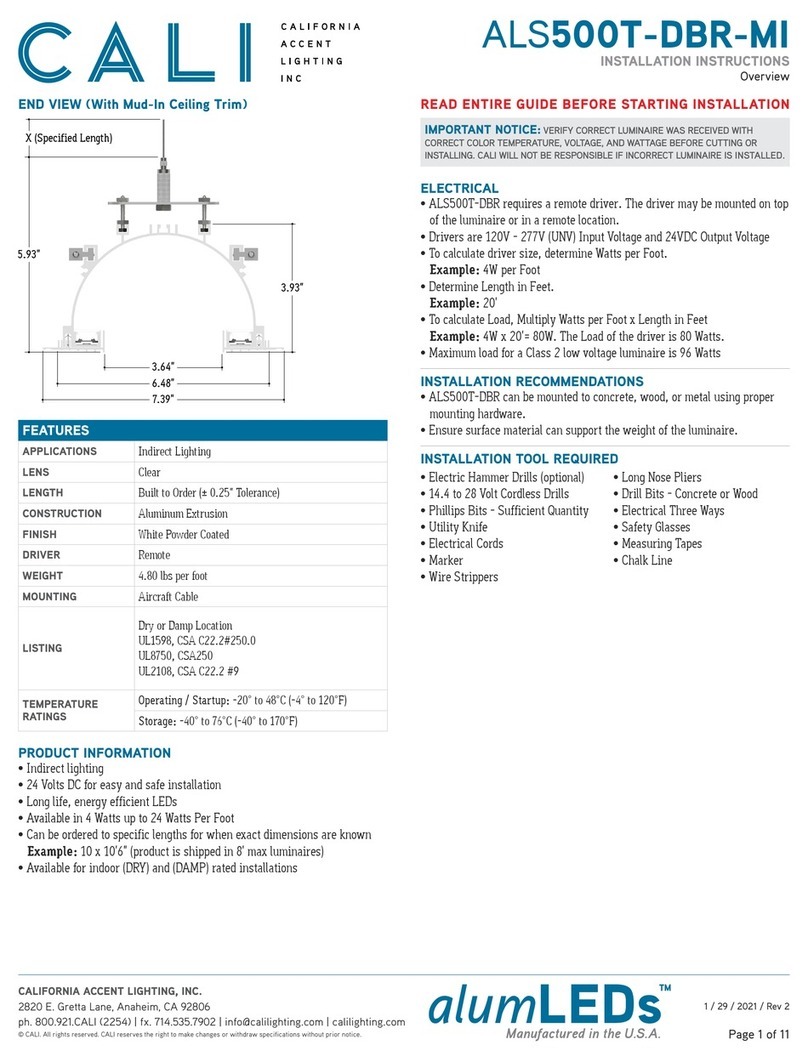
CALI ALS500T-DBR-MI User manual

CALI

CALI ALS500T-DBR-MI User manual

CALI alumLEDs ALS500T-SWM-FG User manual

CALI

CALI alumLEDs ALS500T-SWM-FG User manual

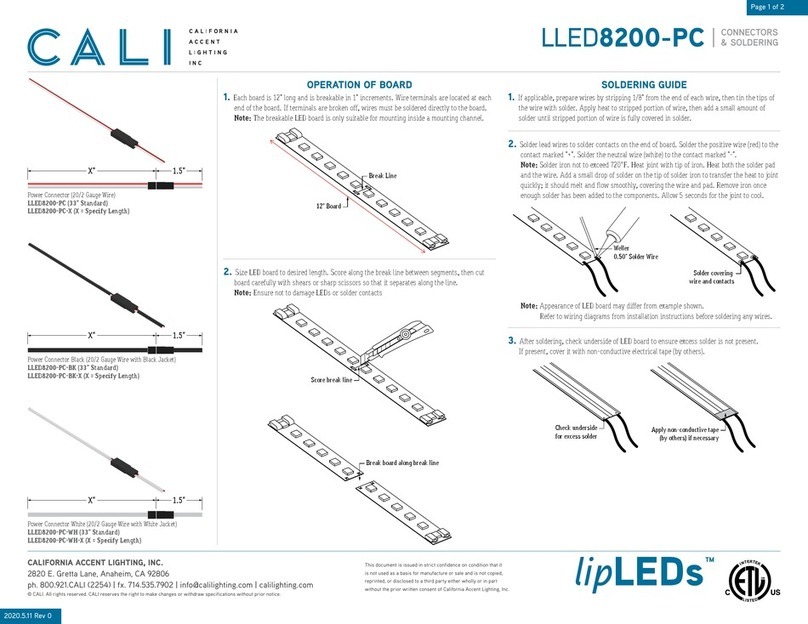
CALI lipLEDs LLED8200-PC User manual

CALI

CALI lipLEDs LLED8200-PC User manual

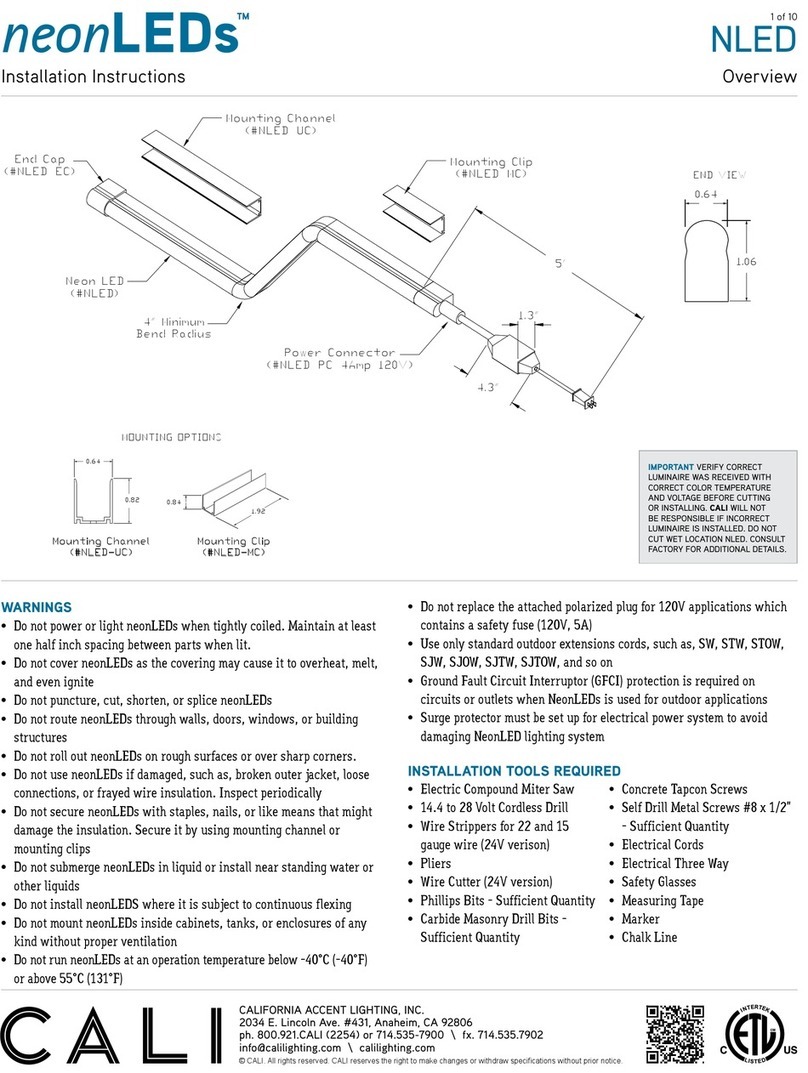
CALI neonLEDs NLED User manual

CALI

CALI neonLEDs NLED User manual

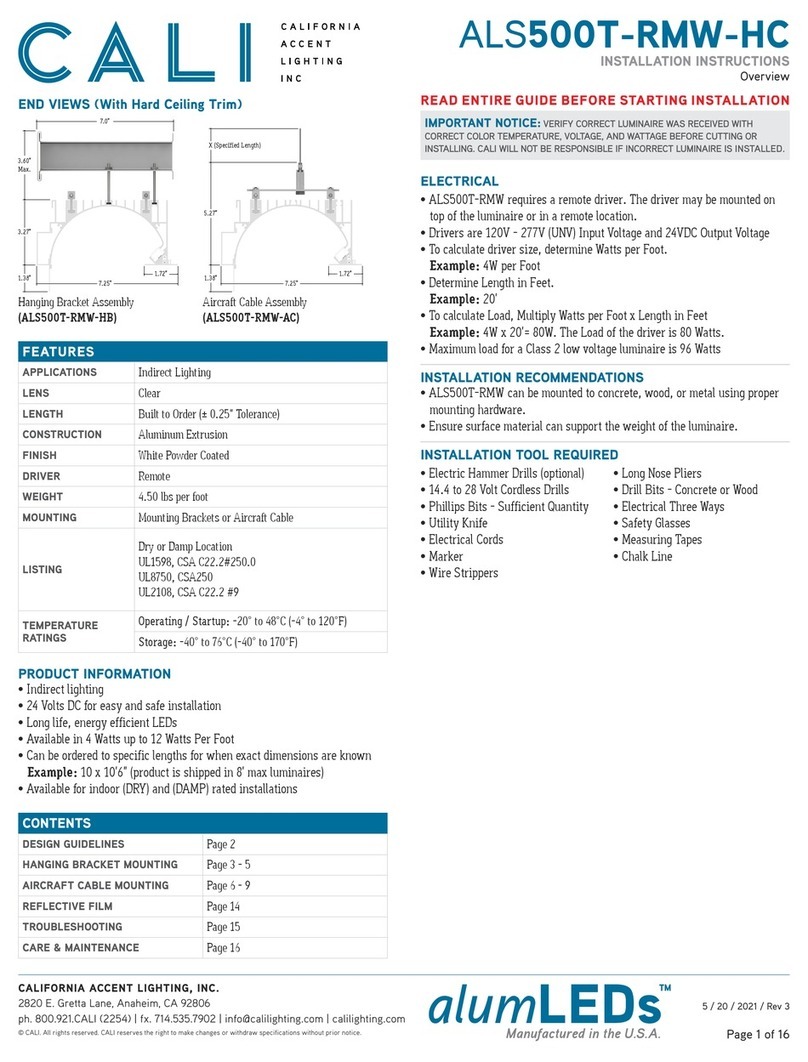
CALI alumLEDs ALS500T-RMW-HC User manual

CALI

CALI alumLEDs ALS500T-RMW-HC User manual

Popular Lighting Equipment manuals by other brands

Life 39.9F70020C quick start guide

Life

Life 39.9F70020C quick start guide

EuroLite LED ML-20 user manual

EuroLite

EuroLite LED ML-20 user manual

LIGMAN OD-50141 installation manual

LIGMAN

LIGMAN OD-50141 installation manual

Home Accents Holiday 1002461144 instructions

Home Accents Holiday

Home Accents Holiday 1002461144 instructions

Experia IRiS Ripple Light instruction manual

Experia

Experia IRiS Ripple Light instruction manual

Erco Gecko Mounting instructions

Erco

Erco Gecko Mounting instructions

Inter-lux ZTA.100.Surface Installation and maintenance instructions

Inter-lux

Inter-lux ZTA.100.Surface Installation and maintenance instructions

Whelen Engineering Company TN Series installation guide

Whelen Engineering Company

Whelen Engineering Company TN Series installation guide

IKEA BJÖRKSPIREA manual

IKEA

IKEA BJÖRKSPIREA manual

Toolland PM 6640 instruction manual

Toolland

Toolland PM 6640 instruction manual

GTD GTD-LP200 user manual

GTD

GTD GTD-LP200 user manual

LIVARNO home 1105-W-UK manual

LIVARNO home

LIVARNO home 1105-W-UK manual

ProLights EclPar IPMFC user manual

ProLights

ProLights EclPar IPMFC user manual

Velvet EVO Series user manual

Velvet

Velvet EVO Series user manual

IDTOLIGHT GENT installation instructions

IDTOLIGHT

IDTOLIGHT GENT installation instructions

MAYTONI S35 installation manual

MAYTONI

MAYTONI S35 installation manual

MaxLite MLFP14DP4535 user manual

MaxLite

MaxLite MLFP14DP4535 user manual

SLV Elektronik 550621 instruction manual

SLV Elektronik

SLV Elektronik 550621 instruction manual

manuals.online logo
manuals.online logoBrands
  • About & Mission
  • Contact us
  • Privacy Policy
  • Terms and Conditions

Copyright 2025 Manuals.Online. All Rights Reserved.

Page 1 of 2
2020.5.11 Rev 0
SOLDERING
LLED8200-PC-PLM
This document is issued in strict confidence on condition that it
is not used as a basis for manufacture or sale and is not copied,
reprinted, or disclosed to a third party either wholly or in part
without the prior written consent of California Accent Lighting, Inc.
CALIFORNIA ACCENT LIGHTING, INC.
2820 E. Gretta Lane, Anaheim, CA 92806
ph. 800.921.CALI (2254) | fx. 714.535.7902 | inf[email protected] | calilighting.com
© CALI. All rights reserved. CALI reserves the right to make changes or withdraw specifications without prior notice. lipLEDs™
Power Connector (20/2 Gauge Plenum Rated Wire)
LLED8200-PC-PLM-X
(X = Specify Length, 36” Standard)
X”
Break Line
12” Board
Score break line
Break board along break line
Apply non-conductive tape
(by others) if necessary
Check underside
for excess solder
Solder covering
wire and contacts
Weller
0.50” Solder Wire
1. Each board is 12” long and is breakable in 1” increments. Wire terminals are located at each
end of the board. If terminals are broken off, wires must be soldered directly to the board.
Note: The breakable LED board is only suitable for mounting inside a mounting channel.
2. Size LED board to desired length. Score along the break line between segments, then cut
board carefully with shears or sharp scissors so that it separates along the line.
Note: Ensure not to damage LEDs or solder contacts
1. If applicable, prepare wires by stripping 1/8” from the end of each wire, then tin the tips of
the wire with solder. Apply heat to stripped portion of wire, then add a small amount of
solder until stripped portion of wire is fully covered in solder.
3. After soldering, check underside of LED board to ensure excess solder is not present.
If present, cover it with non-conductive electrical tape (by others).
2. Solder lead wires to solder contacts on the end of board. Solder the positive wire (red) to the
contact marked “+”. Solder the neutral wire (black) to the contact marked “-”.
Note: Solder iron not to exceed 720°F. Heat joint with tip of iron. Heat both the solder pad
and the wire. Add a small drop of solder on the tip of solder iron to transfer the heat to joint
quickly; it should melt and flow smoothly, covering the wire and pad. Remove iron once
enough solder has been added to the components. Allow 5 seconds for the joint to cool.
Note: Appearance of LED board may differ from example shown.
Refer to wiring diagrams from installation instructions before soldering any wires.
OPERATION OF BREAKABLE LED BOARD SOLDERING GUIDE

Page 2 of 2
2020.5.11 Rev 0
SOLDERING
LLED8200-PC-PLM
This document is issued in strict confidence on condition that it
is not used as a basis for manufacture or sale and is not copied,
reprinted, or disclosed to a third party either wholly or in part
without the prior written consent of California Accent Lighting, Inc.
CALIFORNIA ACCENT LIGHTING, INC.
2820 E. Gretta Lane, Anaheim, CA 92806
ph. 800.921.CALI (2254) | fx. 714.535.7902 | inf[email protected] | calilighting.com
© CALI. All rights reserved. CALI reserves the right to make changes or withdraw specifications without prior notice. lipLEDs™
Power Connector (20/2 Gauge Plenum Rated Wire)
LLED8200-PC-PLM-X
(X = Specify Length, 36” Standard)
X”
Terminal Connector
Connected Boards
No gap between boards
Terminals
Power Connector or
Continuous Connector
Installed connector
1. Insert terminal connectors into each terminal where two LED boards will be joined.
Push boards together leaving no gap.
Note: Ensure + and - terminals are aligned throughout the entire run.
1. Insert power connector or continuous connector lead wires into LED board terminals.
Insert the positive wire (red) into the terminal marked “+”. Insert the neutral wire (black)
into the terminal marked “-”.
Note: Ensure + and - terminals are aligned throughout the entire run.
CONTINUOUS RUNS CONNECTORS