SP54 Page 9 of 21
5.Using your SP54
In this section you can find information information on how to use your hub in a charge only or
a charge and sync application. You can also find information on managing your hub and
changing port modes, connecting multiple hubs to one host and using Cambrionix Software.
5.1.Using without connecting to a host computer
When the Hub is switched on and is not connected to a local host computer it is
automatically configured to charge devices using its intelligent charging algorithm. Simply
connect the devices to be charged to any of the available ports (not the Host Port) using
USB - compliant cables.
Once the devices are connected, the algorithm will detect the highest charge rate allowable for
each attached device. Charging at the optimum rate (up to 0.5A) specified by the manufacturer
will commence once profiling is complete. Depending on the state of charge of the device
attached, this may take tens of seconds.
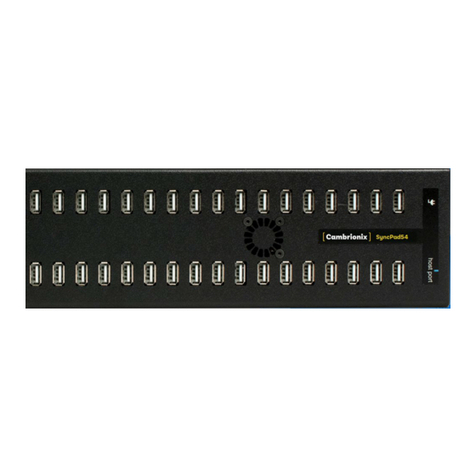
For the SyncPad54 a host will need to be connected to hub before initial charging will take
place, once the hub is up and running you will not need a host connected unless you power
cycle the hub in which case a host will need to be connected for the initial power up.
5.2.Using when connected to a host computer
5.2.1 Charging
When the Host Port is connected to a local computer, the hub defaults to Sync mode and
charge currents are determined according to USB Implementers Forum (USBIF) Super-Speed
USB3.0 specifications. If the attached device complies with USB-IF Battery Charging
specification BC1.2 and supports Charging Downstream Port (CDP), the hub can provide
high-speed charging at up to 0.5A. If the connected device does not comply with BC1.2,the
charge current will be limited to 500 mA in compliance with USB specifications.
5.3.Data Transfer
If you wish to transfer data, change applications, restore or update your mobile device, a data