Campbell Company
AGPS User’s Manual
906-0001 AGPS User Manual Rev E
Page 10 of 14 © Dick Campbell Company 2015. All rights reserved
Clearance Interval:
•Nothing: Default – independent operation
•Destination Beaconing – Destination station provides target beaconing for pedestrian
to locate. NOTE:AGPS must be connected to another station (same phase) and an
extended press must be made to have the destination beaconing tone play in the
clearance phase.
•Countdown – Audible countdown of the clearance phase. Note: Will need two cycles
to calibrate Flashing Don’t Walk time.
Walk Timeout: Maximum time in seconds for walk message to play
Locator Period: Time in seconds between locator repetitions
Extended Press Time: Time to hold the button to get an extended press
Repeated Ack Period: Sets time in seconds between repeated acknowledgement message.
Set to zero to disable
Walk Delay: Sets time in seconds to delay the walk message
Sync Call: Synchronize outputs of two pedestrian stations
•None – Acts like and independent station
•Regular Press -Target station acts as if a regular Press were made
•Extended Press – Both stations activate as if an extended press were made
•Button Bypass –Operation only when button must place call without power
VIB Intensity: Adjust the vibration intensity of the Walk indication
Volume: Two settings adjust volume for non-locator indications and locator tone
independently
•Non-Locator Volume –Adjusts the volume of the audible messages or percussive
tones or indications
•Locator – Adjusts the locator volume
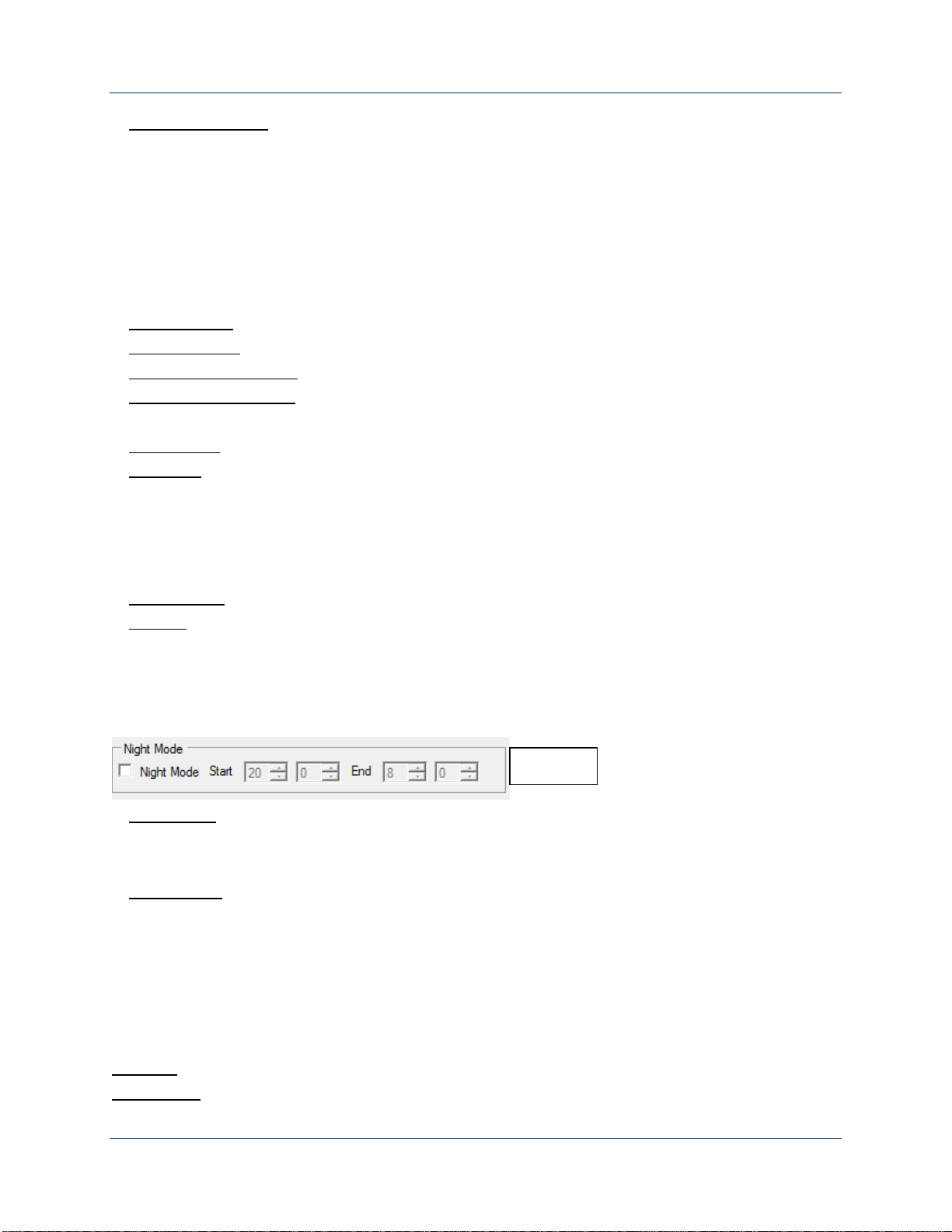
Night Mode - Independent settings by time (figure 4)
•Start -Begin night mode volume settings
•End – Terminates night mode volume settings
Volume GUI: Volume increase (Refer to Figure 1)
•Non Locator AGC – Adjusts the response for audible messaging independently
(Volume over ambient adjustment made by moving Volume slope)
•Locator AGC – Adjusts the response of the locator tone independently (Volume over
ambient adjustment made by moving Volume slope)
•Decrease Limit – Maximum AGC allowed to decrease (Lower right hand vertical bar)
•Increase Limit – Maximum AGC allowed to increase (Top right hand vertical bar)
Location: City, State
Intersection: Cross Street for reference