EnglishDeutsch
 logo
Brands
  1. Home
  2. •
  3. Brands
  4. •
  5. Cannon
  6. •
  7. Measuring Instrument
  8. •
  9. Cannon miniPV-HX User manual

Cannon miniPV-HX User manual

Other Cannon Measuring Instrument manuals
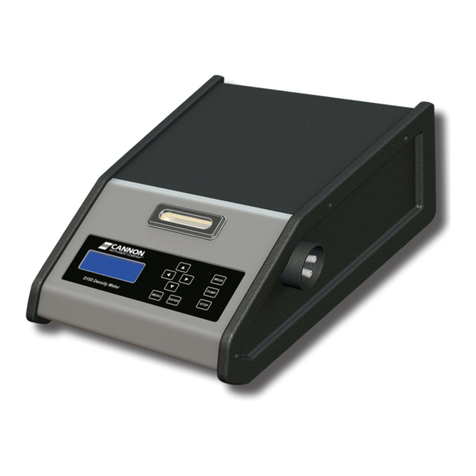
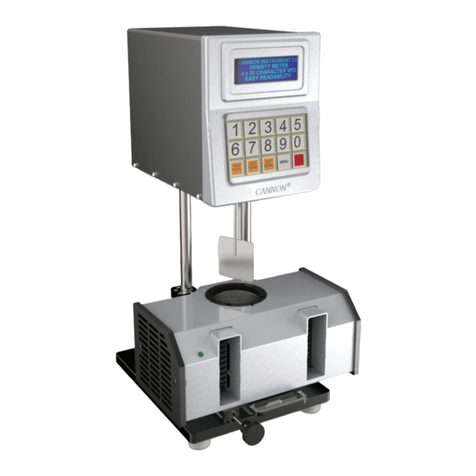
Cannon Densi-H User manual

Cannon

Cannon Densi-H User manual

Cannon TE-DPV Asphalt User manual

Cannon

Cannon TE-DPV Asphalt User manual

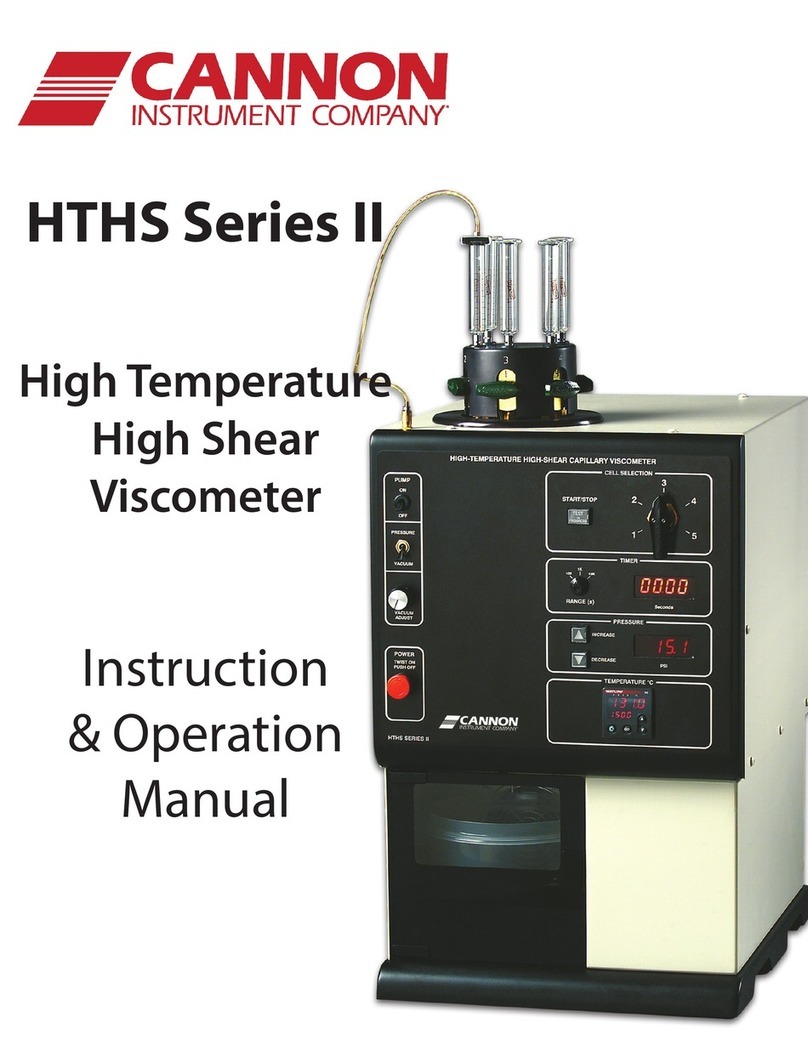
Cannon HTHS Series II Installation instructions manual

Cannon

Cannon HTHS Series II Installation instructions manual

Cannon MiniQV-X User manual

Cannon

Cannon MiniQV-X User manual

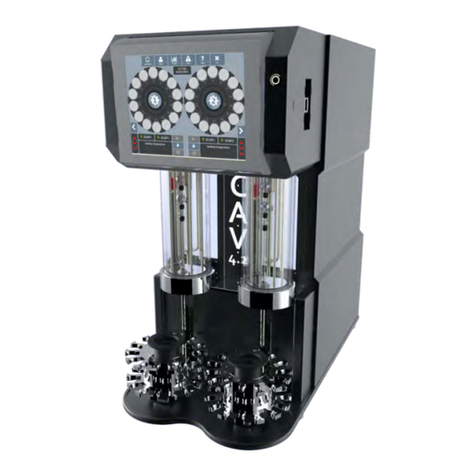
Cannon CAV 4.2 User manual

Cannon

Cannon CAV 4.2 User manual

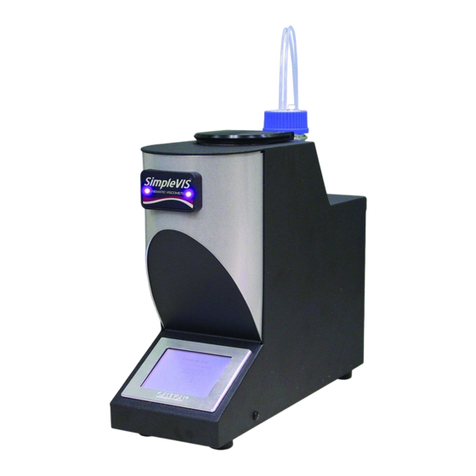
Cannon SimpleVIS User manual

Cannon

Cannon SimpleVIS User manual

Cannon CAV-2100 Installation instructions manual

Cannon

Cannon CAV-2100 Installation instructions manual

Cannon CAV 4.2 User manual

Cannon

Cannon CAV 4.2 User manual

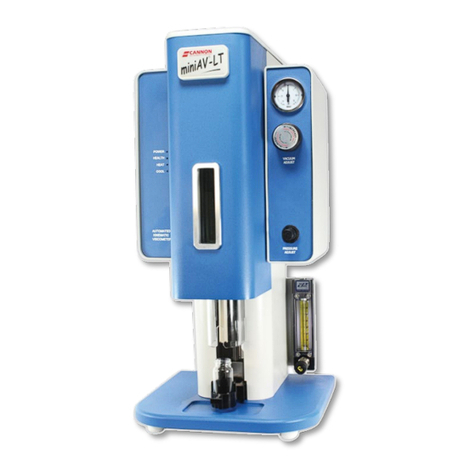
Cannon miniAV-LT User manual

Cannon

Cannon miniAV-LT User manual

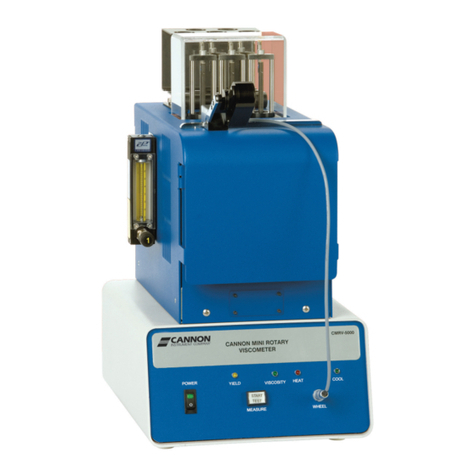
Cannon CMRV-5000 Installation instructions manual

Cannon

Cannon CMRV-5000 Installation instructions manual

Cannon CAV 4.1 User manual

Cannon

Cannon CAV 4.1 User manual

Cannon Ravenfield BS/C+ User manual

Cannon

Cannon Ravenfield BS/C+ User manual

Cannon Densi-H User manual

Cannon

Cannon Densi-H User manual

Cannon SimpleVIS User manual

Cannon

Cannon SimpleVIS User manual

Cannon IntelliTroll User manual

Cannon

Cannon IntelliTroll User manual
Cannon Ravenfield BS/C+ User manual

Cannon

Cannon Ravenfield BS/C+ User manual
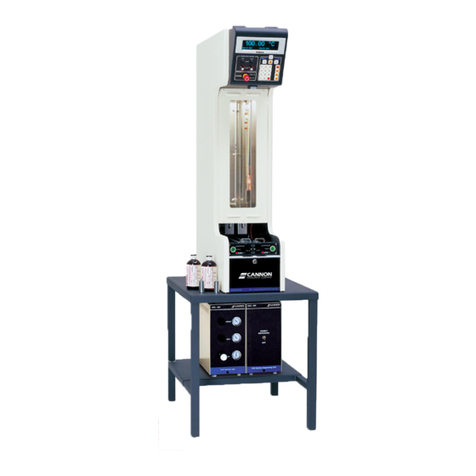
Cannon UltraVIS 192 User manual

Cannon

Cannon UltraVIS 192 User manual

Cannon CAV 4.1 Installation instructions manual

Cannon

Cannon CAV 4.1 Installation instructions manual

Cannon miniPV User manual

Cannon

Cannon miniPV User manual

Cannon PolyVISC SPS User manual

Cannon

Cannon PolyVISC SPS User manual

Cannon CAV-2100 User manual

Cannon

Cannon CAV-2100 User manual

Cannon miniAV Series User manual

Cannon

Cannon miniAV Series User manual

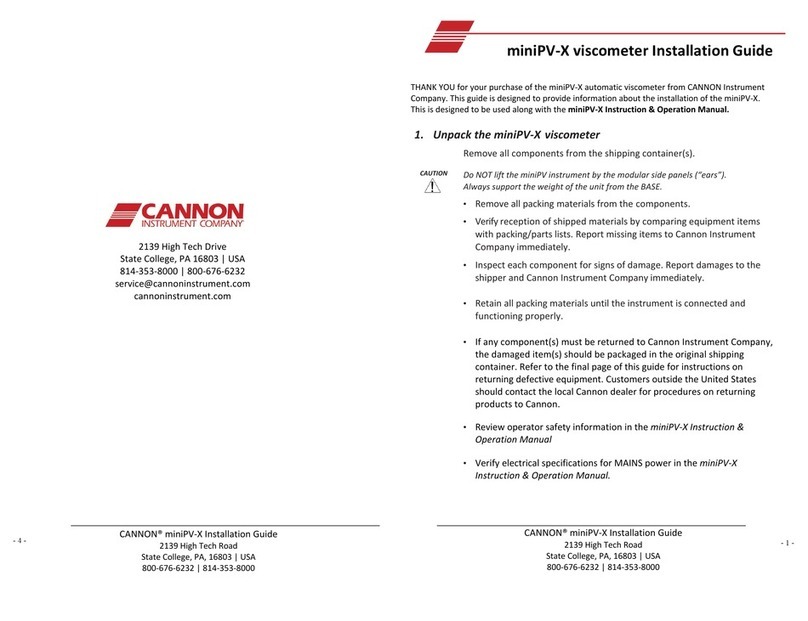
Cannon miniPV-X User manual

Cannon

Cannon miniPV-X User manual

Cannon D155 Installation instructions manual
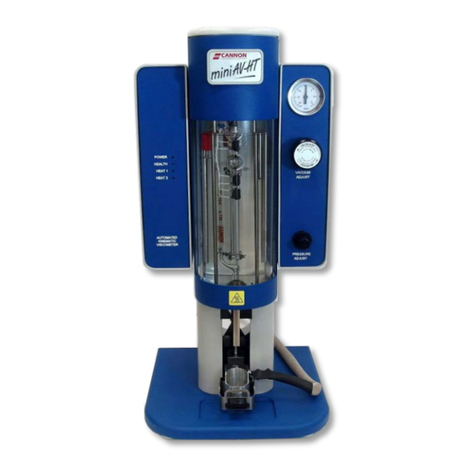
Cannon

Cannon D155 Installation instructions manual

Popular Measuring Instrument manuals by other brands

Suaoki D40 user manual

Suaoki

Suaoki D40 user manual

Elster BK-G1.6 operating instructions

Elster

Elster BK-G1.6 operating instructions

Endress+Hauser Deltabar FMD71 technical information

Endress+Hauser

Endress+Hauser Deltabar FMD71 technical information

Duratool D03128 manual

Duratool

Duratool D03128 manual

Vega VEGAPULS 65 Quick setup guide

Vega

Vega VEGAPULS 65 Quick setup guide

Tonghui TH2618B Operation manual

Tonghui

Tonghui TH2618B Operation manual

Tenmars TM-801 user manual

Tenmars

Tenmars TM-801 user manual

MSR 145 user manual

MSR

MSR 145 user manual

TPS WP-82 manual

TPS

TPS WP-82 manual

PCB Piezotronics 003C30 Installation and operating manual

PCB Piezotronics

PCB Piezotronics 003C30 Installation and operating manual

Tenma 72-10465 manual

Tenma

Tenma 72-10465 manual

Endress+Hauser Proline Promag 50 Brief operating instructions

Endress+Hauser

Endress+Hauser Proline Promag 50 Brief operating instructions

Siemens SITRANS F Coriolis FCT030 Function manual

Siemens

Siemens SITRANS F Coriolis FCT030 Function manual

KLINGER CMF V Series instruction manual

KLINGER

KLINGER CMF V Series instruction manual

Keysight M8290A Getting started guide

Keysight

Keysight M8290A Getting started guide

Acterna MS1400 Operation manual

Acterna

Acterna MS1400 Operation manual

R&S ZPH manual

R&S

R&S ZPH manual

Datacolor ColorReader DC10-2 user guide

Datacolor

Datacolor ColorReader DC10-2 user guide

https://manuals.online logo
https://manuals.online logoBrands
  • About & Mission
  • Contact us
  • Privacy Policy
  • Terms and Conditions

Copyright 2026 Manuals.Online. All Rights Reserved.

THANK YOU for your purchase of the miniPV-X automatic viscometer from CANNON Instrument
Company. This guide is designed to provide information about the installation of the miniPV-X.
This is designed to be used along with theminiPV-X Instruction & Operation Manual.
1. Unpack the miniPV-HXviscometer
CAUTION
Remove all components from the shipping container(s).
Do NOT lift the miniPVinstrument by the modular side panels (“ears”).
Always support the weight ofthe unit from the BASE.
•Remove all packing materials from the components.
•Verify reception of shipped materials by comparing equipment items
with packing/parts lists. Report missing items toCannon Instrument
Company immediately.
•Inspect each component for signs of damage. Report damages to the
shipper and Cannon Instrument Company immediately.
•Retain all packing materials until the instrument isconnected and
functioning properly.
•If any component(s) must be returned to Cannon Instrument Company,
the damaged item(s) should be packaged in the original shipping
container. Refer tothe final page ofthis guide for instructions on
returning defective equipment. Customers outside the United States
should contact the local Cannon dealer for procedures on returning
products toCannon.
•Review operator safety information in the miniPV-X Instruction &
Operation Manual
•Verify electrical specifications for MAINS power in the miniPV-X
Instruction & Operation Manual.
- 4 -
CANNON® miniPV-HXInstallation Guide
2139 High Tech Road
State College, PA, 16803 | USA
800-676-6232 | 814-353-8000
- 1 -
miniPV-HXviscometer Installation Guide
2139 High Tech Drive
State College, PA 16803 | USA
814-353-8000 | 800-676-6232
service@cannoninstrument.com
cannoninstrument.com
CANNON® miniPV-HXInstallation Guide
2139 High Tech Road
State College, PA, 16803 | USA
800-676-6232 | 814-353-8000
T
B
B
A
B
Power Supply
Waste Receiver A
2.
Connect tubing and cables as indicated in the image. Cut tubing
to length as necessary.
Tubing Detail
A = 6 mm transparent tubing
B = 1/8” transparent tubing
3. Fill bath vessel to the fill line with silicone fluid.
4. Install VISCPRO Software on the controlling PC using
the installation CD or thumb drive.
miniPV-HX
Waste Vessel
Power Supply
Solvent
Vessel
Above: Filling the miniPV
bath vessel with bath fluid
using the provided glass
funnel.
5.
Supply power to the miniPVinstrume
nt.
6. Load VISCPRO software.
7. Set the desired control
temperature.
8. Calibrate the instrument per
manual instructions or confirm
calibration data included with your
installation CD.
9. Enter sample ID information into
VISCPRO and begin running
samples.
- 2 - miniPV-HX Installation Guide
|
Cannon Instrument Company®
|
2139 High Tech Rd
|
State College, PA
|
16803
|
USA
|
814-353-8007
|
fax 814-353-8007
|
cannoninstrument.com - 3 -