manuals.online logo
Brands
  1. Home
  2. •
  3. Brands
  4. •
  5. Cannondale
  6. •
  7. Bicycle
  8. •
  9. Cannondale Treadwell User manual

Cannondale Treadwell User manual

Other Cannondale Bicycle manuals
Cannondale Slice User manual

Cannondale

Cannondale Slice User manual

Cannondale Lefty Ocho 120 Configuration guide

Cannondale

Cannondale Lefty Ocho 120 Configuration guide

Cannondale SCALPEL 100 SCALPEL 100 Configuration guide

Cannondale

Cannondale SCALPEL 100 SCALPEL 100 Configuration guide

Cannondale PROPHET User manual

Cannondale

Cannondale PROPHET User manual

Cannondale Slice User manual

Cannondale

Cannondale Slice User manual

Cannondale CY22 Mavaro Neo Configuration guide

Cannondale

Cannondale CY22 Mavaro Neo Configuration guide

Cannondale CY22 Moterra Neo Configuration guide
Cannondale

Cannondale CY22 Moterra Neo Configuration guide

Cannondale Mountain Hardtail Thru Axle User manual

Cannondale

Cannondale Mountain Hardtail Thru Axle User manual

Cannondale Adventure Neo Allroad S 2023 User manual

Cannondale

Cannondale Adventure Neo Allroad S 2023 User manual

Cannondale SuperSix EVO Neo Configuration guide

Cannondale

Cannondale SuperSix EVO Neo Configuration guide

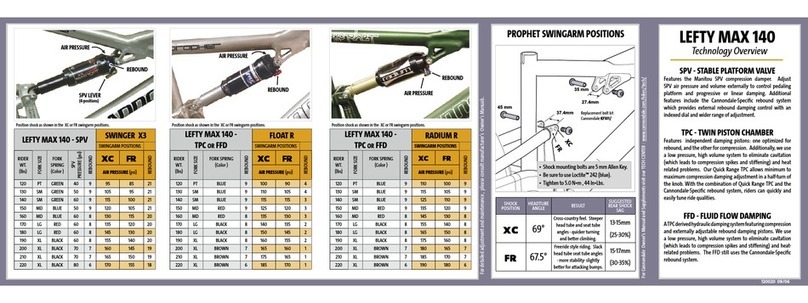
Cannondale PROPHET Configuration guide
Cannondale

Cannondale PROPHET Configuration guide

Cannondale MOTO CARBON Configuration guide

Cannondale

Cannondale MOTO CARBON Configuration guide

Cannondale Topstone Neo 5 User manual

Cannondale

Cannondale Topstone Neo 5 User manual

Cannondale Adventure Neo Configuration guide

Cannondale

Cannondale Adventure Neo Configuration guide

Cannondale CAAD13 Configuration guide

Cannondale

Cannondale CAAD13 Configuration guide

Cannondale TANDEM Configuration guide

Cannondale

Cannondale TANDEM Configuration guide

Cannondale Jekyll User manual

Cannondale

Cannondale Jekyll User manual

Cannondale F-SI Configuration guide

Cannondale

Cannondale F-SI Configuration guide

Cannondale Synapse HM Configuration guide

Cannondale

Cannondale Synapse HM Configuration guide

Cannondale en 14764 User manual

Cannondale

Cannondale en 14764 User manual

Cannondale Synapse Carbon Configuration guide

Cannondale

Cannondale Synapse Carbon Configuration guide

Cannondale F-SI User manual

Cannondale

Cannondale F-SI User manual

Cannondale Chase Series User manual

Cannondale

Cannondale Chase Series User manual

Cannondale TANDEMS 2009 User manual

Cannondale

Cannondale TANDEMS 2009 User manual

Popular Bicycle manuals by other brands

Grace ONE manual

Grace

Grace ONE manual

Woosh Gran Camino manual

Woosh

Woosh Gran Camino manual

Razor FLASHRIDER 360 user manual

Razor

Razor FLASHRIDER 360 user manual

TAUBIK SOHO 2.0 user manual

TAUBIK

TAUBIK SOHO 2.0 user manual

Oxybul FREEbul 331067 manual

Oxybul

Oxybul FREEbul 331067 manual

Cycle Force Group BICYCLE BABY TRAILER & JOGGER Assembly instructions

Cycle Force Group

Cycle Force Group BICYCLE BABY TRAILER & JOGGER Assembly instructions

Giant TWIST FREEDOM DX datasheet

Giant

Giant TWIST FREEDOM DX datasheet

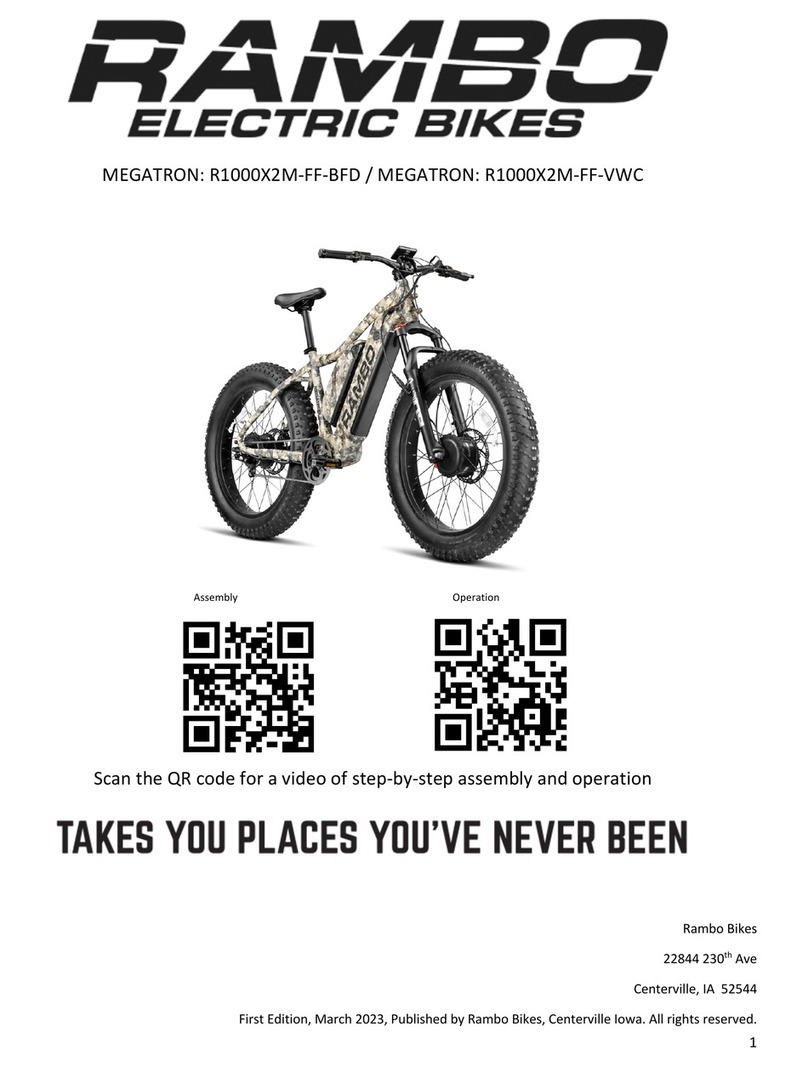
RAMBO R1000X2M-FF-BFD manual

RAMBO

RAMBO R1000X2M-FF-BFD manual

Vermeiren SAFARI Maintenance manual

Vermeiren

Vermeiren SAFARI Maintenance manual

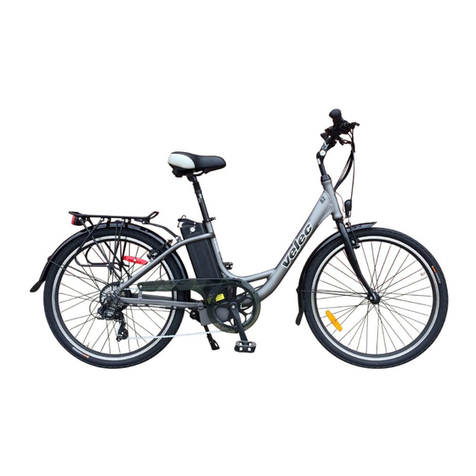
Velec A2/36V owner's manual

Velec

Velec A2/36V owner's manual

Cervélo S3 2019 Assembly manual

Cervélo

Cervélo S3 2019 Assembly manual

Festo EGSC-BS-KF Instructions & Operating

Festo

Festo EGSC-BS-KF Instructions & Operating

Gio Electric H1 Volt owner's manual

Gio Electric

Gio Electric H1 Volt owner's manual

Huka orthros manual

Huka

Huka orthros manual

DAHON CIAO - 2009 manual

DAHON

DAHON CIAO - 2009 manual

Aprimatic ONDA 500 Installation, use and maintenance instructions

Aprimatic

Aprimatic ONDA 500 Installation, use and maintenance instructions

Greyp G6 Series user manual

Greyp

Greyp G6 Series user manual

Babboe Carve-E user manual

Babboe

Babboe Carve-E user manual

manuals.online logo
manuals.online logoBrands
  • About & Mission
  • Contact us
  • Privacy Policy
  • Terms and Conditions

Copyright 2025 Manuals.Online. All Rights Reserved.

Treadwell
Quick Start Guide
Applies to: Treadwell
Welcome to the Cannondale family.
WARNING
SET-UP STEP 2STEP 1 STEP 3 STEP 4 PRE-RIDE CHECK
This is a Quick Start Guide, not an
Owner’s manual.
Bicycling is an active sport with
inherent risk. A wide range of injuries
are possible. Due to the nature of
bicycle riding, the situations you
encounter while riding, you will be
exposed to the risk of serious injury,
paralysis or death. This risk cannot
be eliminated. You can minimize the
risk in many ways. Begin by reading
the complete Cannondale Bicycle
Owner’s manual accompanying
this bike and available online at
www.cannondale.com, particularly
section “IMPORTANT SAFETY
INFORMATION”.
First up, thank you for buying a new Cannondale bike – we’re excited to
have you on board and to get you out riding as soon as possible. Our new
assembly process is easy-to-follow – using methods outlined in this guide
to assemble your new Cannondale at home, plus it’s even easier to do so
with a friend. Our guide will take you through the simple steps from start
to nish – you can also follow along with a how-to video, as you build your
bike, just visit: [email protected]
If you still have any questions, then our Cannondale rider support sta are
ready to help you. Feel free to give us a call at
Also, when your new bike is all assembled and ready to ride, we’d love to
check it out – please don’t forget to tag #ridecannondale in your social
media. Enjoy the ride!
SET-UP STEP 2STEP 1 STEP 3 STEP 4 PRE-RIDE CHECK

1.
Install your
handlebars

Install your
seat post

Install your
front wheel

Install your
pedals


This video applies to one Cannondale Platform:
• Treadwell
Tools Needed:
• Flat-Head Screwdriver
• Phillips-Head Screwdriver
• Box Cutter
• Scissors
Tools Included:
• Torque Wrench
• Allen Keys
• Pedal Wrench
Gently lift your bike out of the box and set
it on top of the box. Make sure the attached
wheel is facing upwards
SET-UP STEP 2STEP 1 STEP 3 STEP 4 PRE-RIDE CHECK
Inside the box, you’ll nd a smaller box of parts, necessary tools,
documentation and manuals. Once the bike is assembled, but
before you ride, please read the owner’s manual.
First, locate the staples on the top of the box and carefully remove
them with a screwdriver. Use caution: the staples are sharp.
Locate the small parts box and set it aside for later.
Remove the seatpost from its packaging and set it aside for later
Push the hand aps from the inside to the outside of the box. This
will make removing the bike easier.
Carefully lift the bike out of the box and set it onto the top of the box.
Remove the front wheel from the bike by carefully removing the zip
ties or Velcro. Then, remove all packaging from the wheel and set it
aside.
A.

C.
D.

F.
E
Lift the entire bike up o the box and set the
rear end into the standing box.
The front fork should rest over the edge of the
box.
SET-UP STEP 2STEP 1 STEP 3 STEP 4 PRE-RIDE CHECK

Remove all additional packaging from the bike, letting the handlebar
gently hang from the frame.
Carefully lift and rotate the bike, lowering it gently back into the box
with the fork overhanging the box side. The stem should be pointing
forward and the disc brake caliper should be on the left (non-
drivetrain) side of the bike.
Locate and remove the warranty card and set it asidewith the owner’s
manual.
G.
H.
I.
H
SET-UP STEP 2STEP 1 STEP 3 STEP 4 PRE-RIDE CHECK
 A
B
D
E
Using the included Allen wrench, loosen and remove the bolts and
faceplate from the stem. The stem connects the handlebar to the
fork. Set the bolts and faceplate aside together, so you don’t lose
anything.
Place the handlebar into the stem and verify the brake hoses and
shift cables wrap around the frame cleanly, without kinks to any of
the lines.
Loosely reattach the faceplate to the stem. Take care to not tighten
one bolt more than another. Your goal is a consistent gap between
the stem and faceplate.
Center the handlebar in the stem using the markings on the bar, then
roll it back into a comfortable position.
Hand-tighten the stem bolts using the Allen key, ensuring there’s an
even gap between the stem body and faceplate at both the top and
bottom of the stem. You will fully tighten these later.
A.

C.
D.

SET-UP STEP 2STEP 1 STEP 3 STEP 4 PRE-RIDE CHECK

Loosen the seatpost clamp with the Allen key. On the seatpost, locate
the minimum insertion line.
Insert the seatpost into the frame beyond the minimum insertion line.
Hand tighten the clamp using the Allen key, enough so the seatpost
can’t be pulled from the frame. You will fully tighten it later.
A.

C.
A
B
C
SET-UP STEP 2STEP 1 STEP 3 STEP 4 PRE-RIDE CHECK

Locate the skewer and remove it from the packaging. The skewer is
comprised of ve major parts: the skewer itself; a washer; two conical
springs; and the adjusting nut.
Unthread and remove the adjusting nut and the neighboring conical
spring from the skewer.
Insert the skewer into the wheel axle on the opposite side of the disc
brake rotor. Push the skewer through the hub to the other side of the
wheel.
Place the conical spring back onto the skewer with the narrow end
pointing toward the wheel, then thread on the adjusting nut.
A.

C.
D.
A
B
C
D
Remove the fork protector from the fork dropouts.
Carefully lift the bike from the box and gently place the fork ends on
the ground.
Remove any additional packaging from the bike.
Remove the disc brake pad spacer from the front caliper. Take care
not to pull the front brake lever while either the pad spacer or disc
brake rotor is not present in the caliper.


F.
G.
H.
SET-UP STEP 2STEP 1 STEP 3 STEP 4 PRE-RIDE CHECK
E
F
G
H
 I
J
Gently lift the front end of the bike and roll the wheel back in-between
the fork legs.
Carefully align the disc brake rotor in the brake caliper and lower the
fork dropout onto the wheel axle. Ensure the wheel is fully seated
into the fork dropouts on both sides.
Hold the skewer adjusting nut with one hand, and using a hex key in
the other hand, tighten the skewer.
The skewer should be very tight. When properly tightened, the Allen
wrench will leave an imprint in your hand. Conrm the wheel is
centered in the fork legs.
I.
J.

L.
SET-UP STEP 2STEP 1 STEP 3 STEP 4 PRE-RIDE CHECK
K
L