Installation Help: 1300 107 546 REQUIREMENTS •3
STEP 1 Requirements
Before you set up your phone, make sure you already have:
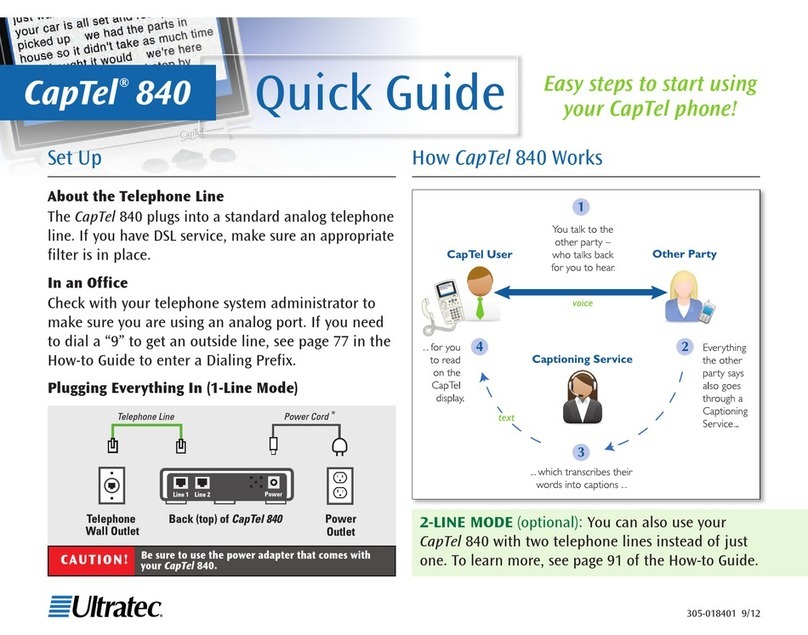
Telephone Service
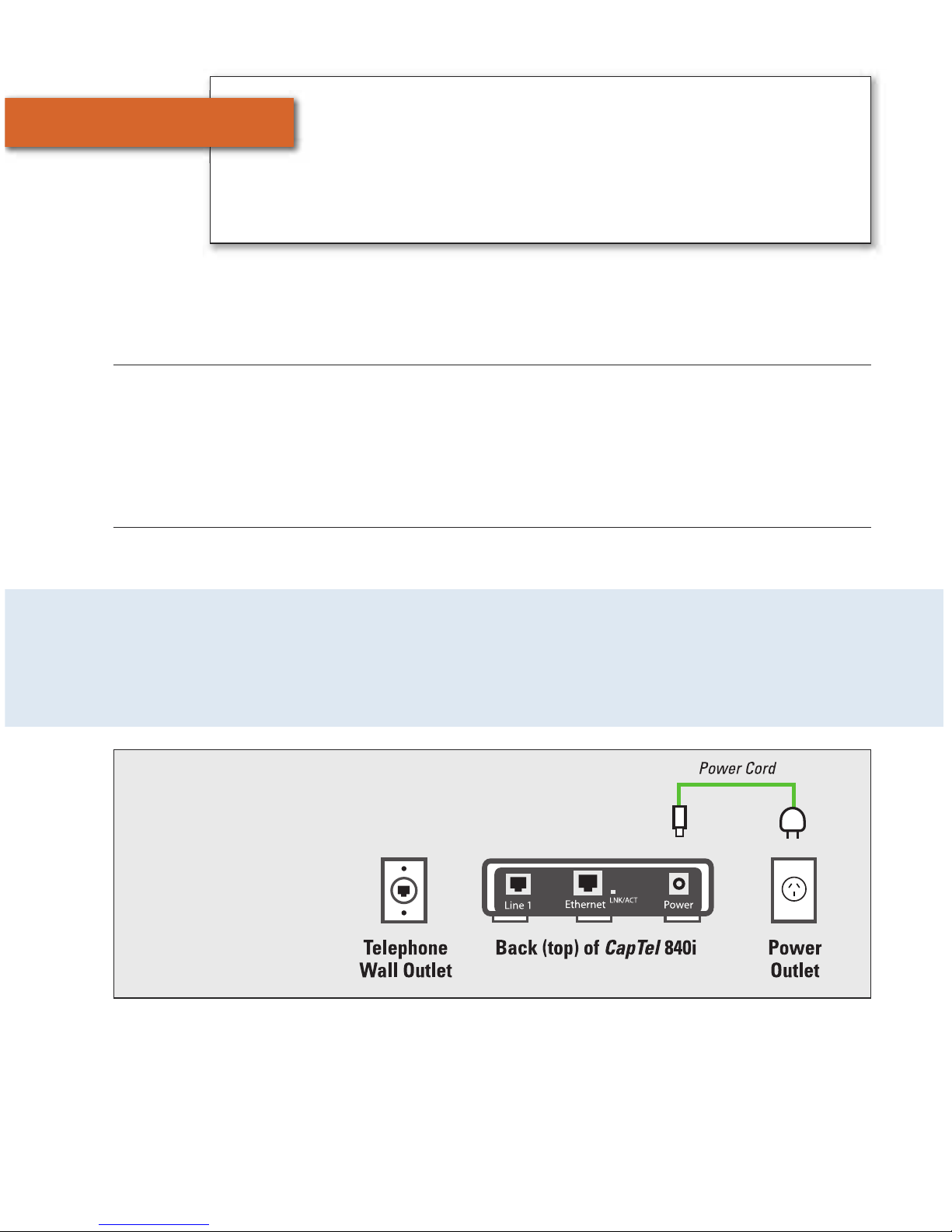
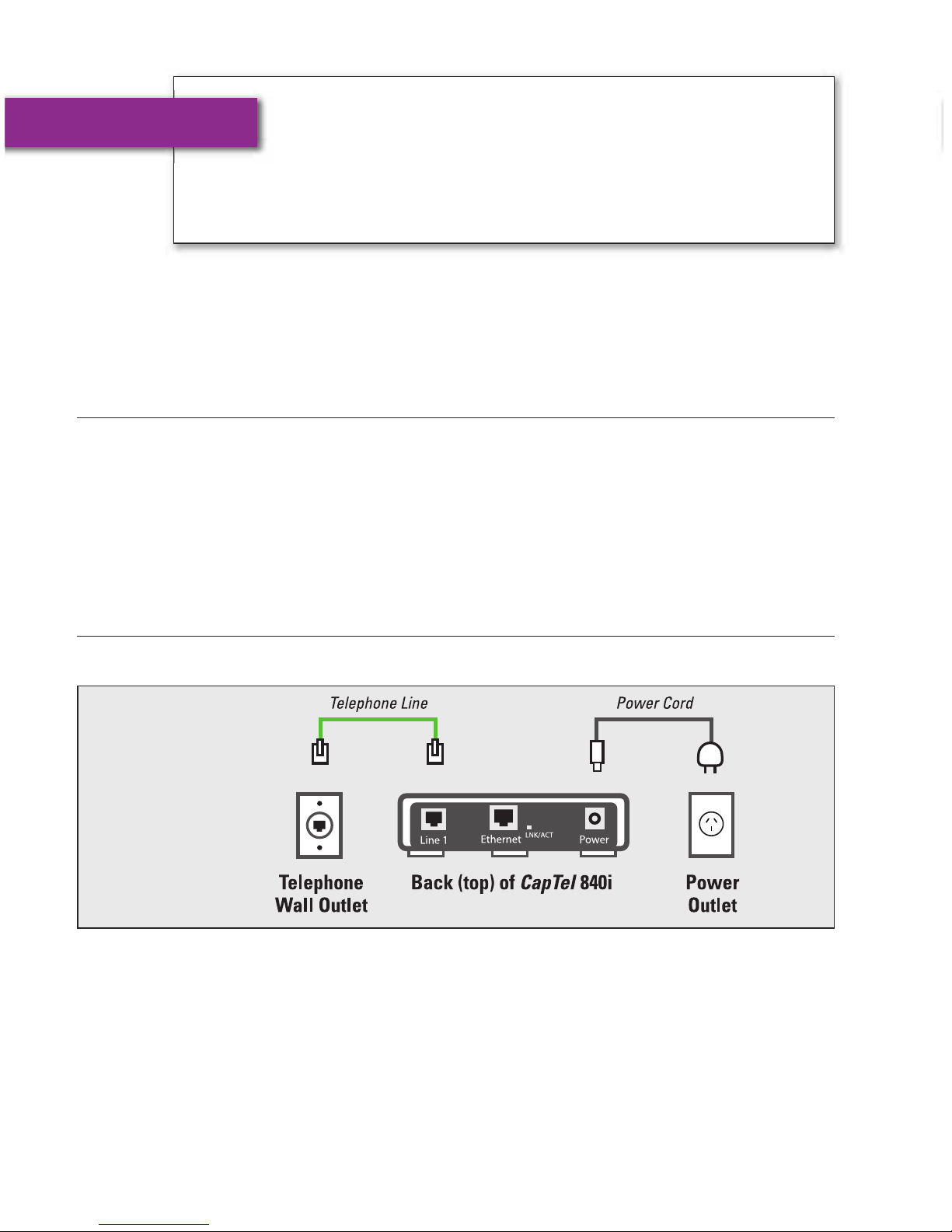
Connects to the CapTel 840i via a telephone cord using a standard RJ11
connection. Your telephone service can be any of the following:
NOTE: Your CapTel 840i does NOT work with digital Private Branch Exchange
(PBX) phone systems found in some business settings, residential facilities, and
hotels, unless an analog port is available.
Access to High-speed Internet Service
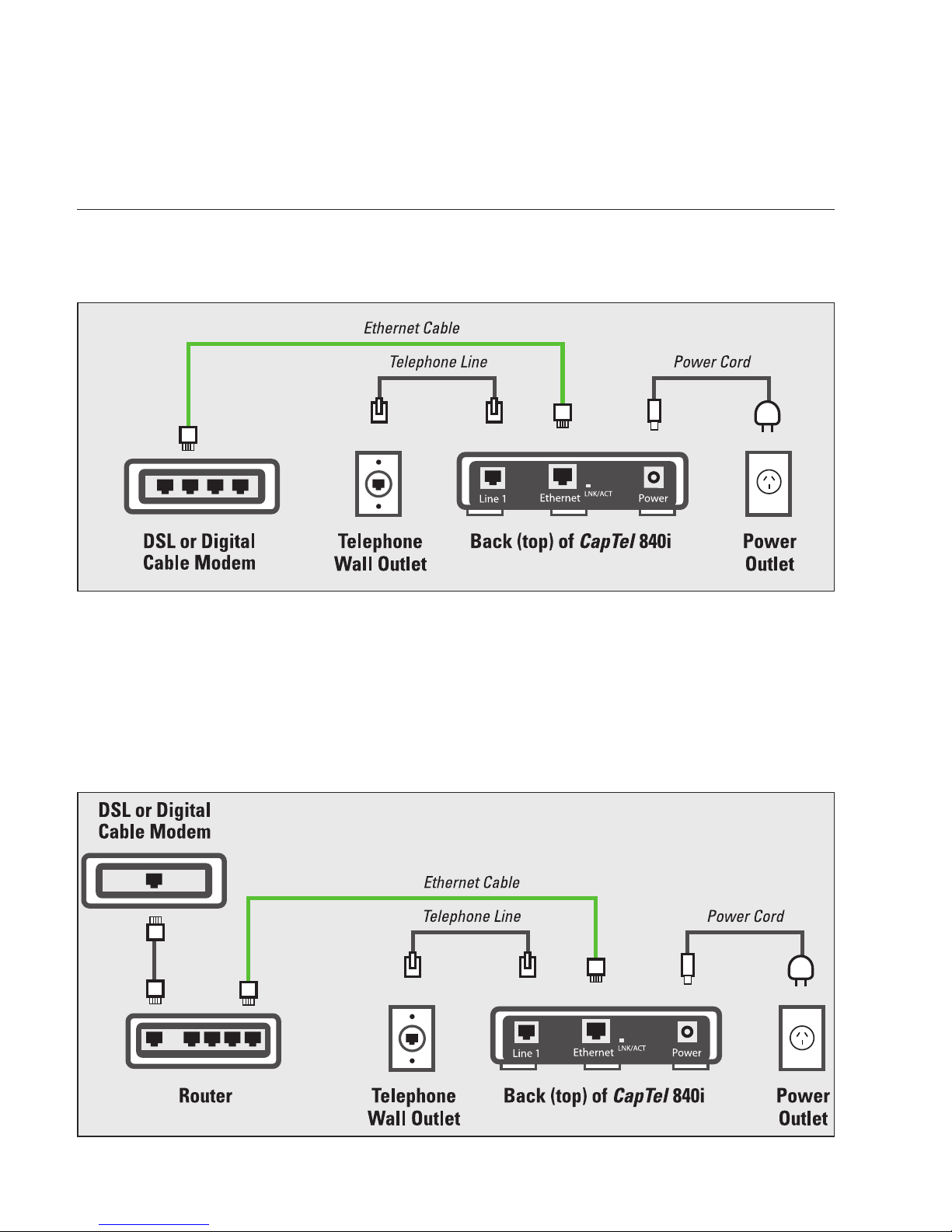
Connects to the CapTel 840i via an Ethernet cable or via a Wireless
(WiFi) network. Your Internet service must be working properly in order for
the CapTel 840i to display captions. A high-speed Internet connection is
required. Dial-up Internet service will not work. In home settings that do not
have a wireless network, you may need a router or switch to connect more
than one device to your Internet service. Your Internet modem and/or router
should support DHCP. You should also check if a firewall is active on either
the modem or the router, as it might interfere with connecting the CapTel
840i to your network (see Troubleshooting on page 25 for tips).
Standard Electrical Power
The CapTel 840i plugs into a standard electrical wall outlet. You must
use the power adapter that came with the CapTel 840i. Using any other
adapter may damage the CapTel and will void the warranty.
• Standard analog service
• DSL (Digital Subscriber Line)
– filter recommended
• Digital Cable phone service
• VOIP (Voice Over Internet Protocol)
phone service
• FIOS (Fiber Optic Service) phone
service