ISSUE 4.0
CEECO
Communication Equipment & Engineering Company
PROPRIETARY
3.0 PROGRAMMING
NOTE: It is recommended that you ground yourself to prevent ESD
damage to the PCB(s).
3.1 Locate the security screw on the bottom of the housing and remove it with
the security tool (P/N 301-037 sold separately). Separate the telephone
housing from the back plate by pulling the housing bottom away from the
back plate and up.
3.2 Locate the programming keypad, which was packaged separately and has
a white connector on the reverse side. Locate the multi-color ribbon cable
extending from the Printed Circuit Board, with a white connector on the
loose end. Connect the keypad and cable, via the two white connectors.
3.3 Connect the telephone to a working telephone line or a DTMF test set
(Please refer to diagram on page 10).
3.2 Locate the pair of plastic mini-jumpers along the edge of the PC board.
Move them to the “ON” or inner most position as depicted in the diagram
on the last page of this manual.
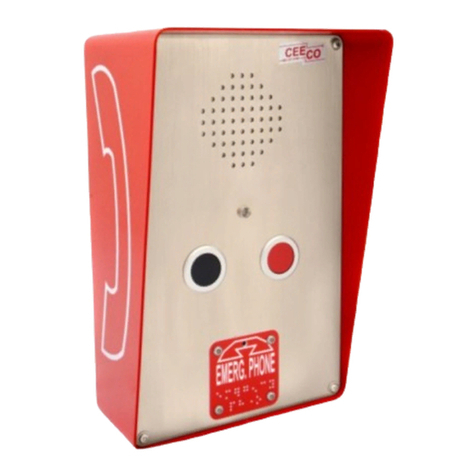
3.3 Press the “Emergency” button on the front of the phone and wait for
dial tone to begin programming.
3.4 Enter #97#18#, in order to clear all user programmable memory.
NOTE: Once the “#" key has been entered, you may hear a fast busy
tone, an operator reorder, or other Central Office signals. Please disregard
these sounds and continue programming, as they will have no effect on the
programming.
3.5 Each programming location is accessed by dialing the # sign and the
corresponding two digit code. The previous contents of the location are
automatically erased when the location code is accessed.
3.6 Enter #00, followed by a series of ten (10) digits as selected from the
following page. Location “00” is the telephone options location. By
entering a selected number of 0-9 into each of the ten digit locations, the
phone is customized for the particular installation