ISSUE 4.0
CEECO
Communication Equipment & Engineering Company
PROPRIETARY
10
PROGRAMMING CONTINUED…
3.12 When programming is finished, hang up the phone by pressing the
CALL button. Return the mini-jumpers to the "OFF" position. The
phone is now ready for Testing/Operation.
4.0 TESTING/OPERATION
4.1 Connect the telephone to a working telephone line.
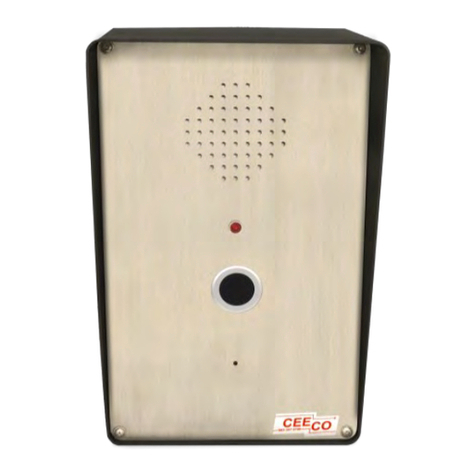
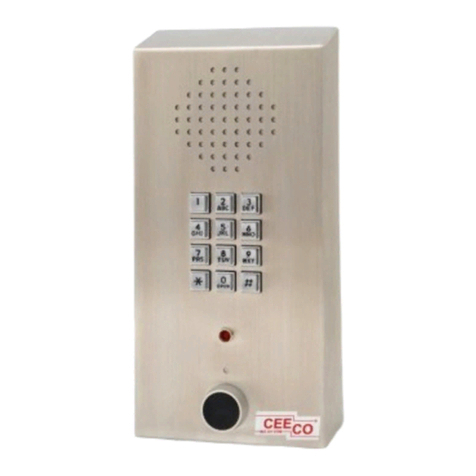
4.2 To make a call, press the CALL button located on the front of the phone.
When dial tone is received, the transmitter is muted and the phone waits
for numbers to be dialed. The LED will illuminate RED at this time, and
the preprogrammed number(s) will dial out on the line.
4.3 When the called party answers the LED will turn GREEN after a
maximum of four seconds, if the ADA feature was activated (see section
3.7 Digit 6). Otherwise, the LED will remain RED during off-hook
periods. Any pre-recorded voice announcement will play at this time to
both the far end and the local user. Afterward, a normal speakerphone
conversation should be allowed.
4.4 When the call is complete, press the CALL button again to hang up. The
LED will go out and the call will be terminated.
4.5 If the user does not press the CALL button when he or she is done, the
phone will hang up after detecting a wink back from the far end, or when
the selected time-out period (see section 3.7 Digit 3) expires.
4.6 Place a call into the phone. If the phone was programmed to allow
incoming calls, answer the phone and the microphone should activate
within approximately three (3) seconds. A normal speakerphone
conversation should follow. If the phone was programmed not to allow
incoming calls, the microphone will not activate.