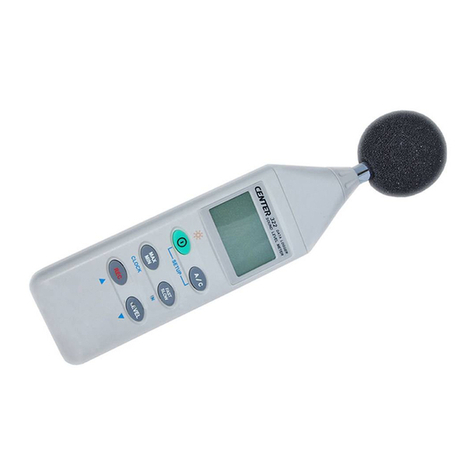
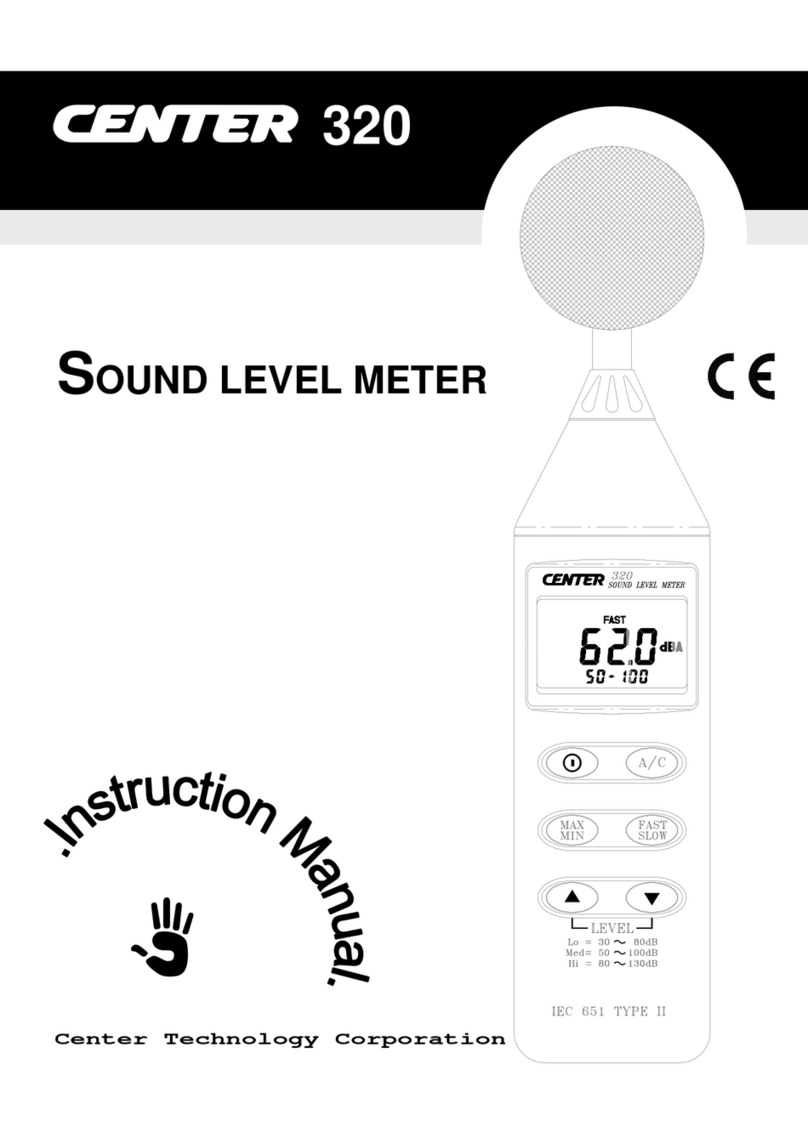
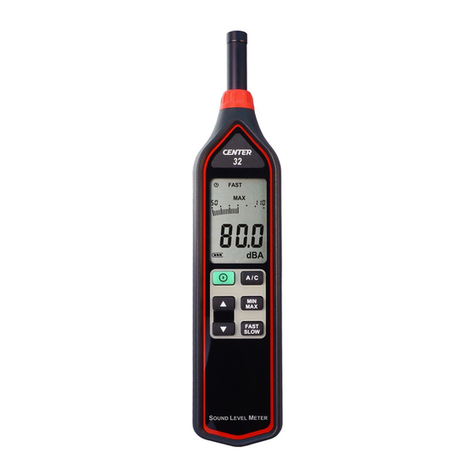
Sound Level Meter
5
○
1Windscreen:
When making outdoor measurements in windy weather or when measuring
air conditioning equipment or similar, wind noise at the microphone can
cause measurement errors. Such effects can be reduced by using the
windscreen.
○
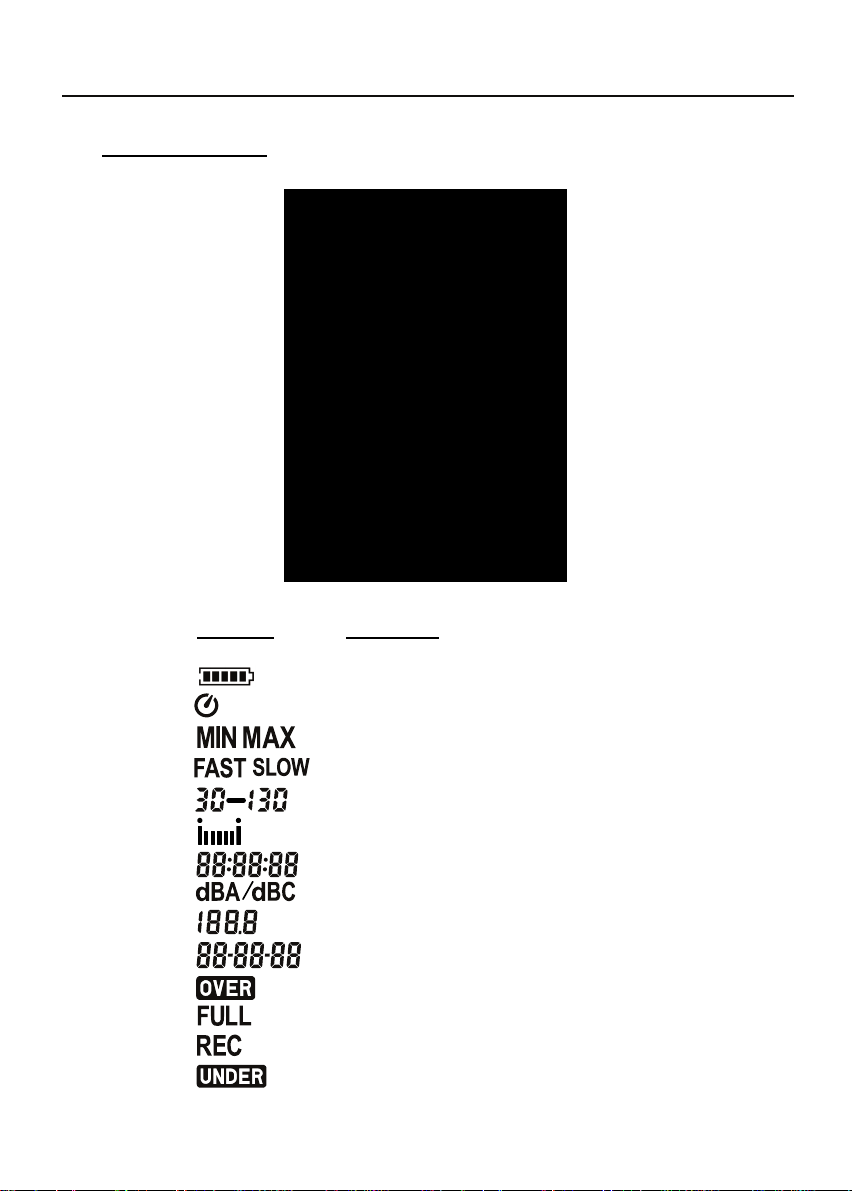
2Display screen.
○
3Power button:
Press the button to turn the meter on. To turn the unit off, press and
hold button down until the screen shows “ OFF 3, 2, 1,” then the LCD
screen goes off.
LCD backlight on/off:
Press to turn on the LCD backlight. This makes it easier to read in
dark environment. Press again to turn off backlight. The meter can
also turn the backlight off automatically after 30 seconds to save battery
power.
Auto power off.
To save battery life, by default, when the unit is powered on, it is under auto
power off mode.
The unit will power itself off after 30 minutes if no key operation.
Auto power off will be disable under the following 2 circumstances.
(1) When connecting to PC.
(2) When recording function is on process.
Disabled auto power off.
One may press and hold button and then power on the meter and the
will not show up to indicate that auto power off is disable.
Note: When the user powers it on, the LCD will show how much internal
memory space is available to use.
○
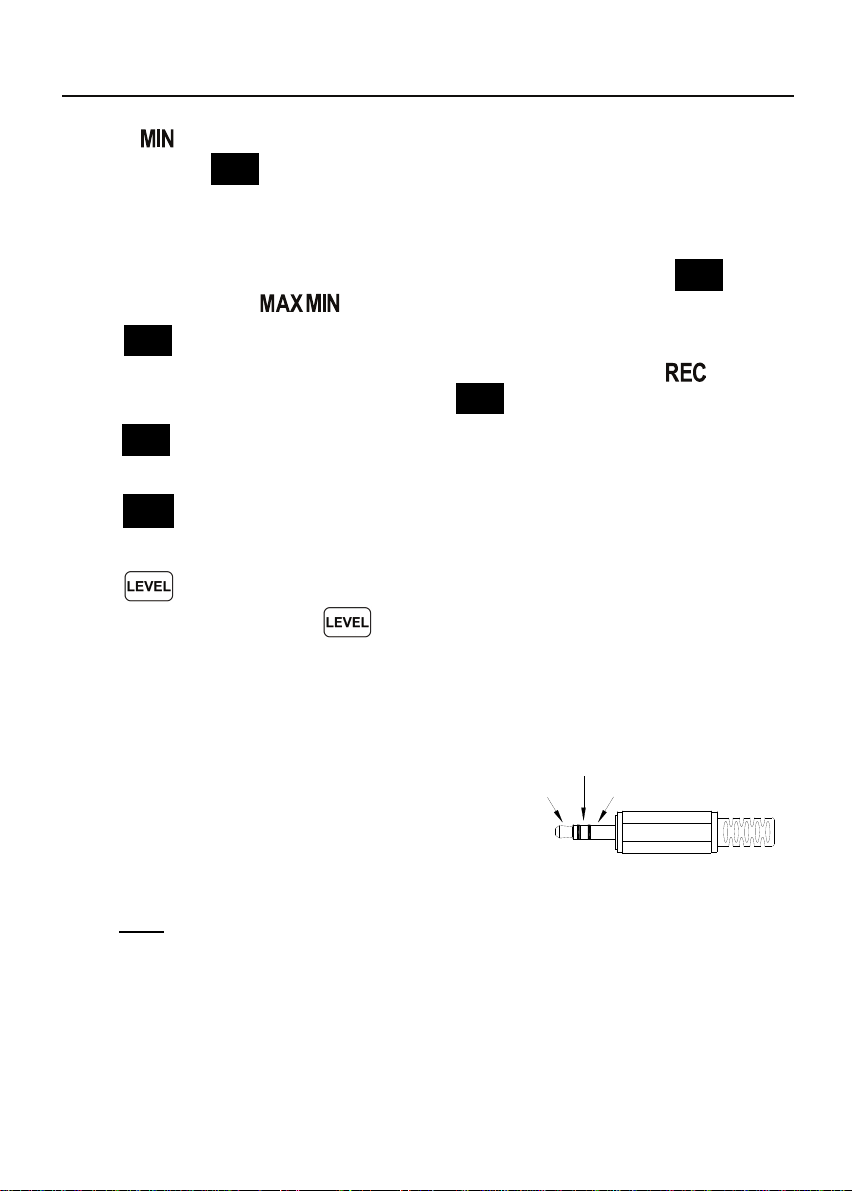
4MAX/MIN button:
Press button to enter the maximum and minimum recording mode.
Under this mode, the maximum value and minimum value will be stored
and automatically updated in the memory simultaneously.
Pressing the button will display the “ ” symbol and the
Maximum value on the display. Pressing button again will display the