manuals.online logo
Brands
  1. Home
  2. •
  3. Brands
  4. •
  5. Chiayo
  6. •
  7. Amplifier
  8. •
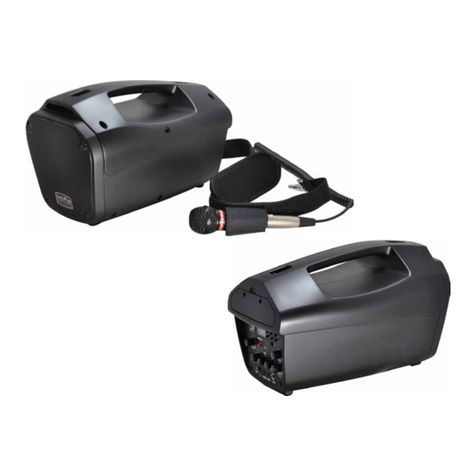
  9. Chiayo iTour Installation manual

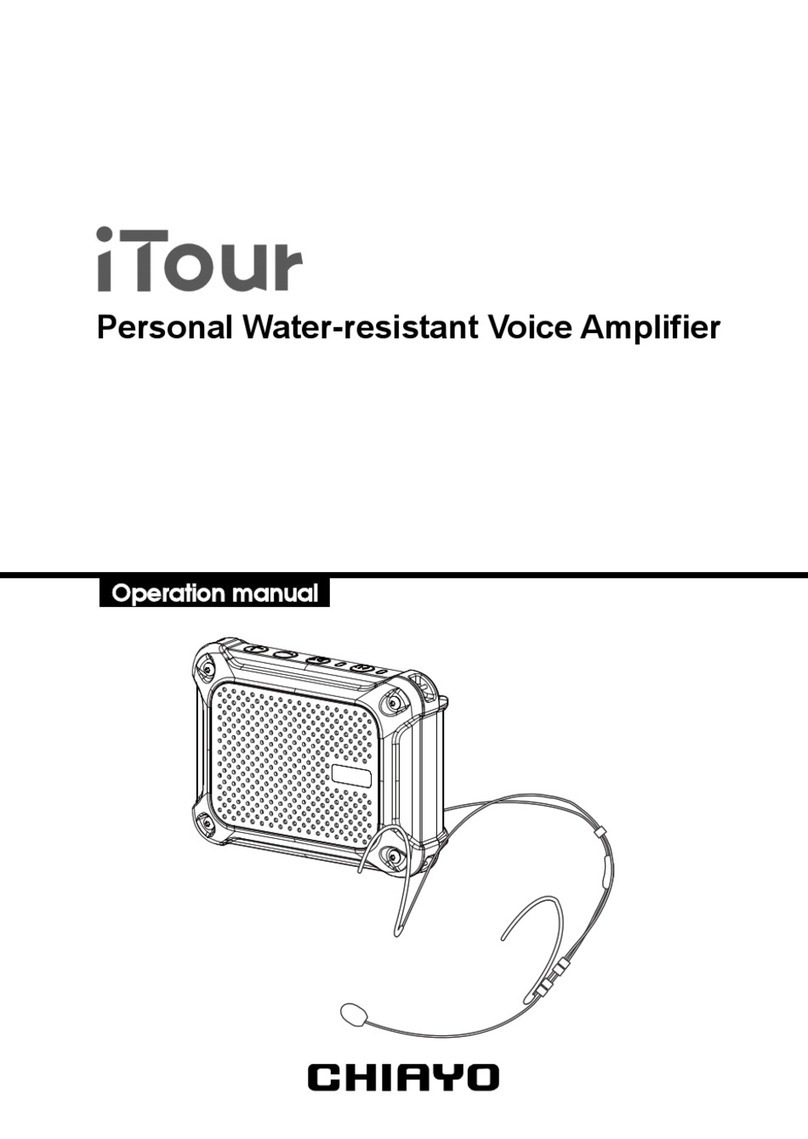
Chiayo iTour Installation manual

Other Chiayo Amplifier manuals

Chiayo MMA-3000 User manual

Chiayo

Chiayo MMA-3000 User manual

Chiayo APEX EVO User manual

Chiayo

Chiayo APEX EVO User manual

Chiayo MMA-3000N User manual

Chiayo

Chiayo MMA-3000N User manual

Chiayo VICTORY 2000 User manual

Chiayo

Chiayo VICTORY 2000 User manual

Chiayo EZtalK User manual

Chiayo

Chiayo EZtalK User manual

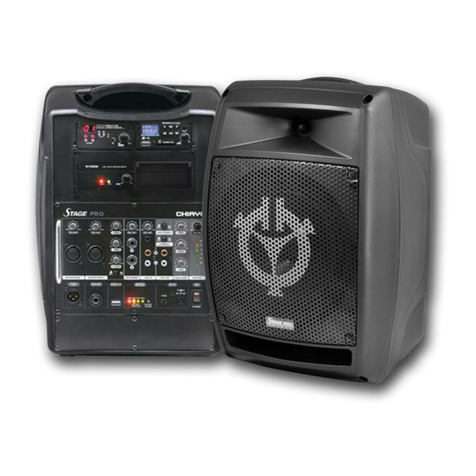
Chiayo Stage pro User manual

Chiayo

Chiayo Stage pro User manual

Chiayo FOCUS 515 User manual

Chiayo

Chiayo FOCUS 515 User manual

Chiayo Focus 500 series User manual

Chiayo

Chiayo Focus 500 series User manual

Chiayo AMP-500 User manual

Chiayo

Chiayo AMP-500 User manual

Chiayo Coach Pro 500 User manual

Chiayo

Chiayo Coach Pro 500 User manual

Chiayo EZ-TALK User manual

Chiayo

Chiayo EZ-TALK User manual

Chiayo COACH PRO User manual

Chiayo

Chiayo COACH PRO User manual

Chiayo IRX2 User manual

Chiayo

Chiayo IRX2 User manual

Chiayo Focus 500 series User manual

Chiayo

Chiayo Focus 500 series User manual

Chiayo IWA-200 User manual

Chiayo

Chiayo IWA-200 User manual

Chiayo APEX PRO User manual

Chiayo

Chiayo APEX PRO User manual

Chiayo italk User manual

Chiayo

Chiayo italk User manual

Chiayo IWA-200 User manual

Chiayo

Chiayo IWA-200 User manual

Chiayo Stage pro User manual

Chiayo

Chiayo Stage pro User manual

Chiayo iTour User manual

Chiayo

Chiayo iTour User manual

Chiayo Coach 400 Series User manual

Chiayo

Chiayo Coach 400 Series User manual

Chiayo iTour User manual

Chiayo

Chiayo iTour User manual

Chiayo Italk User manual

Chiayo

Chiayo Italk User manual

Chiayo EZtalk User manual

Chiayo

Chiayo EZtalk User manual

Popular Amplifier manuals by other brands

ASTRO HVO V40 P operating manual

ASTRO

ASTRO HVO V40 P operating manual

Marantz SUPERSCOPE BLA-545 Service data

Marantz

Marantz SUPERSCOPE BLA-545 Service data

NAD CI980 Quick setup guide

NAD

NAD CI980 Quick setup guide

Technics SE-CH770 Service manual

Technics

Technics SE-CH770 Service manual

Harman Kardon HK6300 instruction manual

Harman Kardon

Harman Kardon HK6300 instruction manual

NAD T975 owner's manual

NAD

NAD T975 owner's manual

McIntosh MA6850 Brochure & specs

McIntosh

McIntosh MA6850 Brochure & specs

Electro-Harmonix ENGLISH MUFF’N manual

Electro-Harmonix

Electro-Harmonix ENGLISH MUFF’N manual

Viatron Autrix Technical manual

Viatron

Viatron Autrix Technical manual

GME GA9800 instruction manual

GME

GME GA9800 instruction manual

Atlas CP700 Specification sheet

Atlas

Atlas CP700 Specification sheet

Roland KC-1000 owner's manual

Roland

Roland KC-1000 owner's manual

Pyle PFMRA350BW user manual

Pyle

Pyle PFMRA350BW user manual

Advantage S-250 manual

Advantage

Advantage S-250 manual

IRT Electronics DVA-3007 manual

IRT Electronics

IRT Electronics DVA-3007 manual

Dimavery BA-100 Series user manual

Dimavery

Dimavery BA-100 Series user manual

Sony XM-S400D operating instructions

Sony

Sony XM-S400D operating instructions

Schertler ROY X quick guide

Schertler

Schertler ROY X quick guide

manuals.online logo
manuals.online logoBrands
  • About & Mission
  • Contact us
  • Privacy Policy
  • Terms and Conditions

Copyright 2025 Manuals.Online. All Rights Reserved.

Portable Waterproof Voice Amplifier
Operation manual
Office: 30, Lane 27, Section 4, Jen-Ai Road, Taipei 10685, Taiwan
Tel: 886-2-27415741|Fax: 886-2-27525242
Factory: 88, Chung-Hsiao Street 2, Chiayi 60080, Taiwan
Tel: 886-5-2711000|Fax: 886-5-5767611
ELECTRONICS CO.,LTD.
12I1392
IMPORTANT SAFETY INSTRUCTIONS
Please read and follow the instructions in this manual thoroughly to obtain optimum
results from this unit. We also recommend that you keep this manual handy for
future reference.
● Recharge for about 4~6 hours before operation when using NiMH batteries.
● DO use offered switching adaptor (100-240V AC, 12V DC 1A) to avoid
damages to the product.
● DO NOT expose the product to heat sources or inflammables during
charging.
● During charging, the charging indicator will flash RED. When this LED turns
GREEN, this battery is then fully charged. After removing the power supply,
the LED will turn off automatically.
● Battery should be fully charged after every use or every three months.
● This product has protection circuit, ready to charge anytime.
● When the power LED turns ORANGE, the battery power is lower then 20%
and need to be charged.
!To avoid feedbacks, DO NOT face the microphone to the speaker.
!
x4
MUSIC
IN THE BOX
PARTS AND FUNCTIONS
OPERATING PROCEDURES
BATTERY REPLACEMENT
CONNECTING BLUETOOTH (optional)
CONNECTING TO EXTERNAL AUDIO
Headset microphone (MC-77P), strap, switching power supply (100-240V AC,
12V DC 1A) and operation manual.
Specifications are subject to change without prior notice.
Audio input jack (3.5mm)
DC input jack
Microphone jack (3.5mm)
Charging indicator
Waterproof plug
Waterproof plug
Master power button
Bluetooth power button
Volume down button
Volume up button
Power / battery low
indicator
Bluetooth power/pairing
indicator
Battery cover
Rotary clip
Counterclockwise 45° to stand
● To operate this voice amplifier, turn on the main power switch and the power
indicator will be GREEN and you will hear a voice ‘POWER ON’. If it turns
RED, its battery power is lower than 20% and recharging is necessary. The
amplifier can still operate during charging process
● There is a MIC IN jack with volume controls on this voice amplifier. To use a
headset microphone, just insert its phone plug into the MIC IN jack. Then turn
on the amplifier and then adjust the volume by “+” or “
-
” buttons.
Connect your device
to the amplifier’s AUX
IN jack with a 3.5mm
cable.
Phone, PC, tablet,.etc.
Turn on the amplifier
and use the &
buttons to adjust the
volume.
Use the &
buttons to adjust the
volume.
DEVICES
iTour Bluetooth Speaker
Now Discoverable
...
Activate Bluetooth on your
device (phone, tablet,
PC..,etc) and pair with
external Bluetooth device
named “iTour Bluetooth
Speaker”.
Turn on the amplifier
After successful linking,
you will hear “PAIR
COMPLETED. DEVICE
CONNECTED” and the
pairing indicator will glow
green and you can play
your music on iTour.
Press and hold the
button to turn on the
Bluetooth. You will hear
“POWER ON” and the
pairing indicator will
flash green.
Press and hold the button
to activate pairing. You will
hear “READY TO PAIR”
and the pairing indicator
will flash green and red.
iTour’s Bluetooth automatically turns off after 10 minutes of disconnection.
!
Rotate to remove
the clip
Remove the cover Insert four AA batteries