manuals.online logo
Brands
  1. Home
  2. •
  3. Brands
  4. •
  5. Chiayo
  6. •
  7. Amplifier
  8. •
  9. Chiayo IWA-200 User manual

Chiayo IWA-200 User manual

Other manuals for IWA-200

1

This manual suits for next models

1

Other Chiayo Amplifier manuals

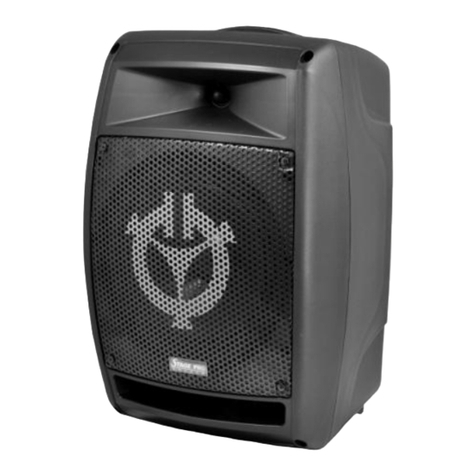
Chiayo Stage pro User manual

Chiayo

Chiayo Stage pro User manual

Chiayo IRX2 User manual

Chiayo

Chiayo IRX2 User manual
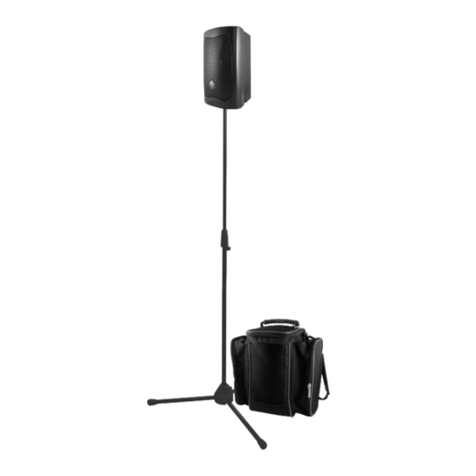
Chiayo SMART 300-U Series User manual

Chiayo

Chiayo SMART 300-U Series User manual
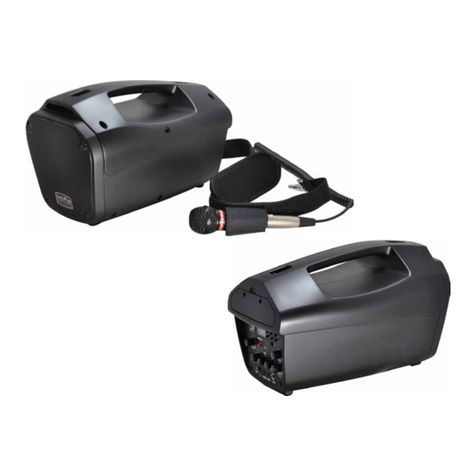
Chiayo Coach Pro 500 User manual

Chiayo

Chiayo Coach Pro 500 User manual

Chiayo IWM-202 User manual

Chiayo

Chiayo IWM-202 User manual
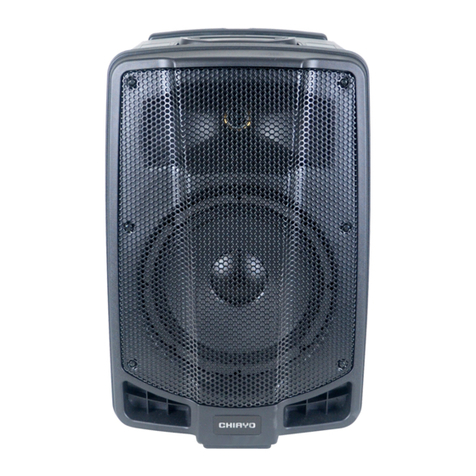
Chiayo APEX PRO User manual

Chiayo

Chiayo APEX PRO User manual
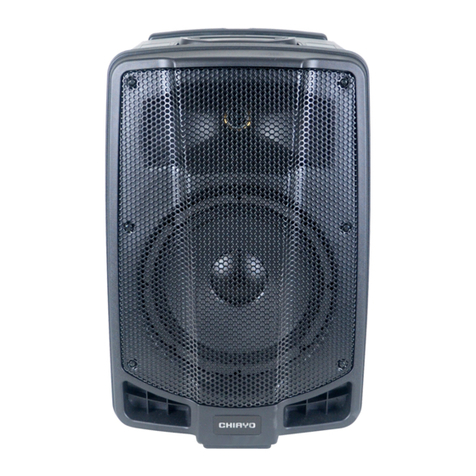
Chiayo APEX PRO User manual

Chiayo

Chiayo APEX PRO User manual
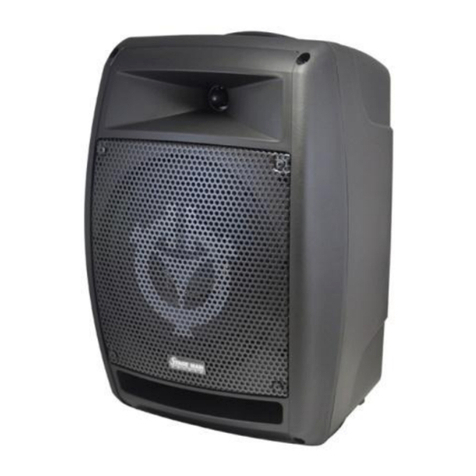
Chiayo Stage Man User manual

Chiayo

Chiayo Stage Man User manual

Chiayo FOCUS 515 User manual

Chiayo

Chiayo FOCUS 515 User manual
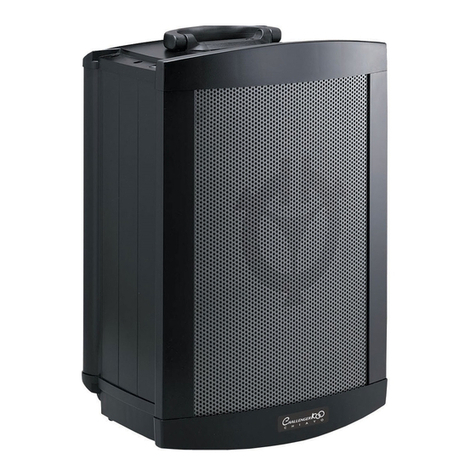
Chiayo Challenger 1000 User manual

Chiayo

Chiayo Challenger 1000 User manual
Chiayo EZtalK User manual

Chiayo

Chiayo EZtalK User manual
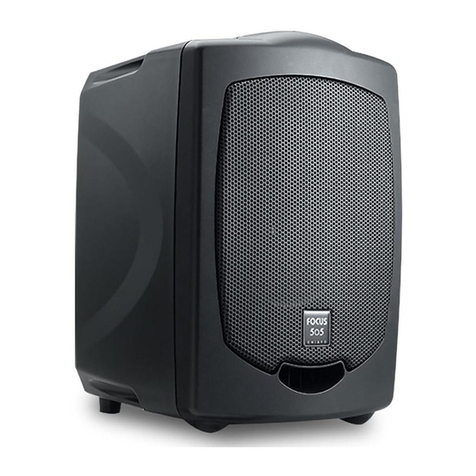
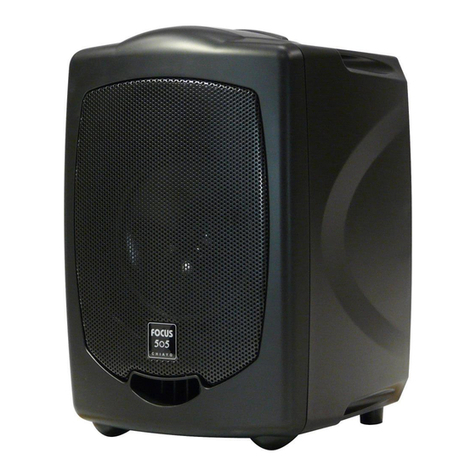
Chiayo Focus 505 series User manual

Chiayo

Chiayo Focus 505 series User manual
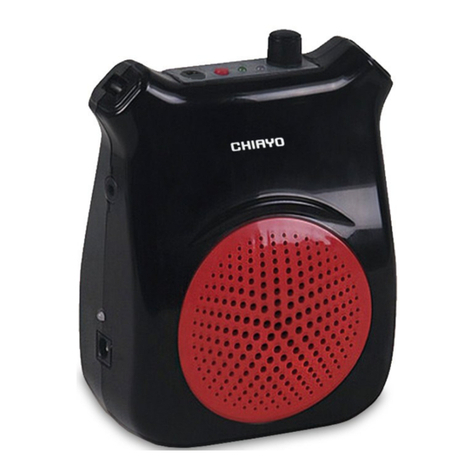
Chiayo EZtalk User manual

Chiayo

Chiayo EZtalk User manual
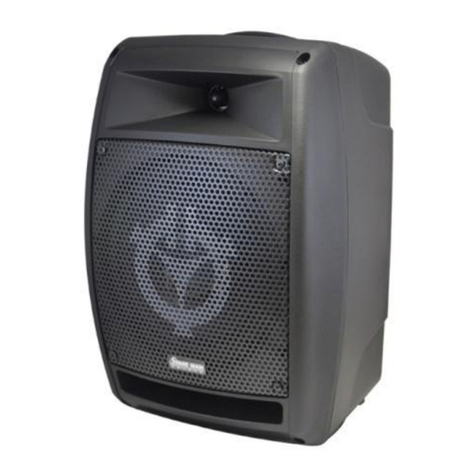
Chiayo Stage Man User manual

Chiayo

Chiayo Stage Man User manual

Chiayo EZ-TALK User manual

Chiayo

Chiayo EZ-TALK User manual
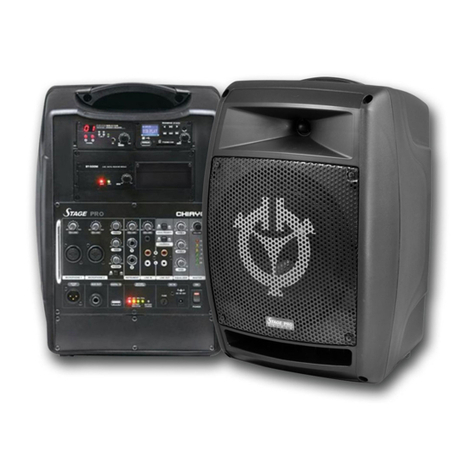
Chiayo Stage pro User manual

Chiayo

Chiayo Stage pro User manual
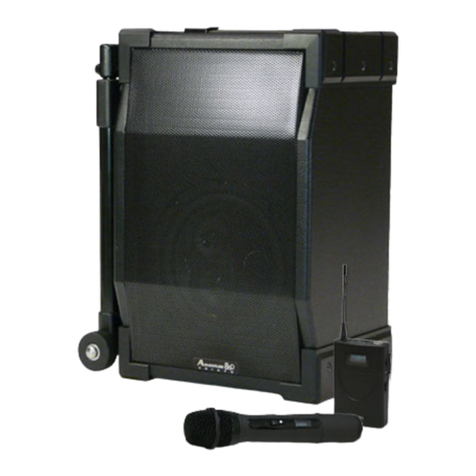
Chiayo Adventure 800 SM-50'16 User manual
Chiayo

Chiayo Adventure 800 SM-50'16 User manual

Chiayo Coach 400 Series User manual

Chiayo

Chiayo Coach 400 Series User manual

Chiayo MMA-3000N User manual

Chiayo

Chiayo MMA-3000N User manual

Chiayo IWA-200 User manual

Chiayo

Chiayo IWA-200 User manual
Chiayo Coach 400 Series User manual

Chiayo

Chiayo Coach 400 Series User manual

Chiayo Focus 500 series User manual

Chiayo

Chiayo Focus 500 series User manual

Chiayo Italk User manual

Chiayo

Chiayo Italk User manual

Chiayo VICTORY 2000 User manual

Chiayo

Chiayo VICTORY 2000 User manual

Popular Amplifier manuals by other brands

ASTRO HVO V40 P operating manual

ASTRO

ASTRO HVO V40 P operating manual

Marantz SUPERSCOPE BLA-545 Service data

Marantz

Marantz SUPERSCOPE BLA-545 Service data

NAD CI980 Quick setup guide

NAD

NAD CI980 Quick setup guide

Technics SE-CH770 Service manual

Technics

Technics SE-CH770 Service manual

Harman Kardon HK6300 instruction manual

Harman Kardon

Harman Kardon HK6300 instruction manual

NAD T975 owner's manual

NAD

NAD T975 owner's manual

McIntosh MA6850 Brochure & specs

McIntosh

McIntosh MA6850 Brochure & specs

Electro-Harmonix ENGLISH MUFF’N manual

Electro-Harmonix

Electro-Harmonix ENGLISH MUFF’N manual

Viatron Autrix Technical manual

Viatron

Viatron Autrix Technical manual

GME GA9800 instruction manual

GME

GME GA9800 instruction manual

Atlas CP700 Specification sheet

Atlas

Atlas CP700 Specification sheet

Roland KC-1000 owner's manual

Roland

Roland KC-1000 owner's manual

Pyle PFMRA350BW user manual

Pyle

Pyle PFMRA350BW user manual

Advantage S-250 manual

Advantage

Advantage S-250 manual

IRT Electronics DVA-3007 manual

IRT Electronics

IRT Electronics DVA-3007 manual

Dimavery BA-100 Series user manual

Dimavery

Dimavery BA-100 Series user manual

Sony XM-S400D operating instructions

Sony

Sony XM-S400D operating instructions

Schertler ROY X quick guide

Schertler

Schertler ROY X quick guide

manuals.online logo
manuals.online logoBrands
  • About & Mission
  • Contact us
  • Privacy Policy
  • Terms and Conditions

Copyright 2025 Manuals.Online. All Rights Reserved.

IWA-200
IWA-220
Infrared Wall Mounted Amplifier System
ISO 9001
ISO 14001
OHSAS 18001
GREEN PRODUCT
Operation manual
ISO
14 0 0 1
RE GIST E RE D
O H S A S
18 0 0 1
RE GIST E RE D
-1-
Thank you for purchasing our infrared wireless microphone system. Please be sure to read the
user's manual thoroughly and keep it for future reference.
Cautions
Do not cover the infrared emitter area of the wireless transmitter or the surface of the infrared
sensor.
Do not use the transmitter too close to speakers to prevent feedback.
Do not replace the battery when power is on.
Do not install near heat source or in a place subject to direct sunlight, excessive dust,
mechanical vibration or shock.
Do not use two transmitters on one channel at same time because it will cause abnormal
operation.
Parts and functions of amplifier
1. CH 1/CH 2 power indicators
2. Infrared sensor
3. Power switch
4. Volume control
5. MIC IN volume control
6. AUX IN volume control
7. TONE control
8. MIC input
9. LINE input R/L
10.LINE output R/L
11.External sensor input *3
12.DC input
13.External speaker output (4Ω
load)
Operating the system
1. First, find the optimal location with the widest view of the room to install the IR amplifier.
2. Connect power adaptor into nearby power outlet, and then connect the DC plug of adaptor to
the amplifier.
3. Turn on the amplifier.
4. Switch on the transmitter and the channel indicator(s) will light up.
5. Adjust the volume control of amplifier to comfortable level.
TIP: Reduce the treble slightly if feedback/howling, or operate transmitter further from speakers.
1
2
3
4
5
6
7
8
9
10
11
12
13
ISO 9001|ISO 14001|OHSAS 18001
-2-
Connections
Installing the external sensor IS-20A (wall/ceiling-mount type)
Find the best position for sensor to be mounted as illustrated for optimal coverage.
Mount the external sensor IS-20A on a wall or ceiling.
(a) Mount (Refer to illustration) the FIXING
HOLDER (wall or ceiling) using a screw
(provided) or two double-coated tapes
(b) Find the best position with wide view of the
room. Mount the sensor on the FIXING
HOLDER on the wall or ceiling.
NOTE: The LED of infrared sensor will turn red
when power on. If not, please check your
connections.
External sensor
IWA-200/220 amplifier
or
AC adaptor
fixing holder with a screw
angle-adjustable shaft
wall mounting
ceiling mounting
-3-
Installing the external sensor IS-30A (ceiling-mount type)
In an ordinary space such as a classroom
In a larger space such as a fitness center
1. Locate the IS-30A sensor in the middle of
the ceiling, as illustrated below
2. Connect the sensor cable to the receiver.
3. Turn on the IR system and amplifier then
operation can be started.
1. Locate 2 or 3 IS-30A sensors on the
suggested positions on the cater-corner of
the ceiling, as illustrated below.
2. Connect all sensor cables to the receiver.
3. Turn on the IR system and amplifier then
operation can be started.
Other sensor installing recommendations
One IS-20A wall sensor+one IS-30A ceiling sensor
Ex: 10x10 sqm classroom
rostrum
IRX2
IS-30AIS-20A
rostrum
3~3.5m
please be careful
of the angles
1.5m
IRX2
IS-30A IS-30AIS-20A
ISO 9001|ISO 14001|OHSAS 18001
Two IS-20A wall sensors
Ex: 10x10 sqm classroom
rostrum
IS-20A
IS-20A
IRX2
rostrum
IS-20A IS-20A
please be careful
of the angles
1.5m
2.5m
IRX2
IS-20A
1.5m
rostrum
3~3.5m
please be careful
of the angles
IRX2
IS-20A
CHIAYO ELECTRONICS CO.,LTD.
Http://www.chiayo.com.tw|Email: [email protected]
Office: 30, Lane 27, Section 4, Jen-Ai Road, Taipei 10685, Taiwan|Tel: 886-2-27415741|Fax: 886-2-27525242
Factory: 88, Chung-Hsiao Street 2, Chiayi 60080, Taiwan|Tel: 886-5-2711000|Fax: 886-5-5767611