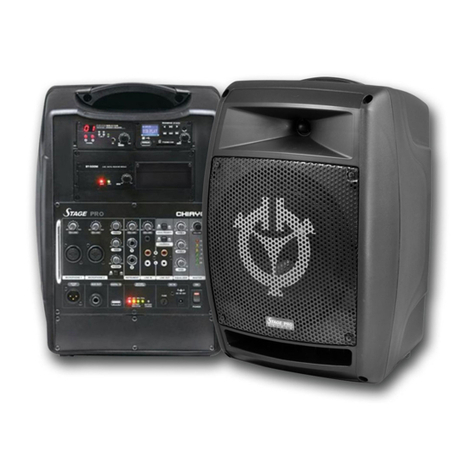
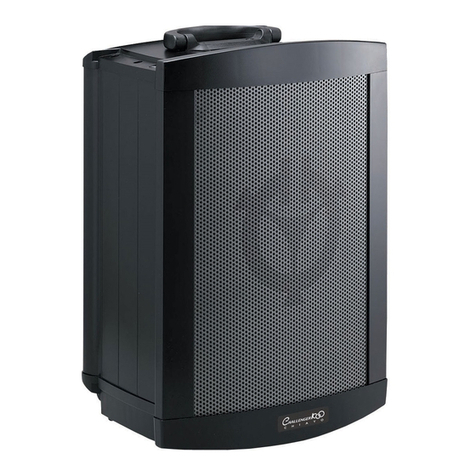
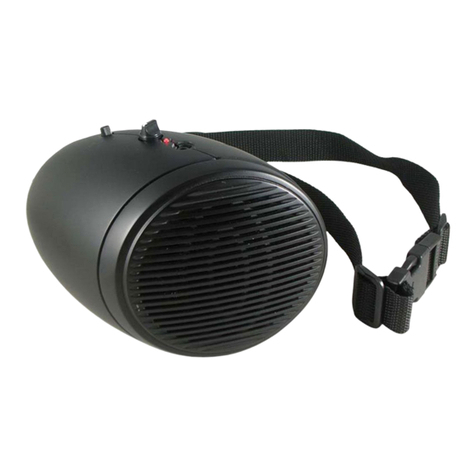
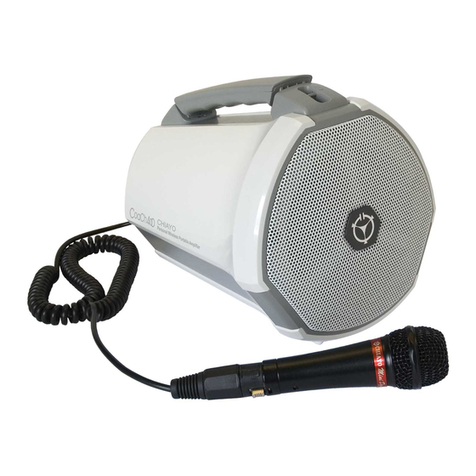
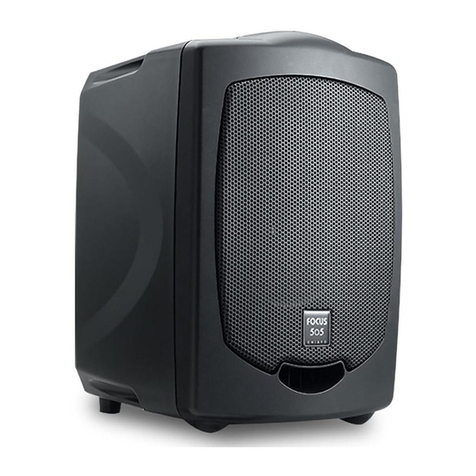
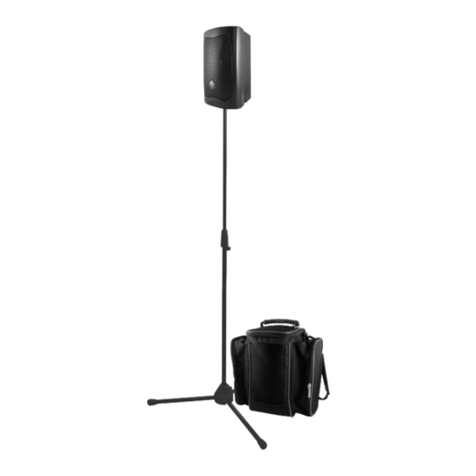
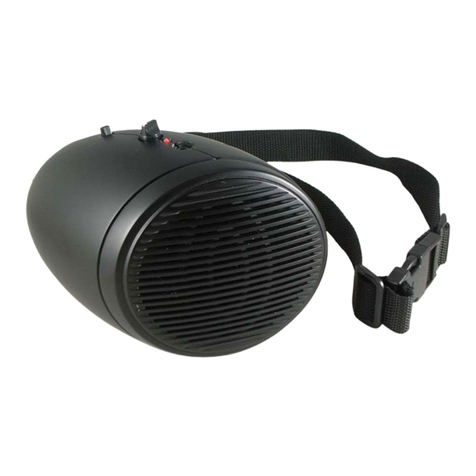
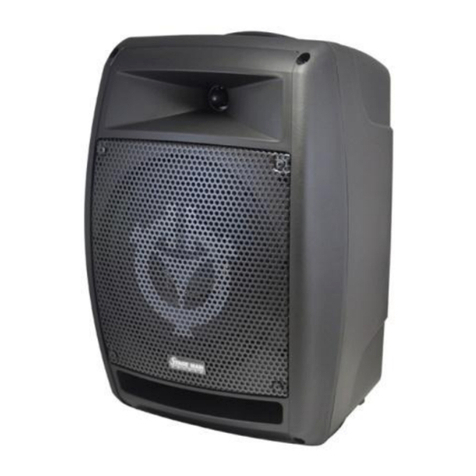
Starting to operate StagePRO/StageMAN/StageSLAVE
First of all, please charge for at least 4~6 hours because the built-in rechargeable battery might
have been discharged naturally due to long shipment and storage time, even though it has been
fully charged in the factory prior to the shipment.
To operate this portable sound unit, please switch on the main POWER switch. However, if the
battery indicator stops at 40%, it means the battery is getting weak and instant recharging is
necessary.
The main POWER switch does NOT switch on the other devices since each of them has
individual Power/Volume control. To operate those, you have to switch them on accordingly.
Operating the wired microphone
To use a cable microphone, simply plug it into any MIC IN socket. The sockets accept both XLR
and 6.3mm jack. There are individual volume, tone and reverb controls for both microphones’
adjusting.
Playing the instruments
There are 2 inputs for connection with your instrument such as guitar. Above them is the volume
control specifically for their adjusting.
Music audio inputs
To receive different audio signals from unbalanced sources with different connectors, the unit is
equipped with one 3.5mm and one RCA R/L jacks. This Line-in area has its individual volume
and tone control (Bass/Middle/Treble), too.
Digital in
The Digital-in is for audio connection with the PC/Notebook. Just use a USB cable to connect the
unit and your PC/Notebook to make StagePRO/StageMAN the speaker of your device. Its
volume is controlled by the master adjusting knob.
Operating Voice Priority
Voice Priority operation is only necessary when CD/USB/MP3 is playing.
When the Voice Priority switch is ON, the ducking function will be activated. While the music is
playing, a voice input from either a Wired or Wireless Microphone will temporarily override and
lower the volume of the background music and voice could be heard more clearly.
Background music will return to its original setting when no audio input is entering the
microphone for a certain time. However, if the microphone is not switch off, the reentering of
music into the microphone will also activate the voice priority function.
Operating Loudness
When the amplifier’s sound is at low level, the tone might not be clear enough to be heard and
activating the Loudness function can raise the tone level to make it clearer.