3. The desEiptiotr ofmenu interface
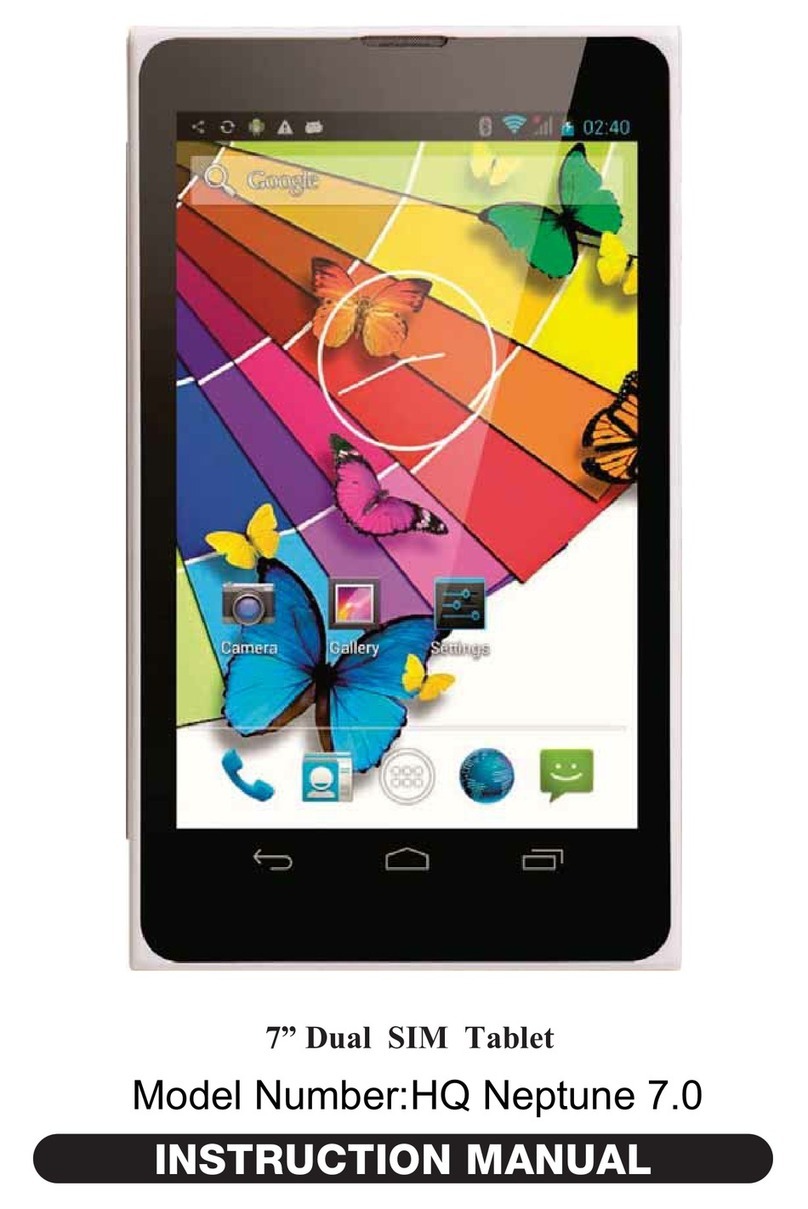
3.1 Desktop dscription
With touchitrg the Launche. i"on"KX", you can enter menu atrd choose the optlons
3.2 Ststus bu description
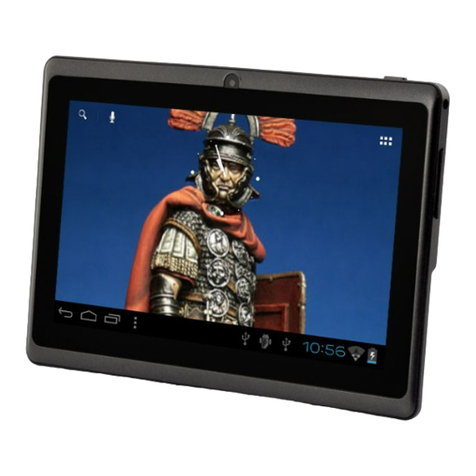
The status bar is located on the bottom ofscreen
On the bottom, it shows the followings fiom right to left: residual battery, 3G signal,
WiFi signat, the curent time,screemhot, the ming processes, home key, and
backspace key.
4. Basic settings of equipment
4.1 Connecting to n€tworks ind devices
You tablet cm cotrnect to a veiety ofnetworks and devices, including
Wired iletworks,Wi-Fi data networks,3c networks md Bluetooth devices. You can
also comect you tablet to a computer, to transfer files from you tablet, and share
your tablet's mobile data connection via USB or 6 a portable Wi-Fi hotspot.
You can configure how your tablet comects to Intemet md WiFi networks, to
Bluetooth devices, and to a computer,shtre yow tablet's mobile data comection via
USB or as a portable Wi-Fi hotspot. You cm also secue you connections to viftual
private networks (\?Ns) and other networks.
4.2 Accounts
When you fi6t tum on you tablet, you have the opportunity to sign into your Google
Account. Th€n it's a good idea to become familir with the basics of you tablet md
how to use it-the Home screen, the touchscrcen, menus, applications, entering text,
md so on.
Stating An&oid the ftrst time, signing into you GooglerM Accouts so you can take
fuIl advantage of Google AppsrM, md perfoming basic Android tasks.
You can s)nc contacts, email, calendar events, md other infomation
with your tablet from multiple Google Accomts, Microsoft Exchege
Actives)mc accomts, or other kinds ofaccounts.
You can conhgue how your accouut inteEcts with the applicatiotrs on you tablet
using the Account & Slmc settitrgs and the settings in Gmail,Calendar, Emai1, and
other applications. Use a web browser to chmge you password md other general
accomt settings.
To add some accoutrts, you may need to obtain details from an IT suppolt
representative about the seruice to which the account comects. For exmple, you may
need to know the accout's domain or seryer address.
Add u accour:
(1) Open the Accouts & Slmc Settings screen.
(2) Touch Add account.
(3) Touch the kind ofaccout to add.
(4) Fo1low the onscreetr steps to enter the rcquired and optional infomation about the
account.
(5t Configue the account.
43 WitrI setting
Touch the setting icon'L' ,n,n" -"nu page to enter lnto set-up intedbce.