2. Find the network to which you plan to add your cameras or create a new network.
3. Add your cameras to your network. You will need your Meraki order number (found on your invoice) or the serial
number of each camera, which looks like Qxxx-xxxx-xxxx and is on the bottom of the unit.
4. Verify that the camera is now listed under Cameras > Monitor > Cameras.
Check and Configure Firewall Settings
If a firewall is in place, it must allow outgoing connections on particular ports to IP addresses. The most current list of
outbound ports and IP addresses for your organization can be found under Help>Firewall Info on the dashboard.
DNS Configuration Best Practices for LAN Streaming
Each camera will generate a unique domain name for secured direct streaming functionality. These domain names
resolve an A record for the private IP address of the camera. Any public recursive DNS server will resolve this domain.
If utilizing an on-site DNS server, please whitelist *.devices.meraki.direct or configure a conditional forwarder so that
local domains are not appended to *.devices.meraki.direct and that these domain requests are forwarded to Google
public DNS.
Assigning IP Addresses
Currently, the MV13 series camera does not support static IP assignment. MV13 units must be added to a subnet with
DHCP and available DHCP addresses to operate correctly.
Installation Instructions
Note: The MV13 series will automatically update to the latest stable firmware during a first-time setup. Some features
may be available once this automatic update is completed. This process may take up to 5 minutes to enable whole disk
encryption. The state of this process can be monitored by referencing the MV LED Status.
Mounting Instructions
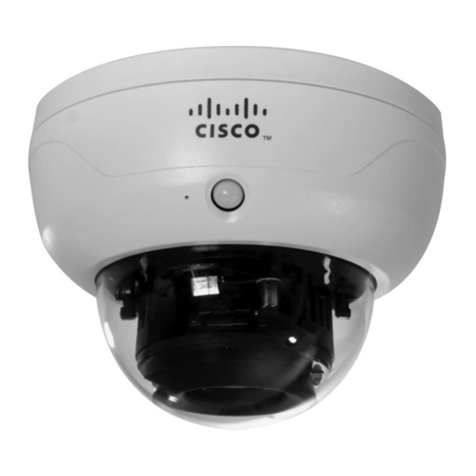
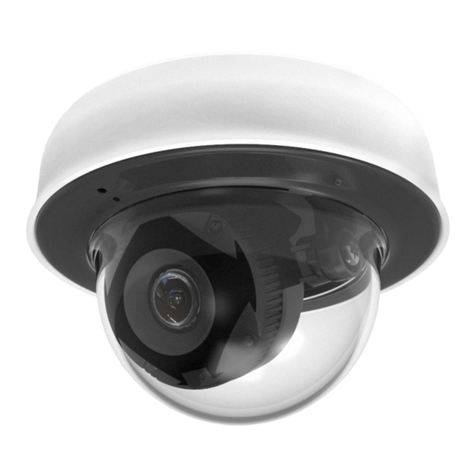
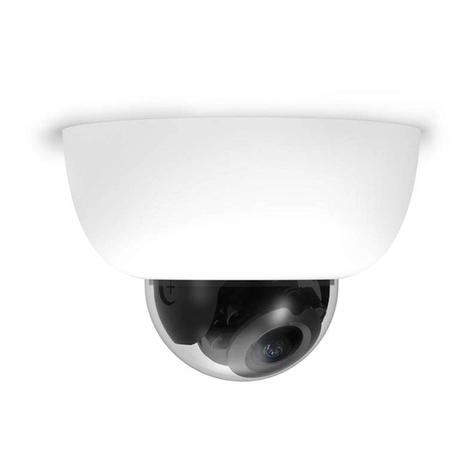
For most mounting scenarios, the MV13 wall mount provides a quick, simple, and flexible means for mounting your
device. The installation should be done in a few simple steps:
Note: Leave the protective plastic cover on the optical dome throughout the installation process to prevent any damage
to the dome. The protective cover should be removed once the installation is completed.
4