
manuals.online logo
Brands
  1. Home
  2. •
  3. Brands
  4. •
  5. Connection
  6. •
  7. Indoor Furnishing
  8. •
  9. Connection Hive User manual

Connection Hive User manual

Other Connection Indoor Furnishing manuals

Connection Centro User manual

Connection

Connection Centro User manual
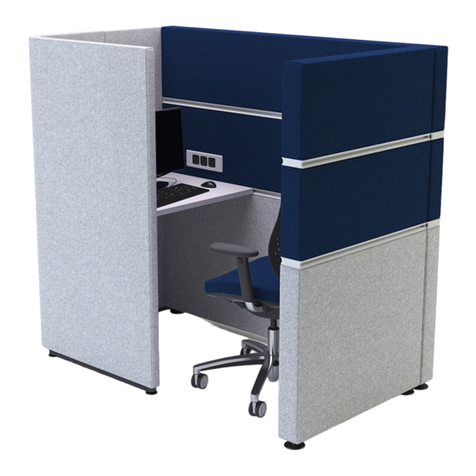
Connection Cubbi User manual

Connection

Connection Cubbi User manual
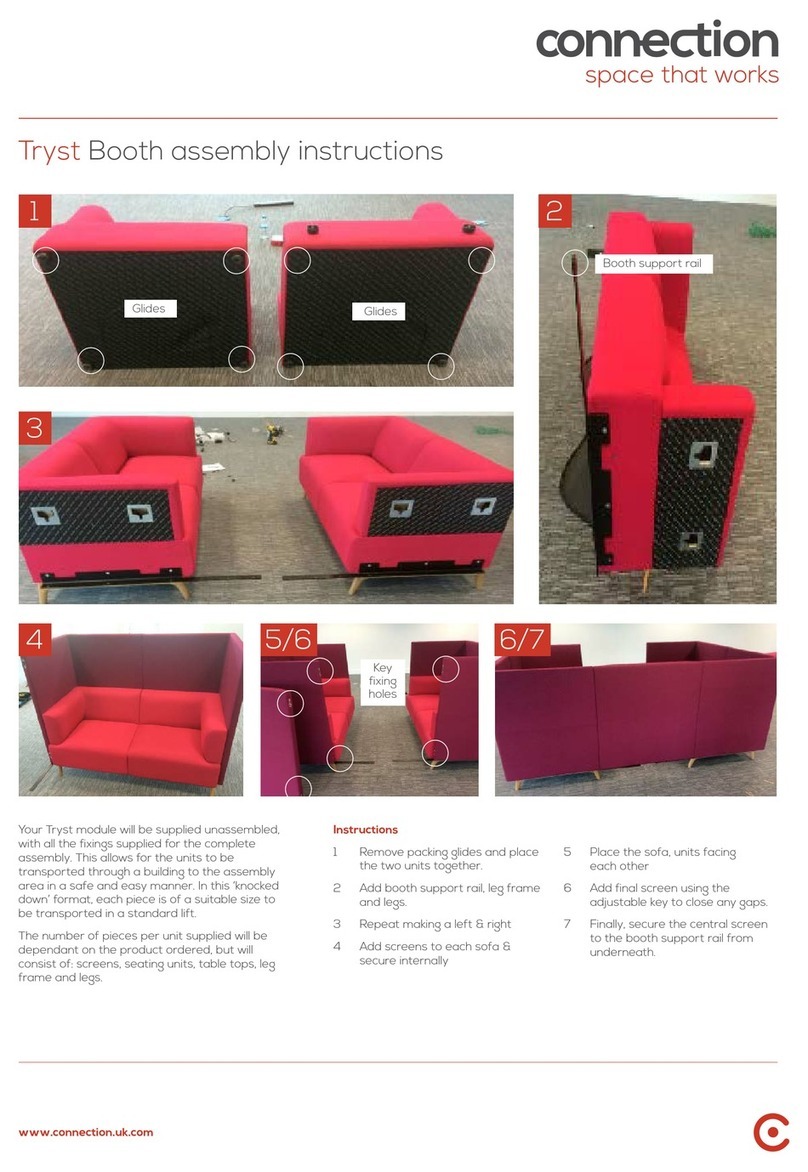
Connection Tryst Booth User manual

Connection

Connection Tryst Booth User manual
Connection Tubes Series User manual

Connection

Connection Tubes Series User manual

Connection Tier User manual

Connection

Connection Tier User manual
Connection Centro User manual

Connection

Connection Centro User manual
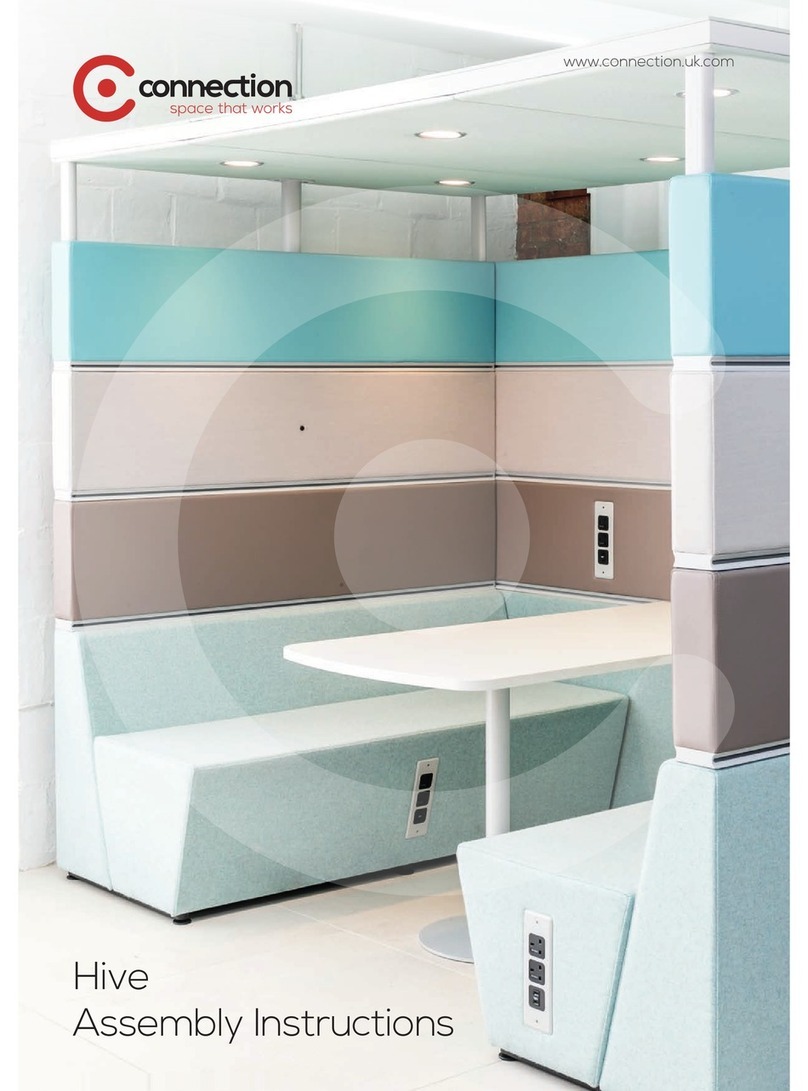
Connection Hive User manual

Connection

Connection Hive User manual
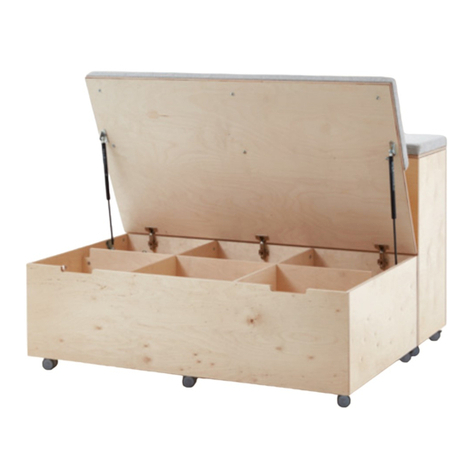
Connection Platforms User manual

Connection

Connection Platforms User manual
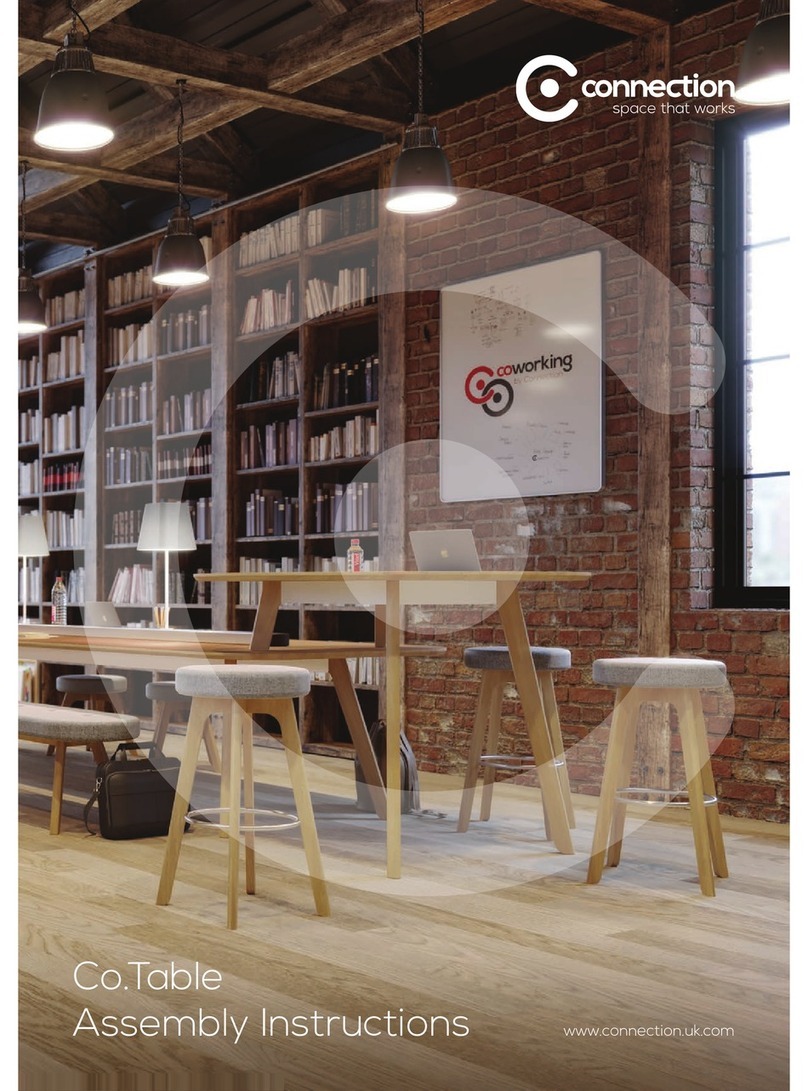
Connection Co.Table User manual

Connection

Connection Co.Table User manual

Popular Indoor Furnishing manuals by other brands

Regency LWMS3015 Assembly instructions

Regency

Regency LWMS3015 Assembly instructions

Furniture of America CM7751C Assembly instructions

Furniture of America

Furniture of America CM7751C Assembly instructions

Safavieh Furniture Estella CNS5731 manual

Safavieh Furniture

Safavieh Furniture Estella CNS5731 manual

PLACES OF STYLE Ovalfuss Assembly instruction

PLACES OF STYLE

PLACES OF STYLE Ovalfuss Assembly instruction

Trasman 1138 Bo1 Assembly manual

Trasman

Trasman 1138 Bo1 Assembly manual

Costway JV10856 manual

Costway

Costway JV10856 manual

moss DESIGN Caisson Credenza Assembly instructions

moss DESIGN

moss DESIGN Caisson Credenza Assembly instructions

Aquaglide FULL DECK 15.0 owner's manual

Aquaglide

Aquaglide FULL DECK 15.0 owner's manual

AREBOS AR-HE-SW30 user manual

AREBOS

AREBOS AR-HE-SW30 user manual

Till-Hilft Fulda 87005.330 Assembly instructions

Till-Hilft

Till-Hilft Fulda 87005.330 Assembly instructions

Twoey Outside 2010 quick start guide

Twoey Outside

Twoey Outside 2010 quick start guide

Hettich Easys 200 operating instructions

Hettich

Hettich Easys 200 operating instructions

The bedboss RELAX 404 Series owner's manual

The bedboss

The bedboss RELAX 404 Series owner's manual

Oeseder Möbelindustrie Bern 991 720 Assembly instructions

Oeseder Möbelindustrie

Oeseder Möbelindustrie Bern 991 720 Assembly instructions

Costway HW68469 user manual

Costway

Costway HW68469 user manual

Next ALIX A27743 Assembly instructions

Next

Next ALIX A27743 Assembly instructions

BROSA Hans Assembly guide

BROSA

BROSA Hans Assembly guide

Prodigg MINIKA PBA015T-FUR installation manual

Prodigg

Prodigg MINIKA PBA015T-FUR installation manual

manuals.online logo
manuals.online logoBrands
  • About & Mission
  • Contact us
  • Privacy Policy
  • Terms and Conditions

Copyright 2025 Manuals.Online. All Rights Reserved.

Hive assembly
instructions
connection.uk.com
www.connection.uk.com
Preparation
The Hive product is delivered to you in component form.
Before starting the assembly please separate the boxes
into each finished piece.
The labels on the boxes identify the finished piece that the
components relate to, SHVXXX, etc.
The process to assemble the units starts from the floor up
and the following images will assist.
Fixing Kit
The fixings needed for the generic pieces of Hive are
contained in the bag as shown.
Please note as this is a general fixing kit, parts may be left
over after assembly.
Assembling the base
(straight modules)
With the back unit inverted attach the leg rails to the units
using the M8 button head bolts.
www.connection.uk.com
Assembling the base (straight modules)
Assembling the base (corner modules)
With the foot rails attached to both ends of the back, offer
up the bench unit and secure with M8 button head bolts.
The unit can now be placed upright and stored to one side.
Complete this for all the straight pieces.
With the unit inverted attach the leg rails to the units using
the M8 button head bolts
www.connection.uk.com
Connecting modules together
Secure the bench and back section together using the M8
Button head bolts.
Secure the bench and back section together using the M8
Button head bolts.
Take the linking pieces from the fixing kit and position under
the piece in line with the foot.
Offer the joining unit to the piece and secure firmly in the
linking device.
Make sure that the joined pieces are level on the seats and
backs. If not then the linking devices may not be fully engaged.
Complete linking the units around until the configuration
is complete.
www.connection.uk.com
Attaching the Workrails
Insert the screen supports into the glides. Note that the
arrow on the support needs to point downwards. When in
position, the support will click into place.
Place the tool rail over the screen supports. Where two
Workrails are being joined insert a 20mm Workrail linking
piece. From either side of the screen supports insert the “U”
shape bracket to align the Workrail with the screen support
and linking piece.
Connecting modules together
When aligned loosely, pass a bolt through from one “U”
bracket to the other side.
Secure this with a bolt and tighten to pull the Workrails
together.
The end cap is secured by positioning the two prongs into
the screen support and aligning with the Workrail.
The end cap is secured in place by using
the two taptite screws that are in the fixing kit.
AIf using the work rail to support accessories or IWS
tables, then place the Workrail plate in channel before
securing the end cap.
A
www.connection.uk.com
Attaching accessories or IWS tables
Attaching screens
When attaching Tables to the Workrail, a (included) flexi
Pin, should be secured to the plate before inserting into the
Workrail. The IWS table top should then be offered up to the
Workrail, and the pins inserted into the predrilled holes on
the side of the top.
The cam and pin are secured from the underside of the IWS
table top to secure the top and Workrail together.
If a column is supplied, this can be adjusted by rotating the
base plate to ensure that it is level and the table supported
correctly.
The screens are fitted by lowering them down over there
respective screen support. To secure the screens a custom
fitted piece is already attached in the base and this will
engage with the screen support with a click when in the
correct position.
When the complete configuration has the screens attached
the unit will be fully fixed together and cannot be moved.
© Connection Seating Limited 2014. All rights reserved.
Head Office
Dogley Mills
Penistone Road
Fenay Bridge
Huddersfield
West Yorkshire
HD8 0LE
Tel: 01484 600 100
[email protected]
London Showroom
32/33 Dallington Street
Clerkenwell
London
EC1V 0BB
Tel: 020 7253 9877
www.connection.uk.com










