EnglishDeutsch
 logo
Brands
  1. Home
  2. •
  3. Brands
  4. •
  5. Creative
  6. •
  7. MP3 Player
  8. •
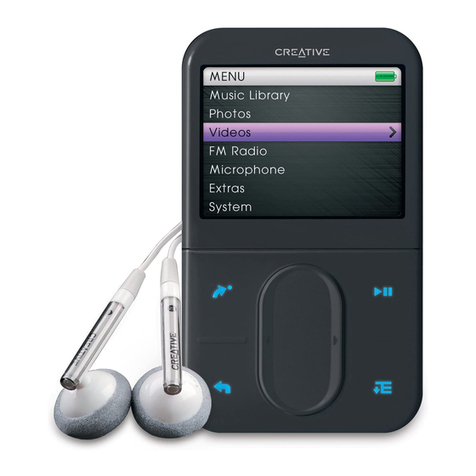
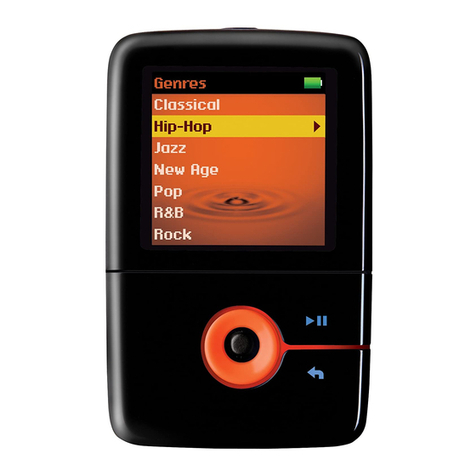
  9. Creative ZEN MOZAIC EZ300 User manual

Creative ZEN MOZAIC EZ300 User manual

Other Creative MP3 Player manuals

Creative NOMAD II MG 64MB User manual

Creative

Creative NOMAD II MG 64MB User manual

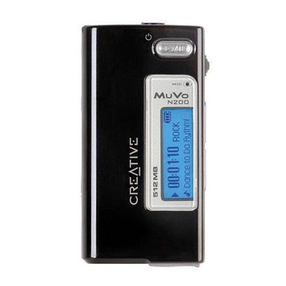
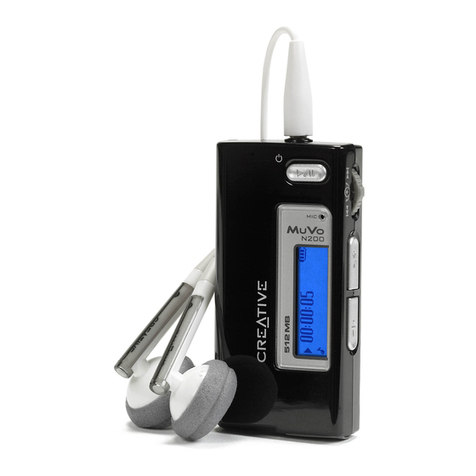
Creative Muvo Micro N200 User manual

Creative

Creative Muvo Micro N200 User manual
Creative TravelSound MP3 User manual

Creative

Creative TravelSound MP3 User manual

Creative NOMAD Jukebox User manual

Creative

Creative NOMAD Jukebox User manual

Creative TRAVELSOUND I85 User manual

Creative

Creative TRAVELSOUND I85 User manual

Creative ZEN User manual

Creative

Creative ZEN User manual

Creative 70PF165300001 - Zen Micro Photo 4 GB MP3... User manual

Creative

Creative 70PF165300001 - Zen Micro Photo 4 GB MP3... User manual

Creative Rhomba 256MB User manual

Creative

Creative Rhomba 256MB User manual

Creative FX120 User manual

Creative

Creative FX120 User manual

Creative MUVO TX FM User manual

Creative

Creative MUVO TX FM User manual

Creative ZEN User manual

Creative

Creative ZEN User manual

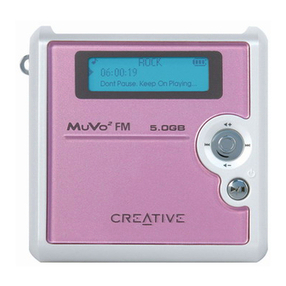
Creative Muvo Muvo2 FM User manual

Creative

Creative Muvo Muvo2 FM User manual

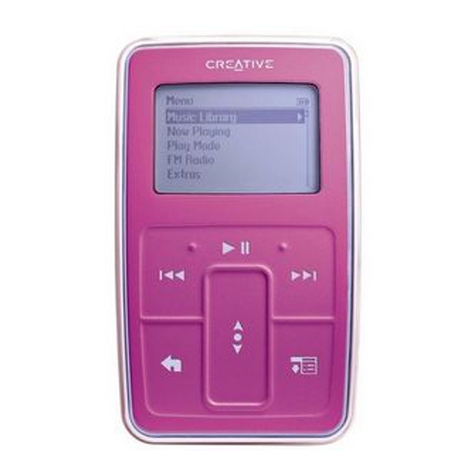
Creative Zen Stone Plus Operator's manual

Creative

Creative Zen Stone Plus Operator's manual

Creative NOMAD User manual

Creative

Creative NOMAD User manual

Creative ZEN Zen Mozaic 4GB User manual
Creative

Creative ZEN Zen Mozaic 4GB User manual

Creative NOMAD Jukebox User manual

Creative

Creative NOMAD Jukebox User manual
Creative Muvo Muvo2 FM User manual

Creative

Creative Muvo Muvo2 FM User manual
Creative MuVo V200 User manual

Creative

Creative MuVo V200 User manual

Creative Sound Blaster Audigy 2 Platinum eX User manual

Creative

Creative Sound Blaster Audigy 2 Platinum eX User manual

Creative D.A.P. II MG User manual

Creative

Creative D.A.P. II MG User manual

Creative MuVo V100 User manual

Creative

Creative MuVo V100 User manual

Creative Titanium - TravelSound MP3 Titanium User manual

Creative

Creative Titanium - TravelSound MP3 Titanium User manual

Creative ZEN STYLE - ANNEXE 427 User manual

Creative

Creative ZEN STYLE - ANNEXE 427 User manual

Creative TRAVELSOUND I80 User manual

Creative

Creative TRAVELSOUND I80 User manual

Popular MP3 Player manuals by other brands

Blaupunkt Compact Drive MP3 operating instructions

Blaupunkt

Blaupunkt Compact Drive MP3 operating instructions

Memorex MMP9008 - 8GB USB 2.0 user guide

Memorex

Memorex MMP9008 - 8GB USB 2.0 user guide

Meizu Electronic Technology E5 user manual

Meizu Electronic Technology

Meizu Electronic Technology E5 user manual

Naxa NMV-173NX user manual

Naxa

Naxa NMV-173NX user manual

Philips PSA250 Specifications

Philips

Philips PSA250 Specifications

Zipy go! Waving user guide

Zipy

Zipy go! Waving user guide

Sylvania SMPK4068 manual

Sylvania

Sylvania SMPK4068 manual

Sony NW-MS7 - Memory Stick Walkman Service manual

Sony

Sony NW-MS7 - Memory Stick Walkman Service manual

Irradio RF-42UC user manual

Irradio

Irradio RF-42UC user manual

NABAIJI SWIM MUSIC 100 user guide

NABAIJI

NABAIJI SWIM MUSIC 100 user guide

Laser MP3-A9-4GB user manual

Laser

Laser MP3-A9-4GB user manual

Samsung YP-T7F Service manual

Samsung

Samsung YP-T7F Service manual

Savant SMS-1001-00 Deployment guide

Savant

Savant SMS-1001-00 Deployment guide

Trevi XP 71 BT user guide

Trevi

Trevi XP 71 BT user guide

MobiBlu DAH-1500i user manual

MobiBlu

MobiBlu DAH-1500i user manual

Denver MPS-201 user manual

Denver

Denver MPS-201 user manual

Steren MP3-002 instruction manual

Steren

Steren MP3-002 instruction manual

Kenwood M1GD50 instruction manual

Kenwood

Kenwood M1GD50 instruction manual

https://manuals.online logo
https://manuals.online logoBrands
  • About & Mission
  • Contact us
  • Privacy Policy
  • Terms and Conditions

Copyright 2026 Manuals.Online. All Rights Reserved.

USB Port
Press and hold to turn on/
turn off your player.
Turn On/Off
Play/Pause/Record
( )
1 7
8
9
2
3
4
5
6 10
Insert earphones
when in FM mode.
Earphone Jack
11
Reset the player if it
stops responding.
Reset Hole
(
RESET
)
( )
Factory Default:
Turns on/off speaker.
Press and hold to
change shortcut.
My Shortcut
(
)
Press to return to
a previous menu.
Press and hold to
go to Main Menu.
Menu/Back
(
)
Press to confirm
or select.
OK Options
( )
Press or to adjust volume.
Volume/
Direction Pad
Microphone
Speaker
( )
Make It With You
C
A
B
D
E
F
G
H
For Your Babies
Gotta’ Lot of Love
Make It With You
Only With You
Pop
Seasons
Starman
Symphony
Dance
Only With You
Pop
Seasons
Starman
Symphony
The Saint
Top of The Mountain
Vivaldi
Only With You
Pop
Seasons
Starman
Symphony
The Saint
Top of The Mountain
Vivaldi
Make It With You
R
P
N
O
T
U
V
P
N
O
R
T
U
V
Q
All Tracks
All Tracks
All Tracks
Q
C
D
A
B
E
F
G
H
For Your Babies
Gotta Lot of Love
Make It With You
Only With You
Pop
Seasons
Starman
Symphony
Dance
D
D
A
D
ou
u
’
With
C
o
a
e
Wit
h Yo
h
You
W
You
ea
as
O
op
son
D
T
F
F
G
M
O
op
ons
Da
T
aso
o
G
M
On
p
ns
E
G
Ma
nly
E
R
N
N
Wit
ns
n
n
R
Q
P
O
Q
he
S
O
P
S
St
m
Sai
Ma
Tr
T
O
P
Se
ta
mp
aint
ak
Tr
Sa
T
n
o
e
ar
ph
int
o
a
rm
pho
nt
hon
All Tracks
E
D
u
ur
L
t
th
D
D
I
With
D
D
C
B
Yo
C
A
B
Y
ou
W
You
eas
so
Fo
G
M
On
op
ons
a
Tra
F
o
G
M
n
p
ns
an
ra
son
F
o
Go
a
nly
o
a
ly
E
SS
S
R
N
S
N
ith
s
ns
n
R
P
Q
P
O
Q
e
S
a
O
P
S
ta
mp
Sain
Tra
T
ak
On
Po
e
a
mp
aint
ra
Sa
T
n
o
ea
ar
ph
nt
p
a
rm
ho
t
on
S
4
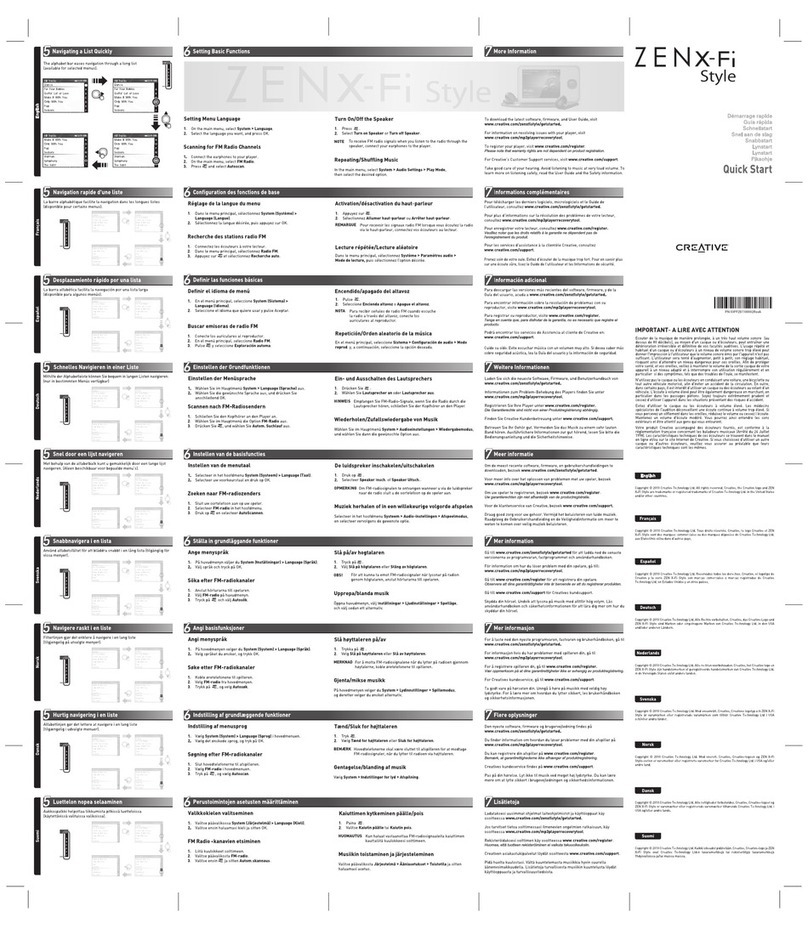
Navigating a List Quickly
2
Installing Software and User’s Guide
Connect player
The ZEN Mozaic EZ Series Starter Pack comes pre-loaded into your player.
The starter pack contains the Creative Centrale software and User’s Guide.
After installation, click Start > Programs > Creative > Creative ZEN Mozaic
EZ Series to open the User's Guide.
To set basic functions, first learn to navigate the menus on your player. The alphabet bar eases navigation through a long list.
(available for selected menus)
3
Navigating the Menu
Main Menu
To view the main menu, press and hold .
To navigate menus and options, press or .
To make a selection, press OK.
Submenu
In a menu, press or to highlight an item,
then press OK.
To return to the previous screen, press .
Options
In any menu, press to view the available
options.
To exit , press .
Photos
Microphone
Videos
FM Radio
Music
Menu
Music
Photos
Microphone
Videos
FM Radio
NowNow Playing
Playlists
Albums
Artists
Genres
es
s
Pla
ay
bu
A
c
enr
sic
s
nre
yin
s
t
m
tis
Ge
ing
s
s
st
Gen
a
yl
u
A
is
m
Art
G
F
FM
V
M
Vi
M Ra
Vid
Radi
Menu
Photo
MicRadio
Videos
FM Radio
Menu
Music
Configure Menu
Change Order
Default Menu
Turn on Speaker
Volume
Lock
NOTE
To charge from a power outlet, use a ZEN USB Power
Adapter (sold separately). For more information, visit
www.creative.com/zenadapter.
1
Charging Your Player
1
3
2
EnglishEnglish
Nederlands
Français
Italiano
Deutsch Español
USB
Computer must not
be in hibernation.
Battery
Charging
Battery
Fully Charged
> 3 hours