Supplemental Guide – DOC. 8413A Contents •i
Contents
Introduction 1
Deployment 1
Requirements 2
IT Administrator.............................................................................................................. 2
End User............................................................................................................................ 2
Configuration 2
Phone Settings ................................................................................................................ 2
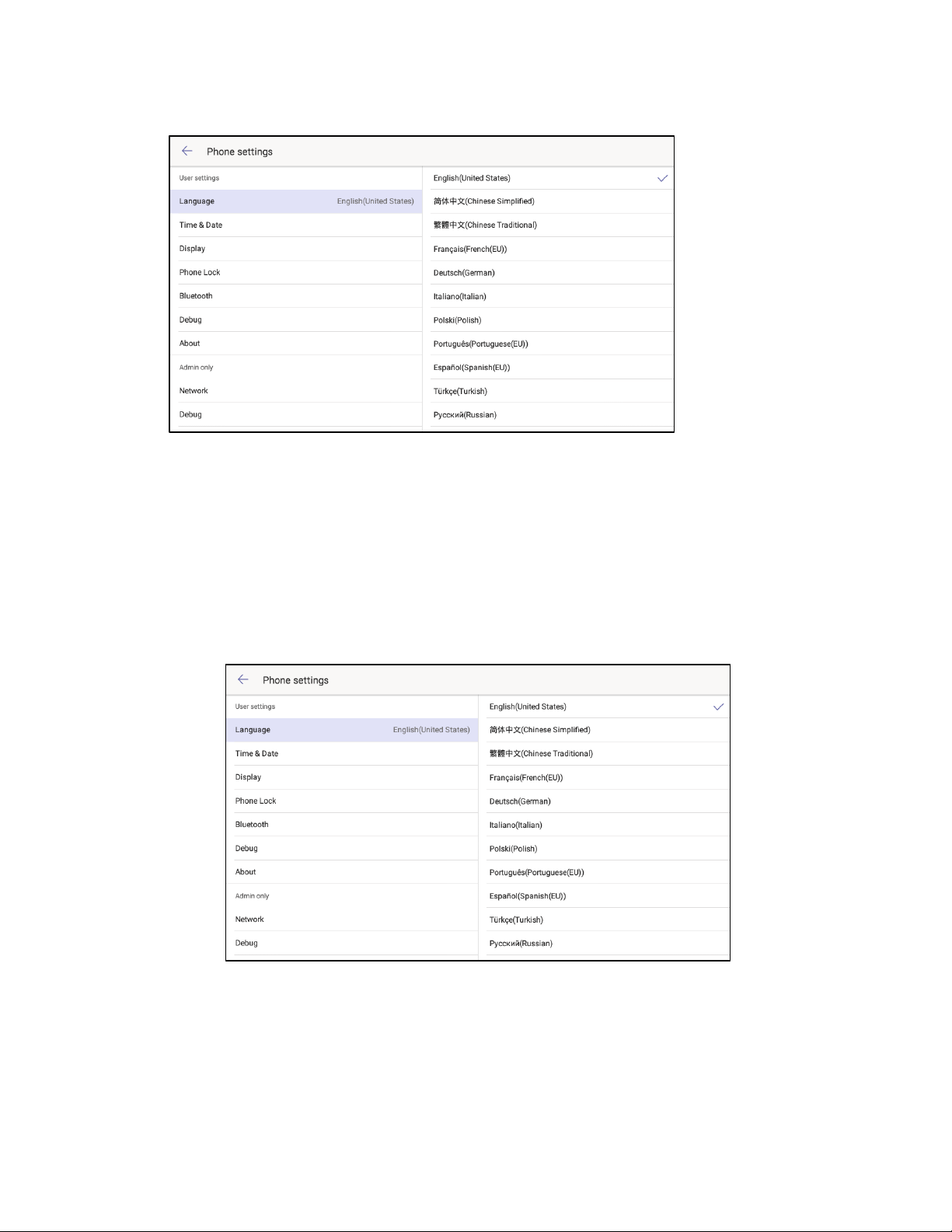
Set Language .....................................................................................................................................................3
Time & Date .........................................................................................................................................................4
Display ......................................................................................................................................................................5
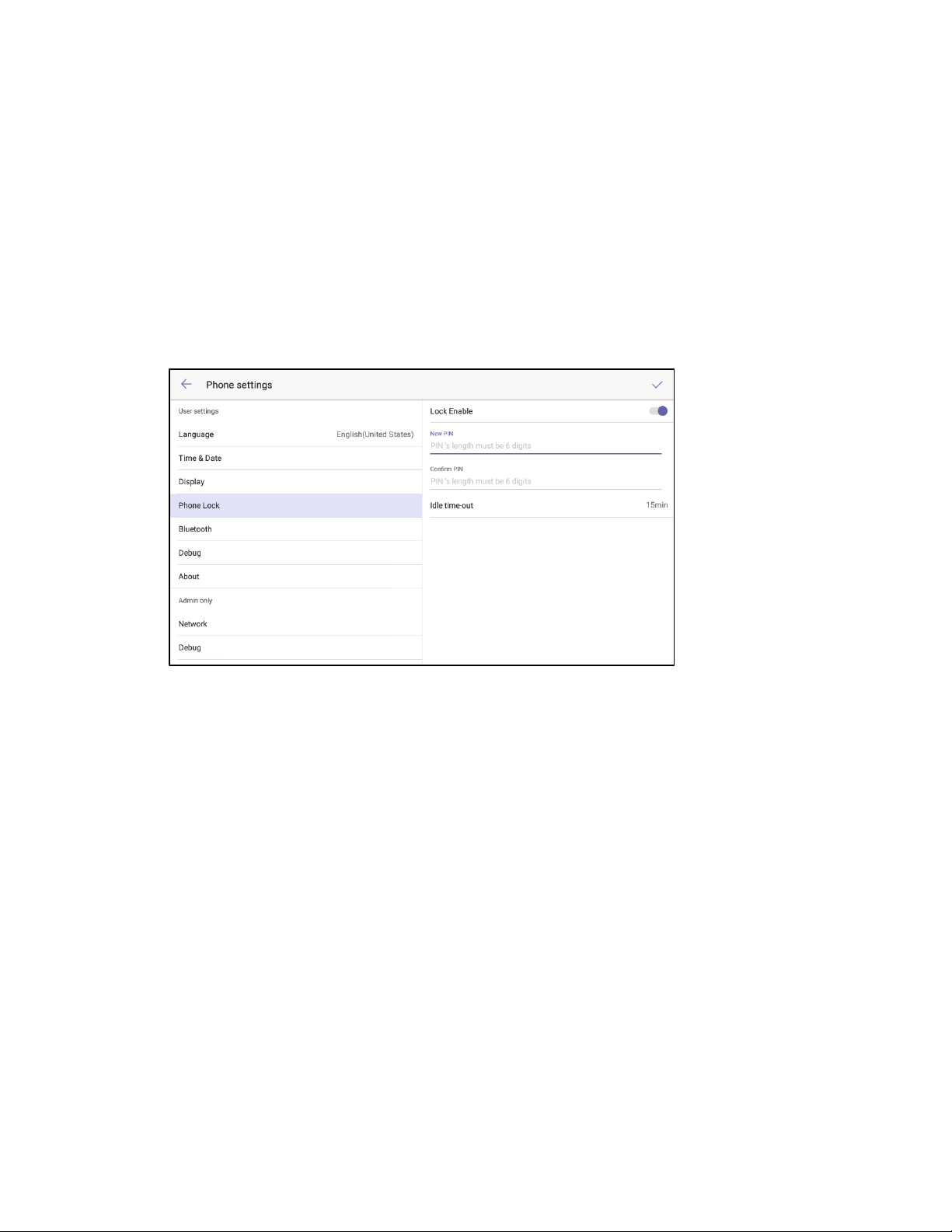
Phone Lock............................................................................................................................................................6
Bluetooth® .............................................................................................................................................................7
Debug ....................................................................................................................................................................... 8
About ........................................................................................................................................................................ 8
Network (Admin Only)................................................................................................................................9
Debug (Admin Only) ................................................................................................................................... 13
Admin Password (Admin Only) ......................................................................................................... 15
Web Configuration....................................................................................................... 17
Connect to the Device............................................................................................................................... 17
Log Out from the Device ........................................................................................................................18
Status...................................................................................................................................................................... 19
Network................................................................................................................................................................. 19
Features................................................................................................................................................................24
Settings .................................................................................................................................................................27
Security..................................................................................................................................................................36
Crestron XiO Cloud Service 39
Claim a Single Device...................................................................................................39
Claim Multiple Devices................................................................................................ 40
Startup & Sign In 43
Phone Operation 46
Physical Description .....................................................................................................46
Sign In..............................................................................................................................47
The Teams Phone Display ...........................................................................................49
Calls Screen....................................................................................................................................................... 50