@crown®Microphone Quick Reference
PZM-180 Hand Held Mic
[
Guaranteed Excellence
Crown International, Inc.
PO Box 1000 Elkhart, IN 46515-1000
Ph. 800-342-6939/219-294-8200
Fax. 219-294-8301
Auto-Fax: 800-294-4094/219-293-9200
http://www.crownintl.com
Trademark Notice:
Crown,
®
Pressure Zone Microphone,
®
and
PZM
®
are registered trademarks of Crown International
Inc.
3.93"
.89" 7.17"
.88"
BATTERY
BATTERY COVER
BATTERY INSTALATION
–+
20 100 1K
+10
dB 0
–10
–20 10K
20 100 1K
+10
dB 0
–10
–20 10K
FRONT
REAR
-20
-15
-10
-5
-0
60°
90°
120°
150°180°
210°
240°
270°
300°
0° 30°
330°
2 kHz
5 kHz
500 Hz
500
5k
2k
PZM-180
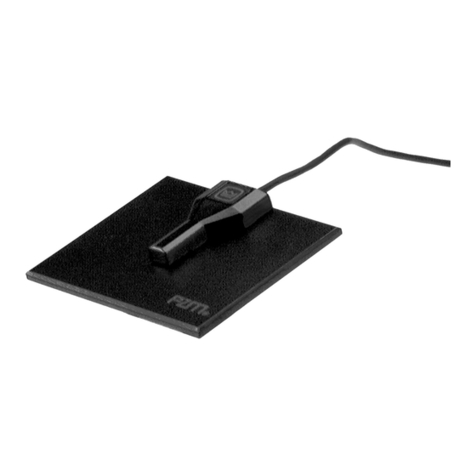
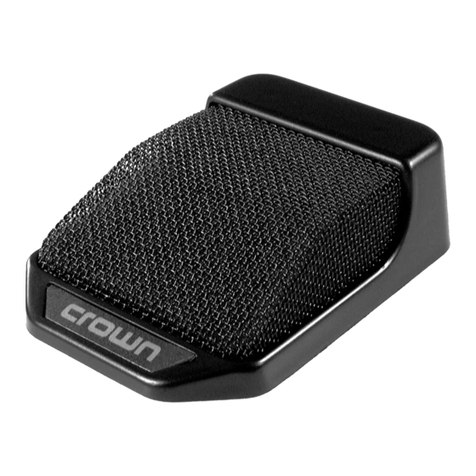
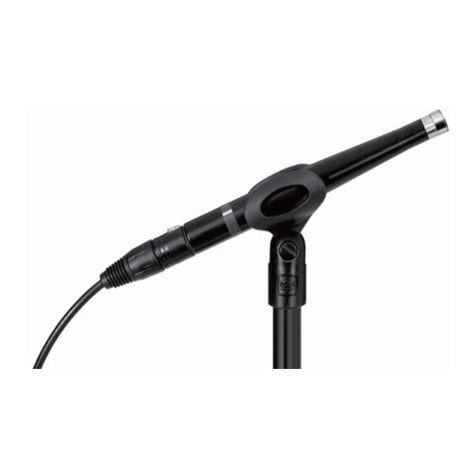
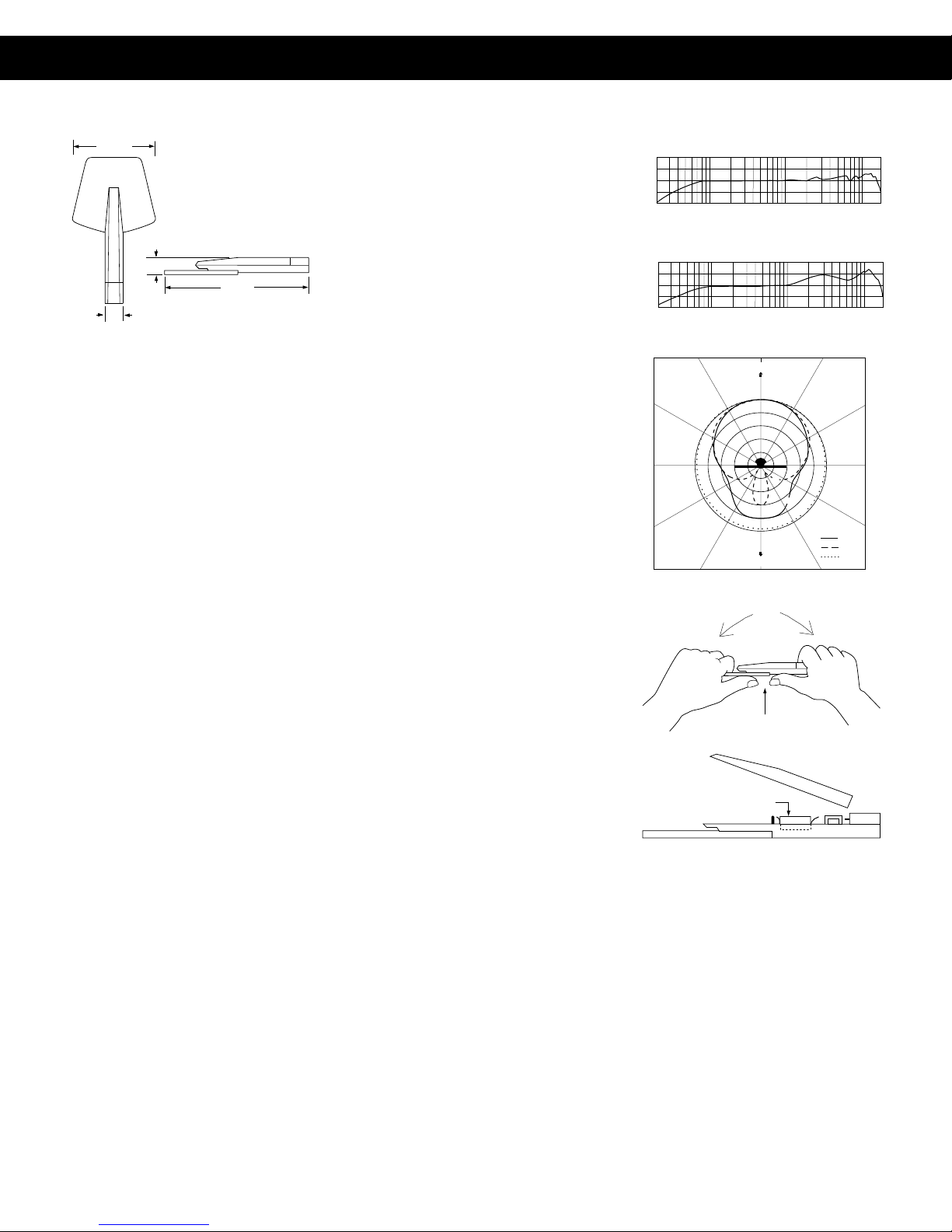
ThePZM®-180isaPressureZoneMicrophone®
designed for general-purpose applications
such as conferences, group discussions, in-
terviews, broadcast news and sports, home
videoproduction,lectures, andmusic record-
ings. The microphone can be placed on a
large surface such as a table, floor, wall, or
lectern; or can be hand-held for interviews.
The PZM-180 is relatively insensitive to me-
chanical vibrations such as table thumps or
handling noise. Its electret-condenser cap-
sule provides a wide, smooth frequency re-
sponse from 50 Hz to 18 kHz and its hemi-
spherical polar pattern allows clear pickup of
everyone surrounding the microphone.
The PZM-180 can be phantom-powered or
battery-powered.Connectingthemicrophone
to a phantom-power supply disconnects the
internal battery. The output is balanced, low
impedance,whichallowslongcablerunswith-
out hum pickup or high-frequency loss.
Like other PZMs, the 180 utilizes the Pressure
Recording Process™inwhich aminiaturecon-
denser microphone capsule is arranged very
close to a sound-reflecting plate or boundary.
Thecapsuleismountedinthe“PressureZone”
justabovetheboundary,aregionwheresound
coming directly from the sound source com-
bines in phase with sound reflected off the
boundary. The benefits are a wide, smooth
frequency response free of phase interfer-
ence, excellent clarity and “reach,” a hemi-
sphericalpolar pattern and uncolored off-axis
response.
Operation
If battery power is desired, insert a 1.5 volt
size N battery into the battery holder; refer to
Figs. 5 and 6. The battery should provide at
least 6 months of continuous operation. To
increase the sensitivity of the PZM-180 by 4 to
10 dB: Remove the 1.5-volt N-cell and substi-
tute a 6-volt Duracell PX28 battery (available
Fig. 2 Frequency Response on a Boundary
Fig. 3 Frequency Response on a Mic Stand
Fig. 4 Free Field Polar Response
Fig. 1 PZM-180 Hand Held Mic
Fig. 5 Battery Cover Removal
Fig. 6 Battery Replacement
at any camera store). Push the battery clips
together to hold the smaller 6-volt battery. A
1.5 V size N battery and a windscreen are
included.
If you desire phantom power, plug a mic
cable between the PZM-180 and the input of
a phantom-power supply. Connect another
mic cable between the phantom-supply
output and a mic input on your mixer or
recorder.
Warranty
Crown professional microphones are guar-
anteed unconditionally against malfunction
from any cause for a period of three years
from date of original purchase. If such mal-
functionoccurs, microphonewillbe repaired
or replaced (at our option) without charge
for materials or labor. If the microphone
seems to be defective, return the micro-
phone in its original packaging to Crown’s
Service Department at 57620 CR 105,
Elkhart, IN 46517. For further assistance or
technical support call 800-342-6939.
Specifications
Type: Pressure Zone Microphone.
Transducer: Electret condenser.
Frequency response (typical): 50 Hz to 18
kHz. See Figs. 2 and 3.
Polarpattern:Hemispherical when mounted
on a surface boundary. On a stand the mic
is omnidirectional at lower frequencies and
unidirectional at higher frequencies. See
Fig. 4.
Impedance: 150 ohms, balanced. Recom-
mended minimum load impedance 1000
ohms.
Open-circuit sensitivity: Battery: 0.8 mV/Pa*
(–62 dB re 1 V/Pa*). Phantom: 3.2 mV/Pa* (–
50 dB re 1 V/Pa*).
Powersensitivity:Battery: –59.5 dBm. Phan-
tom: –47.5 dBm.
Equivalent noise level: 21 dB SPL typical (0
dB=.0002 dyne/cm2), A-weighted.
Maximum SPL at 3% THD: 120 dB SPL.
Operating voltage: 12 to 48 VDC phantom
power(positive voltage on pins 2 and 3 with
respect to pin 1 of output connector), or
1.5V size N battery (Ray-O-Vac 810 or
equivalent) or 6V battery (Duracell PX28 or
equivalent).
Output Connector: Standard male XLR.
Cable: None supplied.
Materials: Carbon filled nylon, black finish.
Weight: 2.4 oz (68 g).
Dimensions: See Fig. 1.
*1 pascal = 10 microbars = 10 dynes/cm2=
94 dB SPL.
Frequency in Hz
Frequency in Hz